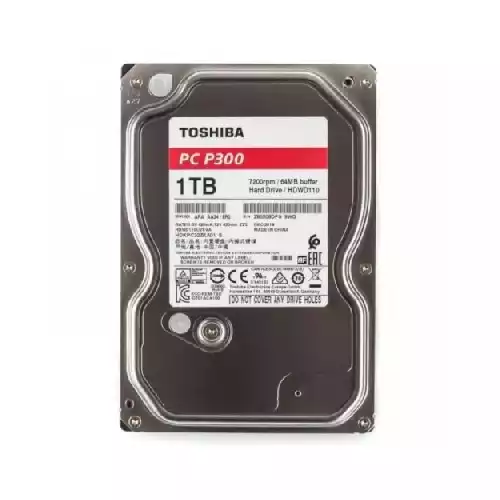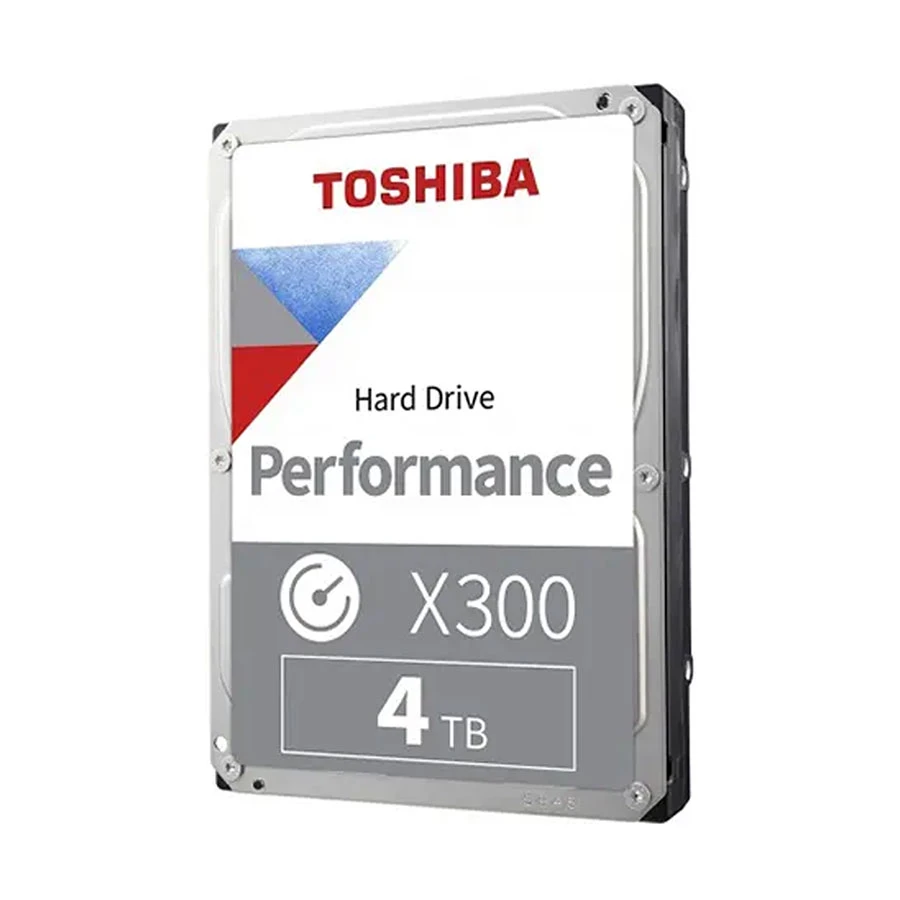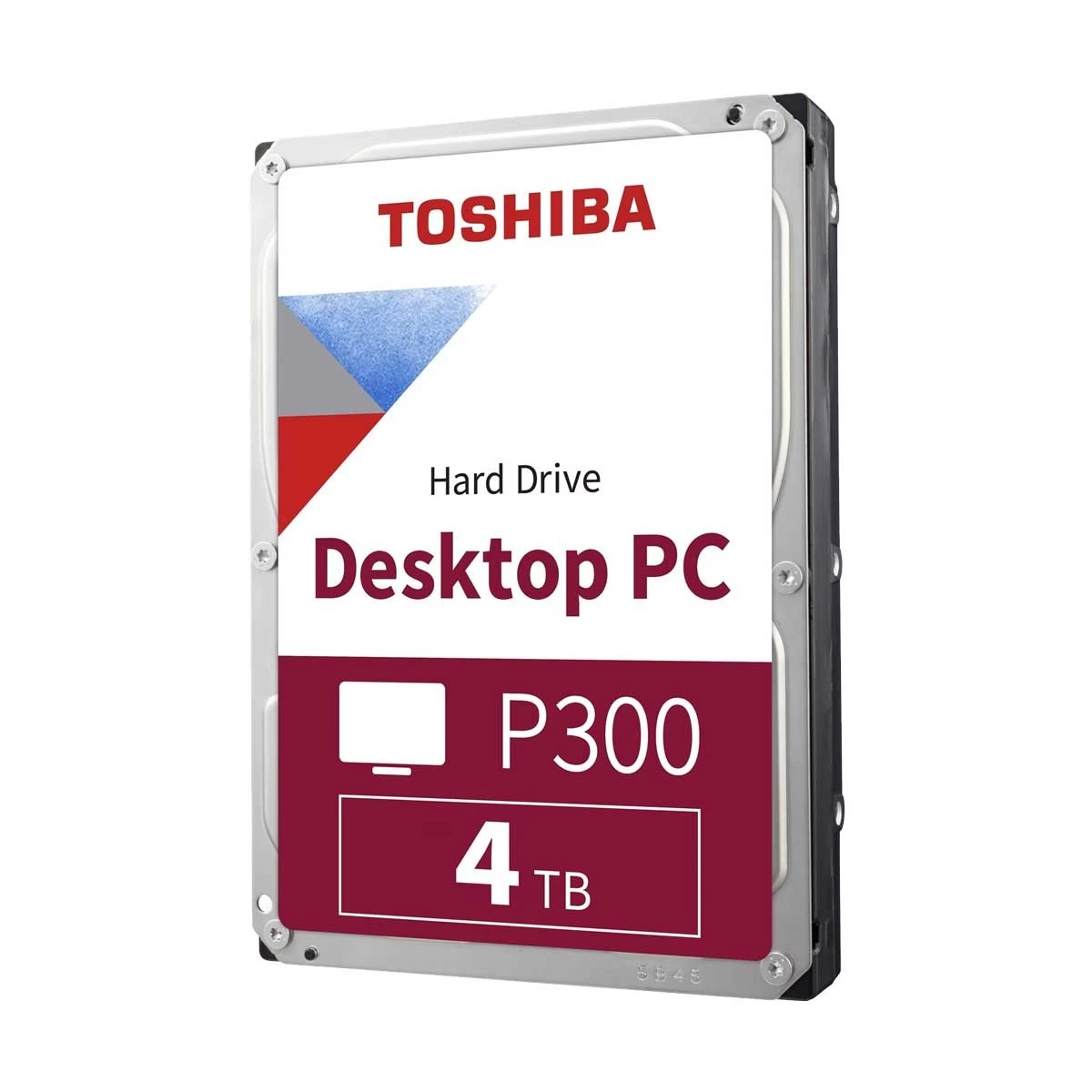
Toshiba P300 5400RPM 4TB Desktop Hard disk
Exclusive of all taxes
Product Details
Key Features
Desktop HDD
Storage - 4TB
Form Factor (Inch) - 3.5 Inch
Interface(s) - SATA 6Gb/s
RPM - 5400 RPM
Data Transfer Rates - 196MB/s
Specification
|
Model |
Toshiba
P300 |
|
Type |
Desktop
Hard Disk Drive (HDD) |
|
Storage
Capacity |
4TB |
|
Form
Factor |
3.5 Inch |
|
Interface |
SATA 6Gb/s |
|
Spindle
Speed |
5400 RPM |
|
Approx.
Power Consumption |
15W |
|
Color |
Silver |
|
Dimensions
(L x W x H) |
147 x 102
x 26 mm |
|
Weight |
0.65 Kg |
|
Warranty |
3 Year |
Description
Toshiba P300 Internal Hard Drive
The Toshiba P300 5400RPM 4TB Desktop Hard Disk offers a
large storage capacity. It is built for desktops that need more reliable space.
The drive has 4TB storage with fast data transfer speed. It uses SATA 6Gb/s
interface for smooth performance. The silver body looks simple and
professional. Office users, students, gamers, and content creators can all use
this hard disk.
Features & Benefits of Toshiba P300 5400RPM
4TB Desktop Hard Disk
The Toshiba P300 5400RPM 4TB Desktop Hard Disk is made for
storing heavy data. With 4TB space, you can save documents, photos, movies, and
games. The 5400RPM speed with 196MB/s transfer rate gives smooth performance.
It connects through SATA 6Gb/s, which ensures fast data flow. The 3.5-inch form
factor fits easily in most desktop setups. Users enjoy its stability as it
works for long hours without trouble. The drive is safe for personal and office
use. It gives a balance of speed, space, and durability.
Easy Buying Guide of Toshiba P300 5400RPM 4TB
Desktop Hard Disk
When you plan to buy the Toshiba P300 5400RPM 4TB Desktop
Hard Disk, check your needs. If you want large storage for movies, games, or
work files then this model is suitable. It offers 4TB space which is enough for
heavy users. The speed is decent for daily use but it may feel slower than
SSDs. Also, it is only for desktops and not fit for laptops.
This hard disk is perfect for people who want space at a
fair cost. If you need faster boot and high performance, then SSD is better.
But if your main goal is bulk storage, this is the right choice. It is a budget
friendly way to expand storage in a desktop. This product is easy to install
and runs with stable performance. It is best for users who want large storage
and steady speed.
How to Order
Revolution Technology BD has made shopping easier for customers. Follow these steps:
- Click Register Button from home page
- Register with: Name + Email + Mobile + Password
- Click Create Account after entering information
- Login automatically or use Login button
- Provide mobile number and password, then Sign Up
- Choose desired product and click Buy Now
- View product details and click Add to Cart
- Click Item box (upper right corner)
- Go to Shopping Cart page
- Continue Shopping for more products or proceed
- Click "Click Here to Address" button
- Provide Full Name, Phone, Email & Delivery Address
- Click Order Submit button
- View Bill Invoice and receive email confirmation
- Print Invoice using Print button
- Wait for delivery - we'll keep you updated
- Thank you for shopping with us!