

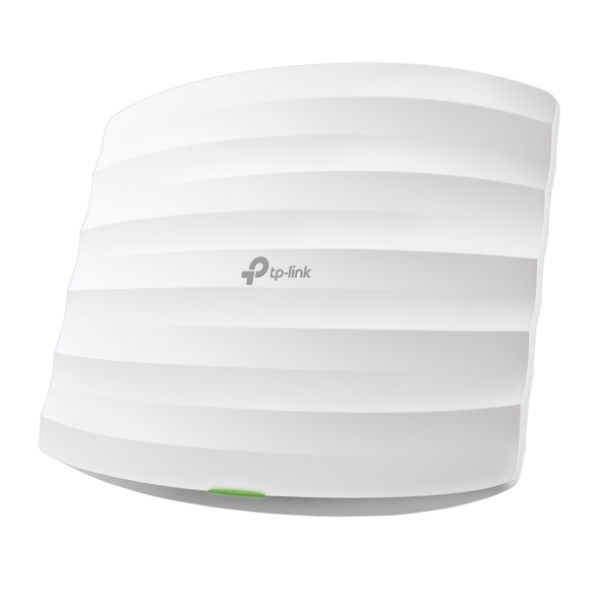
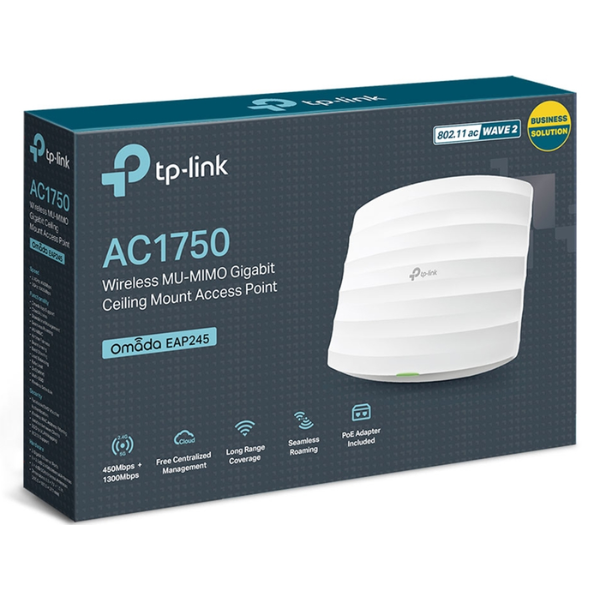
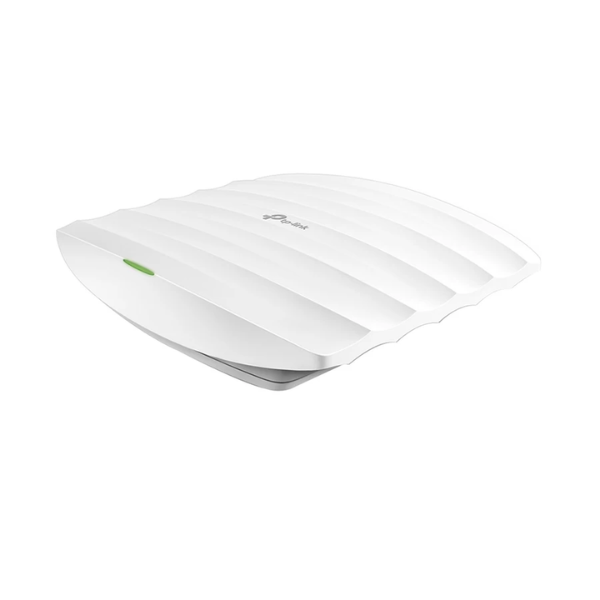
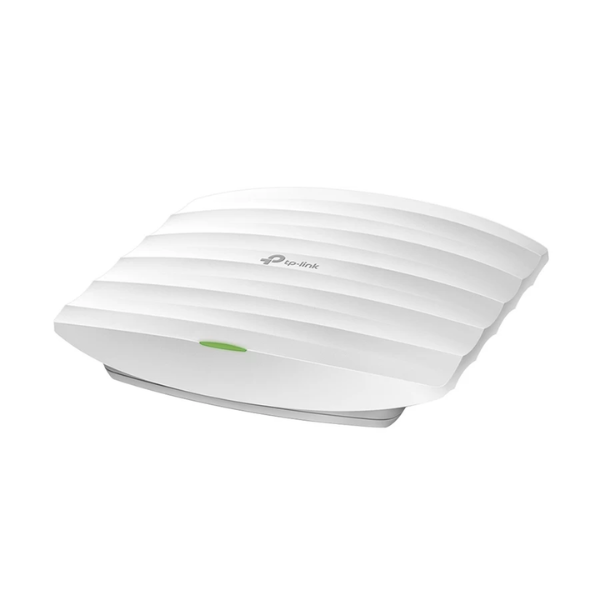
TP-Link EAP245 AC1750 Wireless Dual-Band Gigabit Ceiling Mount Access Point
Exclusive of all taxes
Product Details
Key Features
Superior Wi-Fi Performance: Powered by enterprise-grade QCA chipsets, high-power amplifiers, and professional internal antennas, the EAP245 delivers extended coverage and stable connections.
Seamless Roaming: With support for 802.11k and 802.11v seamless roaming protocols, the EAP245 automatically switches clients to the access point with the strongest signal as users move throughout the facility.
Omada SDN Integration: The EAP245 is fully integrated into the Omada Software-Defined Networking (SDN) platform, enabling centralized cloud management through Omada Cloud-Based Controller, Omada Hardware Controllers (OC200/OC300), or Omada Software Controller.
Flexible Power Options: Supporting both standard 802.3af/at Power over Ethernet and 48V Passive PoE, the EAP245 offers versatile installation options.
Secure Guest Network: The built-in captive portal provides secure guest access with multiple authentication options including SMS, Facebook Wi-Fi, and voucher-based login.
Easy Installation: The sleek, low-profile design blends seamlessly with office decor, and the included mounting kit enables quick installation on ceilings or walls.
MU-MIMO Technology: The integration of MU-MIMO technology allows simultaneous data transmission to multiple devices, improving network efficiency and reducing wait times.
Beamforming Technology: Beamforming technology intelligently focuses wireless signals toward connected devices for stronger, more reliable connections.
Zero-Touch Provisioning: With Omada Cloud-Based Controller, network administrators can manage hundreds of EAPs from a single interface with zero-touch provisioning, intelligent monitoring, and real-time statistics.
Advanced Security Features: Rogue AP detection, wireless isolation, SSID-to-VLAN mapping, and support for WPA/WPA2-Enterprise encryption provide robust security for your network.
Management VLAN: The EAP245 supports management VLAN for enhanced network segmentation and includes a physical security lock slot for added protection against theft.
Cloud Access: Network administrators can access the EAP245 from anywhere using the Omada app, enabling remote management and monitoring of the network.
Model | TP-Link EAP245 |
Wireless Standards | IEEE 802.11ac/n/g/b/a |
Frequency Band | 2.4 GHz and 5 GHz |
Wireless Speed | 5 GHz: Up to 1300 Mbps, 2.4 GHz: Up to 450 Mbps, Total: 1750 Mbps |
Ethernet Ports | 2 × Gigabit RJ45 ports (one port supports IEEE 802.3af PoE and Passive PoE) |
Antenna Type | Internal Omni, 2.4 GHz: 3 × 3.5-4 dBi, 5 GHz: 3 × 4 dBi |
Coverage | 140 m² (1500 ft²) |
Concurrent Clients | 220+ |
Power Supply | • 802.3af/at PoE, • 48V Passive PoE (+4,5 pins; -7,8 pins - PoE adapter included) |
Power Consumption | 12.3 W (EU), 15.2-16.3 W (US) |
Button | Reset |
Physical Security Lock | Yes |
Dimensions (W×D×H) | 205.5 × 181.5 × 37.1 mm (8.1 × 7.1 × 1.5 in) |
Mounting | Ceiling/Wall mounting (kits included) |
Wireless Functions | • Multiple SSIDs (up to 16 total, 8 per band), • Enable/Disable Wireless Radio, • Automatic Channel Assignment, • Transmit Power Control (dBm), • QoS (WMM), • MU-MIMO, • Seamless Roaming (802.11k/v/r), • Omada Mesh, • Band Steering, • Load Balance, • Airtime Fairness, • Beamforming, • Rate Limit, • Reboot Schedule, • Wireless Schedule, • Wireless Statistics (by SSID/AP/Client) |
Wireless Security | • Captive Portal Authentication, • Access Control, • Wireless MAC Address Filtering, • Wireless Isolation Between Clients, • SSID to VLAN Mapping, • Rogue AP Detection, • 802.1X Support, • 64/128/152-bit WEP / WPA / WPA2-Enterprise, • WPA-PSK / WPA2-PSK |
Transmission Power (CE) | ≤20 dBm (2.4 GHz) |
Transmission Power (FCC) | ≤24 dBm (2.4 GHz) |
Management Features | • Omada App support, • Centralized Management: Omada Cloud-Based Controller, Omada Hardware Controller (OC300/OC200), Omada Software Controller, • Cloud Access, • Email Alerts, • LED ON/OFF Control, • Management MAC Access Control, • SNMP (v1, v2c), • Local/Remote Syslog, • SSH, • Web-based Management (HTTP/HTTPS), • L3 Management, • Multi-site Management, • Management VLAN, • Zero-Touch Provisioning (with Omada Cloud-Based Controller) |
Certification | CE, FCC, RoHS |
Package Contents | • EAP245 Access Point, • Power Adapter (12VDC/1.5A), • Gigabit Passive PoE Adapter, • Power Cord, • Mounting Kits, • Installation Guide |
System Requirements | Microsoft Windows XP, Vista, Windows 7, Windows 8, Windows 10, Windows 11, Linux |
Environment | • Operating Temperature: 0–40 °C (32–104 °F), • Storage Temperature: -40–70 °C (-40–158 °F), • Operating Humidity: 10–90% RH non-condensing, • Storage Humidity: 5–90% RH non-condensing |
Warranty | 2 Years (Local Bangladeshi warranty as per StarTech) |
Description
TP-Link EAP245 AC1750 Wireless Dual-Band Gigabit Ceiling Mount Access Point
Key Features & Benefits:
- Superior Wi-Fi Performance: Powered by enterprise-grade QCA chipsets, high-power amplifiers, and professional internal antennas, the EAP245 delivers extended coverage and stable connections.
- Seamless Roaming: With support for 802.11k and 802.11v seamless roaming protocols, the EAP245 automatically switches clients to the access point with the strongest signal as users move throughout the facility.
- Omada SDN Integration: The EAP245 is fully integrated into the Omada Software-Defined Networking (SDN) platform, enabling centralized cloud management through Omada Cloud-Based Controller, Omada Hardware Controllers (OC200/OC300), or Omada Software Controller.
- Flexible Power Options: Supporting both standard 802.3af/at Power over Ethernet and 48V Passive PoE, the EAP245 offers versatile installation options.
- Secure Guest Network: The built-in captive portal provides secure guest access with multiple authentication options including SMS, Facebook Wi-Fi, and voucher-based login.
- Easy Installation: The sleek, low-profile design blends seamlessly with office decor, and the included mounting kit enables quick installation on ceilings or walls.
- MU-MIMO Technology: The integration of MU-MIMO technology allows simultaneous data transmission to multiple devices, improving network efficiency and reducing wait times.
- Beamforming Technology: Beamforming technology intelligently focuses wireless signals toward connected devices for stronger, more reliable connections.
- Zero-Touch Provisioning: With Omada Cloud-Based Controller, network administrators can manage hundreds of EAPs from a single interface with zero-touch provisioning, intelligent monitoring, and real-time statistics.
- Advanced Security Features: Rogue AP detection, wireless isolation, SSID-to-VLAN mapping, and support for WPA/WPA2-Enterprise encryption provide robust security for your network.
- Management VLAN: The EAP245 supports management VLAN for enhanced network segmentation and includes a physical security lock slot for added protection against theft.
- Cloud Access: Network administrators can access the EAP245 from anywhere using the Omada app, enabling remote management and monitoring of the network.
Ideal For:
- Small to medium-sized businesses
- Large enterprises
- Hotels and resorts
- Restaurants and cafes
- Retail stores
- Gaming centers
- Educational institutions
- Healthcare facilities
Summary:
The TP-Link EAP245 AC1750 Wireless Dual-Band Gigabit Ceiling Mount Access Point is a high-performance solution for businesses requiring reliable and scalable Wi-Fi coverage. With its advanced features and robust security, it is ideal for small to medium-sized businesses, large enterprises, and other organizations with complex networking needs. Available at Revolution Technology BD, this access point can be easily installed and managed using the Omada app, providing a seamless and secure wireless experience for users.
How to Order
Revolution Technology BD has made shopping easier for customers. Follow these steps:
- Click Register Button from home page
- Register with: Name + Email + Mobile + Password
- Click Create Account after entering information
- Login automatically or use Login button
- Provide mobile number and password, then Sign Up
- Choose desired product and click Buy Now
- View product details and click Add to Cart
- Click Item box (upper right corner)
- Go to Shopping Cart page
- Continue Shopping for more products or proceed
- Click "Click Here to Address" button
- Provide Full Name, Phone, Email & Delivery Address
- Click Order Submit button
- View Bill Invoice and receive email confirmation
- Print Invoice using Print button
- Wait for delivery - we'll keep you updated
- Thank you for shopping with us!



