

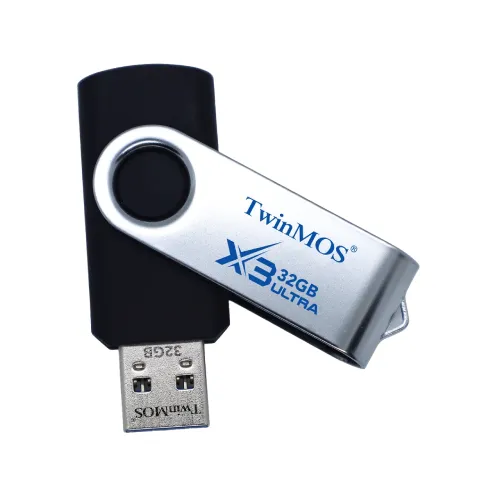
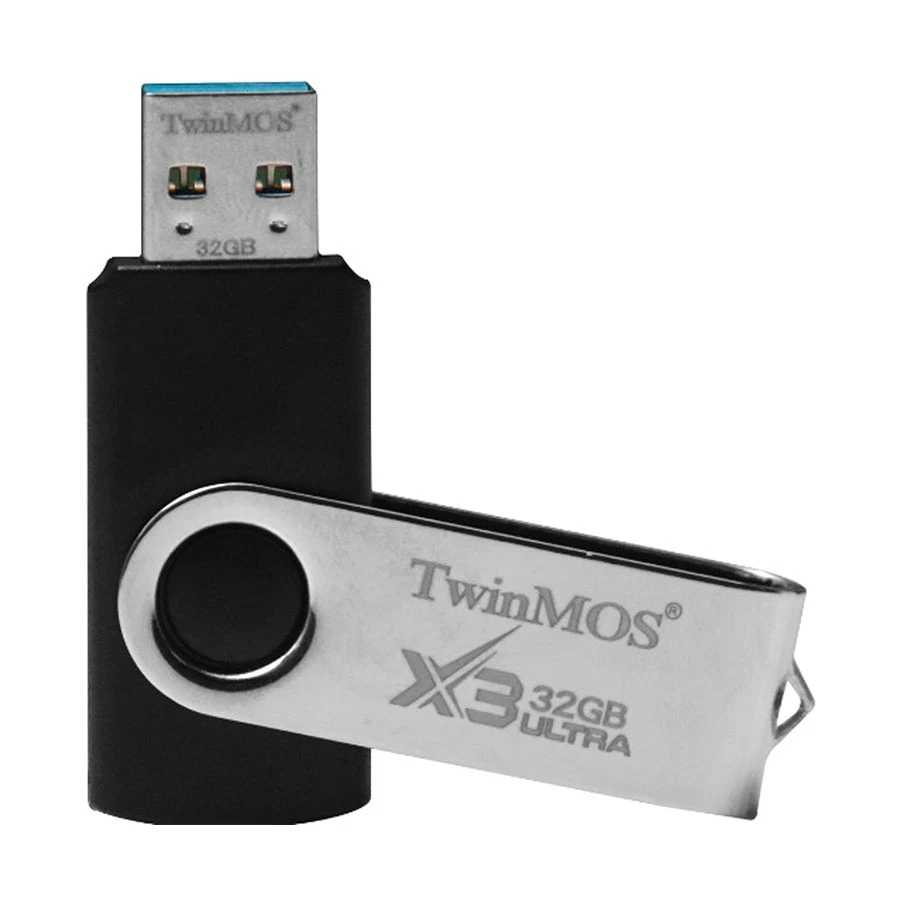
TwinMOS X3 Ultra 32GB USB 3.2 Pen Drive
Contact us for pricing
Product Details
Key Features
MPN: FX3BGBM
Model: X3 Ultra
Capacity 32GB
Interface: USB 3.2 Gen 1
Sequential Read Speed: Up to 225MB/s
Compatibility: Windows, Mac OS and Linux
Specification
|
Key Features |
|
|
Capacity |
32GB |
|
Read Speed |
Up to 225MB/s |
|
Connectivity |
USB 3.2 Gen 1 Type-A |
|
Physical Attribute |
|
|
Dimensions |
58,2 × 58,2 × 8,2 mm |
|
System Requirement |
Windows, Mac OS, and Linux |
|
Weight |
9 g |
|
Warranty Information |
|
|
Warranty |
Lifetime Warranty |
Description
TwinMOS X3 Ultra 32GB USB 3.2 Pen Drive
The TwinMOS X3 Ultra 32GB USB 3.2 Pen Drive is a premium storage solution engineered for speed, reliability, and universal compatibility, making it an ideal choice for professionals, students, and tech enthusiasts alike. Equipped with the latest USB 3.2 Gen 1 interface, this pen drive delivers a remarkable bandwidth of 5Gbps and a sequential read speed of up to 225 MB/s, ensuring that large files, high-resolution media, and documents are transferred swiftly without delays. This TwinMOS X3 Ultra 32GB Pen Drive is backward compatible with USB 3.0, USB 2.0, and USB 1.1 interfaces, allowing seamless connectivity with older devices while requiring no external power source. Its plug & play functionality and hot-swapping support make accessing and transferring data effortless, while the power-saving mode ensures energy-efficient operation. Designed with a rotational cap, the TwinMOS X3 Ultra 32GB Pen Drive protects the USB connector from dust and damage while maintaining easy access for frequent use. Boasting a storage capacity of 32GB, compact dimensions of 58.2 × 58.2 × 8.2 mm, and a lightweight 9g body, this TwinMOS X3 Ultra 32GB Flash Drive is extremely portable and convenient for daily use. Compatible with Windows, Mac OS, and Linux systems, it provides versatile performance for all types of users, making the TwinMOS X3 Ultra 32GB USB 3.2 Pen Drive a reliable, high-speed, and durable solution for secure data storage on the go.
How to Order
Revolution Technology BD has made shopping easier for customers. Follow these steps:
- Click Register Button from home page
- Register with: Name + Email + Mobile + Password
- Click Create Account after entering information
- Login automatically or use Login button
- Provide mobile number and password, then Sign Up
- Choose desired product and click Buy Now
- View product details and click Add to Cart
- Click Item box (upper right corner)
- Go to Shopping Cart page
- Continue Shopping for more products or proceed
- Click "Click Here to Address" button
- Provide Full Name, Phone, Email & Delivery Address
- Click Order Submit button
- View Bill Invoice and receive email confirmation
- Print Invoice using Print button
- Wait for delivery - we'll keep you updated
- Thank you for shopping with us!



