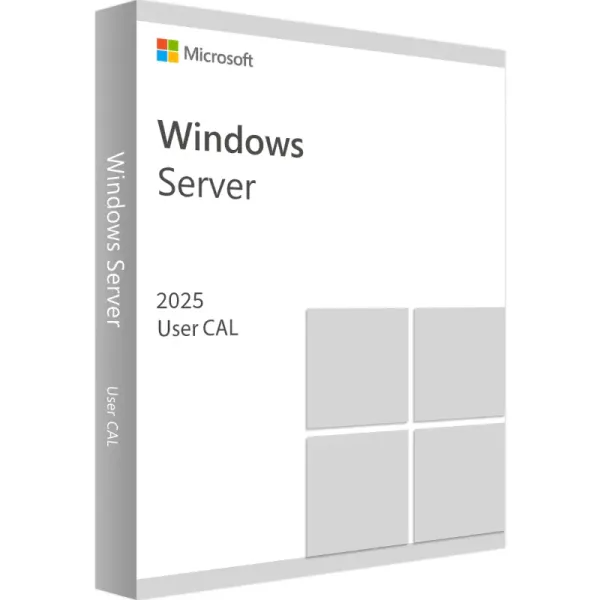
Windows Server 2025 Remote Desktop Services - 1 User CAL
Contact us for pricing
Product Details
Key Features
One-time purchase for 1 PC
Online Activation
Lifetime License
E-Mail delivery. No CD or USB will be dispatched
Can only be used on Windows Server 2025
Description
Microsoft Windows Server 2025 - 1 User RDS CAL
Remote Desktop Services (RDS)
is the platform of choice for building virtualization solutions for every end
customer need, including delivering individual virtualized applications,
providing secure mobile and remote desktop access, and providing end users the
ability to run their applications and desktops from the cloud.
License one user with an RDS
Client Access License (CAL), granting the user the ability to remote into your
Windows Server. A RDS CAL allows a user to remote in and utilize server
resources, such as file sharing, printing, and other network services.
Important to note:
A separate Windows Server
license is required. This RDS CAL does not include the server operating system.
RDS CALs provide remote
access. A separate CAL is required for local access permissions. Each user or
device that accesses a licensed Windows Server requires a Windows Server Client
Access License (CAL) for local access.
For a deeper understanding of
CALs and pricing, please refer to our Windows Server CAL Guide.
Key Windows Server 2025 Features:
Hybrid: Adapt quickly across
hybrid, cloud and on-premise. Easier to connect to Azure Arc to bridge
on-premises and cloud-based servers. Deliver Azure capabilities to your
on-premises servers.
Security:
Hardware and software-level security to deter cyberattacks; next-generation
Active Directory that improves security and scalability. Enable a tailored
security baseline and configure drift protection from the start.
Modern, future-ready platform:
Windows Server 2025 is now easier to upgrade and scale, with better-than-ever
app compatibility. Windows Server 2025 desktop brings a consistent client and
server UI experience, plus conveniences like WiFi and Bluetooth.
Performance:
Faster and easier networking and storage; live hotpatching for reduced
downtime; GPU partitioning for inferencing at the edge. Improvements in
flash-based storage make Windows Server an even better platform for SQL Server.
How to Order
Revolution Technology BD has made shopping easier for customers. Follow these steps:
- Click Register Button from home page
- Register with: Name + Email + Mobile + Password
- Click Create Account after entering information
- Login automatically or use Login button
- Provide mobile number and password, then Sign Up
- Choose desired product and click Buy Now
- View product details and click Add to Cart
- Click Item box (upper right corner)
- Go to Shopping Cart page
- Continue Shopping for more products or proceed
- Click "Click Here to Address" button
- Provide Full Name, Phone, Email & Delivery Address
- Click Order Submit button
- View Bill Invoice and receive email confirmation
- Print Invoice using Print button
- Wait for delivery - we'll keep you updated
- Thank you for shopping with us!