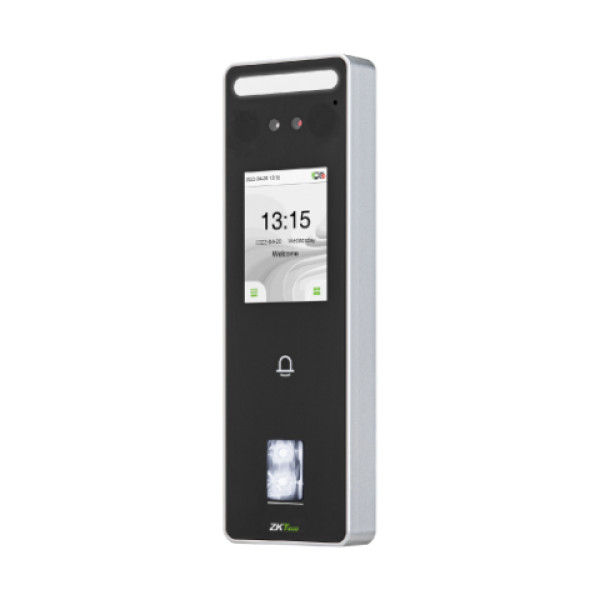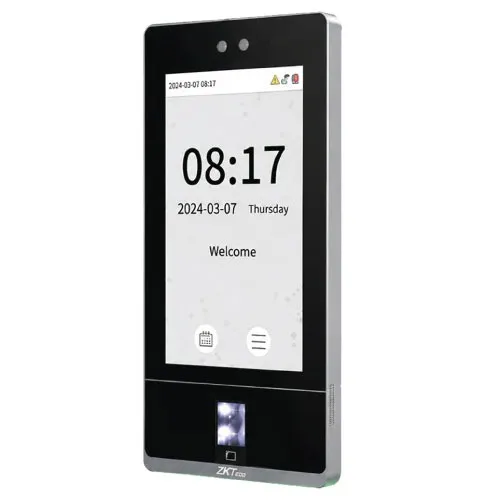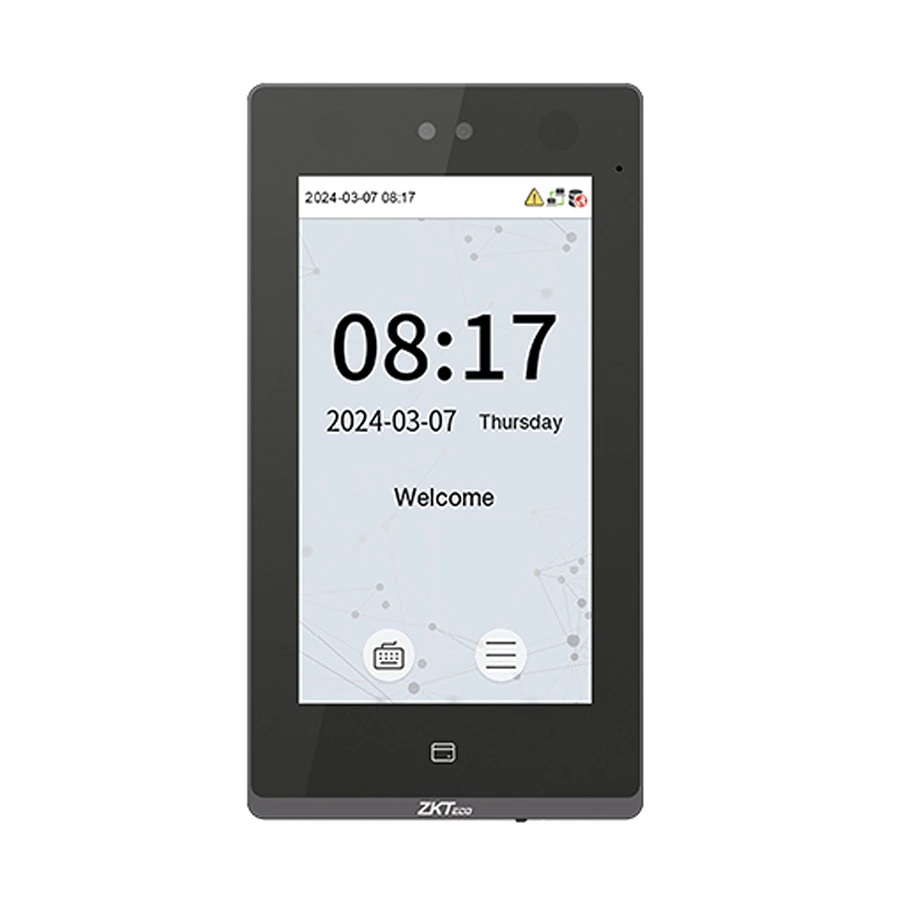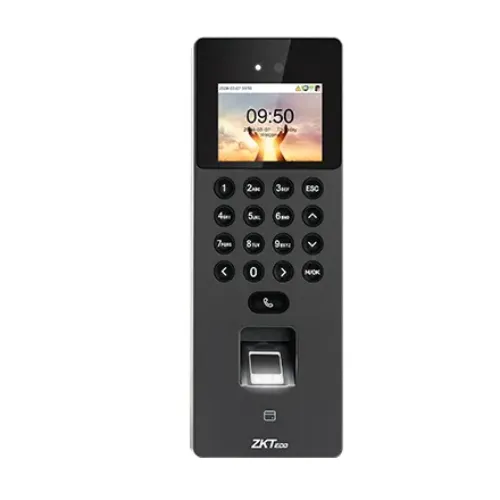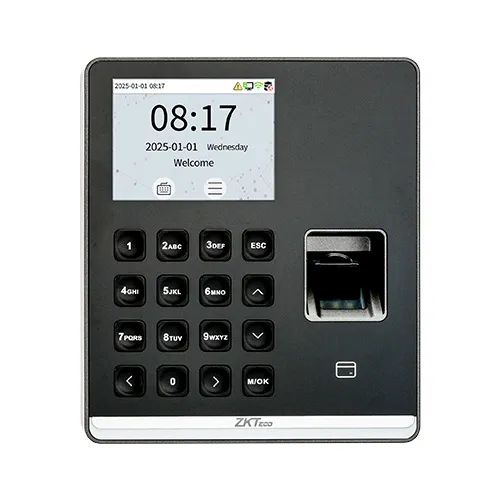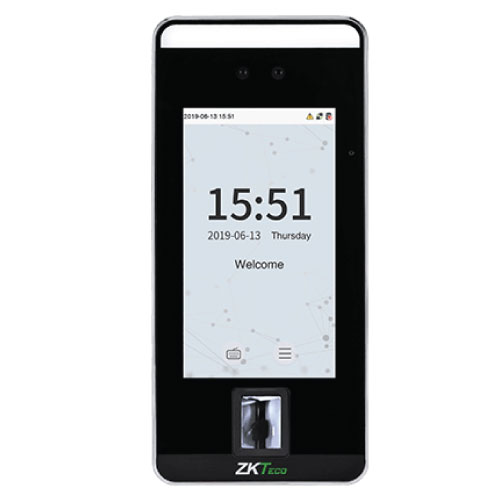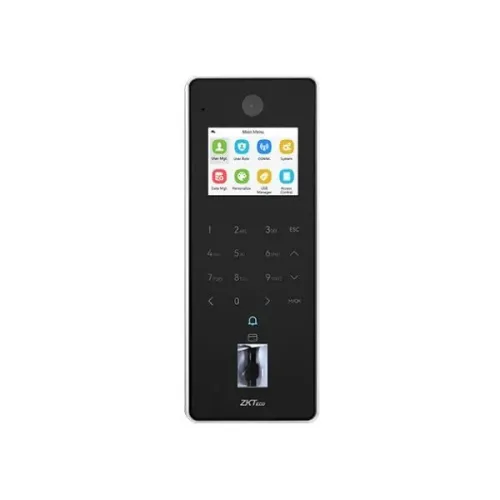
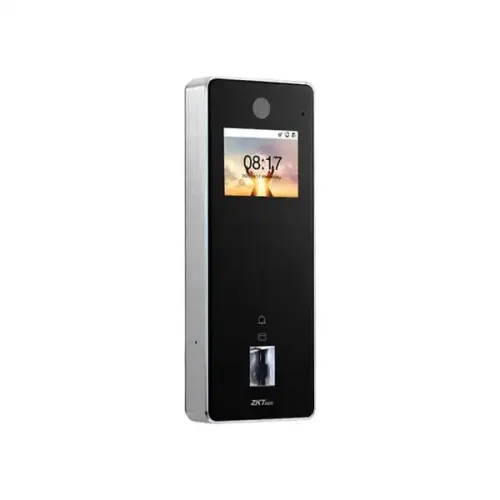
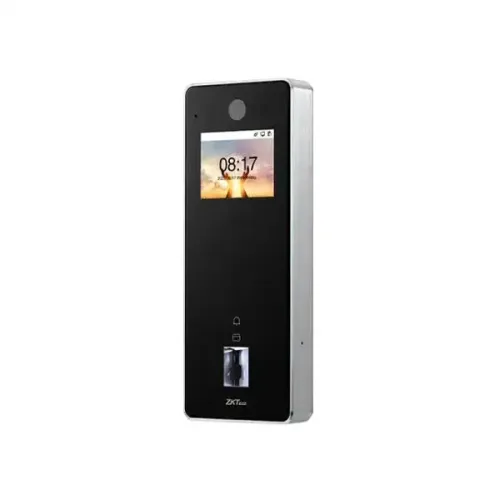
ZKTeco F35 Fingerprint Time Attendance and Access Control Terminal
Contact us for pricing
Product Details
Key Features
Model: F35
2.4"@ TFT Color LCD Screen (720*1280)
Fingerprint capacity: 10,000 (1:N)
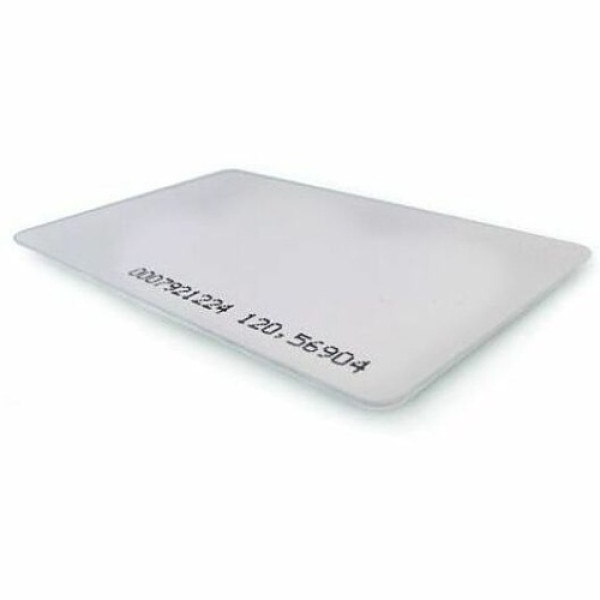
Card Capacity: 10,000 (1:N), Without Adapter
Authentication Method: Fingerprint / Card / Password (Physical Touch Keypad)
Specification
|
Type |
Access
Control Terminal |
|
Authentication |
Fingerprint,
ID Card, Multi-Tech Cards |
|
Display |
2.4"
TFT Color LCD (720x1280) |
|
Fingerprint
Capacity |
10,000
(1:N) |
|
ID Card
Capacity |
10,000
(1:N) |
|
Log
Capacity |
500,000 |
|
Communication |
TCP/IP,
Wi-Fi, Wiegand, RS485 |
|
Card
Support |
ID
(125kHz), Optional IC/DESFire/FeliCa/Legic/HID |
|
Power
Supply |
DC 12V 3A |
|
Housing
Material |
Aluminium
Alloy |
|
IP Rating |
IP65, IK04 |
|
Dimensions |
195 x 75 x
25.35 mm |
|
Net Weight |
0.52 kg |
|
Warranty |
1 year |
Description
ZKTeco F35 Fingerprint Time Attendance and
Access Control Terminal
The ZKTeco F35 is an advanced and standalone access control
terminal that seamlessly combines secure biometric authentication with
versatile time and attendance management functionalities. Its in-glass
fingerprint verification technology offers a smooth and contactless user
experience, eliminating the need for a physical button while ensuring high
levels of security. The F35 is designed to cater to a wide range of
verification needs, as it supports multiple tech card modules, allowing users
to authenticate their access using various methods. Furthermore, when
integrated with the ZKBioTime software, the F35 transforms into a powerful time
and attendance terminal, making it a multifunctional solution suitable for
offices, corporate environments, and high-security areas. The F35 has built-in
video intercom functionality, which elevates its capabilities beyond just
access control. Equipped with a 2MP camera, a built-in microphone, and
speakers, the F35 enables seamless one-way video communication via an indoor
monitor using the SIP protocol. This feature is particularly useful for high-traffic
areas such as building entrances, where visual verification and communication
are essential for security. The terminal’s 2.4-inch color display further
enhances the user experience by providing a clear and intuitive interface for
interaction. Users can view information, verify their identity, and communicate
with ease, all from the device’s display. The F35 is compatible with the ONVIF
protocol, which is widely used in video surveillance systems. This
compatibility allows it to easily integrate into existing security
infrastructures, providing organizations with greater flexibility in managing
both access control and video surveillance. Additionally, the firmware of the
F35 is equipped with AC push and TA push capabilities, meaning it can switch
between different operation modes depending on the specific requirements of the
environment. This adaptability makes the F35 a future-proof solution, ready to
meet evolving security needs. The F35 features a rugged aluminum alloy frame,
offering robust protection in both indoor and outdoor settings. Its IP65
protection rating ensures that the terminal is resistant to dust and water,
allowing it to function effectively even in harsh weather conditions. Whether
exposed to rain, dust, or extreme temperatures, the F35 remains reliable,
maintaining its performance without compromising on security. This makes it an
ideal choice for industrial environments, construction sites, or any location
where conditions may be less than ideal. The ZKTeco F35 is a versatile and
feature-rich access control terminal that goes beyond basic biometric
authentication. With its video intercom functionality, multi-method
verification support, ONVIF compatibility, and durable design, it offers a
comprehensive solution for organizations looking to enhance their security
infrastructure. Whether used for access control, time attendance tracking, or
video communication, the F35 provides a reliable and future-ready system that
can adapt to the needs of various industries.
How to Order
Revolution Technology BD has made shopping easier for customers. Follow these steps:
- Click Register Button from home page
- Register with: Name + Email + Mobile + Password
- Click Create Account after entering information
- Login automatically or use Login button
- Provide mobile number and password, then Sign Up
- Choose desired product and click Buy Now
- View product details and click Add to Cart
- Click Item box (upper right corner)
- Go to Shopping Cart page
- Continue Shopping for more products or proceed
- Click "Click Here to Address" button
- Provide Full Name, Phone, Email & Delivery Address
- Click Order Submit button
- View Bill Invoice and receive email confirmation
- Print Invoice using Print button
- Wait for delivery - we'll keep you updated
- Thank you for shopping with us!