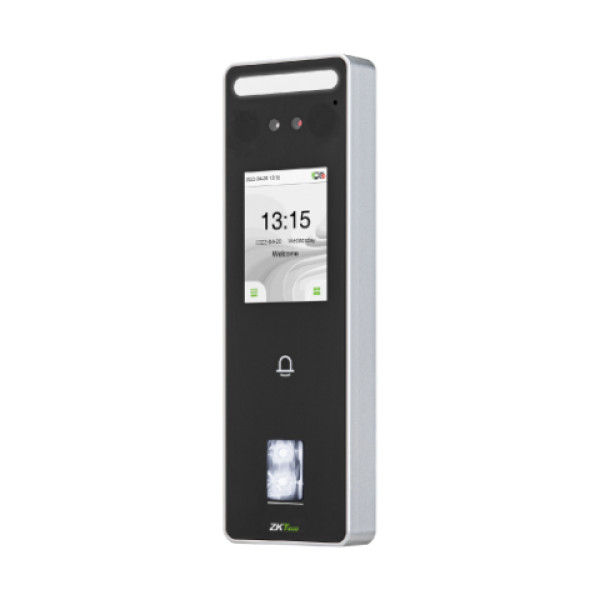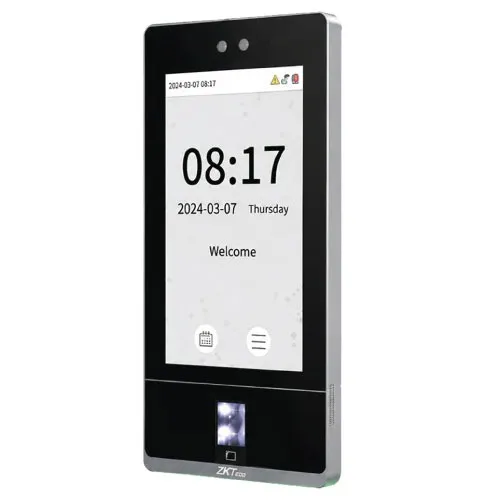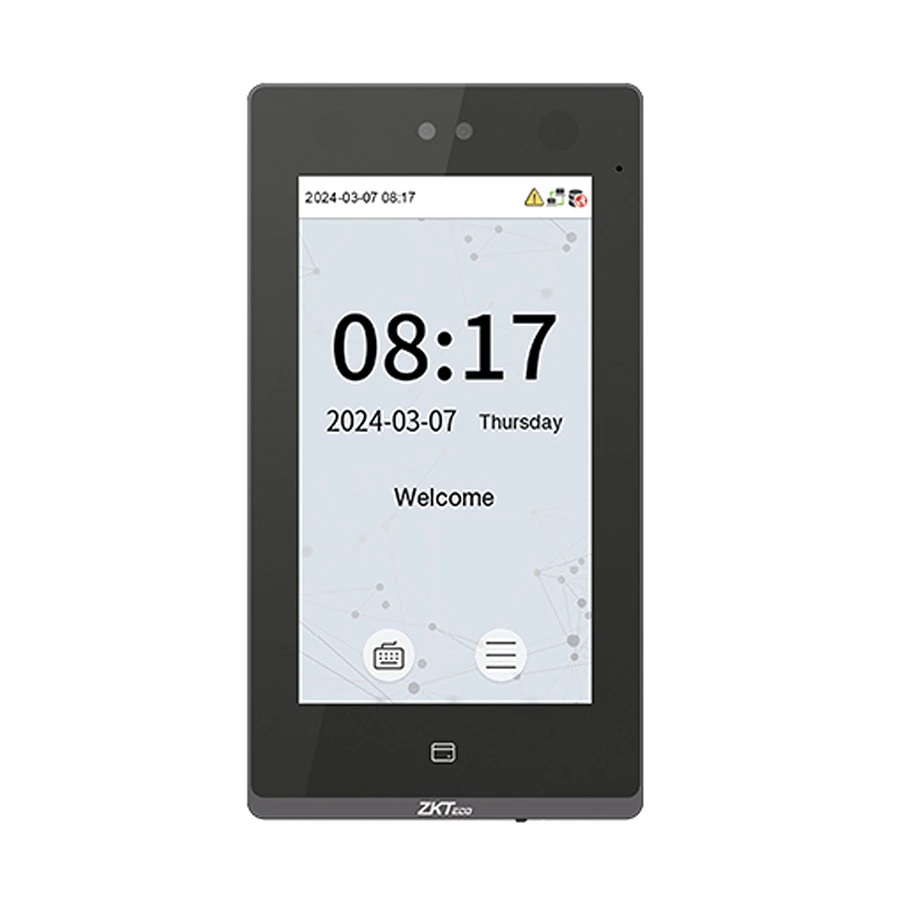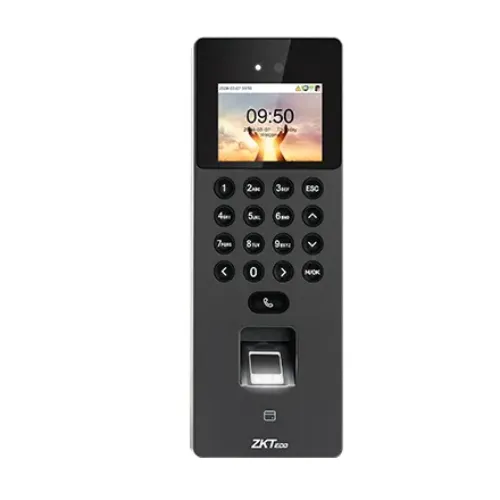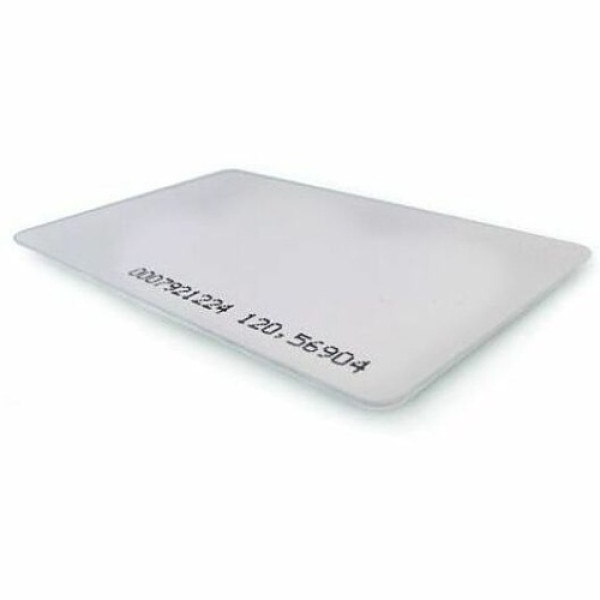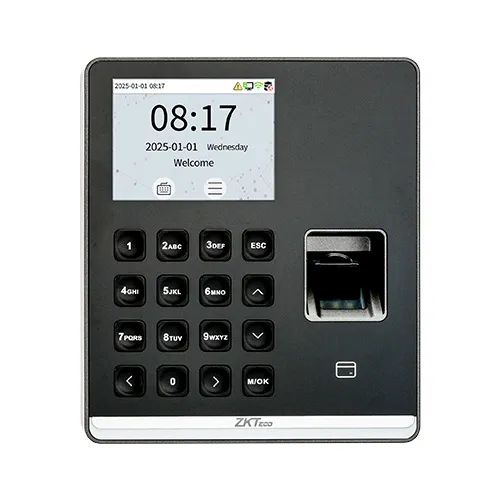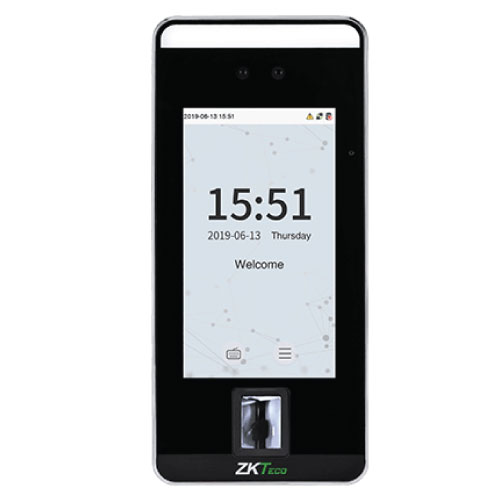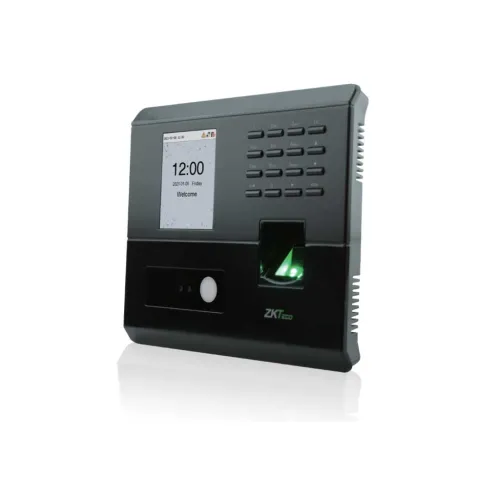
ZKTeco MB10-VL Hybrid Biometric Time & Attendance and Access Control Terminal
Exclusive of all taxes
Product Details
Key Features
Model: MB10-VL Hybrid
2.8-Inch TFT Touch Screen
Face capacity: 100
Fingerprint capacity: 500
Multiple verification methods: Face, Fingerprint, Card,
Password
Specification
|
Fingerprint
Capacity |
500 |
|
Face
Capacity |
100 |
|
ID Card
Capacity |
500 |
|
Display |
2.8-inch
Touchscreen TFT |
|
Communication |
TCP/IP,
USB Host, Wi-Fi (optional) |
|
CPU/Memory |
1GHz
Dual-Core, 256MB RAM / 256MB Flash |
|
Camera |
1MP
Binocular |
|
OS |
Linux |
|
Face
Detection Speed |
≤1s |
|
Power
Supply |
5V 2A |
|
Operating
Temperature |
0°C to
45°C |
|
Dimensions |
168.0 x
151.5 x 31.7 mm |
|
Warranty |
1 year |
Description
ZKTeco MB10-VL Hybrid Biometric Time &
Attendance and Access Control Terminal
The ZKTeco MB10-VL Hybrid Biometric Time & Attendance
and Access Control Terminal stands as a state-of-the-art solution designed to
optimize workforce management and bolster security. Equipped with cutting-edge
biometric algorithms, including ZKFace V3.8 for facial recognition and ZKFinger
V10.0 for fingerprint verification, the device ensures rapid and reliable
biometric authentication. With a face detection speed of less than 1 second,
the terminal delivers swift and efficient user recognition. Operating on a
stable 5V 2A power supply, it guarantees consistent performance in diverse
environments within a humidity range of 20% to 80% and a temperature range of
0°C to 45°C. Compact in design, with dimensions of 168.0mm (width) x 151.5mm
(height) x 31.7mm (depth), the MB10-VL is space-saving, making it ideal for
installations with limited space. Compatible with ZKTime.Net 4.0 software, the
device facilitates comprehensive time and attendance management. Running on a
Linux operating system known for stability and security, the MB10-VL offers a
robust platform for reliable operation. This access control interface supports
integration with third-party electric locks, door sensors, and exit buttons,
providing a versatile solution for comprehensive access control management, and
enhancing overall security measures.
How to Order
Revolution Technology BD has made shopping easier for customers. Follow these steps:
- Click Register Button from home page
- Register with: Name + Email + Mobile + Password
- Click Create Account after entering information
- Login automatically or use Login button
- Provide mobile number and password, then Sign Up
- Choose desired product and click Buy Now
- View product details and click Add to Cart
- Click Item box (upper right corner)
- Go to Shopping Cart page
- Continue Shopping for more products or proceed
- Click "Click Here to Address" button
- Provide Full Name, Phone, Email & Delivery Address
- Click Order Submit button
- View Bill Invoice and receive email confirmation
- Print Invoice using Print button
- Wait for delivery - we'll keep you updated
- Thank you for shopping with us!