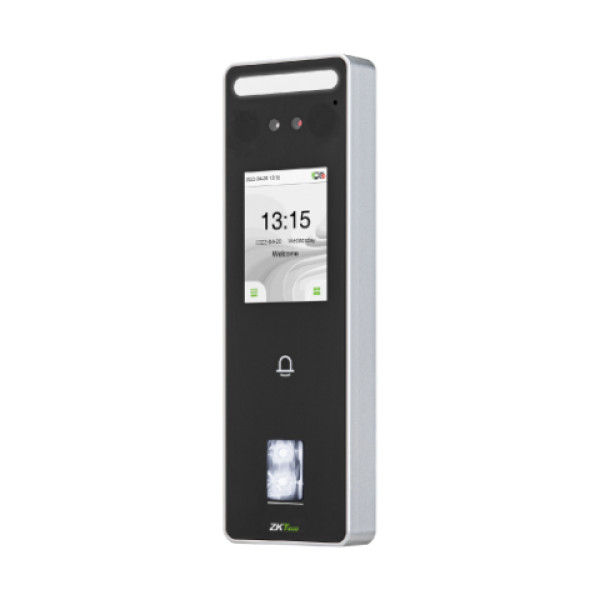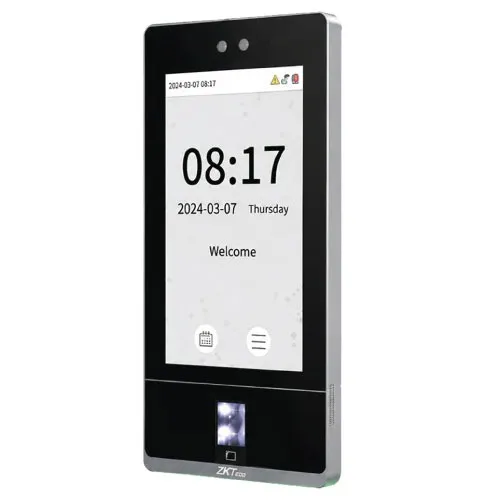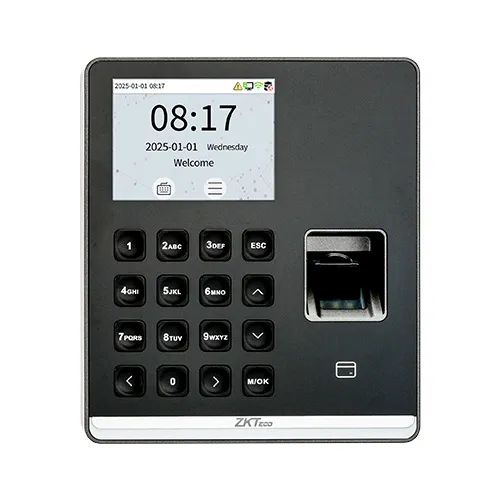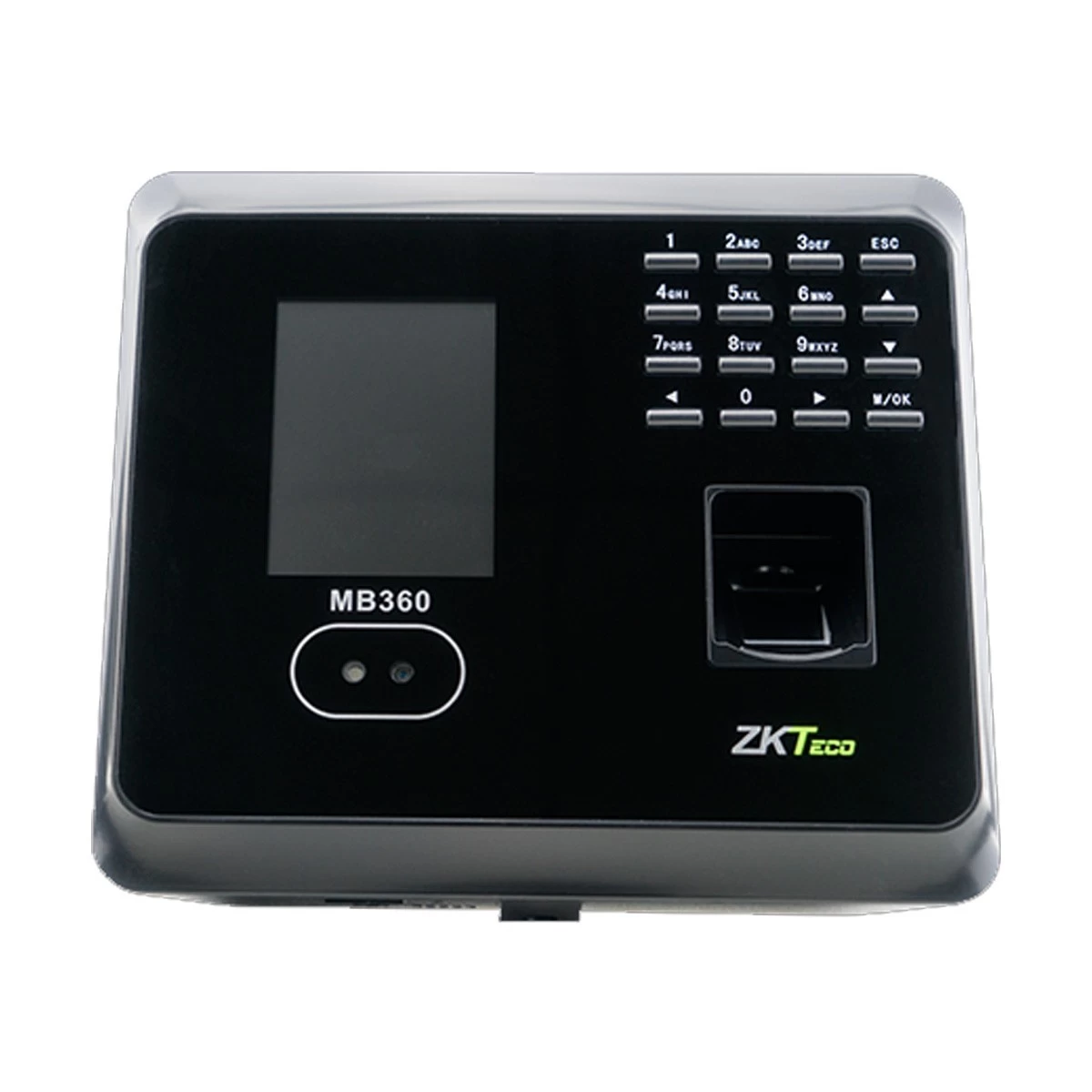
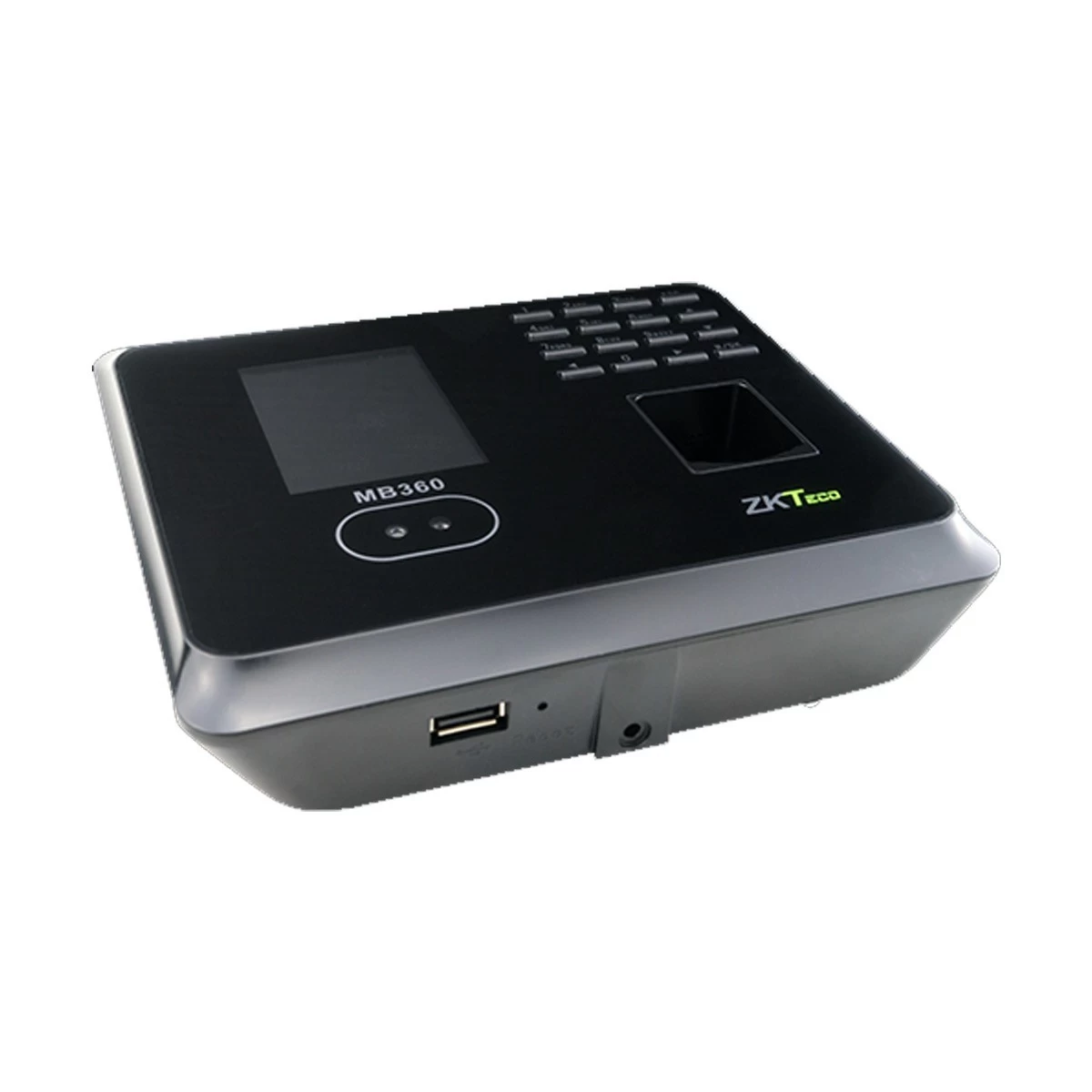
ZKTeco MB360 Fingerprint Time Attendance Terminal
Exclusive of all taxes
Product Details
Key Features
Model: MB360
Fingerprint Capacity: 2,000
Record Capacity: 100,000
Display: 2.8-inch
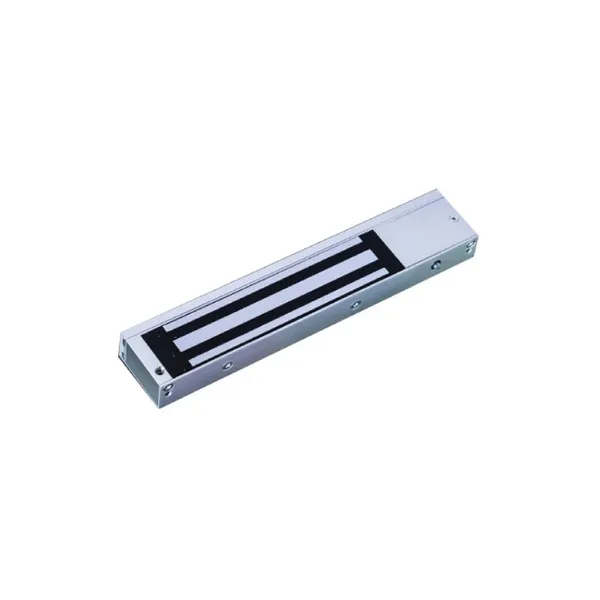
3rd Party Electric Lock
Specification
|
Model |
ZKTeco
MB360 |
|
Type |
Access
Control Terminal |
|
Authentication |
Face,
Fingerprint, Card, Password |
|
Display |
2.8 inch |
|
Fingerprint
Capacity |
2,000 |
|
Face
Capacity |
1,500 |
|
Card
Capacity |
2,000 |
|
Log
Capacity |
100,000 |
|
Communication |
TCP/IP,
USB-Host, Wi-Fi (Optional) |
|
Power
Supply |
DC 12V
1.5A (Adapter Included) |
|
Dimensions |
167.5 x
148.8 x 32.2 mm |
|
Weight |
380 g |
|
Color |
Black
& Gray |
|
Warranty |
1 Year
(Adapter not covered) |
Description
ZKTeco MB360 Fingerprint Time Attendance
Terminal
ZKTeco MB360 Fingerprint Time Attendance Terminal is an
innovative product featured with ZK advanced fingerprint and face recognition
technologies which has standard function like SMS, DTS, Scheduled-bell, Self
Service Query, Automatic Status Switch, T9 Input, Photo ID, Camera,
Multi-verification, 12V Output, RS232 Printer (Optional Cable). It supports
multiple verification methods including face, fingerprint, card, password,
combinations between them and basic access control functions. This Fingerprint
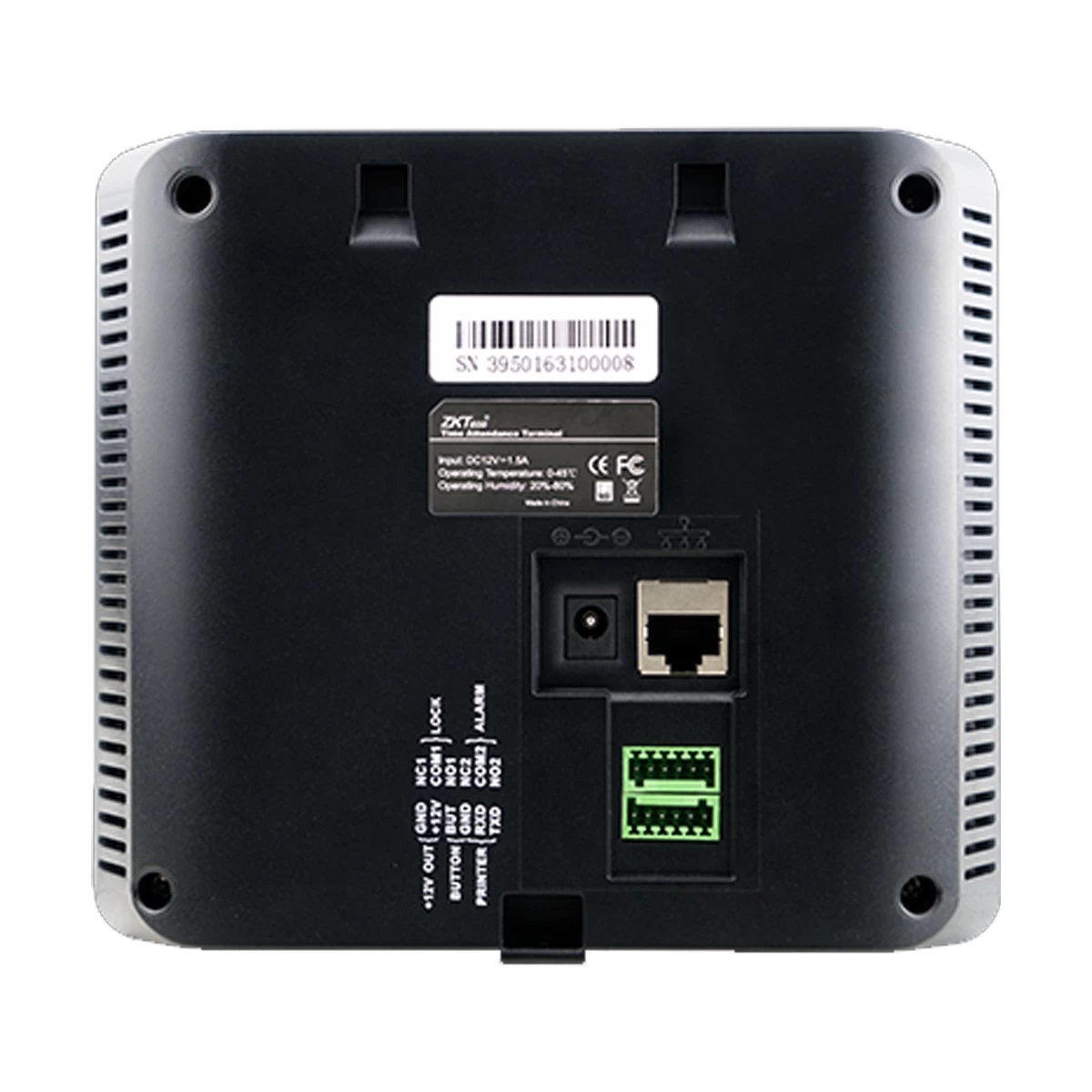
Time Attendance Terminal has 3rd Party Electric Lock, Exit Button, Alarm.User
verification is performed in less than 1 second, which streamlines the process
of access. Others feature of this Fingerprint Time Attendance Terminal are Face
Capacity: 1,500 ;Fingerprint Capacity: 2,000 ,ID Card Capacity: 2,000 , Record
Capacity: 100,000 , Display: 2.8-inch TFT Screen .The dimension of this
terminal is 167.5x148.8x32.2 mm (Length*Width*Thickness). The communication
between the MB360 and PC is by TCP / IP or USB interface for manual data
transfer. Its sleek design fits perfectly in any environment.
How to Order
Revolution Technology BD has made shopping easier for customers. Follow these steps:
- Click Register Button from home page
- Register with: Name + Email + Mobile + Password
- Click Create Account after entering information
- Login automatically or use Login button
- Provide mobile number and password, then Sign Up
- Choose desired product and click Buy Now
- View product details and click Add to Cart
- Click Item box (upper right corner)
- Go to Shopping Cart page
- Continue Shopping for more products or proceed
- Click "Click Here to Address" button
- Provide Full Name, Phone, Email & Delivery Address
- Click Order Submit button
- View Bill Invoice and receive email confirmation
- Print Invoice using Print button
- Wait for delivery - we'll keep you updated
- Thank you for shopping with us!