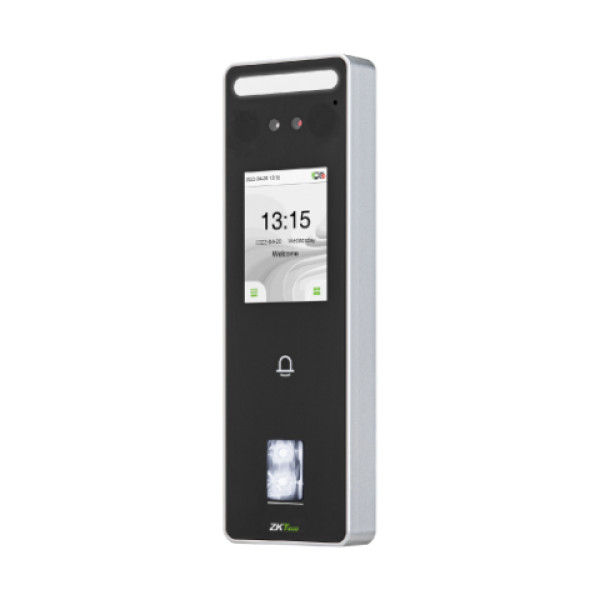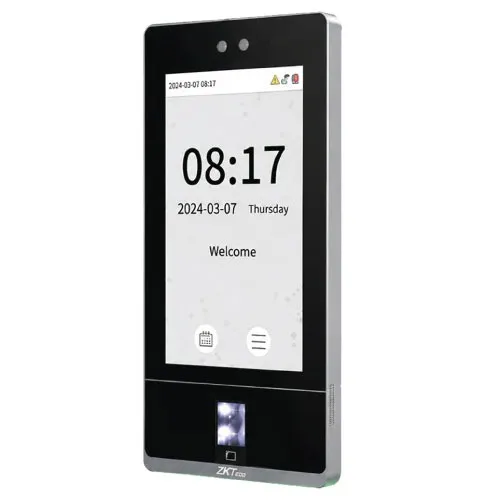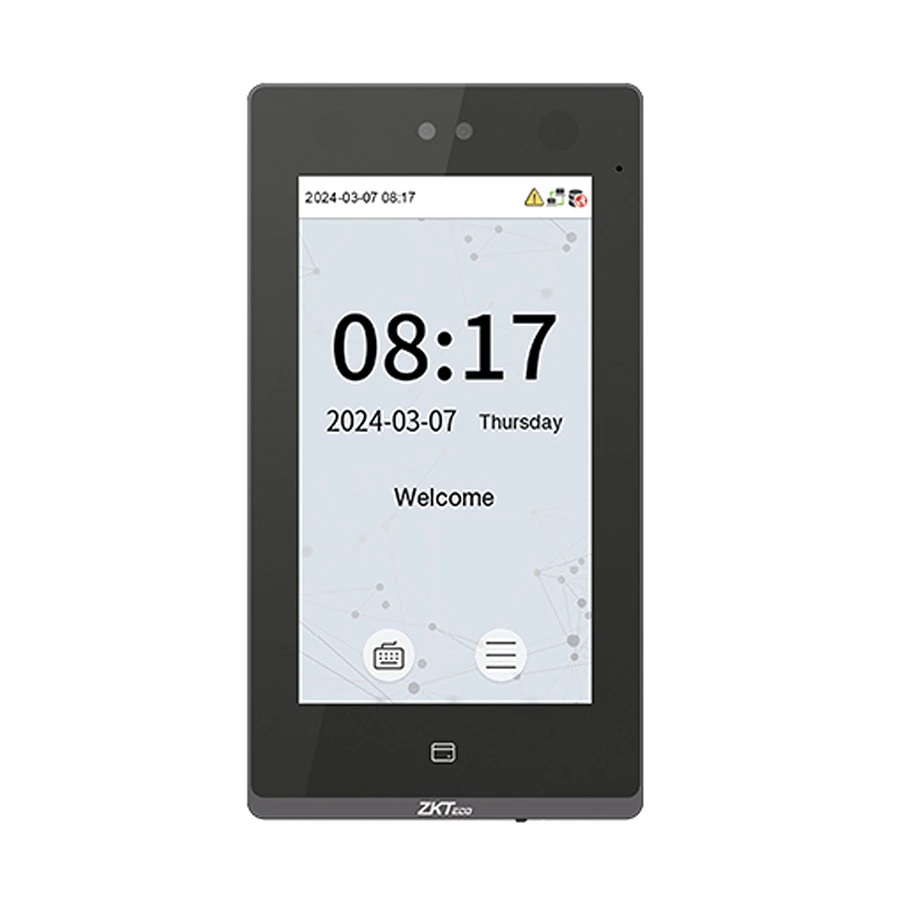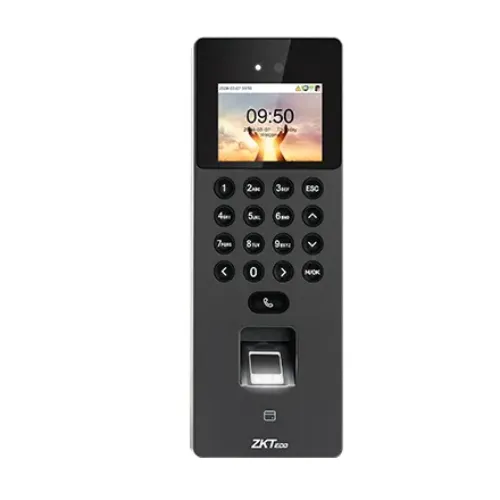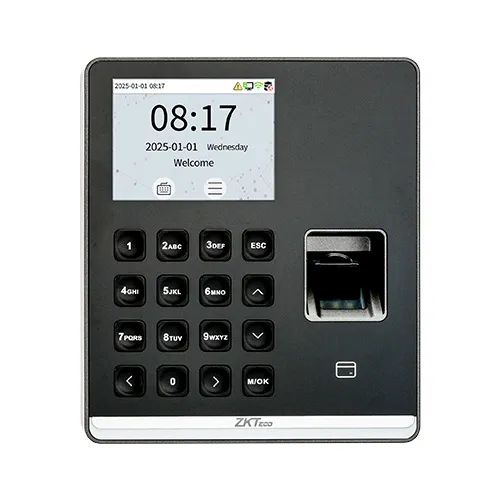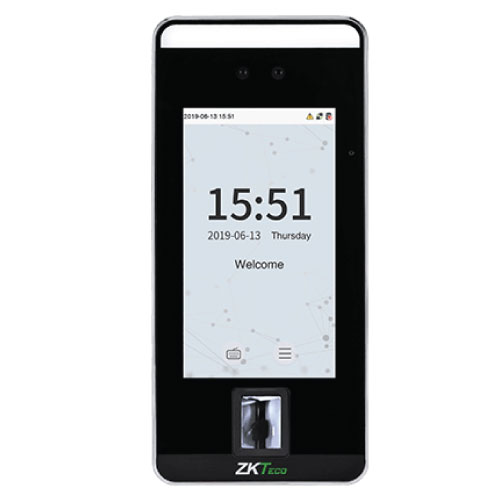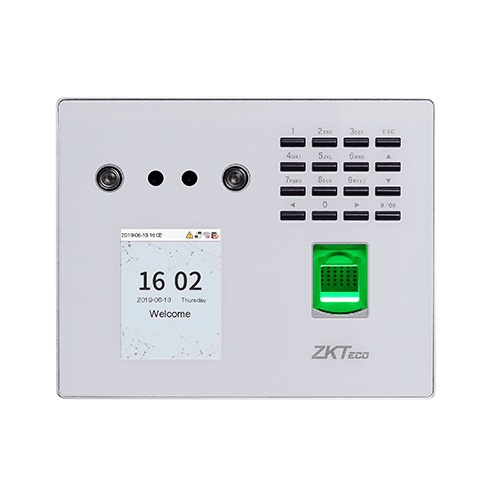
ZKTeco MB560-VL Multi-biometric Identification Access Control Terminal
Contact us for pricing
Product Details
Key Features
Model: MB560-VL
Visible Light Facial Recognition technology
0.3m to 2m distance Face Recognition
Capacity: Face 3000; Fingerprint 3000
Log Capacity 1,00,000
Specification
|
Model |
ZKTeco
MB560-VL |
|
Type |
Access
Control Terminal |
|
Authentication |
Face,
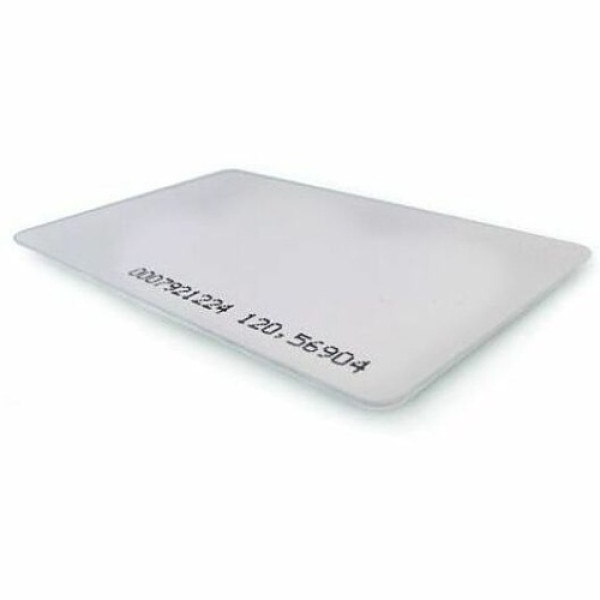
Fingerprint, RF/ID Card (Optional) |
|
Display |
2.8 inch |
|
Fingerprint
Capacity |
3,000 |
|
Face
Capacity |
3,000 |
|
Card
Capacity |
10,000
(Optional) |
|
Log
Capacity |
100,000 |
|
Communication |
USB |
|
Power
Supply |
12V 1.5A |
|
Dimensions |
170 x 138
x 38.55 mm |
|
Color |
Silver |
|
Warranty |
1 Year
(Adapter not included) |
Description
ZKTeco MB560-VL Access Control
The ZKTeco MB560-VL is a multi-biometric identification terminal
that features ZKTeco’s innovative
Visible Light Facial Recognition technology. With the latest algorithm and
facial recognition related technologies, the device can perform recognition of
a target in a distance from 0.3m to 2m and will function automatically when it
detects a face in the detection distance so as to deliver better recognition
quality in terms of speed and accuracy than the previous near-infrared facial
recognition terminal. It can sore Face recognition up to 3000 and Fingerprint
up to 3000 users. With the applied Deep Learning algorithm, pose angle
tolerance and anti-spoofing have been greatly enhanced against dynamic
environment and various spoofing attacks. It has a Log Capacity of 1,00,000.
Apart from all these, together with the world's cutting-edge 3D Neuron
Fingerprint Algorithm and comprehensive support in mainstream card modules and
additional support in WiFi, MB560-VL must be a best fit in various working
environments satisfying different customers needs. It has a 1-year warranty.
How to Order
Revolution Technology BD has made shopping easier for customers. Follow these steps:
- Click Register Button from home page
- Register with: Name + Email + Mobile + Password
- Click Create Account after entering information
- Login automatically or use Login button
- Provide mobile number and password, then Sign Up
- Choose desired product and click Buy Now
- View product details and click Add to Cart
- Click Item box (upper right corner)
- Go to Shopping Cart page
- Continue Shopping for more products or proceed
- Click "Click Here to Address" button
- Provide Full Name, Phone, Email & Delivery Address
- Click Order Submit button
- View Bill Invoice and receive email confirmation
- Print Invoice using Print button
- Wait for delivery - we'll keep you updated
- Thank you for shopping with us!