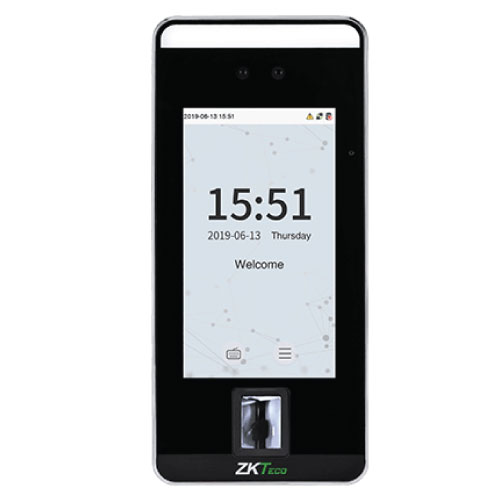
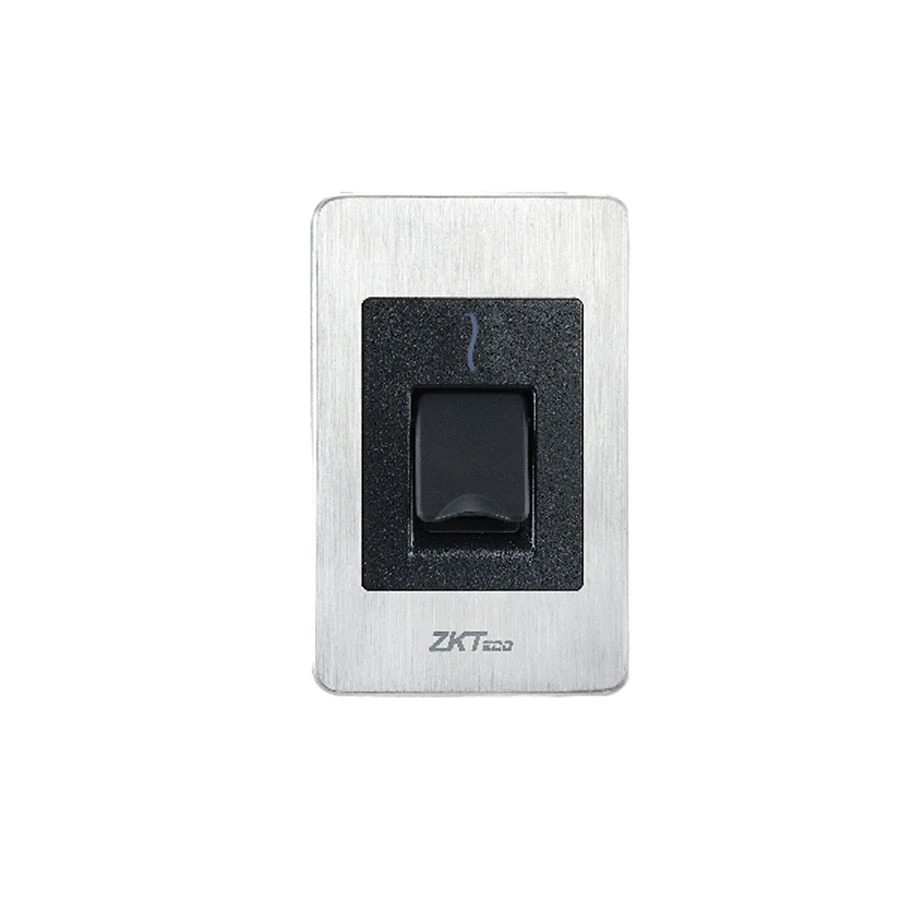
ZKTeco SenseFace 2A Access Control Terminal
Contact us for pricing
Product Details
Key Features
Model: SenseFace 2A
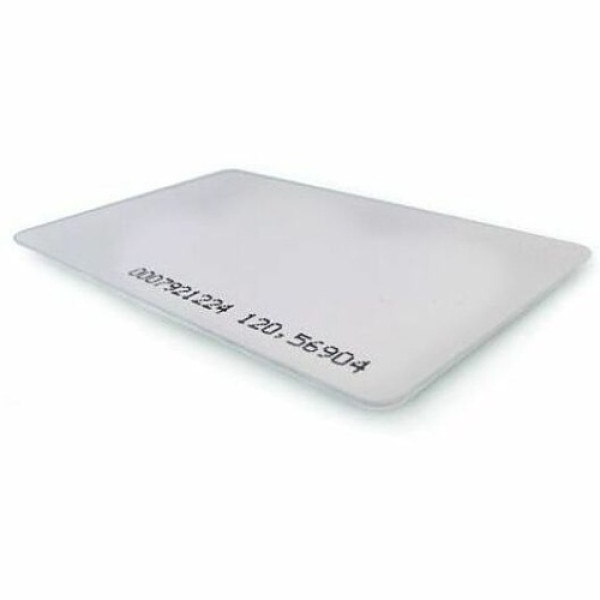
Authentication Method: Fingerprint/ Face/ Card/ Password
(Physical Keypad)
Fingerprint Template Capacity: 3,000 (1:N) (Standard)
Face Template Capacity: 1,500 (1:N), Card Capacity: 3,000
(1:N)
User Capacity: 3,000 (1:N), Transaction Capacity: 150,000
(1:N)
Specification
|
Authentication |
Face,
Fingerprint, ID Card |
|
Fingerprint
Capacity |
3,000 |
|
Face
Capacity |
3,000 |
|
ID Card
Capacity |
3,000 |
|
Record
Capacity |
3,000 |
|
Display |
2.4"
TFT Color LCD (320x240) |
|
Verification
Speed |
<0.5s
(Finger), <0.35s (Face) |
|
Detection
Range |
30cm -
200cm (Face) |
|
Communication |
TCP/IP,
Wi-Fi (Optional), USB |
|
Power
Supply |
DC 12V
1.5A |
|
Dimensions |
205.20 x
74.19 x 33.30 mm |
|
Weight |
0.258 Kg |
|
Supported
Software |
ZKBio
CVAccess, ZKBioTime, ZKBio Zlink |
|
Warranty |
1 year |
Description
ZKTeco SenseFace 2A Access Control Terminal
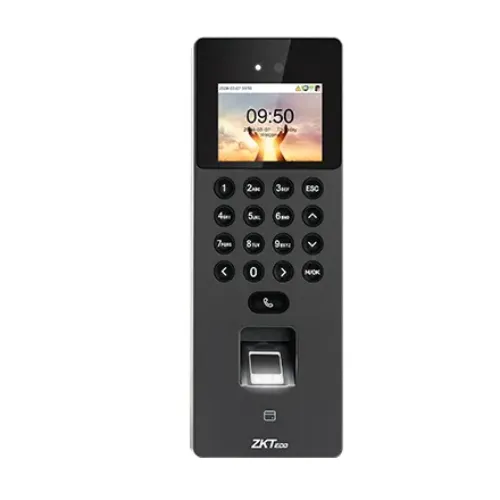
The ZKTeco SenseFace 2A Access Control Terminal is a
cutting-edge biometric access control device that combines security and ease.
This ZKTeco Access Control uses powerful facial and fingerprint recognition
technologies and supports a variety of authentication methods, including cards
and passwords. The terminal features a 2.4" TFT color LCD screen, a 1MP
WDR binocular camera, and a physical keypad with 17 keys. With a large capacity
for fingerprint templates (3,000) and facial templates
(1,500), it allows for speedy and accurate verification.
The SenseFace 2A also includes visual intercom capabilities and a variety of
communication protocols, including TCP/IP and Wi-Fi. Its sturdy appearance and
dependable performance make it an excellent choice for household and commercial
access control systems.
How to Order
Revolution Technology BD has made shopping easier for customers. Follow these steps:
- Click Register Button from home page
- Register with: Name + Email + Mobile + Password
- Click Create Account after entering information
- Login automatically or use Login button
- Provide mobile number and password, then Sign Up
- Choose desired product and click Buy Now
- View product details and click Add to Cart
- Click Item box (upper right corner)
- Go to Shopping Cart page
- Continue Shopping for more products or proceed
- Click "Click Here to Address" button
- Provide Full Name, Phone, Email & Delivery Address
- Click Order Submit button
- View Bill Invoice and receive email confirmation
- Print Invoice using Print button
- Wait for delivery - we'll keep you updated
- Thank you for shopping with us!