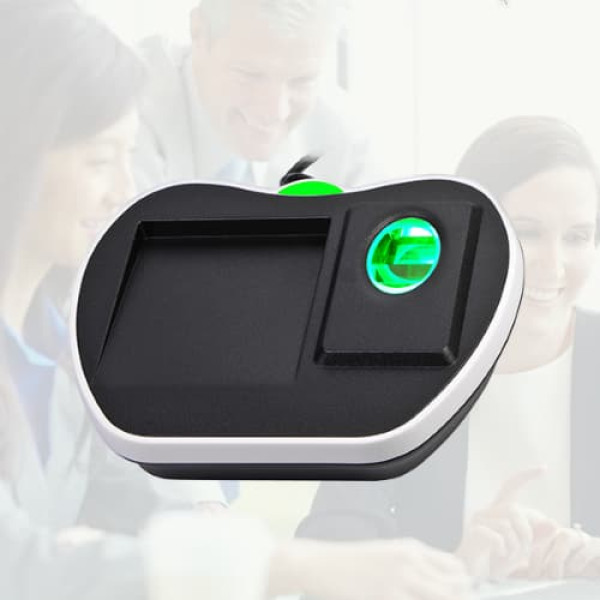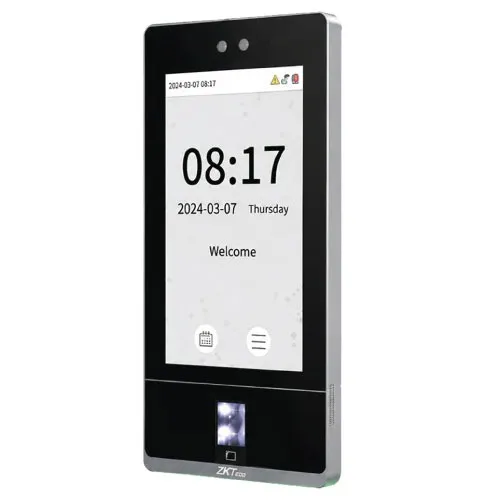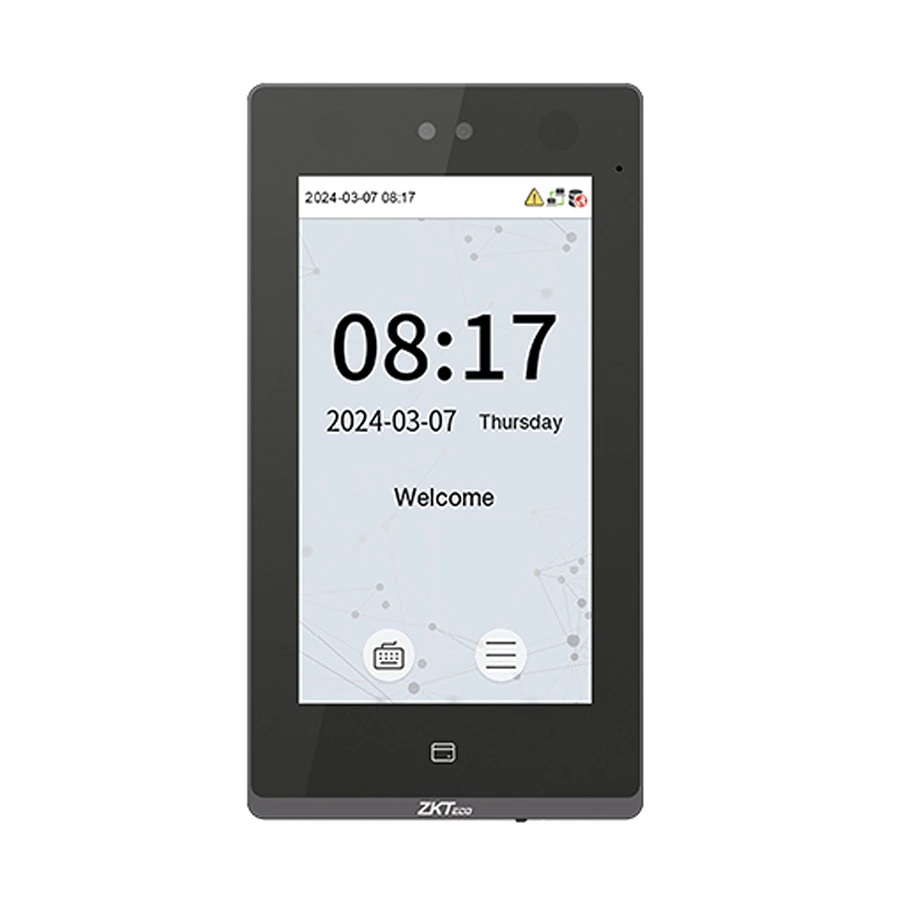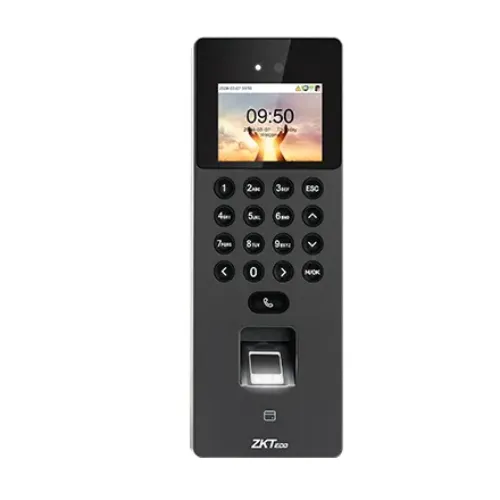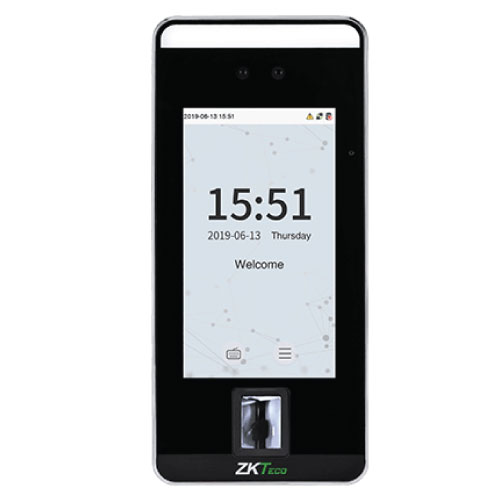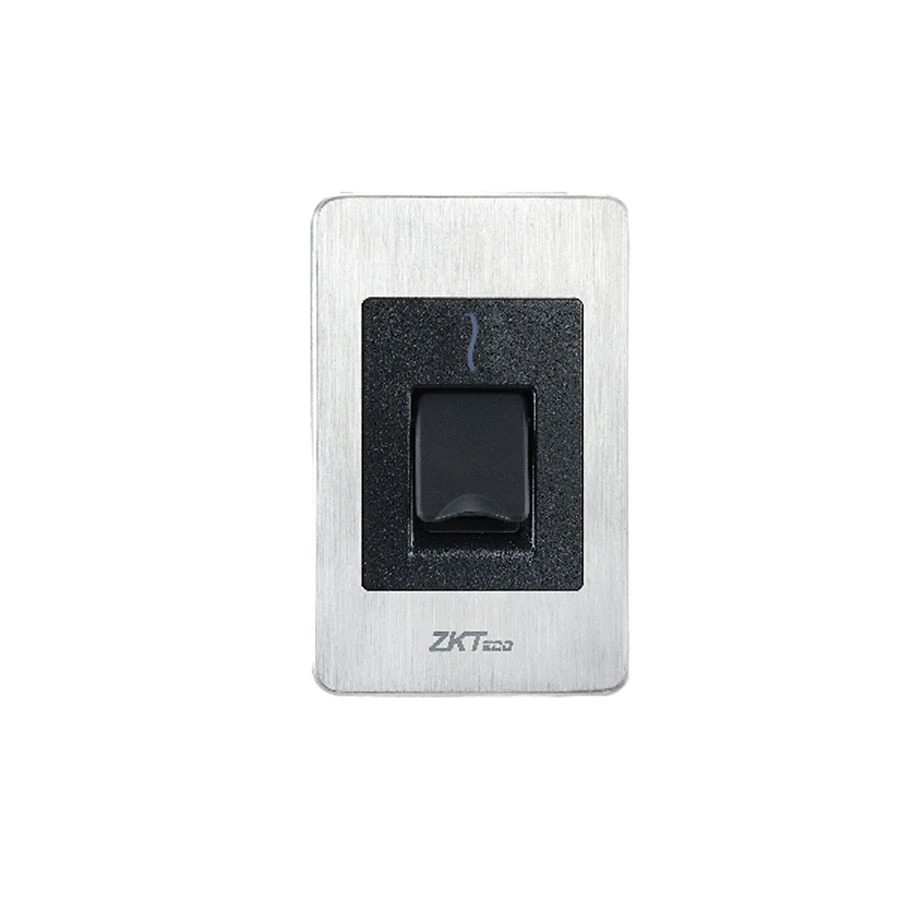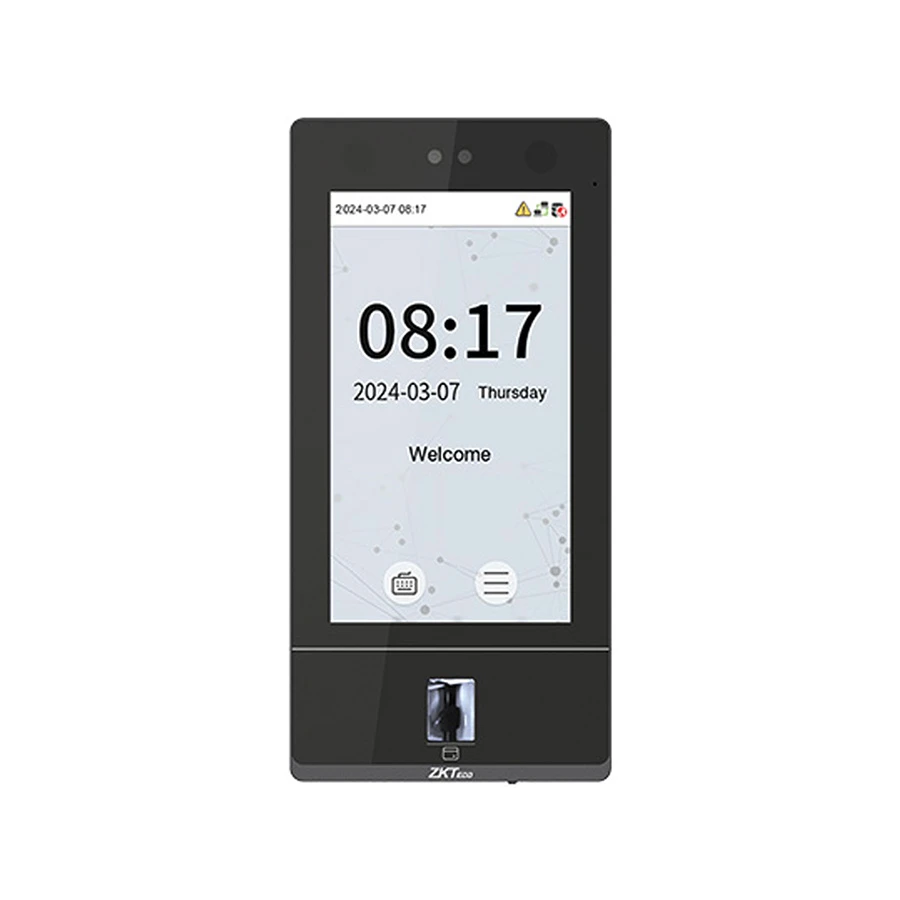
ZKTeco SenseFace 8A Plus Facial Recognition & Multi-Biometric Access Control Terminal with Video Intercom Capability
Contact us for pricing
Product Details
Key Features
Function - Fingerprint, Face, Card
Camera - Yes
Fingerprint Capacity - 10000
Face Capacity - 10000
Logs Capacity - 300000
ID Card Capacity - 50000
Specification
|
Model |
ZKTeco
SenseFace 8A Plus |
|
Type |
Access
Control Terminal |
|
Authentication |
Face,
Fingerprint, Card |
|
Display |
7 inch |
|
Fingerprint
Capacity |
10,000 |
|
Face
Capacity |
10,000 |
|
Card
Capacity |
50,000 |
|
User
Capacity |
50,000 |
|
Log
Capacity |
300,000 |
|
Communication |
RS485 |
|
Power
Supply |
DC 12V 3A |
|
Dimensions |
238 x 115
x 22.3 mm |
|
Weight |
0.622 kg |
|
Color |
Black |
|
Warranty |
1 Year
(Adapter not included) |
Description
ZKTeco SenseFace 8A Plus Access Control
The ZKTeco SenseFace 8A Plus is an advanced access control
terminal that uses facial recognition and multi-biometric methods like
fingerprint and card scanning. It is designed to improve security and access
management. This product is perfect for businesses, schools, and organizations
that need secure and reliable entry control. It also features a video intercom
function to communicate with visitors before granting access, making it both
secure and user-friendly.
Benefits & Features
The ZKTeco SenseFace 8A Plus stands out for its
comprehensive range of features. With the ability to store up to 10,000 fingerprints,
10,000 face templates, and 50,000 ID cards, it provides ample capacity for
large organizations. The device can handle 300,000 logs, so you can easily
track attendance and access. The camera included in the terminal ensures
precise facial recognition in various lighting conditions. The built-in video
intercom allows you to talk to visitors, adding an extra layer of convenience
and security. This multi-biometric terminal is ideal for those seeking
efficient and reliable access control.
How to Order
Revolution Technology BD has made shopping easier for customers. Follow these steps:
- Click Register Button from home page
- Register with: Name + Email + Mobile + Password
- Click Create Account after entering information
- Login automatically or use Login button
- Provide mobile number and password, then Sign Up
- Choose desired product and click Buy Now
- View product details and click Add to Cart
- Click Item box (upper right corner)
- Go to Shopping Cart page
- Continue Shopping for more products or proceed
- Click "Click Here to Address" button
- Provide Full Name, Phone, Email & Delivery Address
- Click Order Submit button
- View Bill Invoice and receive email confirmation
- Print Invoice using Print button
- Wait for delivery - we'll keep you updated
- Thank you for shopping with us!