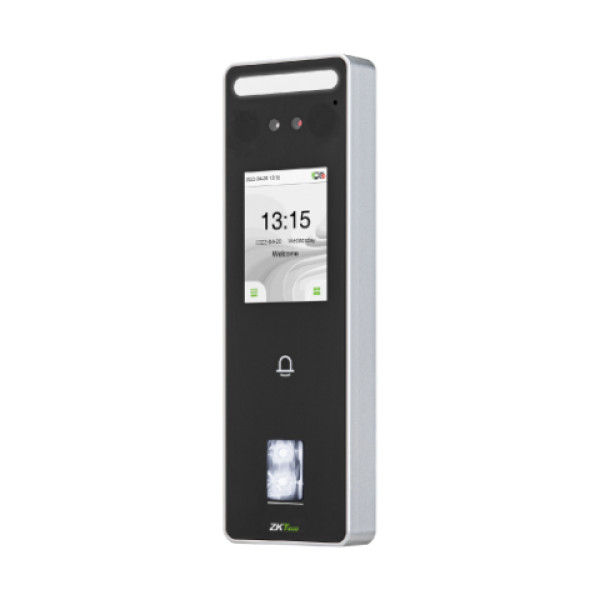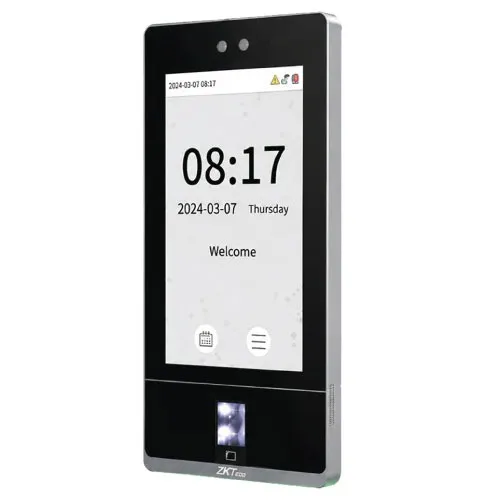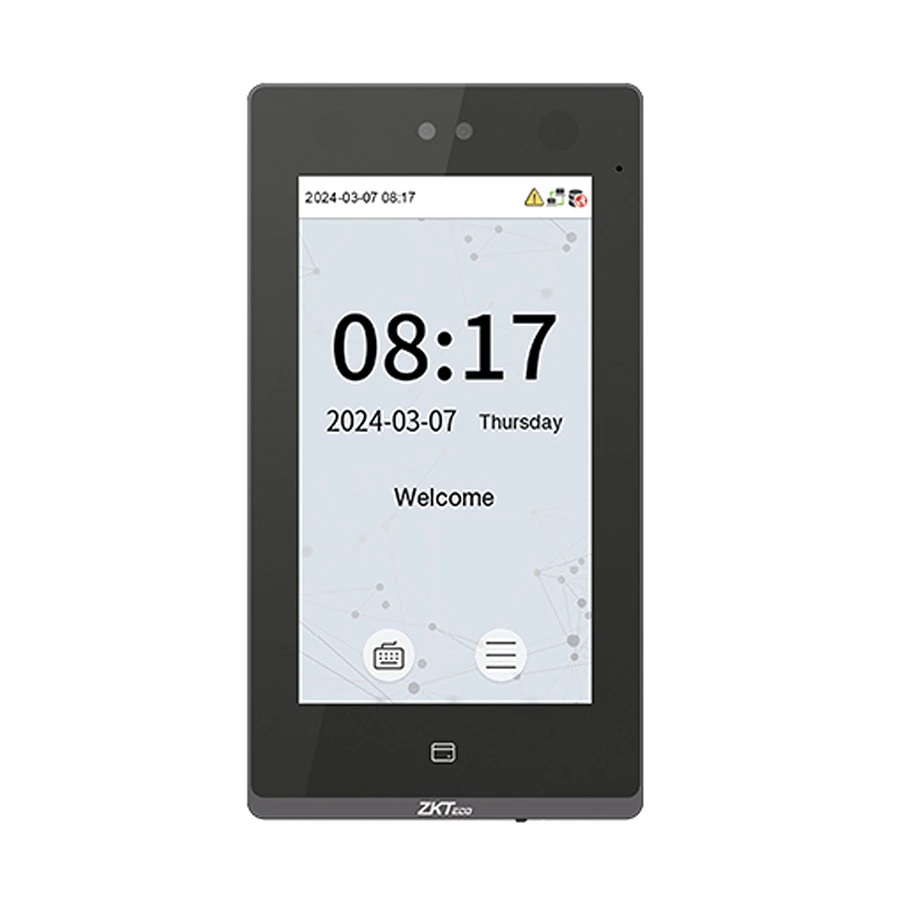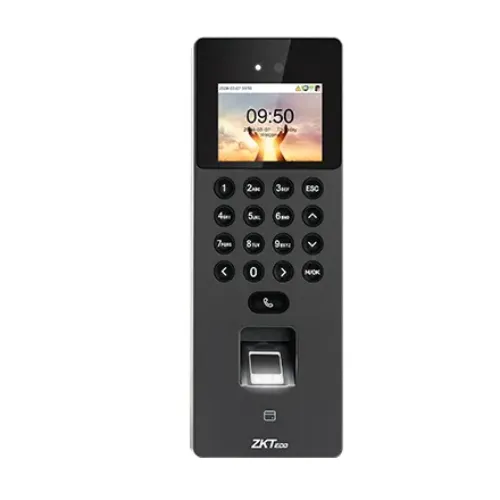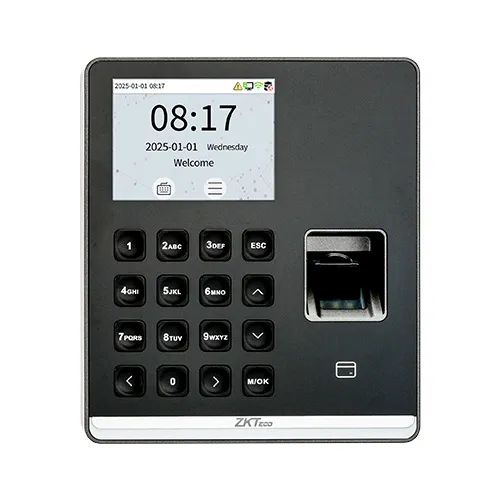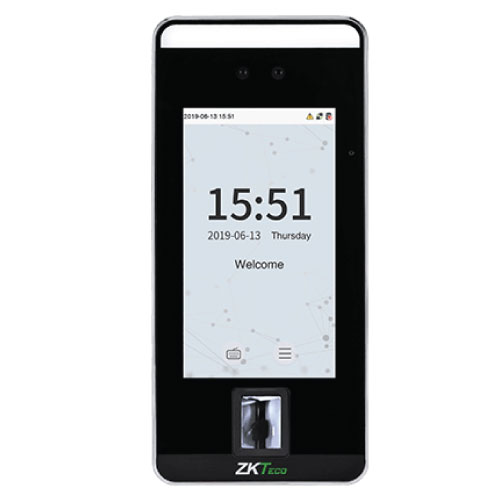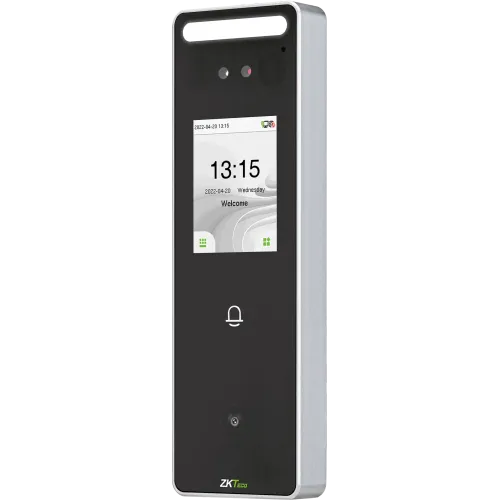
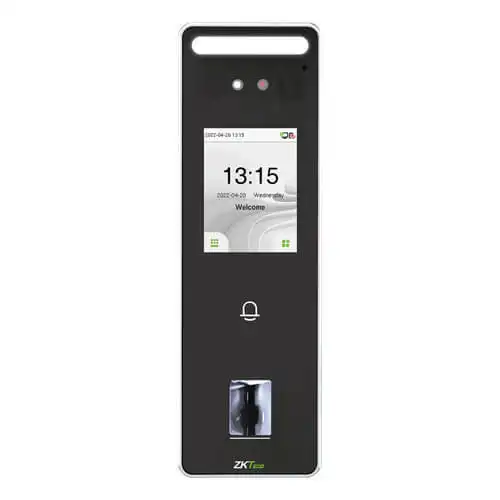
ZKTeco SpeedFace-V3L Biometric Time Attendance and Access Control Terminal
Contact us for pricing
Product Details
Key Features
Model: SpeedFace-V3L
Capacity: Face 500; ID Card 3,000
2.4-inch Touch Screen Display
Fingerprint Capacity: 3,000
IP65 Rating
Specification
|
Model |
ZKTeco
SpeedFace-V3L |
|
Type |
Access
Control Terminal |
|
Authentication
Methods |
Face &
Fingerprint |
|
Display
Size |
2.4 inch |
|
Fingerprint
Capacity |
5,000 |
|
Face Capacity |
1,500 |
|
RF Card
Capacity |
10,000 |
|
ID Card
Capacity |
10,000 |
|
Event Log
Capacity |
200,000 |
|
Power
Supply |
12V 3A
(Adapter Not Included) |
|
Battery |
No |
|
Dimensions |
185 x 58.5
x 20 mm |
|
Color |
Black
& Silver |
|
Warranty |
1 Year
(Adapter not covered) |
Details
ZKTeco SpeedFace-V3L Face & Fingerprint
Access Control Terminal without Adapter
SpeedFace-V3L is an efficient Linux-based access control
terminal, utilizing visible light technology for a comprehensive security
management.
This terminal provides dual authentication methods,
including facial recognition and fingerprint verification. Also, SpeedFace-V3L
is equipped with an ultimate anti-spoofing algorithm for facial recognition
against all types of fake photos and videos attack.
Additionally, there are different versions of SpeedFace-V3L
to satisfy your needs. SpeedFace-V3L [QR] comes with a QR code module, while
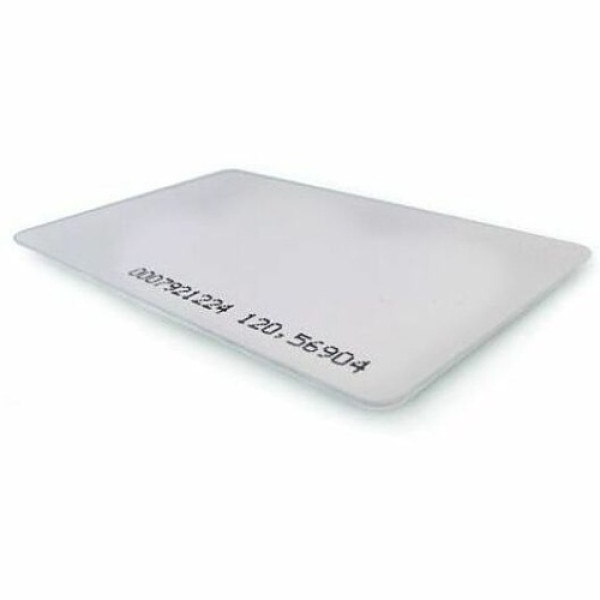
the SpeedFace-V3L[RFID] supports RFID cards verification function.
SpeedFace-V3L series is also compatible with ZKBio Access
software and ZKBio Zlink Mobile APP & ZKBio Zlink-Web when switching to
BEST protocol.
How to Order
Revolution Technology BD has made shopping easier for customers. Follow these steps:
- Click Register Button from home page
- Register with: Name + Email + Mobile + Password
- Click Create Account after entering information
- Login automatically or use Login button
- Provide mobile number and password, then Sign Up
- Choose desired product and click Buy Now
- View product details and click Add to Cart
- Click Item box (upper right corner)
- Go to Shopping Cart page
- Continue Shopping for more products or proceed
- Click "Click Here to Address" button
- Provide Full Name, Phone, Email & Delivery Address
- Click Order Submit button
- View Bill Invoice and receive email confirmation
- Print Invoice using Print button
- Wait for delivery - we'll keep you updated
- Thank you for shopping with us!