
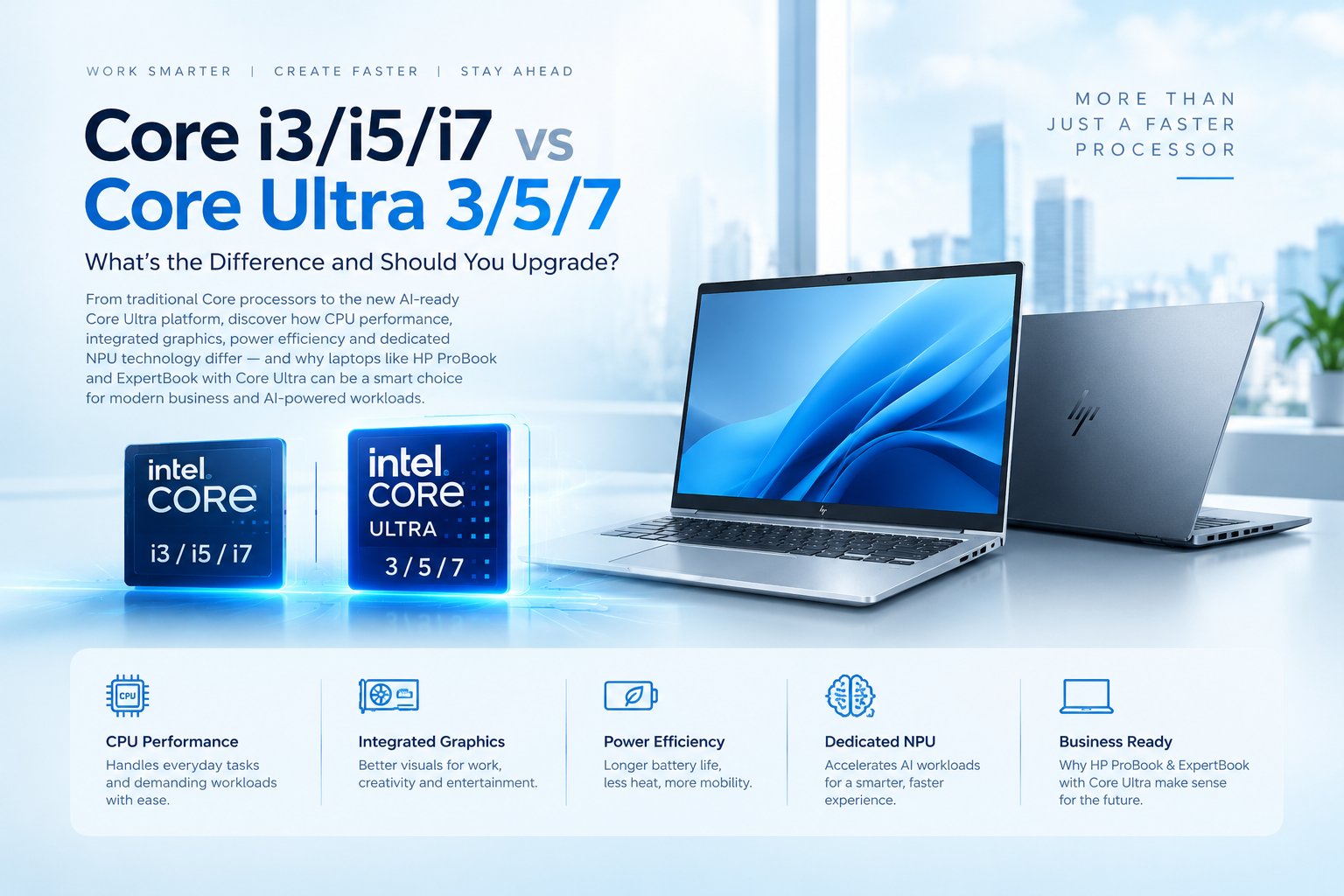
CORE vs CORE ULTRA
What’s Really Different — and Why Your Next Business Laptop Might Need an NPU
For years, choosing an Intel laptop was relatively simple:
Core i3 → Core i5 → Core i7
The higher the number, generally, the higher the performance tier.
Today, Intel has introduced a newer naming family:
Core Ultra 3 → Core Ultra 5 → Core Ultra 7 → Core Ultra 9
But Core Ultra isn't simply a renamed version of Core i3/i5/i7. It represents a newer laptop platform designed around performance, power efficiency, integrated graphics and on-device AI. (Intel)
CORE vs CORE ULTRA
The first thing to understand:
Core i3 / i5 / i7
These are Intel's traditional Core processor families. Current Intel Core laptop processors include Core 3, Core 5 and Core 7, while older generations used names such as Core i3, i5 and i7. (Intel)
Core Ultra 3 / 5 / 7
These belong to Intel's newer Core Ultra family and are designed around the concept of the AI PC.
The key addition is an NPU — Neural Processing Unit.
Think of it as a specialized processor designed to handle certain AI workloads efficiently, allowing the CPU, GPU and NPU to divide workloads according to what they are best suited for. (Intel)
SO, WHAT DOES THE “ULTRA” ACTUALLY MEAN?
It doesn't simply mean:
Core Ultra 5 = faster than every Core i7
That's not how processor comparisons work.
A newer Core Ultra 5 can outperform some older Core i7 laptops in particular workloads, while a high-performance Core i7 may still outperform an Ultra 5 in others.
The generation, exact processor model, power class and suffix matter enormously. Intel itself provides separate comparison charts because processor names alone aren't enough to determine performance. (Intel)
So the better way to understand Ultra is:
Core Ultra isn't just about raw CPU speed. It's about building a more complete, efficient and AI-ready laptop platform.
THE BIGGEST DIFFERENCE: THE NPU
This is where Core Ultra changes the game.
Traditional processors primarily rely on the CPU and integrated/discrete GPU for computing workloads.
Core Ultra adds a dedicated NPU, or Neural Processing Unit, for AI workloads.
CPU
Best suited for general-purpose computing and responsive workloads.
GPU
Designed for highly parallel workloads such as graphics, rendering and certain AI tasks.
NPU
Designed for sustained AI workloads with a focus on power efficiency.
Intel describes this as three computing engines working together to support AI PCs. (Intel)
WHY DOES THAT MATTER FOR A BUSINESS USER?
AI is increasingly becoming part of everyday software.
Think about:
Video conferencing
Background blur, framing and noise suppression.
Content creation
AI-assisted photo and video features.
Productivity
AI assistants, writing tools and document workflows.
Creative applications
AI-powered enhancement and generation features.
Local AI
Certain AI workloads can run directly on the PC rather than relying entirely on cloud processing.
Core Ultra's NPU is designed to accelerate compatible AI workloads while consuming less power than relying exclusively on the CPU for those tasks. (Intel)
AND THEN THERE'S POWER EFFICIENCY
For a desktop PC, performance is often the primary concern.
For a laptop, the equation is different.
You need:
Performance + Battery Life + Thermals + Portability
Core Ultra processors were designed with thin-and-light mobile systems and power efficiency in mind. Intel says the architecture combines CPU cores, GPU resources and an NPU to balance performance and power consumption. (Intel)
That makes the platform particularly relevant for professionals who spend much of their working day away from a power outlet.
WHAT ABOUT GRAPHICS?
Another important difference is the integrated graphics architecture available on select Core Ultra processors.
Some Core Ultra mobile processors feature Intel Arc graphics, which can provide substantially more graphics capability than basic integrated graphics on many traditional business laptops.
That can be useful for:
Light creative work
Photo editing
Video editing
Multimedia
Multiple-display workflows
Casual gaming
GPU-accelerated applications
However, not every Core Ultra processor has the same graphics capability, so the exact CPU model still matters. (Intel)
CORE i5 OR CORE ULTRA 5?
This is where buyers often get confused.
A simple assumption would be:
“I need an i5, so Ultra 5 must be the same thing but newer.”
Not exactly.
Consider the difference in priorities:
| Traditional Core Laptop | Core Ultra Laptop |
|---|---|
| General-purpose CPU performance | CPU + GPU + NPU architecture |
| Traditional integrated graphics | Enhanced graphics on select models |
| Primarily CPU/GPU-based AI | Dedicated NPU for compatible AI workloads |
| Established laptop platform | Newer AI PC platform |
| Excellent for everyday computing | Designed for modern AI-enabled workloads |
| Often attractive at lower prices | Typically positioned toward newer/premium systems |
The exact performance gap depends on the specific processors being compared, so Core Ultra 5 should not automatically be considered faster than every Core i5 or i7.
WHY ULTRA MAKES SENSE FOR BUSINESS LAPTOPS
This is where laptops such as HP ProBook and HP business systems equipped with Core Ultra processors become interesting.
A business laptop may stay with an employee for several years.
During that time, software requirements will change.
Today's laptop may primarily be used for:
Microsoft Office → Browser → Teams → Excel → ERP
Tomorrow's workload may increasingly involve:
AI assistants → AI-enhanced meetings → Local AI features → Content creation → Intelligent productivity tools
Buying an AI-ready platform can therefore be about future capability, not just today's benchmark score.
Intel positions Core Ultra as the foundation of its AI PC platform, combining CPU, GPU and NPU resources for AI-enabled applications. (Intel)
THE BUSINESS LAPTOP SWEET SPOT
Imagine two employees.
LAPTOP A
Core i5
16GB RAM
512GB SSD
Perfectly capable for Office, web browsing, email, accounting software and everyday business applications.
LAPTOP B
Core Ultra 5
16GB RAM
512GB SSD
NPU-enabled AI PC
It can perform the same traditional business tasks while also providing hardware designed for compatible AI workloads and newer AI-powered software experiences.
If the price difference is reasonable and the laptop is expected to be used for several years, the Ultra platform becomes a more future-oriented choice.
BUT SHOULD EVERYONE BUY CORE ULTRA?
Not necessarily.
If someone primarily needs:
Web browsing
Microsoft Office
Email
Basic accounting
POS software
Documents
Light business applications
a conventional Core 3/5/7 or older Core i3/i5/i7 system may still be perfectly suitable, depending on the exact configuration and price.
But for professionals who want a modern business laptop designed around AI, efficiency and longer-term software requirements, Core Ultra becomes increasingly relevant.
THE BOTTOM LINE
The difference isn't simply:
i5 vs Ultra 5
It's more accurately:
Traditional PC
CPU → GPU → Applications
versus
Modern AI PC
CPU + GPU + NPU → Applications + AI
And that's the real reason Core Ultra matters.
You're not simply buying a faster processor.
You're buying a laptop platform designed for the next generation of computing, where AI features become part of everyday productivity.
For professionals, corporate users and organizations investing in laptops such as HP ProBook and HP business-class systems, Core Ultra can offer a combination of performance, efficiency, modern connectivity and built-in AI acceleration that makes sense for a multi-year investment.
The question is no longer just “How powerful is the processor?”
It's “What will this laptop be capable of three years from now?”
Build Your Next Business PC with the Right Technology
At Revolution Technology BD, we provide business laptops, desktops, servers, networking equipment, cybersecurity solutions and IT infrastructure for corporate and organizational requirements.
Explore our latest business computing solutions at:
Revolution Technology BD
Your trusted technology partner.



