
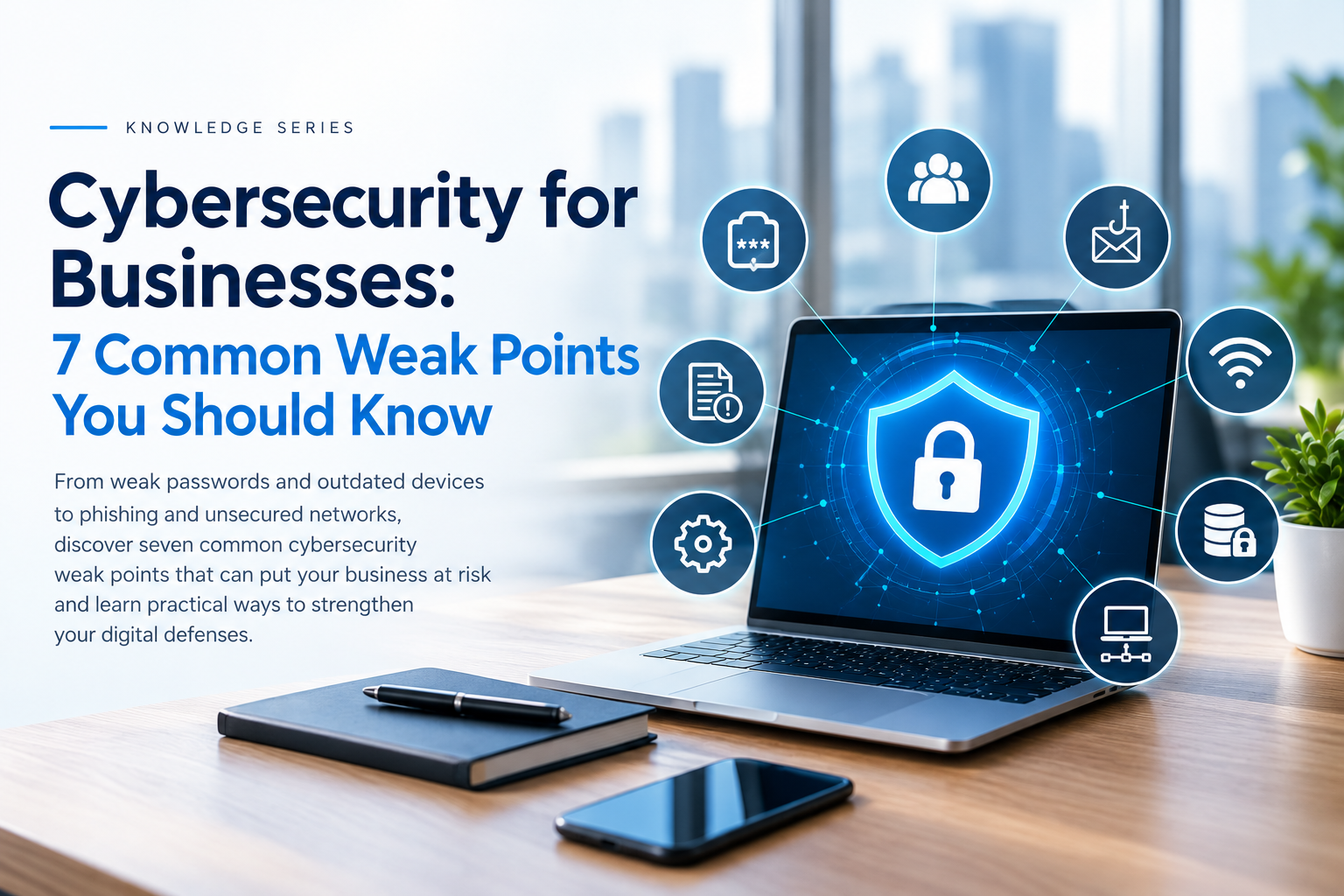
Cybersecurity for Businesses: 7 Common Weak Points You Should Know
A cyberattack doesn't always begin with a sophisticated hacker breaking through an advanced security system.
Sometimes, it starts with a reused password.
Sometimes, an employee clicks a suspicious link.
Sometimes, an important computer hasn't received a security update for months.
For businesses, cybersecurity is no longer simply about installing antivirus software. Modern organizations depend on laptops, desktops, servers, cloud applications, email, networks and connected devices every day. Each of these can become a potential entry point if it isn't properly protected.
So where should a business start?
Here are seven common weak points worth reviewing.
1. Weak or Reused Passwords
Passwords remain one of the easiest targets for attackers.
Using the same password across email, cloud services, social media and business applications creates unnecessary risk. If one account becomes compromised, the same credentials may potentially expose other services.
Businesses should consider:
• Using unique passwords for important accounts
• Enabling multi-factor authentication wherever possible
• Avoiding shared administrator credentials
• Using a password manager
• Regularly reviewing privileged accounts
A strong password is only one layer of protection. Account security should be treated as part of a broader security strategy.
2. Outdated Software and Devices
Every business has technology that needs regular maintenance.
Operating systems, applications, servers, routers and other connected devices can contain vulnerabilities. Security updates are frequently released to address known issues.
Leaving systems unpatched for long periods can increase exposure to known threats.
Businesses should maintain an inventory of their technology and regularly check:
• Operating system updates
• Application updates
• Antivirus and endpoint security updates
• Server updates
• Network equipment firmware
• End-of-support devices
Technology that no longer receives security updates deserves particular attention.
3. Phishing and Social Engineering
One of the biggest cybersecurity challenges isn't necessarily technical.
It can be human.
An attacker may send an email that appears to come from a manager, supplier, bank or familiar online service. The message may ask an employee to open a document, click a link, provide credentials or make a payment.
These attacks rely on creating trust or urgency.
Employees should be trained to stop and verify unusual requests, particularly those involving:
• Passwords
• Financial transactions
• Confidential documents
• Account credentials
• Unexpected attachments
• Urgent payment requests
Cybersecurity awareness should involve everyone in an organization, not just the IT department.
4. Poorly Protected Endpoints
Every laptop and desktop connected to a company's network represents another endpoint.
If an endpoint becomes compromised, an attacker may potentially use it as an entry point into the wider environment.
This is why endpoint protection remains an important part of business cybersecurity.
Modern security software can provide protection against malware and other threats while adding features designed to detect suspicious activity and protect users during everyday computing.
For example, Revolution Technology BD offers a range of Kaspersky security licenses, including solutions for individual devices as well as business-oriented endpoint protection.
The important point is that endpoint security should be selected according to the organization's actual requirements, including the number and type of devices being protected.
5. Poorly Secured Networks
A business network connects employees, computers, servers, printers, access points and other devices.
If network security isn't properly configured, unauthorized access can become a serious concern.
Businesses should review:
• Router and firewall configuration
• Wi-Fi security
• Administrator credentials
• Guest network separation
• Remote access
• Network segmentation
• Firmware updates
A fast network isn't necessarily a secure network.
Performance and security need to be considered together.
6. Too Much User Access
Does every employee really need access to every file, application and system?
Usually, the answer is no.
The principle of least privilege means users should receive the minimum level of access necessary to perform their responsibilities.
Businesses should periodically review:
• Employee accounts
• Administrator privileges
• Shared accounts
• Sensitive folders
• Former employee access
• Third-party access
When an employee leaves an organization, their accounts and permissions should be disabled promptly.
7. No Reliable Backup and Recovery Plan
Imagine losing access to customer records, financial documents, project files or operational data.
A backup can be critical when dealing with accidental deletion, hardware failure, ransomware or other incidents.
But having a backup isn't enough.
Businesses should ask:
What data are we backing up?
How frequently are backups performed?
Where are backup copies stored?
Who can access them?
Have we actually tested restoring the data?
A backup strategy should be designed around the organization's recovery requirements.
Regular restoration testing is particularly important because a backup that cannot be successfully restored may not provide the protection a business expects.
Where Does Antivirus Fit In?
This is an important distinction.
Antivirus or endpoint protection is not the entire cybersecurity strategy.
It is one layer within a broader security framework.
A business may need to combine:
Endpoint Protection + Network Security + Access Control + MFA + Backups + Employee Awareness + Monitoring
The exact combination depends on the organization's size, infrastructure, industry and risk profile.
For businesses with multiple endpoints, centrally managed security can also make it easier for IT teams to maintain consistent protection across devices.
Revolution Technology BD currently offers Kaspersky solutions ranging from consumer-oriented Internet Security licenses to business-focused endpoint security options. Its Kaspersky catalog currently lists 11 products.
A Simple Cybersecurity Checklist for Businesses
Before considering your organization protected, ask:
Accounts
Are important accounts protected with strong, unique credentials and MFA?
Devices
Are computers, servers and other endpoints updated and protected?
Network
Is the business network properly configured and segmented?
People
Can employees recognize common phishing and social-engineering attempts?
Access
Does every employee have only the access they actually need?
Backups
Can critical business data be restored if something goes wrong?
Response
Does the organization know what to do if a security incident occurs?
If several answers are uncertain, there may be areas worth reviewing.
Cybersecurity Is a Continuous Process
There is no single product that can eliminate every cybersecurity risk.
Security works best as a layered approach where technology, people and processes support one another.
Endpoint protection can help defend devices. Network security can help control connections. MFA can strengthen account security. Backups can support recovery. Employee awareness can reduce the likelihood of successful social-engineering attacks.
The objective isn't simply to prevent every possible threat.
It is to reduce exposure, detect problems earlier and be prepared to recover when something goes wrong.
Explore Cybersecurity Solutions
Revolution Technology BD provides cybersecurity and IT infrastructure solutions for businesses, including security solutions from Kaspersky and other leading technology providers.
Explore the available Kaspersky licenses and solutions:
View Kaspersky Solutions at Revolution Technology BD
For corporate requirements, organizations can also contact Revolution Technology BD for solution consultation and quotation.
Revolution Technology BD
Your trusted technology partner.



