
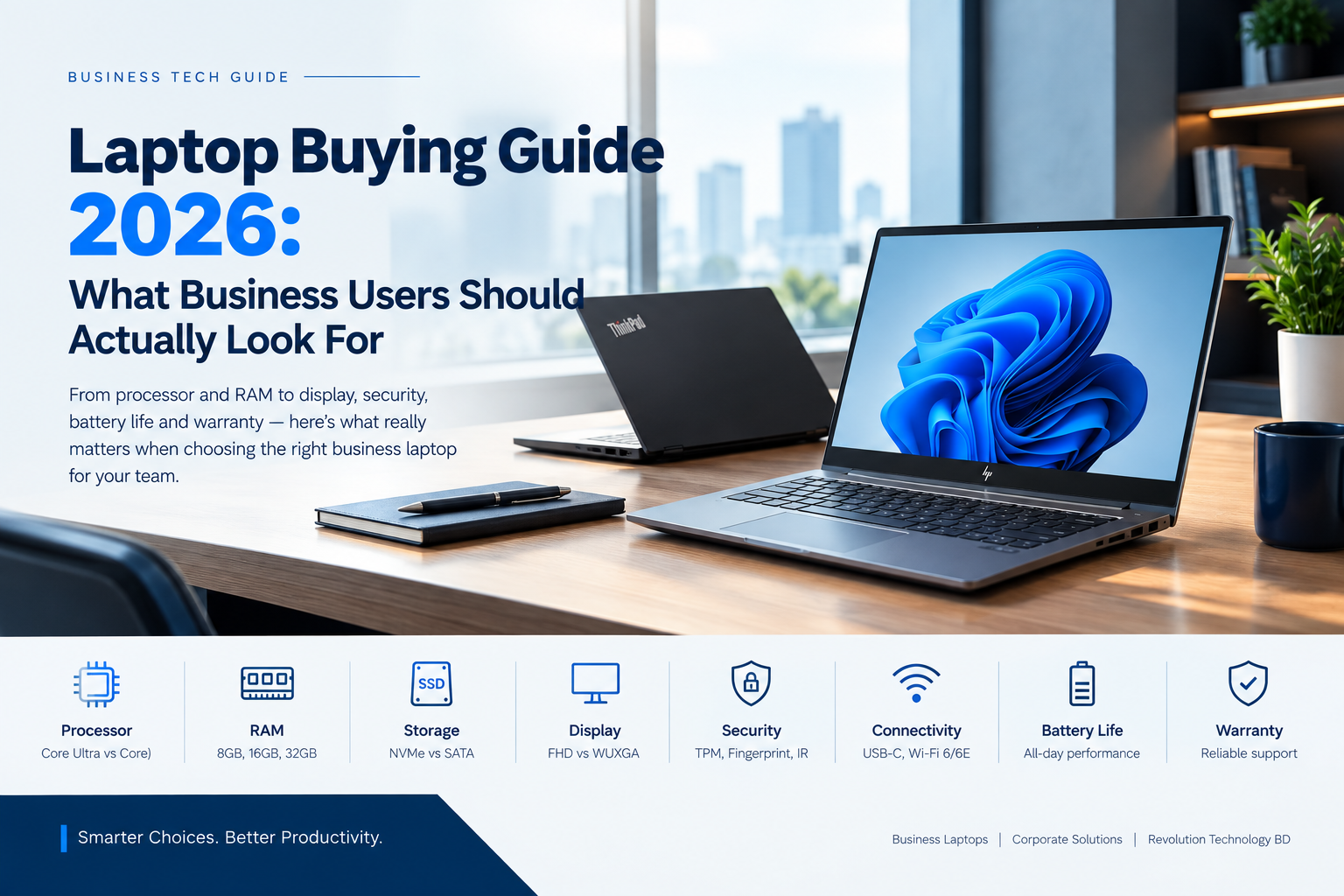
Choosing a laptop for business use is very different from choosing one for entertainment or casual personal use.
For office employees, executives, sales teams, developers, accountants and managers, a laptop needs to do more than simply run Windows. It should be fast, reliable, secure, comfortable to use and capable of handling everyday workloads for years.
With newer processors such as Intel Core Ultra, faster DDR5 memory, PCIe NVMe SSDs, Wi-Fi 6/6E and increasingly capable integrated graphics, the business laptop market has changed significantly.
So, what should you actually look for when buying a business laptop in 2026?
Let's break it down.
1. Start With the Processor
The processor remains one of the most important components of a laptop.
However, simply looking at the processor name isn't enough anymore.
Traditional Intel Core processors such as Core i3, Core i5 and Core i7 continue to exist alongside newer Core Ultra 3, Core Ultra 5 and Core Ultra 7 processors.
For general office work
For tasks such as:
Microsoft Word and Excel
Web browsing
Email
Microsoft Teams and Zoom
Accounting software
CRM applications
Business applications
a modern Core i5 or Core Ultra 5 system is usually a practical starting point.
For demanding multitasking, programming, data analysis and professional workloads, moving toward Core Ultra 7 or higher-performance processors can make sense.
Why Core Ultra matters
Modern Core Ultra processors aren't simply about CPU performance. Many models also incorporate dedicated AI processing capabilities through an NPU, designed to handle certain AI workloads more efficiently.
This makes newer Core Ultra laptops particularly interesting for businesses adopting AI-powered productivity tools.
Key takeaway: Don't choose a laptop based only on the "i5" or "i7" label. Look at the processor generation, architecture, power class and intended workload.
2. How Much RAM Does a Business Laptop Need?
RAM directly affects how smoothly your laptop handles multiple applications simultaneously.
A user working with:
Chrome + Excel + Teams + Outlook + PDF files + accounting software
can quickly consume several gigabytes of memory.
Recommended RAM for 2026
| Usage | Recommended RAM |
|---|---|
| Basic office work | 8GB |
| Standard business use | 16GB |
| Heavy multitasking | 16GB–32GB |
| Programming & development | 16GB–32GB |
| Professional workloads | 32GB+ |
For most new business laptops purchased in 2026, 16GB RAM is a much more sensible target than 8GB.
If the laptop will be used for several years, choosing 16GB or more can also provide additional headroom as applications become more demanding.
3. SSD Storage: Don't Ignore Speed
Almost every modern business laptop should use an SSD rather than a traditional mechanical hard drive.
But there is still a difference between different types of SSDs.
A PCIe NVMe SSD generally provides significantly faster storage performance than older SATA-based SSD technology.
How much storage?
256GB: Suitable for basic users with cloud storage.
512GB: A good balance for most office users.
1TB: Better for developers, professionals and users working with large files.
For a typical corporate laptop deployment, 512GB NVMe SSD is often a practical starting point.
4. Display: Bigger Isn't Always Better
Screen size and resolution have a major effect on productivity.
A 15.6-inch Full HD display may be perfectly adequate, but newer business laptops increasingly use 16:10 displays, such as 1920 × 1200 WUXGA panels.
That extra vertical space can be surprisingly useful.
You can see more:
Excel rows
Web content
Documents
Code
Email
Business dashboards
without constantly scrolling.
What should you look for?
For office laptops, consider:
14-inch: Portable and convenient
15–16-inch: Better workspace
FHD: Standard
WUXGA: Excellent for productivity
IPS: Better viewing angles
Anti-glare: Useful for long office sessions
For employees who travel frequently, a 14-inch business laptop can provide a good balance between portability and productivity.
5. Business Security Matters
A business laptop contains much more than documents.
It may contain:
Customer information
Financial records
Emails
Passwords
Business applications
Company credentials
Internal documents
That's why security features should be considered when purchasing laptops for an organization.
Look for features such as:
TPM
A Trusted Platform Module (TPM) provides hardware-based security capabilities and is an important part of modern Windows security.
Fingerprint Reader
Fingerprint authentication can provide convenient biometric login while reducing reliance on passwords.
IR Camera
Some business laptops support Windows Hello facial recognition through an IR camera.
BIOS Security
Business-class laptops may also provide additional BIOS and firmware security features designed for enterprise environments.
Security shouldn't be treated as an optional extra when purchasing laptops for a company.
6. Don't Forget Connectivity
A laptop can have an excellent processor and still be inconvenient if it doesn't have the ports your employees need.
Before purchasing, check for:
USB-A
USB-C
Thunderbolt or USB4 where applicable
HDMI
RJ45 Ethernet
Headphone/microphone jack
Wi-Fi 6 or newer
Bluetooth
For office environments, RJ45 Ethernet can still be particularly useful for stable wired networking.
USB-C is also becoming increasingly important for charging, docking stations, monitors and peripherals.
7. Battery Life and Charging
Business users aren't always sitting beside a power outlet.
Sales representatives may spend the day visiting clients. Executives may move between meetings. Employees working from multiple locations need dependable battery performance.
When comparing laptops, don't look only at the advertised battery capacity.
Actual battery life depends on:
Processor
Display
Brightness
Workload
Battery capacity
Operating system settings
Background applications
A laptop with efficient modern hardware can provide a better balance between performance and battery life.
USB-C charging can also make workplace setups simpler by allowing compatible chargers and docking solutions to serve multiple devices.
8. Business-Class vs Consumer Laptops
This is one of the most important distinctions when purchasing laptops for a company.
A consumer laptop may offer impressive specifications at an attractive price.
A business-class laptop, however, is generally designed around a different set of priorities.
Business-oriented laptop families often emphasize:
Build quality
Security
Manageability
Reliability
Professional support
Warranty options
Docking and connectivity
Long-term usability
Examples include:
HP ProBook / EliteBook
Lenovo ThinkPad
Dell Latitude
ASUS ExpertBook
The right choice ultimately depends on the organization's workload, budget and deployment requirements.
9. Don't Buy More Performance Than You Need
One common mistake is purchasing an expensive laptop simply because it has a high-end processor.
A finance employee working primarily with Excel, email and accounting software doesn't necessarily need the same hardware as a software developer, video editor or 3D designer.
Instead, match the laptop to the user's workload.
Office & Administration
Core i5 / Core Ultra 5 + 16GB RAM + 512GB SSD
Management & Executives
Core Ultra 5/7 + 16GB RAM + 512GB SSD
Developers
Core Ultra 5/7 or equivalent + 16–32GB RAM + 512GB/1TB SSD
Designers & Content Creators
Higher-performance CPU + 32GB RAM + 1TB SSD + dedicated GPU where required
Sales & Field Teams
Efficient processor + 16GB RAM + 512GB SSD + lightweight design + good battery life
The goal isn't to buy the most powerful laptop.
The goal is to buy the right laptop for the job.
10. Warranty and After-Sales Support
This is often overlooked when purchasing laptops for an organization.
For an individual buyer, a laptop problem may be an inconvenience.
For a company with 20, 50 or 100 employees, hardware downtime can directly affect productivity.
Before purchasing, check:
Warranty period
Warranty coverage
Authorized service availability
Parts availability
Repair turnaround time
On-site support options
After-sales support
For corporate procurement, the total cost of ownership can be more important than the initial purchase price.
A Simple Business Laptop Checklist for 2026
Before purchasing, ask:
Processor: Is it appropriate for the workload?
RAM: Does it have at least 16GB for typical business use?
Storage: Is it using a fast NVMe SSD?
Display: Is the screen comfortable for long working hours?
Security: Does it offer TPM and, where needed, fingerprint or Windows Hello support?
Connectivity: Does it have the ports and wireless standards employees need?
Battery: Is it suitable for the user's working environment?
Build: Is it designed for regular professional use?
Warranty: Is reliable after-sales support available?
Upgradeability: Can the memory or storage be upgraded if required?
Final Thoughts
A business laptop is not simply an office computer. It is a productivity tool that employees may depend on for 8 or more hours every working day.
Instead of choosing a laptop based solely on processor branding or price, consider the complete package: performance, RAM, storage, display, security, connectivity, battery life, build quality and after-sales support.
Whether you're purchasing a single laptop for an executive or deploying hundreds of devices across an organization, matching the hardware to the actual workload can help you get better value and a more reliable long-term solution.
If you're looking for business laptops in Bangladesh, Revolution Technology BD can help you compare suitable configurations based on your organization's requirements, budget and workload.
Need help choosing the right business laptop?
Contact Revolution Technology BD for laptop recommendations, corporate procurement and IT solutions tailored to your requirements.



