
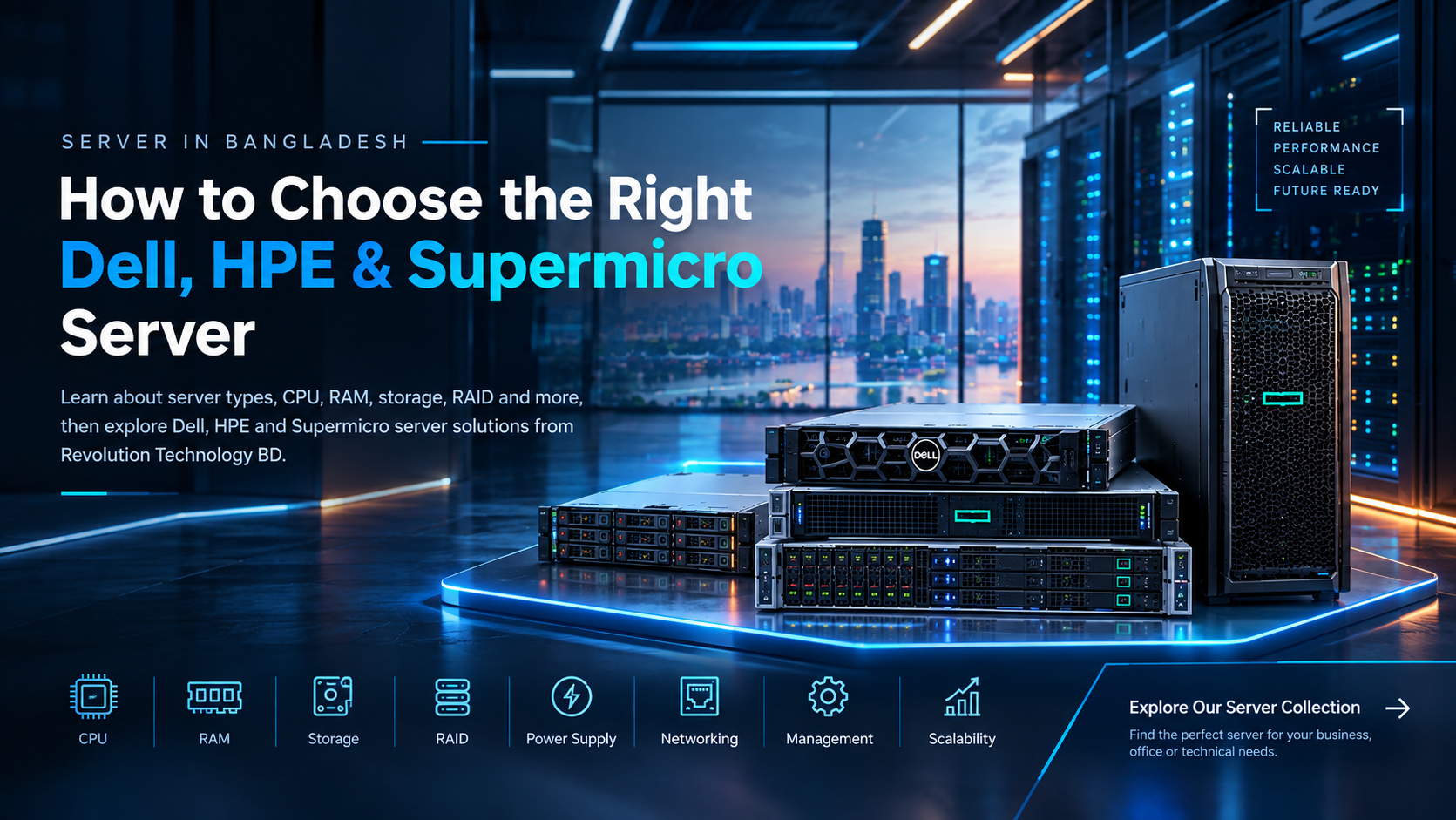
Whether you run a corporate office, small business, software company, educational institution or even a serious home lab, there may come a time when a regular desktop computer is simply not enough.
You may need a central place to store business files, run applications, manage databases, host websites, store CCTV footage, run virtual machines or provide services to multiple users.
That is where a server becomes important.
But choosing a server is not as simple as choosing the computer with the highest processor speed or the most RAM.
The right server depends on your workload, number of users, storage requirements, performance needs, budget and future growth.
In this guide, we will explain what a server is, why you may need one and what you should consider before buying a server in Bangladesh.
What Is a Server?
A server is a computer designed to provide data, applications, storage or other services to other computers and devices through a network.
Think of it as a central system for your IT environment.
For example, instead of employees storing important files on different computers, a business can use a server to keep those files in one central location.
A server can be used for:
File and document sharing
Database management
Business applications
Website and application hosting
CCTV and surveillance storage
Backup systems
Virtual machines
Development and testing
Internal office software
Centralized data storage
Network services
The exact purpose depends on how the server is configured.
Why Do Businesses Need a Server?
For a small business with only a few computers, a server may not always be necessary.
But as the business grows, managing data and applications across multiple computers can become difficult.
A dedicated server can provide a more centralized and organized IT environment.
Centralized Storage
Important files can be stored in one central location instead of being scattered across individual computers.
This can make it easier for authorized employees to access, manage and back up company data.
Multiple Users
A server can be designed to handle requests from multiple users and systems at the same time.
This makes servers useful for offices, organizations and businesses with shared applications and databases.
Better Reliability
Enterprise servers can include features such as ECC memory, RAID storage, redundant power supplies and redundant cooling.
These features are designed for environments where system reliability is important.
Easier Management
Modern servers can also provide remote management features.
For example, many Dell PowerEdge systems support iDRAC, while HPE ProLiant systems can include HPE iLO for remote server management.
Future Expansion
Your business may have 10 employees today and 30 employees in a few years.
A server with expandable RAM, additional drive bays and PCIe expansion options can provide more room for future upgrades.
Server for Home Users: Do You Really Need One?
Servers are not limited to large companies.
Home users, developers, freelancers and technology enthusiasts can also use servers for specific purposes.
A home server can be used for:
Personal file storage
Automated backups
CCTV recording
Media storage
Virtual machines
Software development
Testing environments
Home labs
Private applications
Network storage
However, you should not buy a server simply because it is more powerful than a desktop.
If your requirement is only browsing, watching movies, gaming or normal office work, a regular PC may be more practical.
A server makes more sense when you need centralized resources, multiple users, continuous operation, large storage or dedicated services.
Server vs Desktop PC: What Is the Difference?
A server and a desktop computer may use similar fundamental components, but they are built for different purposes.
A desktop computer is generally designed around the needs of one user.
A server is designed to provide services to multiple users or systems and is often expected to operate continuously.
Servers can also include enterprise features such as:
ECC Memory
ECC memory can detect and correct certain types of memory errors, making it useful for workloads where data integrity is important.
RAID
RAID allows multiple storage drives to work together for different combinations of performance, capacity and redundancy.
Redundant Power Supplies
Some enterprise servers support multiple power supplies. If one power supply fails, the system can potentially continue operating using the remaining power supply.
Hot-Plug Storage
Supported server configurations can allow certain drives to be replaced without shutting down the entire system.
Remote Management
Features such as Dell iDRAC and HPE iLO can help administrators monitor and manage servers remotely.
These are some of the reasons businesses often choose dedicated server hardware instead of simply using a powerful desktop PC.
What Type of Server Should You Buy?
There is no single best server for every organization.
The right option depends on your workload.
Tower Server
Tower servers have a design similar to traditional desktop towers.
They can be a practical choice for small and medium-sized businesses that need a dedicated server but do not have a dedicated server rack.
They can be suitable for:
Small offices
Branch offices
File servers
Small databases
Backup systems
Business applications
Rack Server
Rack servers are designed to be installed inside server racks.
They are commonly used in corporate offices, data centers and larger IT environments.
Rack servers are available in different form factors, including 1U and 2U configurations.
They are often suitable for organizations that need:
Higher performance
Multiple storage drives
Virtualization
Large databases
Enterprise applications
Scalable infrastructure
How to Choose a Server in Bangladesh
Before searching for the cheapest server or the most powerful server, understand your actual requirements.
Here are the most important specifications to consider.
1. Processor
The processor determines how much computing workload the server can handle.
Servers available at Revolution Technology include configurations using Intel Xeon processors, ranging from entry-level Xeon E-series processors to higher-performance Xeon Silver configurations.
For basic file sharing, a lower-end processor may be sufficient.
For virtualization, databases or demanding business applications, you may need more CPU cores and threads.
2. RAM
RAM is particularly important when running databases, virtualization platforms and multiple applications.
Server configurations can range from relatively small memory capacities to systems supporting hundreds of gigabytes or even several terabytes of RAM.
For example, some server configurations in our collection support 16GB or 32GB memory, while certain systems support expansion up to 1TB or more.
The right amount depends on your workload.
3. Storage
Storage requirements depend heavily on what you plan to keep on the server.
You may need:
SATA HDD
SAS HDD
SATA SSD
Enterprise SSD
NVMe storage
If your priority is large storage capacity, HDDs can be useful.
If you need faster application performance, SSD or NVMe storage may be more appropriate.
4. RAID
RAID is an important consideration for business servers.
Different RAID levels provide different combinations of performance, usable storage and redundancy.
For example, the server products available through Revolution Technology include configurations supporting RAID 0, 1, 5, 6, 10 and other RAID options depending on the model and controller.
The correct RAID configuration depends on your specific requirement.
5. Power Supply
If your server is running an important business application, power reliability matters.
Many enterprise server configurations support redundant or hot-plug power supplies.
This can help reduce the risk of a single power supply failure bringing down the entire system.
6. Remote Management
Remote management can save valuable time for IT teams.
Dell systems may include iDRAC, while HPE systems can include iLO.
These technologies can allow administrators to monitor and manage server hardware remotely.
Dell Servers in Bangladesh
Dell PowerEdge servers are widely used for business computing, databases, virtualization, file storage and other enterprise workloads.
Revolution Technology offers different Dell server configurations with options for processors, RAM, storage, RAID, networking and remote management.
Depending on the model, you can find configurations with features such as:
Intel Xeon processors
ECC and RDIMM memory
SAS and SATA storage
SSD options
RAID controllers
Redundant power supplies
iDRAC remote management
PCIe expansion
Rack and tower form factors
If you are specifically looking for a Dell server in Bangladesh, explore the available Dell server collection and compare the configurations based on your workload.
Explore Dell Servers
View Dell Server Collection at Revolution Technology BD
HPE Servers in Bangladesh
HPE ProLiant servers are another popular choice for business and enterprise environments.
HPE offers server platforms for different workloads, from smaller office requirements to demanding enterprise applications.
Depending on the model, HPE servers can offer:
Intel Xeon processors
ECC memory
Multiple storage options
RAID support
Redundant power supplies
Rack and tower configurations
HPE iLO remote management
PCIe expansion
Enterprise-level management features
Revolution Technology's HPE server collection includes different ProLiant configurations for organizations with different requirements.
Explore HPE Servers
View HPE Server Collection at Revolution Technology BD
Supermicro Servers in Bangladesh
Supermicro is another option worth considering when building a server infrastructure.
Supermicro offers server platforms with flexible hardware configurations that can be suitable for different business and technical workloads.
Depending on the platform, you can consider configurations based on:
Intel Xeon processors
ECC memory
Multiple storage options
Rack-mounted systems
Expansion slots
Enterprise networking
High-performance computing requirements
If you are looking for a Supermicro server in Bangladesh, you can browse the available models at Revolution Technology BD.
Explore Supermicro Servers
Which Server Brand Is Best?
This is one of the most common questions buyers ask.
But there is no universal answer.
Dell vs HPE vs Supermicro should not simply be decided by brand name.
Instead, compare:
Processor
Number of CPU sockets
RAM capacity
RAM type
Storage capacity
Storage interface
RAID controller
Number of drive bays
Power supply
Remote management
Expansion options
Warranty
Budget
Future upgrade requirements
For example, one business may benefit from a Dell PowerEdge server with iDRAC, while another may prefer an HPE ProLiant system with iLO.
A technical team may also choose Supermicro because of its hardware flexibility and configuration options.
The best server is the one that matches your actual workload.
How Much Does a Server Cost in Bangladesh?
Server prices in Bangladesh can vary significantly depending on the configuration.
A basic server with an entry-level processor and limited storage will naturally cost less than a high-end dual-CPU rack server with large amounts of ECC RAM, enterprise SSDs, RAID controllers and redundant power supplies.
This is why comparing servers only by price can be misleading.
When comparing server prices in Bangladesh, always compare the complete configuration.
Look at the:
CPU + RAM + Storage + RAID + Networking + Power Supply + Warranty
rather than looking at the processor alone.
Where Can You Buy Servers in Bangladesh?
If you are searching for a server in Bangladesh, Revolution Technology BD provides server options for different business and technical requirements.
Our server collection includes products from brands such as Dell, HPE, Cisco and Supermicro, with configurations ranging from entry-level systems to more advanced enterprise hardware.
You can browse the complete collection here:
Explore All Servers at Revolution Technology BD
Whether you need a server for a corporate office, small business, educational institution, software company, CCTV system, database, virtualization environment or home lab, the important thing is to choose the configuration based on your actual requirements.
Need Help Choosing the Right Server in Bangladesh?
Choosing a server is an important investment. The right configuration depends on your business size, number of users, applications, storage requirements, virtualization needs and future growth.
If you are not sure whether you need a Dell, HPE or Supermicro server, our team can help you identify a suitable configuration based on your requirements and budget.
Explore our server collection and find the right server for your business, office or technical environment.
Explore Servers:
https://revolutiontech.com.bd/products/subCategory/server-201?sort_by=default&range=0-215000&page=1
Visit Revolution Technology BD
Corporate Headquarter:
54, Motijheel Commercial Area, Elite House, 3rd Floor, Dhaka-1000, Bangladesh
Phone:
+880 2226-642063
+880 1404-078081
Email:
info@revolutiontech.com.bd
Website:
www.revolutiontech.com.bd
Whether you are looking for a server for a small business, corporate office, database, CCTV storage, virtualization, file sharing or enterprise IT infrastructure, Revolution Technology BD can help you find the right hardware for your requirements.
Talk to our team today and build a server setup that is ready for your current needs and future growth.



