
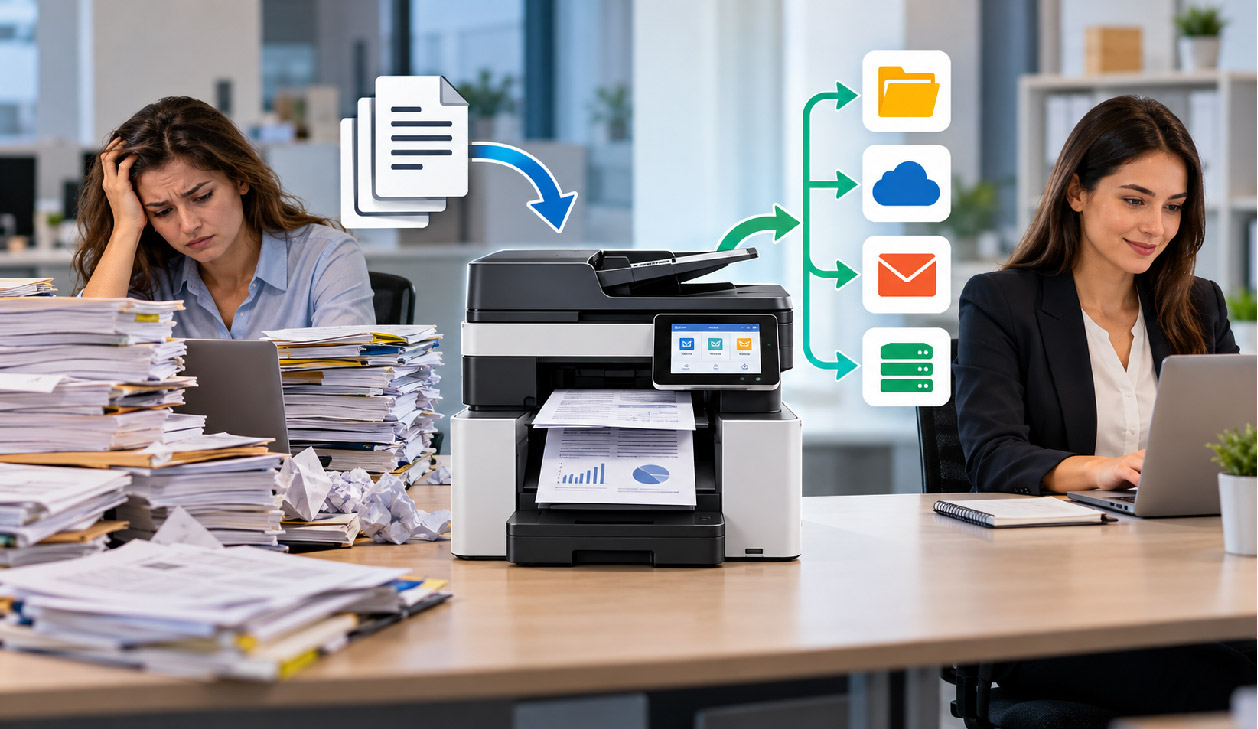
Make Everyday Office Tasks More Efficient
From processing invoices and business contracts to printing reports and maintaining digital records, document management remains an essential part of daily operations.
However, the wrong office equipment can lead to unnecessary delays, repeated manual tasks, higher operating costs, and difficulty managing growing document volumes.
For businesses in Bangladesh, choosing the right document scanner and printer is an important step toward building a more productive office environment.
At Revolution Technology BD, businesses can explore office equipment designed to support different operational requirements, from everyday office printing to high-volume document digitization.
1. Choose the Right Document Scanner for Your Workload
A document scanner helps businesses convert physical paperwork into digital files that are easier to organize, retrieve, and share.
When selecting a business scanner, consider these essential features:
Scanning speed: Measured in pages per minute (PPM), this helps estimate how quickly documents can be processed.
Automatic Document Feeder (ADF): Allows multiple sheets to be scanned without manually placing every page.
Duplex scanning: Captures both sides of a document, making it useful for double-sided forms, contracts, and records.
Daily duty cycle: Indicates the recommended workload for the device and helps businesses choose a suitable model.
Connectivity and software: USB, network connectivity, OCR support, and compatible scanning software can influence how easily the scanner fits into existing workflows.
A small office processing occasional paperwork may need a different scanner from a bank, hospital, or corporate department digitizing thousands of pages.
Explore available models in our Document Scanner Collection.
2. Find the Right Printer for Your Office
Printers remain essential for reports, invoices, business correspondence, contracts, and other everyday documents. The best choice depends on printing volume, document type, and operating requirements.
Monochrome laser printers
Suitable for offices that primarily print text documents, reports, invoices, and forms. Consider print speed, toner costs, connectivity, and recommended monthly volume.
Color printers
Useful for businesses that regularly produce presentations, charts, marketing materials, and color documents.
Multifunction printers
Combine printing with functions such as scanning and copying. They can be practical for offices looking to consolidate several document-handling tasks into one device.
Before purchasing, compare the initial price with ongoing consumable costs, maintenance requirements, paper handling, and compatibility with your office systems.
Browse our Printer Collection to explore available models for different business needs.
3. Scanner vs Printer: What Does Your Business Need?
Scanners and printers serve different purposes, and many offices benefit from having both.
| Business requirement | Equipment to consider |
|---|---|
| Digitizing contracts and paper records | Document scanner |
| Printing invoices and reports | Laser printer |
| Processing double-sided paperwork | Duplex document scanner |
| Printing color presentations | Color printer |
| Scanning, copying, and printing from one device | Multifunction printer |
| Processing large batches of documents | Scanner rated for the required daily workload |
The objective is not necessarily to purchase the most expensive device. It is to select equipment that matches your actual workload, workflow, and budget.
4. Important Factors Before Purchasing Office Equipment
Before finalizing a purchase, consider the following checklist:
Estimate your average daily and monthly document volume.
Identify whether you need monochrome or color printing.
Check scanner resolution, speed, ADF capacity, and duplex functionality where applicable.
Evaluate printer consumables and long-term operating costs.
Confirm USB, Ethernet, or wireless connectivity requirements.
Check compatibility with existing computers, software, and network infrastructure.
Review the product's warranty terms, service support, and current availability.
For corporate purchases, it is also useful to assess whether the equipment can support anticipated growth in document volume.
5. Explore Office Equipment at Revolution Technology BD
Choosing office equipment is easier when you can compare available products against your actual requirements.
Revolution Technology BD offers dedicated product collections for businesses exploring document scanning and printing solutions.
Whether you are equipping a small office, upgrading an administrative department, or planning a larger document-processing workflow, start by identifying your requirements and comparing suitable models.
Explore our product collections:
Need Help Choosing the Right Office Equipment?
Our team can help you identify suitable scanner and printer options based on your document volume, technical requirements, and budget.
Contact Revolution Technology BD for product availability and corporate quotations.
Phone: +880 1404-078081
Email: info@revolutiontech.com.bd
Website: www.revolutiontech.com.bd
Revolution Technology BD — Your trusted technology partner.



