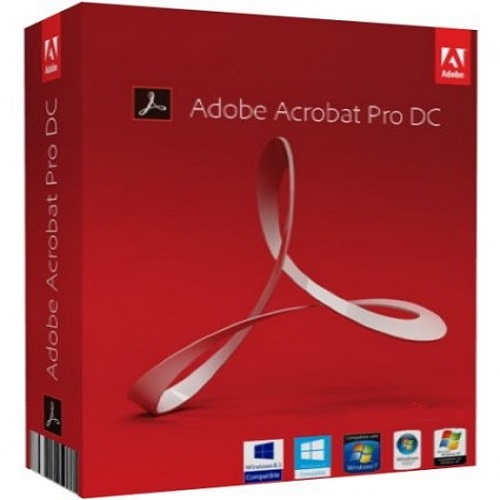
Adobe Acrobat Pro DC -1Year Subscription
Contact us for pricing
Product Details
Version : All
Operating System : Multiple Platforms
Language : Multi Asian Languages
Product Type : 1 Year Licensing Subscription
Adobe Acrobat Pro DC for Teams
Adobe Acrobat Pro DC provides a comprehensive PDF solution for working from anywhere (including desktop, web, and mobile access). Maintain project momentum from any place and use any device. Make document reviews more bearable. Make your smartphone or tablet a real PDF tool. Sign electronically rather than with a pen. Adobe Acrobat keeps you linked to your team wherever you work with straightforward workflows spanning desktop, mobile, and online.
Keep Projects Going from Anywhere, Using Any Device
Adobe Acrobat Pro DC includes Keep the cooperation continuing no matter where your day takes you or what device you're using. With Acrobat DC, you can simply distribute PDFs for viewing, reviewing, and signing, as well as follow their progress from any device or location.
Make Reviewing Documents Simple
Now, sending an email is all it takes to share PDFs and collect comments, but with far more control, complete monitoring, and no clumsy attachments. An email containing a link to your PDF is sent to the recipients. To open, view, and remark, they only click.
Create a Real Pdf Tool on Your Mobile Device
The Acrobat Reader mobile app is loaded with the capabilities you need to view, annotate, sign, and share PDFs on the go and is always free. It is also more robust than ever. And you can do considerably more with Acrobat Pro DC. Right from your tablet or smartphone, you may edit, generate, export, organize, and merge files.
Leave the Pen Behind and Sign Electronically
Anywhere and on any device, you can easily fill out and sign PDF files. Additionally, you may obtain signatures, keep track of developments electronically, and immediately archive the signed document.
How to Order
Revolution Technology BD has made shopping easier for customers. Follow these steps:
- Click Register Button from home page
- Register with: Name + Email + Mobile + Password
- Click Create Account after entering information
- Login automatically or use Login button
- Provide mobile number and password, then Sign Up
- Choose desired product and click Buy Now
- View product details and click Add to Cart
- Click Item box (upper right corner)
- Go to Shopping Cart page
- Continue Shopping for more products or proceed
- Click "Click Here to Address" button
- Provide Full Name, Phone, Email & Delivery Address
- Click Order Submit button
- View Bill Invoice and receive email confirmation
- Print Invoice using Print button
- Wait for delivery - we'll keep you updated
- Thank you for shopping with us!