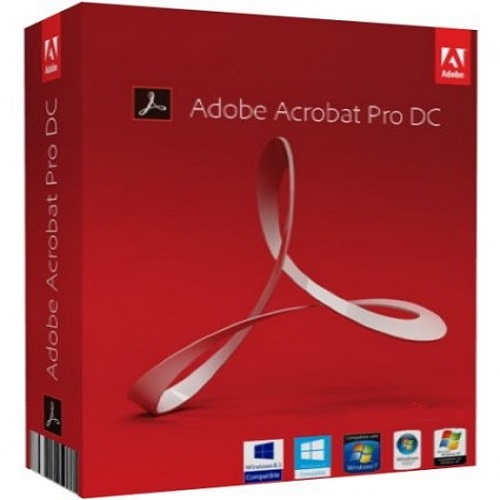
Adobe Acrobat Pro for Teams
Contact us for pricing
Product Details
Key Features
Version: All
Operating System: Multiple
Platforms
Language: Multi Asian
Languages
Term: Annual
Description
Adobe Acrobat Pro for Teams is
a comprehensive PDF solution designed for collaborative teams and businesses.
It provides a range of advanced PDF editing, creation, conversion, and sharing
tools, all while focusing on teamwork and productivity. With Acrobat Pro for
Teams, users can work together more effectively, manage documents, and ensure
efficient workflows. Here are the main features and benefits:
PDF Editing and Conversion:
Edit text and images in PDFs.
Convert PDFs to and from
various formats, including Word, Excel, PowerPoint, and image files.
Document Collaboration:
Collaborate on documents in
real-time by adding comments, annotations, and digital signatures.
Share PDFs easily with team
members or clients for review, approval, or feedback.
Document Security:
Protect sensitive documents
with encryption and password protection.
Use redaction tools to
permanently remove sensitive information from PDFs.
E-signatures:
Collect signatures from team
members or clients digitally, streamlining the approval process.
Manage and track signed
documents in a secure environment.
Centralized Administration:
Admins can manage licenses,
deploy Acrobat Pro across teams, and access usage analytics through a
centralized admin console.
Control over who can access
and edit PDFs, ensuring proper document security and workflow integrity.
Cloud Integration:
Seamless integration with
Adobe Document Cloud and cloud storage services like Google Drive, OneDrive,
and Dropbox for easy file access and sharing across devices.
Mobile Support:
Access, edit, and share PDFs
from mobile devices, ensuring flexibility and access to documents anytime,
anywhere.
Team Management:
Assign licenses and manage
user access, enabling better control and streamlined workflows within a team or
organization.
Benefits for Teams:
Enhanced Collaboration:
Multiple users can review and edit documents simultaneously, reducing
turnaround time.
Increased Efficiency:
Automate repetitive tasks such as file conversion and document management.
Security and Compliance:
Ensure that important files are protected and compliant with industry
standards.
Scalability:
Easily scale to accommodate growing teams or businesses.
How to Order
Revolution Technology BD has made shopping easier for customers. Follow these steps:
- Click Register Button from home page
- Register with: Name + Email + Mobile + Password
- Click Create Account after entering information
- Login automatically or use Login button
- Provide mobile number and password, then Sign Up
- Choose desired product and click Buy Now
- View product details and click Add to Cart
- Click Item box (upper right corner)
- Go to Shopping Cart page
- Continue Shopping for more products or proceed
- Click "Click Here to Address" button
- Provide Full Name, Phone, Email & Delivery Address
- Click Order Submit button
- View Bill Invoice and receive email confirmation
- Print Invoice using Print button
- Wait for delivery - we'll keep you updated
- Thank you for shopping with us!