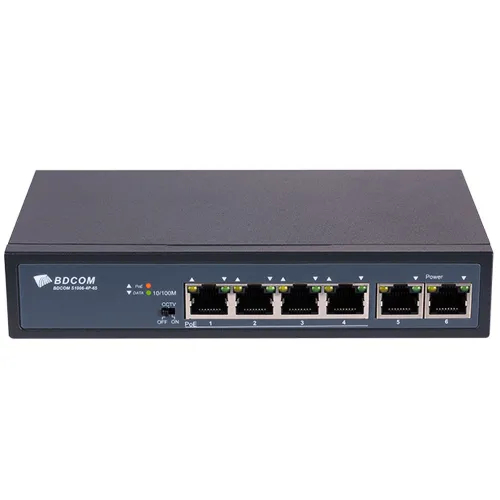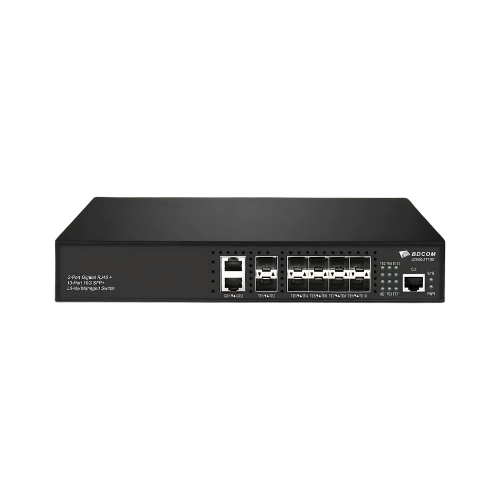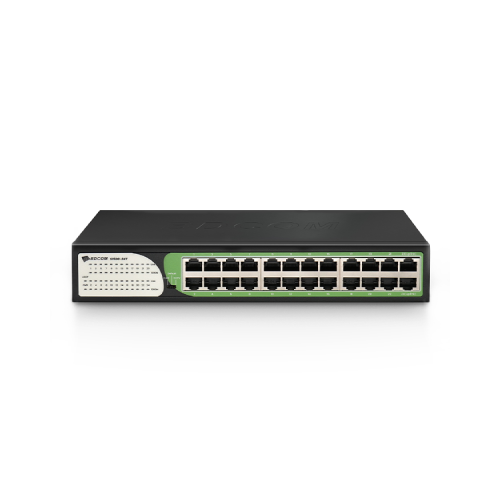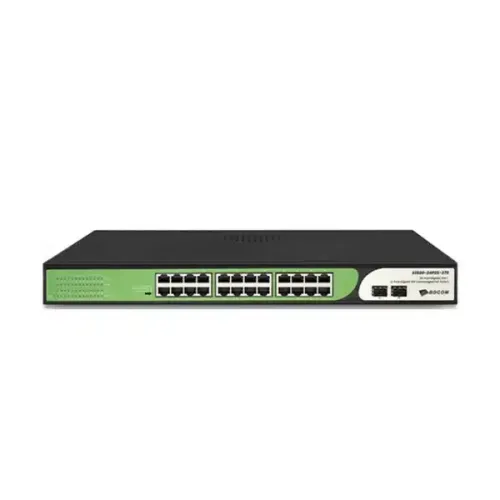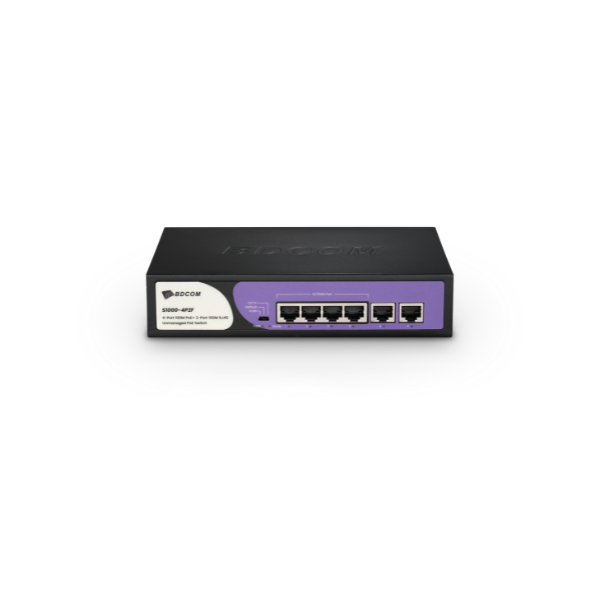
BDCOM S1000-4P2F 4-Port PoE+ 2-Port 100M Unmanaged Switch
Exclusive of all taxes
Product Details
Key Features
4-Port
100M PoE+ 2-Port 100M RJ45
Built-in
AC power supply
Default
- Standard operating mode
CCTV
– 1 to 4 port extension
VLAN
– 1 to 4 port isolation
Dimensions
(WxDxH): 200x118x44mm
Specification
|
Certification |
CE, FCC |
|
Data Transfer
Rate |
10/100 Mbps per
port; overall switching capacity of 1.2 Gbps |
|
Dimensions (L x
W x H ) |
200 mm x 118 mm
x 44 mm |
|
Environment |
Operating
temperature 0°C–50°C; humidity 10%–90% non‑condensing |
|
Fan |
Fanless (no
active cooling) |
|
MAC Address
Table |
1K entries |
|
Max Heat
Dissipation |
designed for
low heat output |
|
Network
Standard |
10/100 Mbit
Ethernet |
|
Physical |
Compact desktop
enclosure |
|
PoE Standard |
802.3af/at
(maximum output of 30W per port) |
|
Port |
4 PoE
10/100 Mbit ports + 2 uplink 10/100 Mbit RJ45 ports |
|
Power |
Built-in AC
power supply, 100–240V, 50/60Hz |
|
Transmission
Method |
Ethernet over
copper (RJ45) |
|
Weight |
Approximately
1000 g |
|
Type |
Unmanaged PoE+
switch |
|
Warranty |
1 Year |
Description
BDCOM S1000-4P2F 4-Port PoE+ 2-Port 100M
Unmanaged Switch – Reliable, Plug-and-Play Networking
The BDCOM S1000-4P2F is a
compact, unmanaged switch designed to provide cost-effective and reliable
connectivity for small networks, including CCTV installations and small office
environments. Featuring four 10/100M PoE+ ports alongside two additional
10/100M RJ45 uplink ports, this switch delivers plug-and-play performance
without the need for complex configuration.
Key Features:
- 4 PoE+ Ports & 2 Uplink Ports: Four 10/100M
PoE+ ports supply power and data to compatible devices, with a maximum PoE
output of up to 30W per port under an overall PoE budget of 60W, while the
two uplink ports ensure seamless connectivity.
- Unmanaged, Plug-and-Play Operation: Designed
for ease of use, this switch requires no configuration—simply plug in and
start connecting your network devices.
- Built-in AC Power Supply: Integrated AC220V
power supply ensures reliable performance and reduces the need for
external adapters.
- Robust Switching Performance: With a non-blocking
switching capacity of 1.2Gbps and a 1K MAC address table, it supports
smooth data transmission across your network.
- Compact Desktop Enclosure: Measuring 200 x 118
x 44 mm, its sleek, fanless design is ideal for desktop installation in
tight spaces.
- Versatile Operating Modes: Supports DIP
functions with selectable modes for VLAN, default, or CCTV operation to
tailor the switch to your specific network needs.
- Enhanced Durability: Designed to operate within
a temperature range of 0°C-50°C (10%-90% non-condensing) and equipped with
lightning protection up to 6KV, ensuring stable operation in various
environments.
Why Choose the BDCOM S1000-4P2F?
The BDCOM S1000-4P2F offers a
reliable and affordable networking solution for users seeking a hassle-free,
unmanaged switch with PoE capabilities. Its robust design, easy plug-and-play
installation, and versatile operating modes make it ideal for powering IP
cameras, VoIP phones, and other PoE-enabled devices, providing the stable
performance needed in small business or surveillance setups.
How to Order
Revolution Technology BD has made shopping easier for customers. Follow these steps:
- Click Register Button from home page
- Register with: Name + Email + Mobile + Password
- Click Create Account after entering information
- Login automatically or use Login button
- Provide mobile number and password, then Sign Up
- Choose desired product and click Buy Now
- View product details and click Add to Cart
- Click Item box (upper right corner)
- Go to Shopping Cart page
- Continue Shopping for more products or proceed
- Click "Click Here to Address" button
- Provide Full Name, Phone, Email & Delivery Address
- Click Order Submit button
- View Bill Invoice and receive email confirmation
- Print Invoice using Print button
- Wait for delivery - we'll keep you updated
- Thank you for shopping with us!