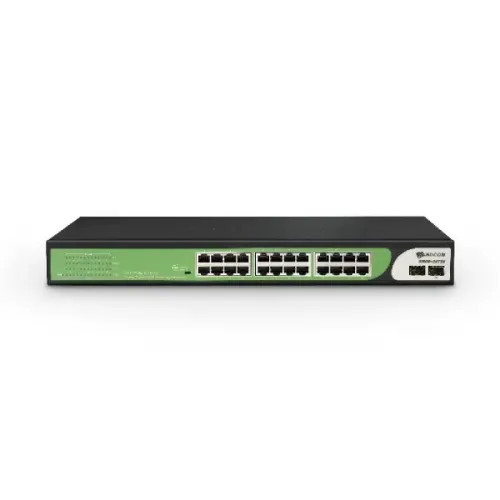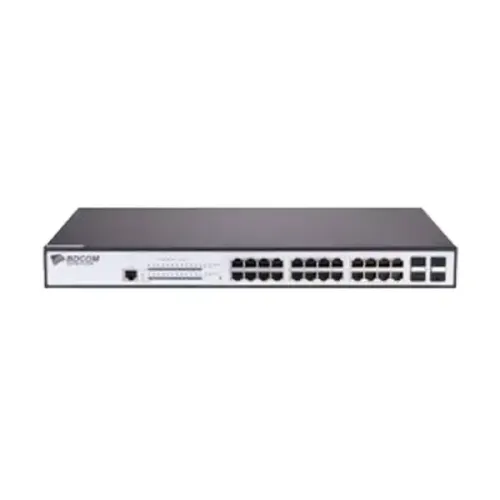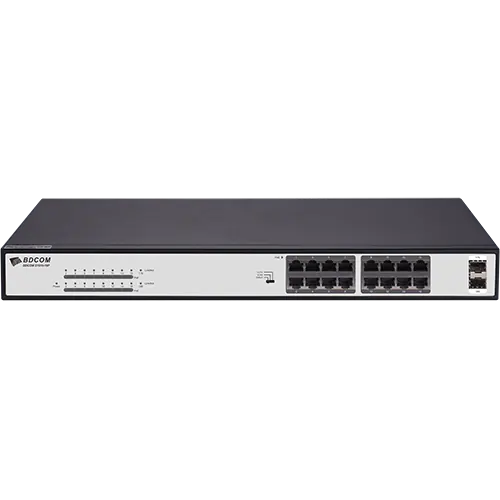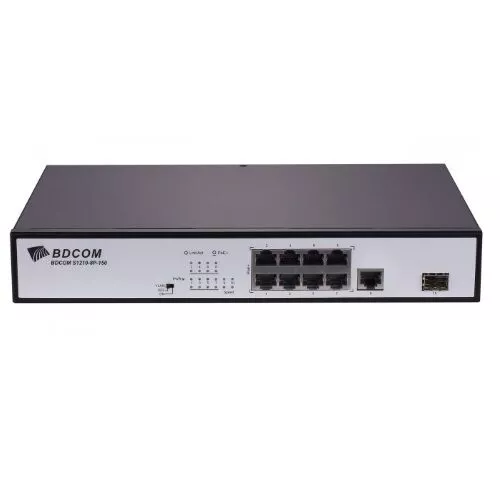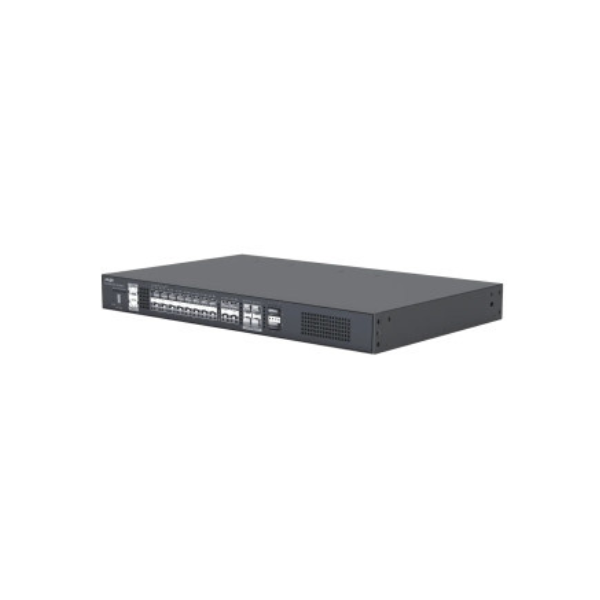
BDCOM S2528-C 28 ports Managed Switch
Contact us for pricing
Product Details
Key Features
Model: S2528-C
24 GE TX ports, 4 100/1000M SFP ports
Forwarding rate 42 Mpps
MAC 8K
Flash 16 MB
Specification
|
Port |
24 GE TX ports, |
|
MAC Address Table |
8K |
|
Environment |
Operating temperature/humidity:
-10°C~50°C,10%-90% non-condensing |
|
Power Supply |
AC: 100V-240V, 50Hz±10% |
|
Dimensions (L x W x H) |
440x210x44 |
|
Weight |
2KG |
|
Warranty |
1 Year |
Description
BDCOM S2528-C 28 ports Managed Switch
The BDCOM S2528-C switch has 28 ports, 24 Gigabit Ethernet ports, and 4 100/1000M SFP ports. 28 ports for BDCOM S2528-C 336Gbps switching capacity and 42 Mpps packet forwarding rate are also features of Managed Switch. Its flash memory capacity is 16 MB, and its MAC capacity is 8K. Both 9K jumbo frames and 4K VLAN table entries are supported. One RJ45 port and one RST button for management and reset are both present on the BDCOM S2528-C Switch. This BDCOM S2528-C has an integrated AC power supply that can handle input voltages of 100–240V AC. 28 ports for BDCOM S2528-C The fanless design of Managed Switch results in a 20W power consumption. The size of it is 440x210x44.
How to Order
Revolution Technology BD has made shopping easier for customers. Follow these steps:
- Click Register Button from home page
- Register with: Name + Email + Mobile + Password
- Click Create Account after entering information
- Login automatically or use Login button
- Provide mobile number and password, then Sign Up
- Choose desired product and click Buy Now
- View product details and click Add to Cart
- Click Item box (upper right corner)
- Go to Shopping Cart page
- Continue Shopping for more products or proceed
- Click "Click Here to Address" button
- Provide Full Name, Phone, Email & Delivery Address
- Click Order Submit button
- View Bill Invoice and receive email confirmation
- Print Invoice using Print button
- Wait for delivery - we'll keep you updated
- Thank you for shopping with us!