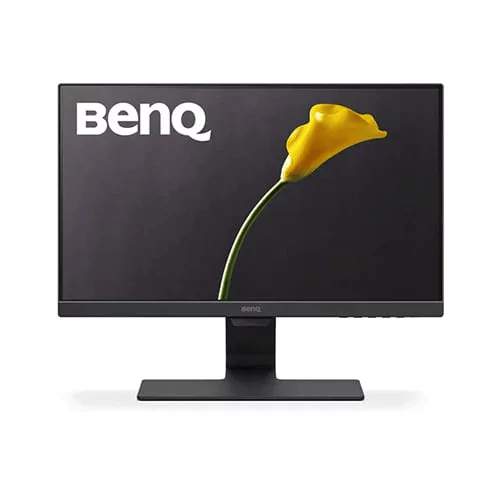
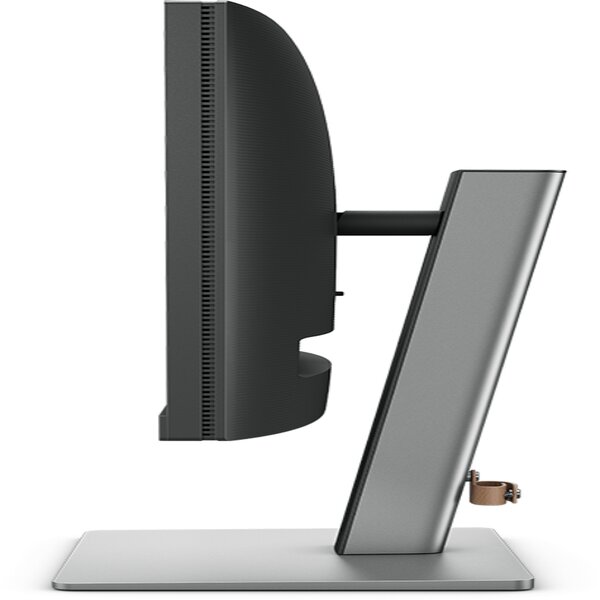
BenQ RD240Q 24.1” WQXGA Programming Monitor
Contact us for pricing
Product Details
Key
Features
Advanced Coding Modes for Improved Codes Differentiation
Quick-access Coding HotKey
Optimal Posture, Superior Output
Keep Your Eyes Fatigue-Free
16:10 Special Ratio, Achieve More and Scroll Less
Specification
|
Product type |
Desktop
monitor |
|
Display |
|
|
Display size |
61.2 cm
(24.1") |
|
Physical resolution |
2560 x
1600 WQXGA |
|
Aspect ratio |
16:10 |
|
Contrast |
20,000,000:1 |
|
Brightness |
Brightness |
|
Refresh rate (max.) |
60 Hz |
|
Panel technology |
IPS |
|
Viewing angle (horizontal / vertical) |
178° /
178° |
|
Response time |
5 ms |
|
Display surface |
Matt |
|
Backlight |
White
LED |
|
Connectivity |
|
|
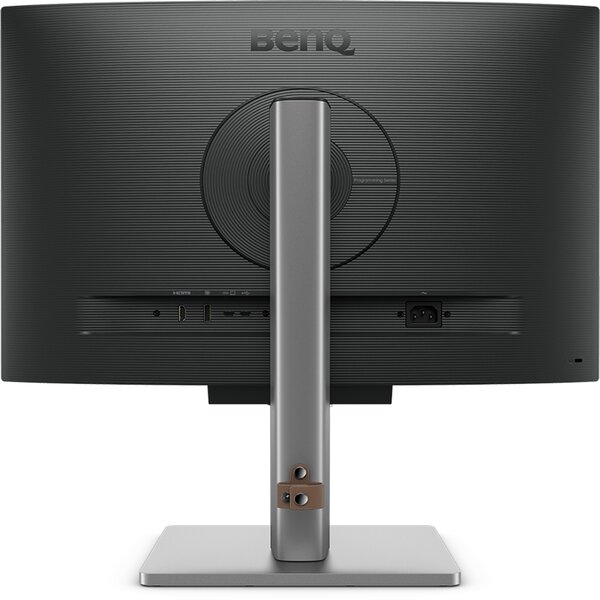
Signal input |
1 x
DisplayPort (digital), 1 x HDMI (digital), 1 x USB Type-C |
|
Max. charging current (USB-C) |
90 W |
|
Additional connections |
USB hub |
|
Design |
|
|
Color |
Gray |
|
Features |
|
|
Speaker |
Yes, 2
x 2 W (stereo) |
|
Features |
Blue
light filter, Daisy-Chain, Flicker Free Technology |
|
General |
|
|
Pivot function |
Yes |
|
Adjustable height |
Yes,
110 mm |
|
VESA mounting points |
100 x
100 mm |
|
Sustainability |
|
|
Sustainability certifications |
ENERGY
STAR 8.0, EPEAT Bronze (varies according to country), TCO Certified 9 |
|
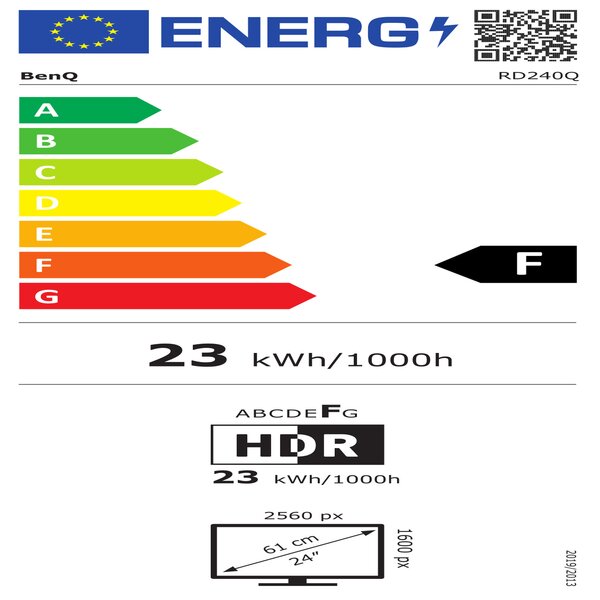
Energy efficiency class |
A-G |
|
Energy consumption |
23 kWh
/ 1000 h |
|
Energy consumption (standby) |
0.5 W |
|
Security |
Kensington
standard slot |
|
Special Features |
HDR
display |
|
Physical Properties |
|
|
Weight with stand |
Includes
HDMI cable, Power cable, USB Type-C cable |
|
Weight without stand |
5.0 kg |
|
Manufacturer’s warranty |
2-year
on-site pick-up service (see manufacturer's website for details) |
Description
Why
Coders Love BenQ RD Series Monitors
What we discovered:
1. Eye-Friendly Coding Modes: 60% of programmers said the
Coding modes are easy on the eyes. They loved the Light theme's yellowish
color, which is very comfortable. Another 40% said that using Night Hours
Protection with the Light theme gave them the perfect balance of brightness and
enhanced the overall coding experience.
2. Positive Feedback on Night Hours Protection: Up to 90%
of programmers gave positive feedback on the Night Hours Protection function.
They found it especially comfortable when using the Light theme in low
brightness environments.
3. Efficiency Boost for Front-End Engineers: Front-end
programmers mentioned that quickly switching between Coding and non-coding
modes helps them check interface effects and colors, which boosts their work
efficiency.
Maximize
Your View with a Vertical Monitor for Coding
Software developers go vertical! See more codes at once,
less scrolling. Ideal for languages like Python with shorter lines.
Auto Pivot on RD240Q/RD320U keeps OSD upright for seamless
vertical use, boosting productivity.
Entirely
Focus in Programming
Accessible at a touch of the dedicated Coding HotKey at the
center of the function bar, advanced coding mode readily helps programmers to
achieve a focused state of flow.
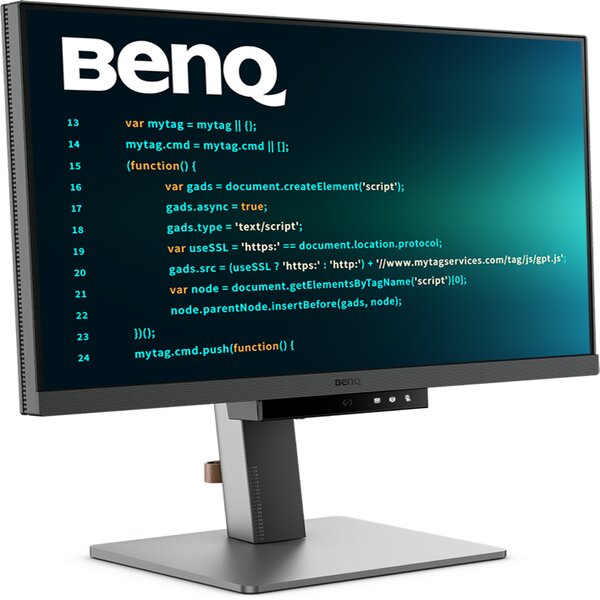
Coding
Mode for an Immersive Coding Experience
High resolution isn't the only factor for clear code
readability. BenQ's exclusive coding mode enhances code visibility, and, when
paired with IDE's light or dark theme, Coding Mode's effectiveness is
significantly improved, making the lines of code stand out even more.
* Advance Coding Mode in RD series supports dark and light
theme, while GW series only supports dark theme.
Eye-Care
Technology Reduce Digital Eye Strain
BenQ Programming series monitors are designed to keep your eyes comfortable with Eye-Care Technology, featuring Night Hours Protection for better eye protection in dark environments and Brightness Intelligence Gen2 for automatic brightness adjustment. This approach enhances the overall viewing experience during long coding sessions.
How to Order
Revolution Technology BD has made shopping easier for customers. Follow these steps:
- Click Register Button from home page
- Register with: Name + Email + Mobile + Password
- Click Create Account after entering information
- Login automatically or use Login button
- Provide mobile number and password, then Sign Up
- Choose desired product and click Buy Now
- View product details and click Add to Cart
- Click Item box (upper right corner)
- Go to Shopping Cart page
- Continue Shopping for more products or proceed
- Click "Click Here to Address" button
- Provide Full Name, Phone, Email & Delivery Address
- Click Order Submit button
- View Bill Invoice and receive email confirmation
- Print Invoice using Print button
- Wait for delivery - we'll keep you updated
- Thank you for shopping with us!