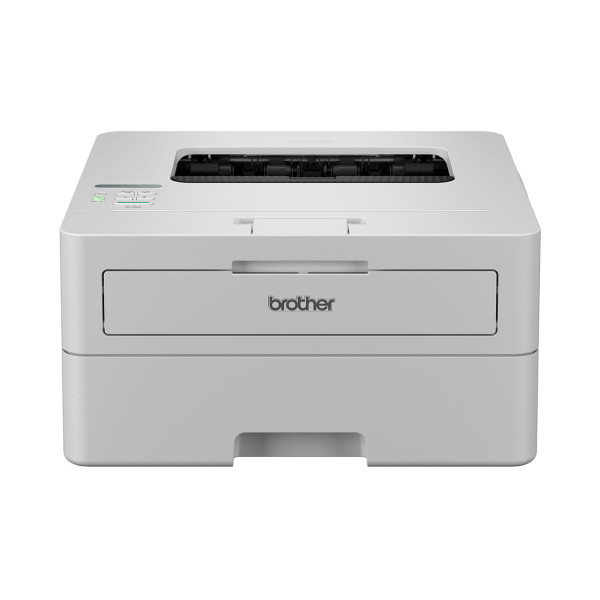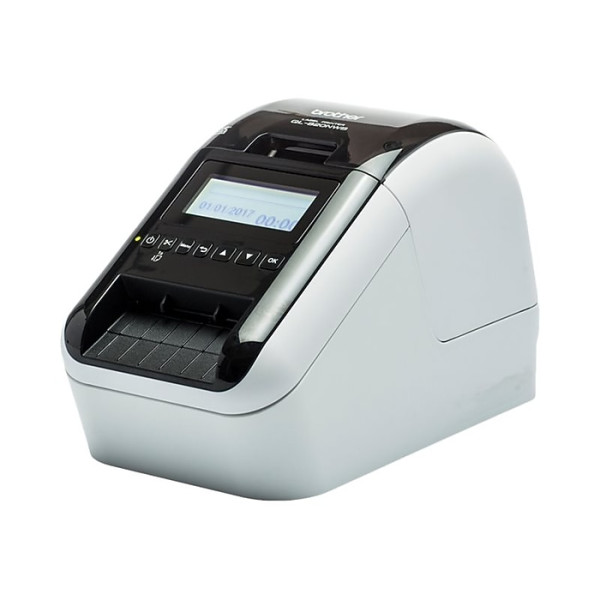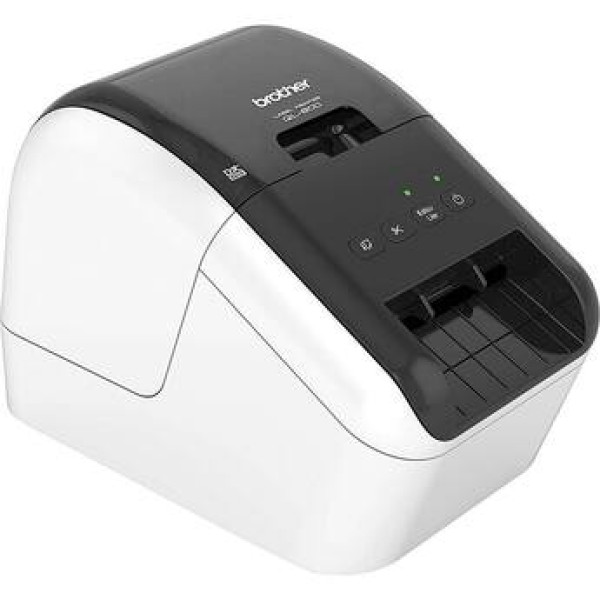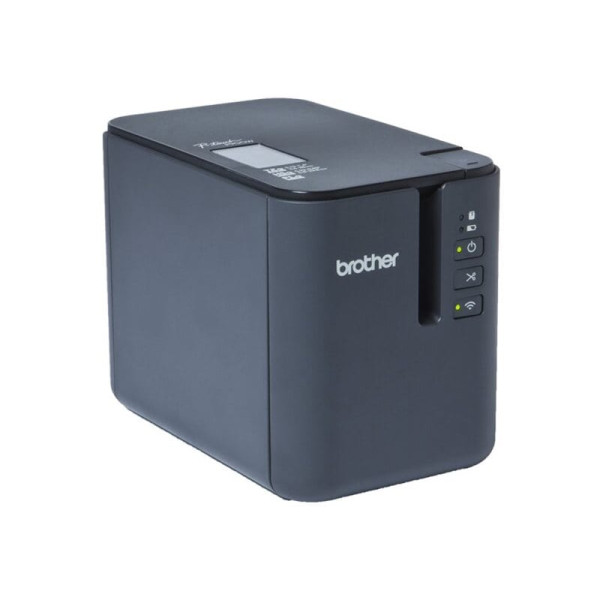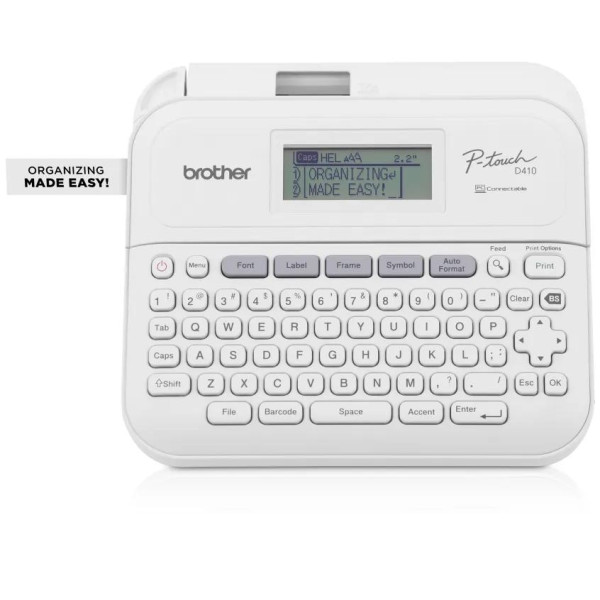
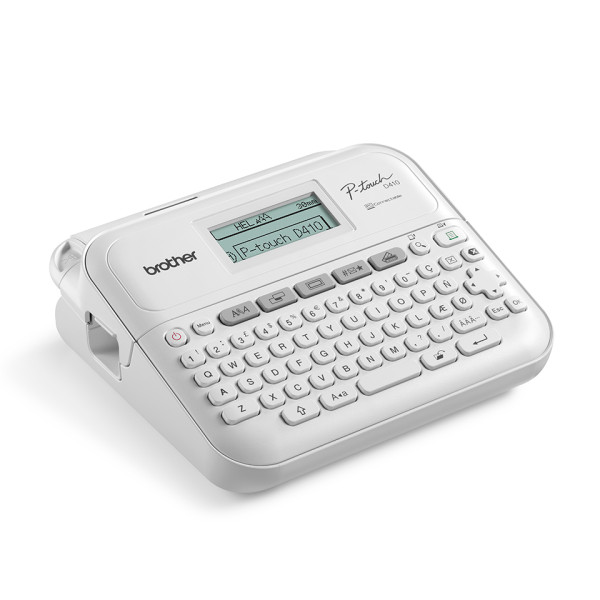
Brother PT-D410 Desktop Label Makers Printer
Exclusive of all taxes
Product Details
Key Features
Compact White Design: The white housing and compact dimensions (188 x 178 x 71mm) fit easily on any desk, saving valuable workspace.
Fast Thermal Transfer Printing: Prints at a speed of 20 mm/sec using thermal transfer technology for crisp, high‑quality barcodes.
Manual Cutter for Precise Labels: A built‑in manual cutter lets you cut each label exactly where needed, ensuring clean edges.
Clear LCD Display: The 2‑line monochrome LCD provides clear visibility of settings and status during operation.
Ample Memory Capacity: 30 MB of internal memory stores multiple label formats, enabling quick selection without reconfiguration.
USB Connectivity: Built‑in USB interface allows easy connection to computers without requiring additional adapters.
Versatile Tape Compatibility: Supports 18 mm tape size and a maximum tape width of 18 mm, suitable for a wide range of labeling tasks.
Lightweight Portability: Weighing only 0.757 kg, the printer is easy to move around the office or workshop.
No Color Ribbon Required: Operates without a color ribbon, reducing consumable costs and simplifying maintenance.
One‑Year Warranty: Comes with a 1‑year warranty (excluding adapter) for added confidence in reliability.
Brand | Brother |
Model | Brother PT-D410 |
Type | Barcode Label Printer |
Housing color | White |
Printing Method | Thermal Transfer |
Cutter | Manual |
Max. Print Speed | 20 mm/sec |
Tape Size | 18 mm |
Maximum Tape Width | 18 mm |
Screen Type | 2-Line Monochrome LCD |
Memory | 30MB |
Storage | Unmentioned |
Interface (Built-in) | USB |
Housing Dimensions | 188 x 178 x 71mm |
Weight (Kg) | 0.757 Kg |
Color Ribbon Supported | No |
Warranty | 1 Year (Without Adapter) |
Description
Brother PT-D410 Desktop Label Makers Printer
Key Features & Benefits:
- Compact White Design: The white housing and compact dimensions (188 x 178 x 71mm) fit easily on any desk, saving valuable workspace.
- Fast Thermal Transfer Printing: Prints at a speed of 20 mm/sec using thermal transfer technology for crisp, high‑quality barcodes.
- Manual Cutter for Precise Labels: A built‑in manual cutter lets you cut each label exactly where needed, ensuring clean edges.
- Clear LCD Display: The 2‑line monochrome LCD provides clear visibility of settings and status during operation.
- Ample Memory Capacity: 30 MB of internal memory stores multiple label formats, enabling quick selection without reconfiguration.
- USB Connectivity: Built‑in USB interface allows easy connection to computers without requiring additional adapters.
- Versatile Tape Compatibility: Supports 18 mm tape size and a maximum tape width of 18 mm, suitable for a wide range of labeling tasks.
- Lightweight Portability: Weighing only 0.757 kg, the printer is easy to move around the office or workshop.
- No Color Ribbon Required: Operates without a color ribbon, reducing consumable costs and simplifying maintenance.
- One‑Year Warranty: Comes with a 1‑year warranty (excluding adapter) for added confidence in reliability.
Ideal For:
- Small business owners needing quick barcode labels
- Retail store staff managing price tags and inventory
- Warehouse supervisors organizing stock with durable labels
- Office administrators labeling files and equipment
- Shipping and receiving personnel creating shipping labels
- DIY hobbyists creating custom labels for projects
- Inventory managers requiring fast, accurate labeling
Summary:
The Brother PT-D410 is a compact white barcode label printer that delivers fast thermal transfer printing at 20 mm/sec. With a manual cutter, 2‑line LCD, 30 MB memory, and USB connectivity, it offers versatile labeling for 18 mm tape. Weighing just 0.757 kg and backed by a one‑year warranty, it suits small businesses, retail, and warehouse environments. Available now at Revolution Technology BD.
How to Order
Revolution Technology BD has made shopping easier for customers. Follow these steps:
- Click Register Button from home page
- Register with: Name + Email + Mobile + Password
- Click Create Account after entering information
- Login automatically or use Login button
- Provide mobile number and password, then Sign Up
- Choose desired product and click Buy Now
- View product details and click Add to Cart
- Click Item box (upper right corner)
- Go to Shopping Cart page
- Continue Shopping for more products or proceed
- Click "Click Here to Address" button
- Provide Full Name, Phone, Email & Delivery Address
- Click Order Submit button
- View Bill Invoice and receive email confirmation
- Print Invoice using Print button
- Wait for delivery - we'll keep you updated
- Thank you for shopping with us!