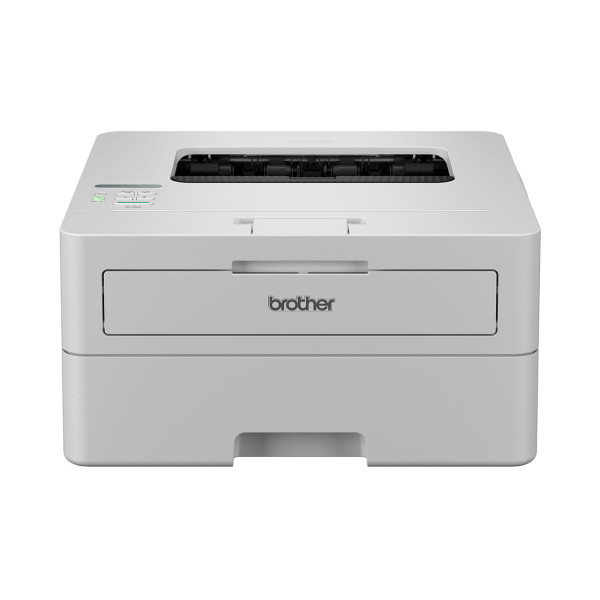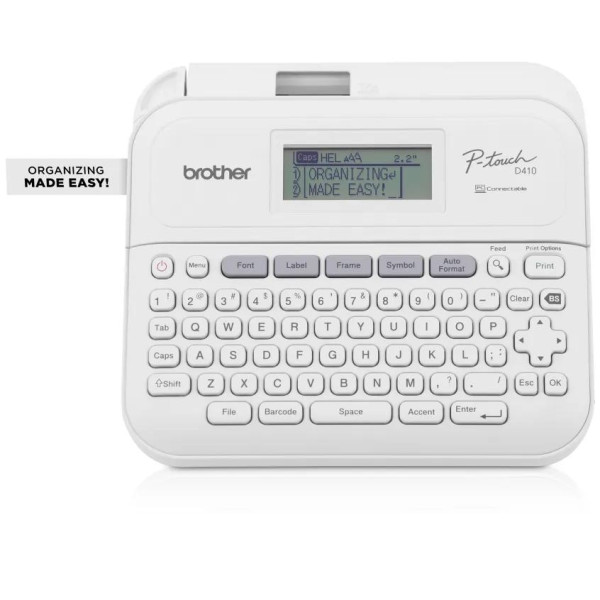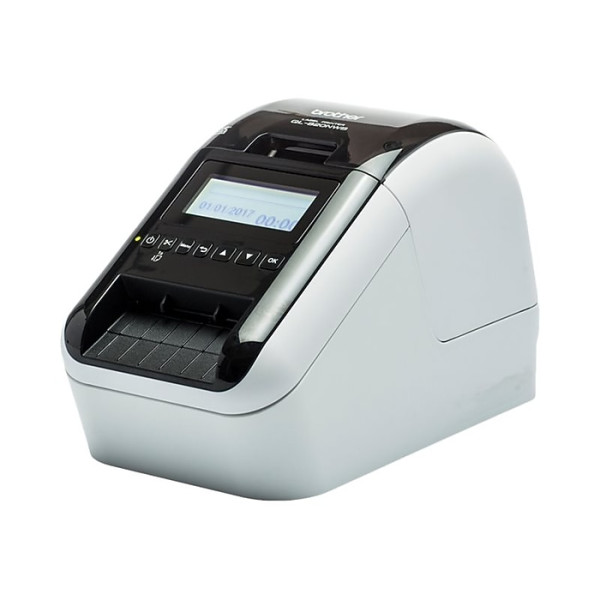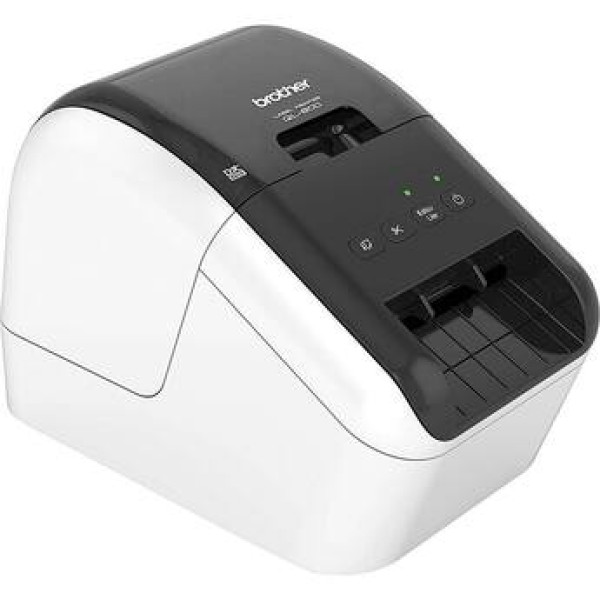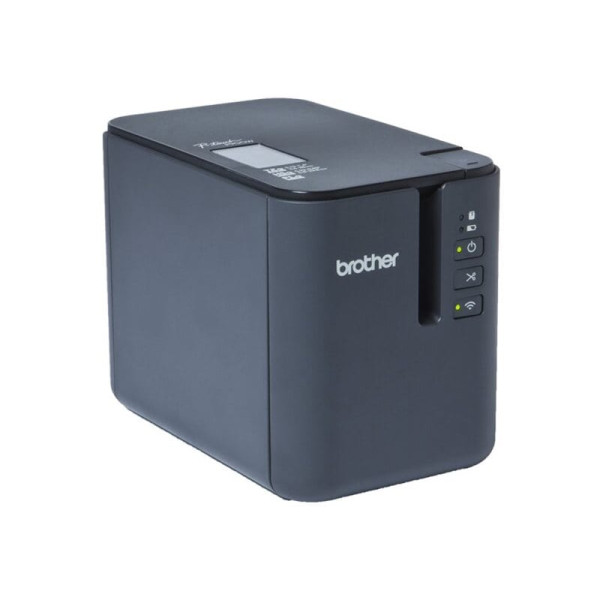
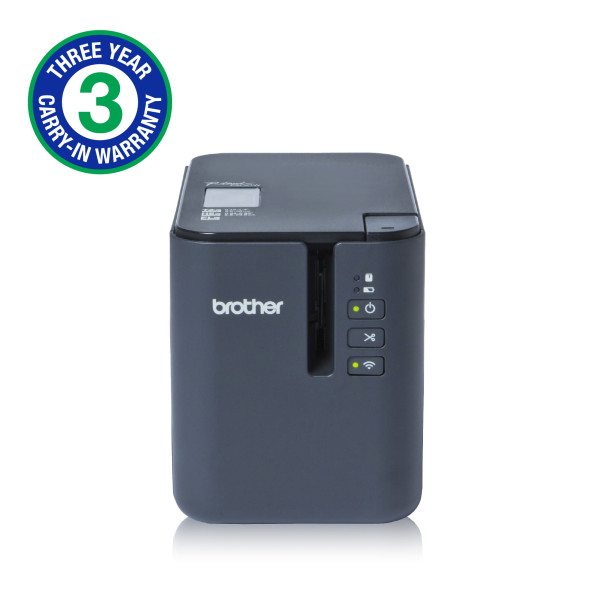
Brother PT-P900W Wireless Powered Desktop Laminated Label Printer
Exclusive of all taxes
Product Details
Key Features
High-Speed Printing: Prints labels at up to 60 mm/sec, ensuring fast turnaround for high-volume labeling tasks.
Wireless Connectivity: Built-in USB, Wi‑Fi, and Serial interfaces allow flexible integration with PCs, tablets, and networked systems.
Automatic Cutter: Equipped with an automatic cutter for precise, clean label separation without manual effort.
Thermal Transfer Technology: Uses thermal transfer printing for durable, smudge‑resistant barcodes and text.
Versatile Media Compatibility: Supports TZe, HSe, and FL media types, covering a wide range of label applications.
Compact Design: Measures only 4.7 x 5.7 x 7.6 inches (WxHxD) and weighs 1.48 kg, fitting easily on any workstation.
Ample Memory: 6 MB internal memory stores multiple label formats for quick recall.
Wide Tape Capacity: Handles tape up to 36 mm wide, matching the maximum tape width specification.
No Color Ribbon Needed: Operates without color ribbons, reducing consumable costs.
Reliable Warranty: Comes with a 1‑year warranty (excluding adapter) for peace of mind.
Brand | Brother |
Model | Brother PT-P900W |
Item Category | Label Printer |
Type | Barcode Label Printer |
Housing color | Black |
Printing Method | Thermal Transfer |
Cutter | Automatic |
Max. Print Speed | 60 mm/sec |
Paper/Media Types | TZe, HSe, FL |
Tape Size | 36 mm |
Maximum Tape Width | 36 mm |
Memory | 6MB |
Storage | Unmentioned |
Interface (Built-in) | USB, Wi-Fi, Serial |
Housing Dimensions | 4.7x 5.7 x 7.6 (WxHxD) |
Weight (Kg) | 1.48kg |
Consumable | Tze-251(24mm x 8mm) ,Tze-261(36mm x 8mm) |
Color Ribbon Supported | No |
Warranty | 1 Year (Without Adapter) |
Description
Brother PT-P900W Wireless Powered Desktop Laminated Label Printer
Key Features & Benefits:
- High-Speed Printing: Prints labels at up to 60 mm/sec, ensuring fast turnaround for high-volume labeling tasks.
- Wireless Connectivity: Built-in USB, Wi‑Fi, and Serial interfaces allow flexible integration with PCs, tablets, and networked systems.
- Automatic Cutter: Equipped with an automatic cutter for precise, clean label separation without manual effort.
- Thermal Transfer Technology: Uses thermal transfer printing for durable, smudge‑resistant barcodes and text.
- Versatile Media Compatibility: Supports TZe, HSe, and FL media types, covering a wide range of label applications.
- Compact Design: Measures only 4.7 x 5.7 x 7.6 inches (WxHxD) and weighs 1.48 kg, fitting easily on any workstation.
- Ample Memory: 6 MB internal memory stores multiple label formats for quick recall.
- Wide Tape Capacity: Handles tape up to 36 mm wide, matching the maximum tape width specification.
- No Color Ribbon Needed: Operates without color ribbons, reducing consumable costs.
- Reliable Warranty: Comes with a 1‑year warranty (excluding adapter) for peace of mind.
Ideal For:
- Small business owners needing barcode labels
- Warehouse inventory managers
- Retail stores for price tagging
- Healthcare facilities for specimen labeling
- Manufacturing plants for equipment tracking
- Event organizers for badge printing
- Shipping and logistics companies for parcel labeling
Summary:
Revolution Technology BD offers the Brother PT‑P900W Wireless Powered Desktop Laminated Label Printer, a compact barcode label printer that delivers up to 60 mm/sec print speed with thermal‑transfer technology. It features built‑in USB, Wi‑Fi and Serial connectivity, an automatic cutter, and supports TZe, HSe and FL media up to 36 mm wide, all within a 4.7 × 5.7 × 7.6 in footprint and 1.48 kg weight. With 6 MB memory, no color ribbon requirement, and a 1‑year warranty, it is ideal for businesses that need fast, reliable, and versatile labeling solutions. Available now at Revolution Technology BD for immediate delivery.
How to Order
Revolution Technology BD has made shopping easier for customers. Follow these steps:
- Click Register Button from home page
- Register with: Name + Email + Mobile + Password
- Click Create Account after entering information
- Login automatically or use Login button
- Provide mobile number and password, then Sign Up
- Choose desired product and click Buy Now
- View product details and click Add to Cart
- Click Item box (upper right corner)
- Go to Shopping Cart page
- Continue Shopping for more products or proceed
- Click "Click Here to Address" button
- Provide Full Name, Phone, Email & Delivery Address
- Click Order Submit button
- View Bill Invoice and receive email confirmation
- Print Invoice using Print button
- Wait for delivery - we'll keep you updated
- Thank you for shopping with us!