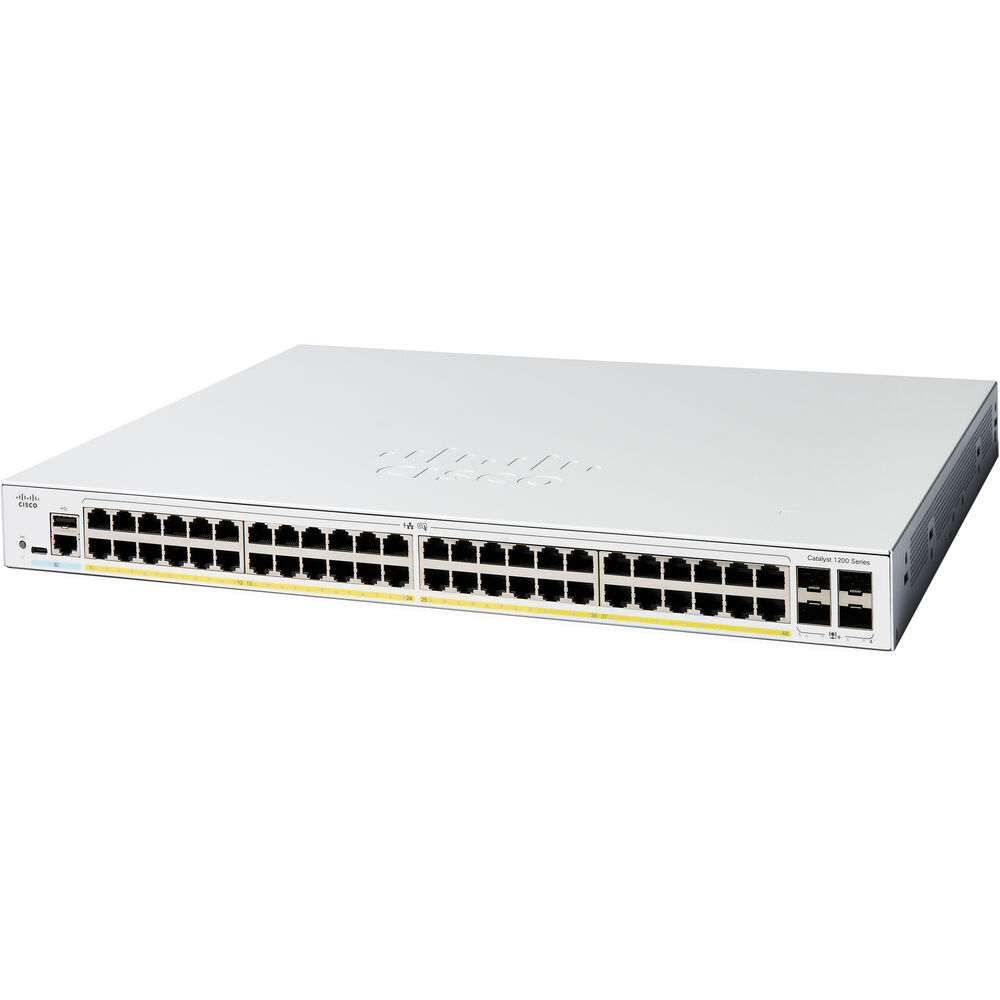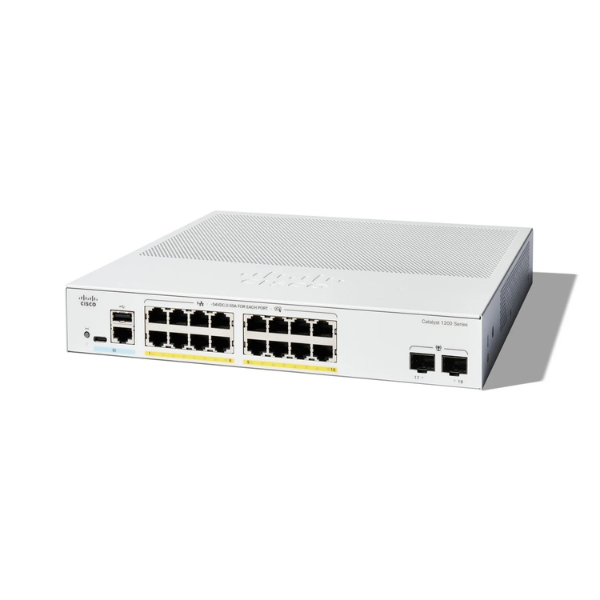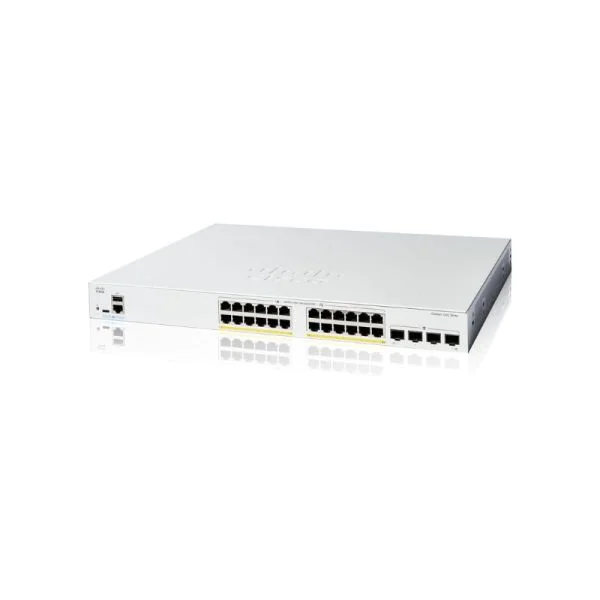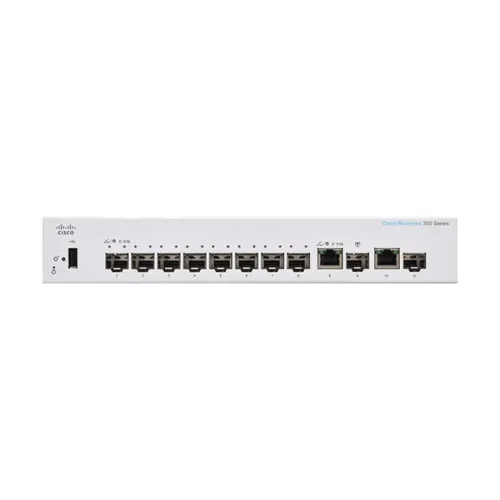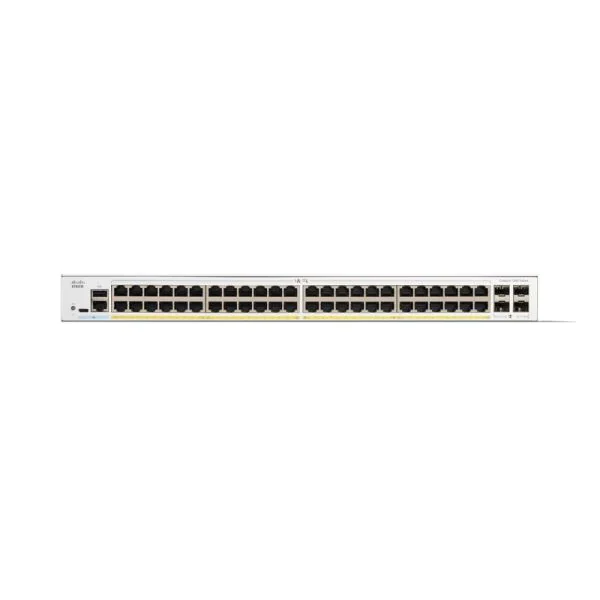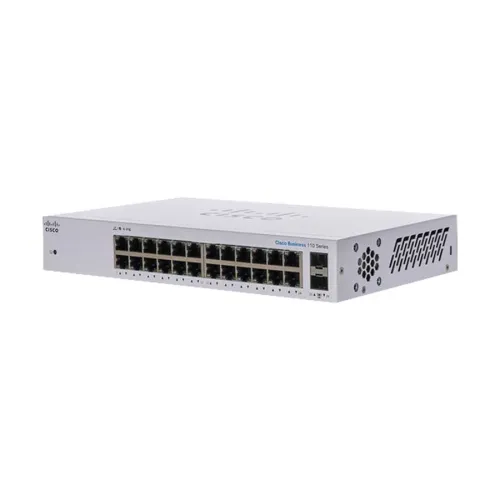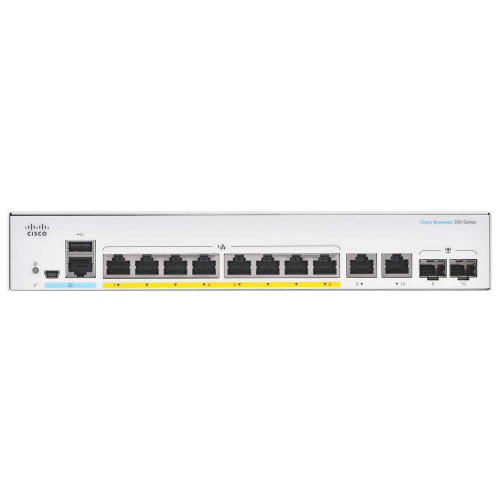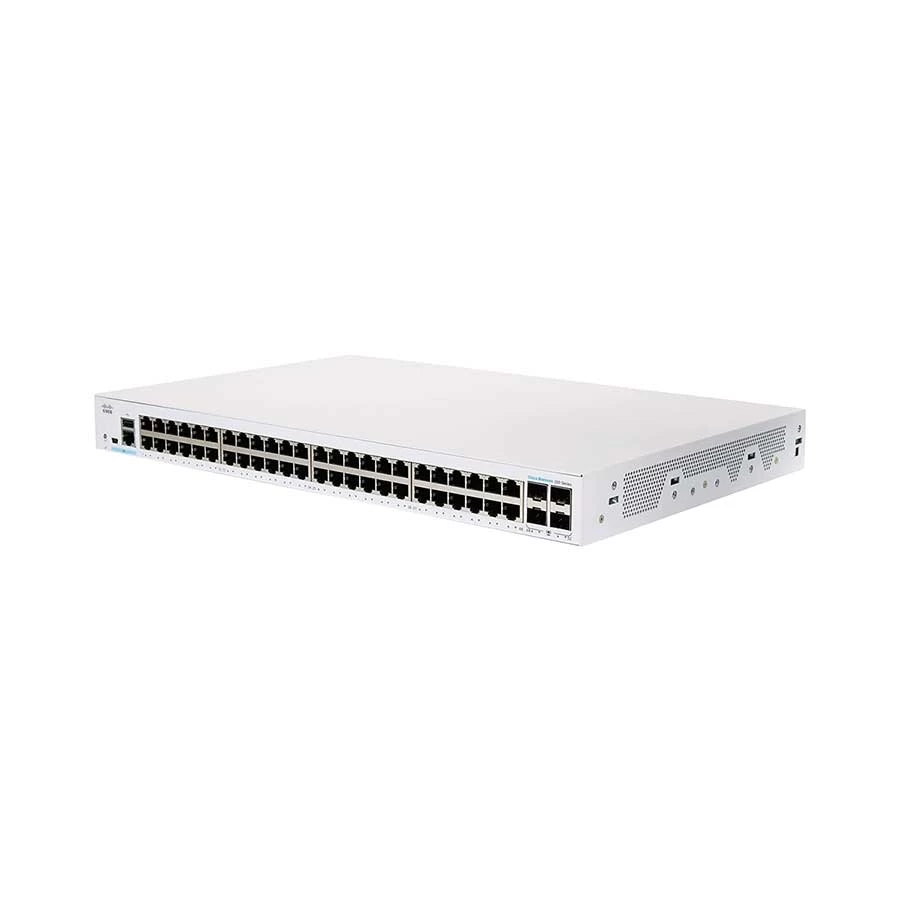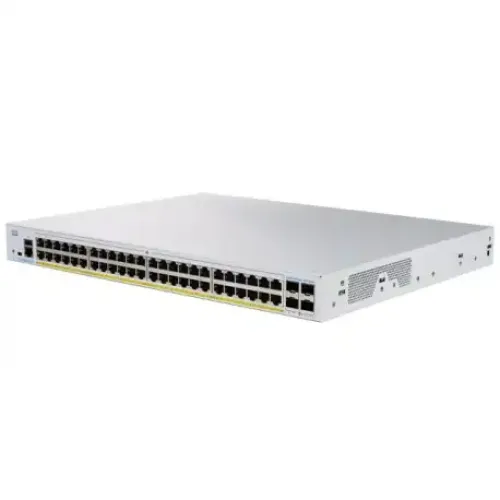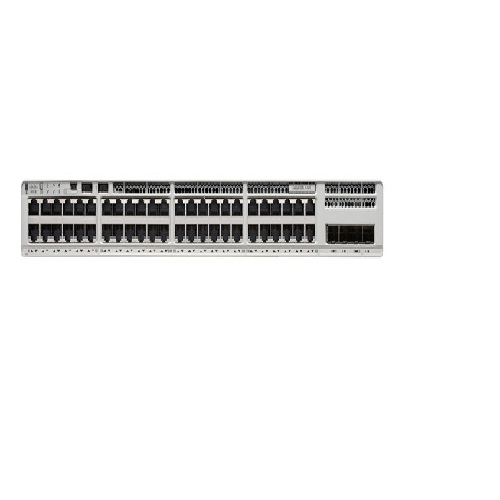
Cisco Catalyst 9200L 48 port PoE+ C9200L-48P-4X-E switch
Contact us for pricing
Product Details
Key
Features
Place of Origin: USA
Brand Name: CISCO
Certification: FCC
Model Number: C9200L-48P-4X-E
Specification
|
Downlinks total
10/100/1000 or PoE+ copper ports
|
48 ports full PoE+
|
|
Uplink
configuration |
4x 10G fixed uplinks |
|
Default primary AC
power supply |
PWR-C5-1KWAC |
|
Fans |
Fixed redundant
|
|
Software |
Network Essentials |
|
Chassis Dimensions |
1.73 x 17.5 x 11.3 in
4.4 x 44.5 x 28.8 cm |
|
Virtual Networks |
1 |
|
Stacking bandwidth |
80 Gbps |
Description
C9200L-48P-4X-E is the
Catalyst 9200L 48 ports full PoE+ 4x10G uplink Switch, with Network Advantage
software. Cisco® Catalyst® 9200 Series switches extend the power of
intent-based networking and Catalyst 9000 hardware and software innovation to a
broader set of deployments. With its family pedigree, Catalyst 9200 Series
switches offer simplicity without compromise – it is secure, always on, and IT
simplified.
As foundational building
blocks for the Cisco Digital Network Architecture, Catalyst 9200 Series switches
help customers simplify complexity, optimize IT, and reduce operational costs
by leveraging intelligence, automation and human expertise that no other vendor
can deliver regardless of where you are in the intent-based networking journey.
Catalyst 9200 Series switches
provide security features that protect the integrity of the hardware as well as
the software and all data that flows through the switch. It provides resiliency
that keeps your business up and running seamlessly. Combine that with open APIs
of Cisco IOS XE and programmability of the UADP ASIC technology, Catalyst 9200
Series switches give you what you need now with investment protection on future
innovations.
With full PoE+ capability,
power and fan redundancy, stacking bandwidth up to 160 Gbps, modular uplinks,
Layer 3 feature support, and cold patching, Catalyst 9200 Series switches are
the industry’s unparalleled solution with differentiated resiliency and
progressive architecture for cost-effective branch-office access.
How to Order
Revolution Technology BD has made shopping easier for customers. Follow these steps:
- Click Register Button from home page
- Register with: Name + Email + Mobile + Password
- Click Create Account after entering information
- Login automatically or use Login button
- Provide mobile number and password, then Sign Up
- Choose desired product and click Buy Now
- View product details and click Add to Cart
- Click Item box (upper right corner)
- Go to Shopping Cart page
- Continue Shopping for more products or proceed
- Click "Click Here to Address" button
- Provide Full Name, Phone, Email & Delivery Address
- Click Order Submit button
- View Bill Invoice and receive email confirmation
- Print Invoice using Print button
- Wait for delivery - we'll keep you updated
- Thank you for shopping with us!