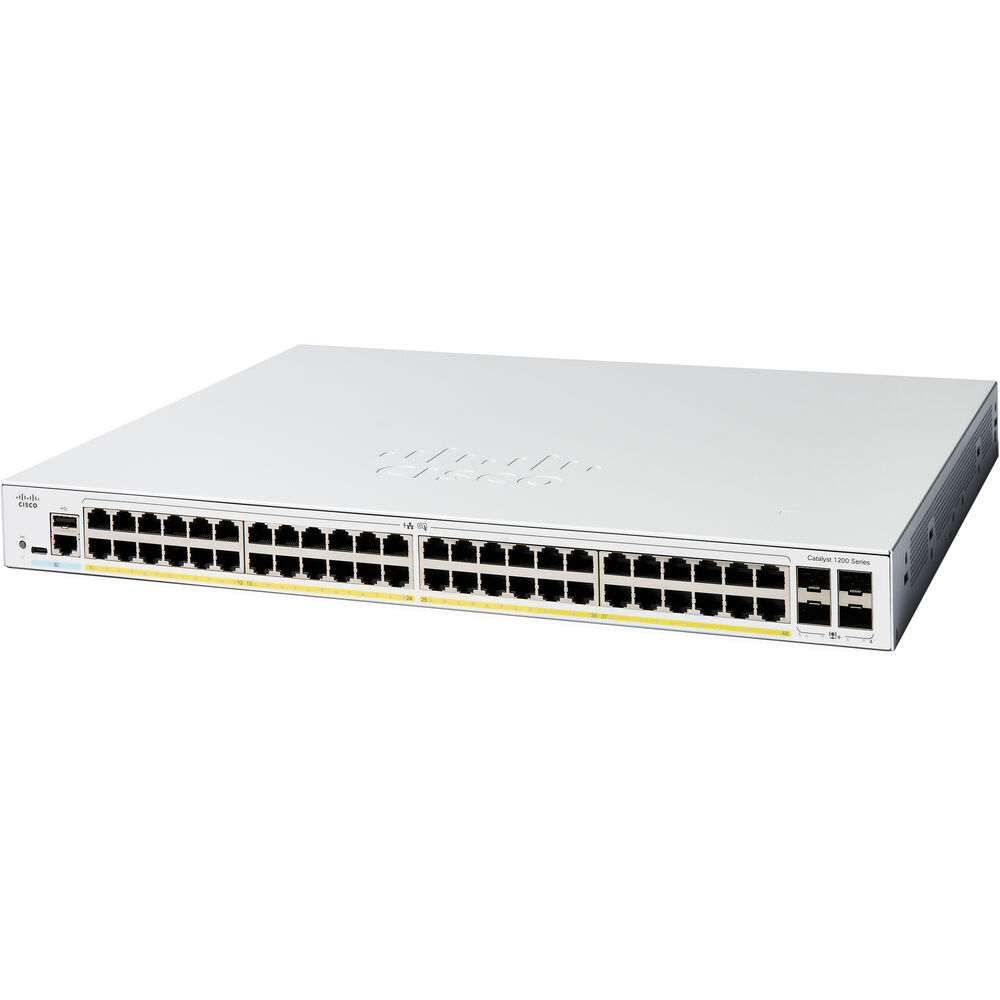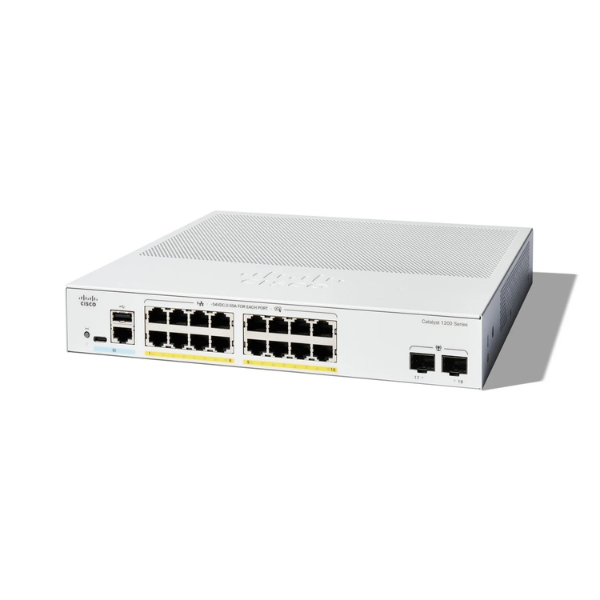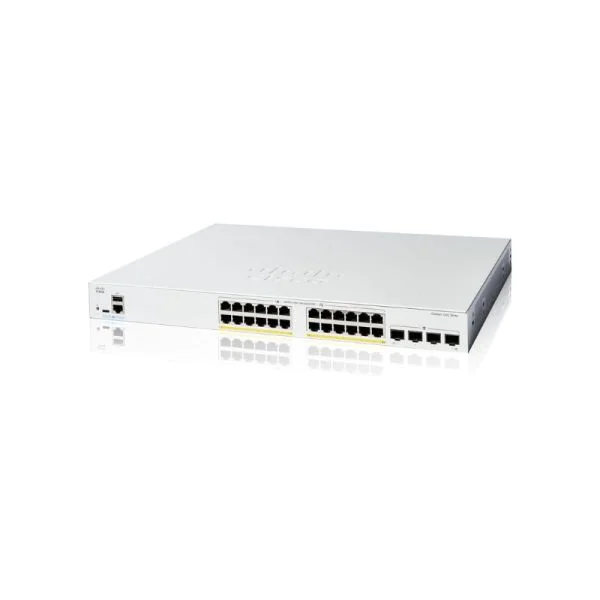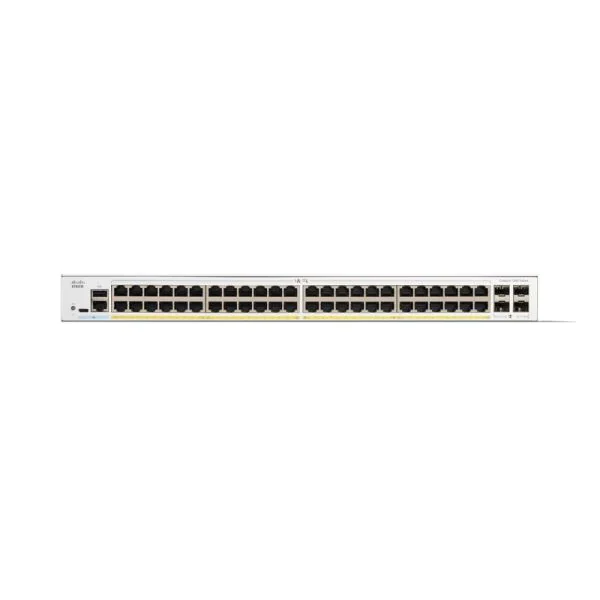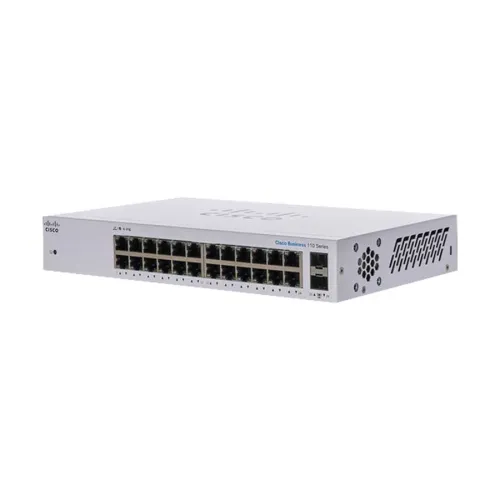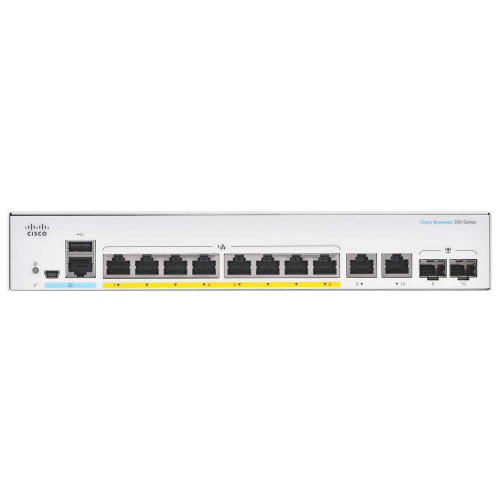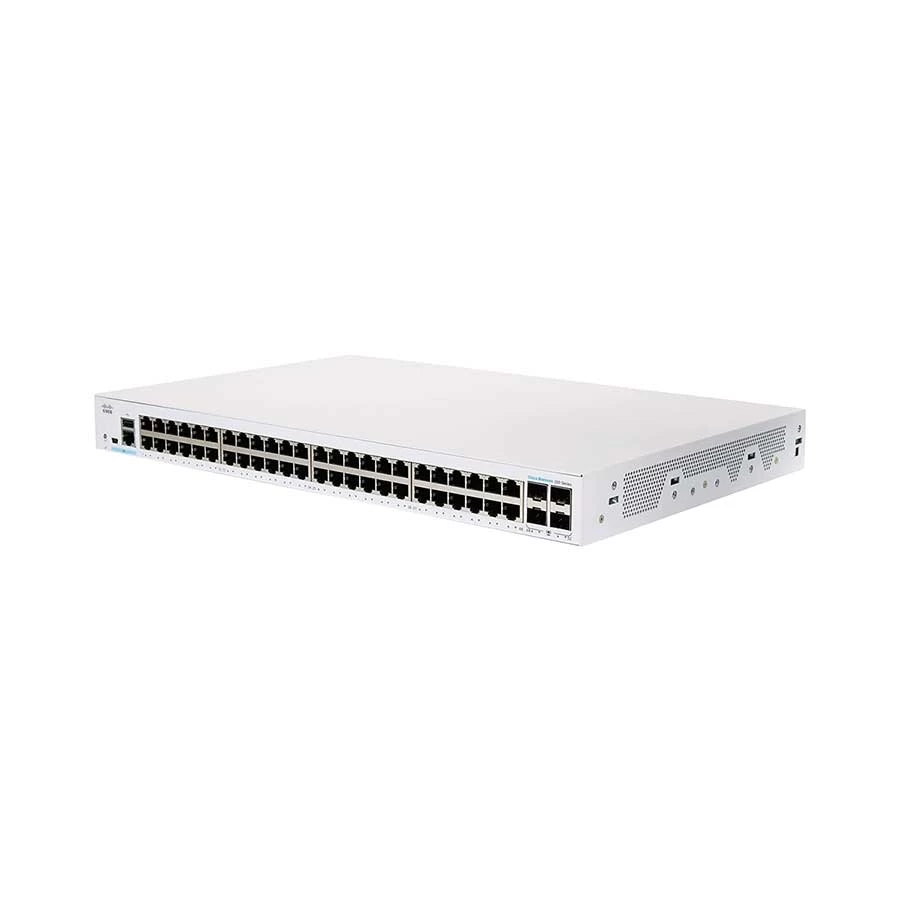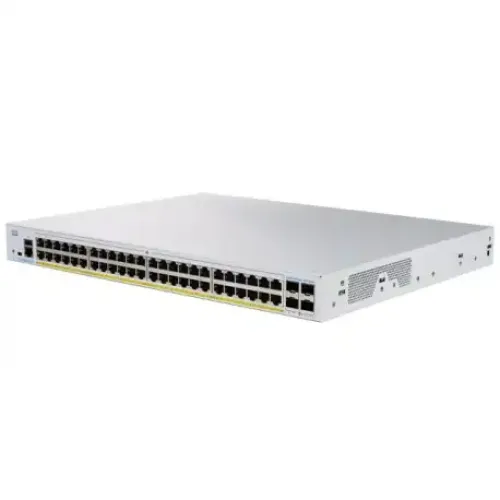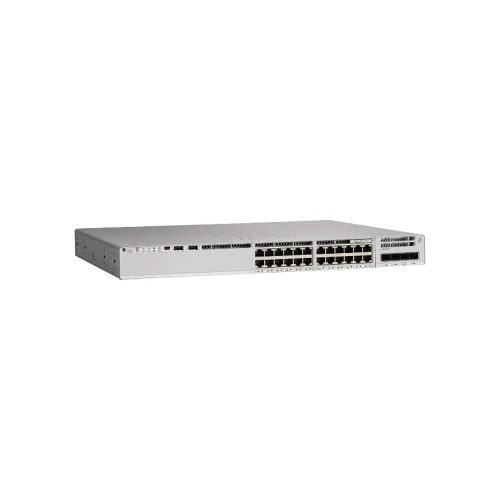
Cisco Catalyst C9200L-24P-4G-E 24 Port Switch
Exclusive of all taxes
Product Details
Key Features
Model: C9200L-24P-4G-E
24 x 10/100/1000 (PoE+) + 4 x
Gigabit SFP (uplink)
Rack-mountable
Forwarding Rate: 83.33 Mpps
Switching Capacity: 56 Gbps
Specification
|
Port |
24 Ports Data |
|
MAC Address Table |
Total number of MAC addresses: 16,000 |
|
Power Supply |
PWR-C5-600WAC |
|
Dimensions (L x W x H) |
1.73 x 17.5 x 11.3 in 4.4 x 44.5 x 28.8 cm |
|
Weight |
4.35 Kg |
|
Warranty |
01 Year |
Description
Cisco Catalyst C9200L-24P-4G-E 24 Port Switch
The Cisco Catalyst
C9200L-24P-4G-E is a high-performance 24 port switch that provides advanced
security, resiliency, and intelligence to simplify network management, optimize
IT resources and reduce operational costs. It features 24 full PoE+ copper ports,
capable of delivering power and data to connected devices such as IP phones,
cameras and access points. Additionally, it has 4 fixed uplinks with a maximum
bandwidth of 1G, which allows for easy network expansion and connectivity to
other switches. The switch comes with a default primary AC power supply of
PWR-C5-600WAC, and fixed redundant fans to provide additional hardware
resiliency. It runs on Network Essentials software, which offers advanced
features such as Quality of Service (QoS), VLAN, and IP routing to enhance
network performance and security. With a stacking bandwidth of 80 Gbps, the
C9200L-24P-4G-E is scalable and can be stacked with up to 8 other switches to
form a single logical unit, simplifying network management and reducing
downtime during maintenance. The switch has a DRAM of 2 GB and a flash memory
of 4 GB, providing ample storage for network configurations and firmware
upgrades. It has a switching capacity of 56 Gbps and a forwarding rate of 83.33
Mpps, which ensures fast and reliable data transfer throughout the network. To
use the switch, licensing is required.
How to Order
Revolution Technology BD has made shopping easier for customers. Follow these steps:
- Click Register Button from home page
- Register with: Name + Email + Mobile + Password
- Click Create Account after entering information
- Login automatically or use Login button
- Provide mobile number and password, then Sign Up
- Choose desired product and click Buy Now
- View product details and click Add to Cart
- Click Item box (upper right corner)
- Go to Shopping Cart page
- Continue Shopping for more products or proceed
- Click "Click Here to Address" button
- Provide Full Name, Phone, Email & Delivery Address
- Click Order Submit button
- View Bill Invoice and receive email confirmation
- Print Invoice using Print button
- Wait for delivery - we'll keep you updated
- Thank you for shopping with us!