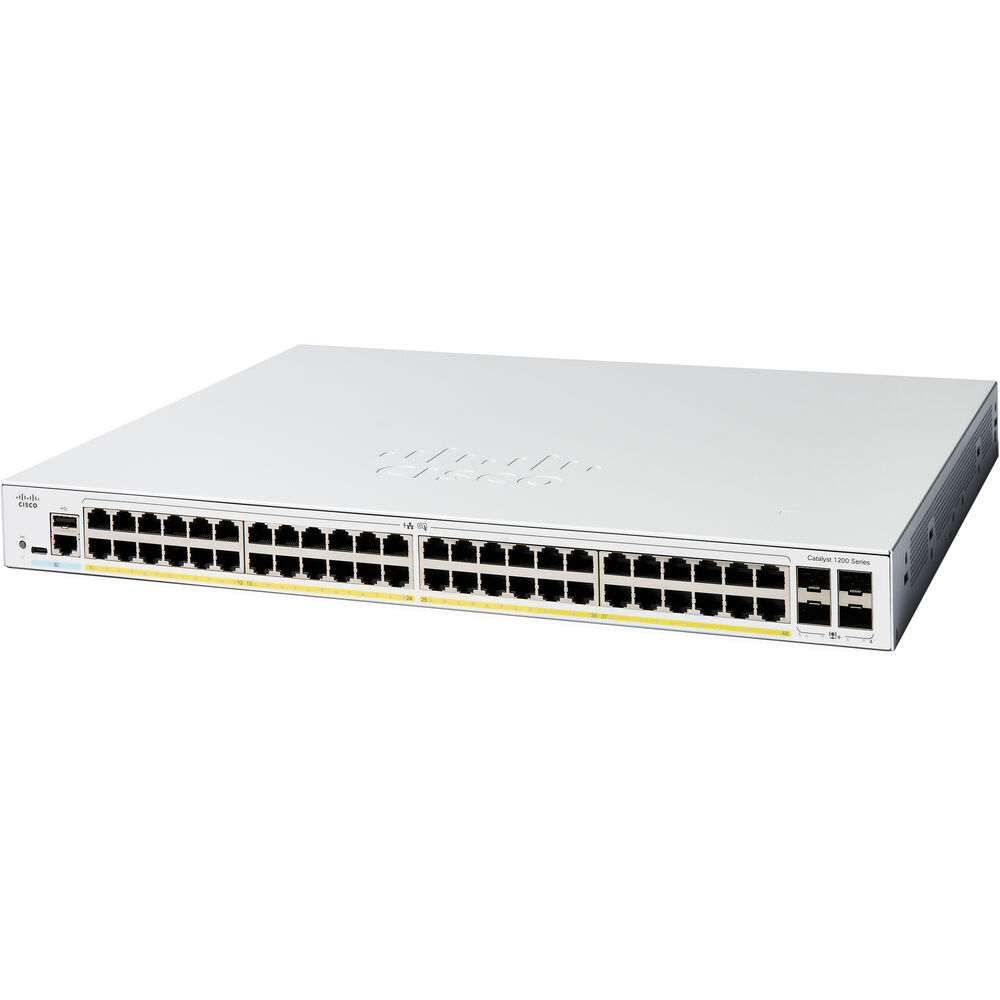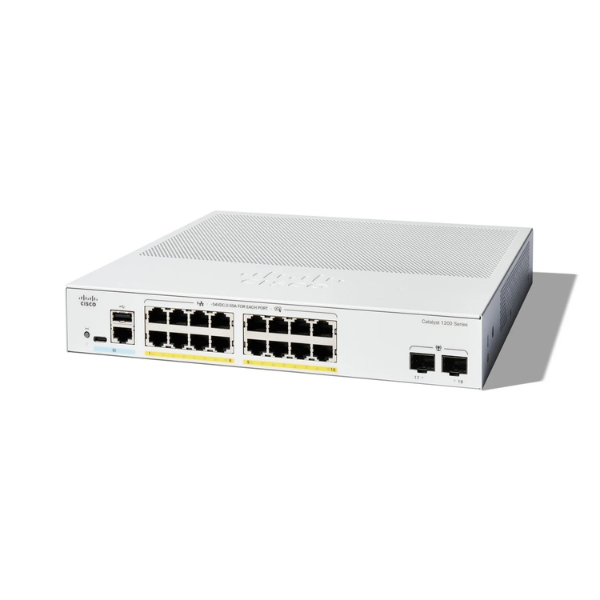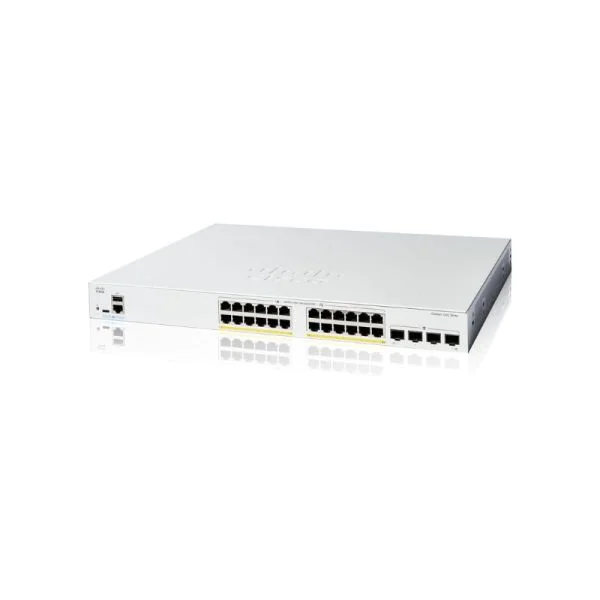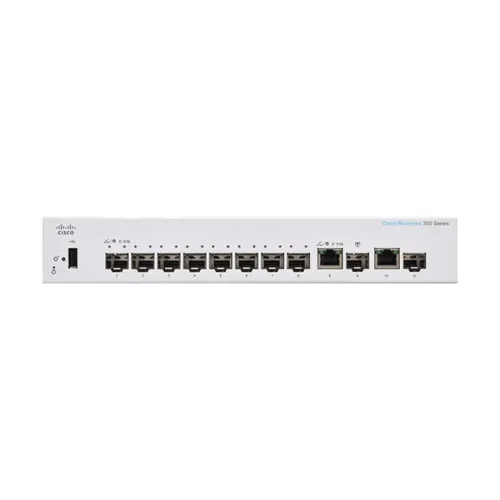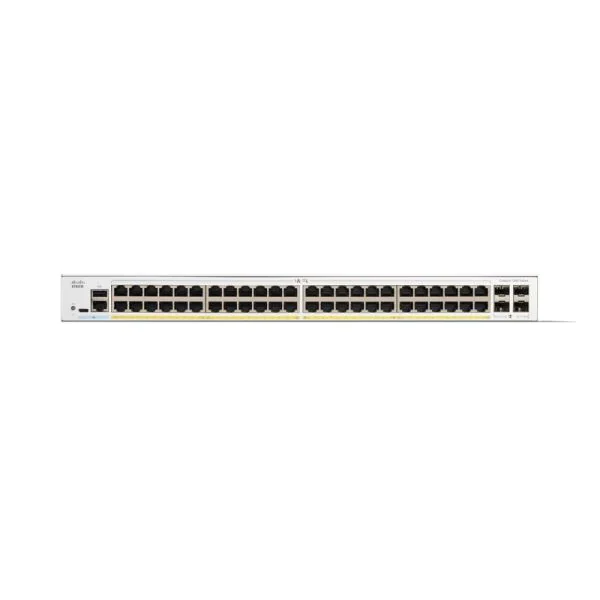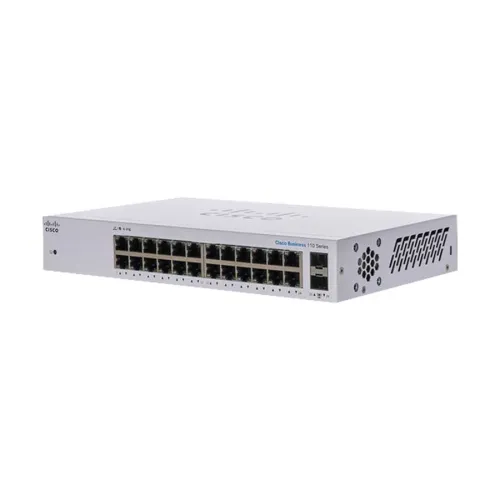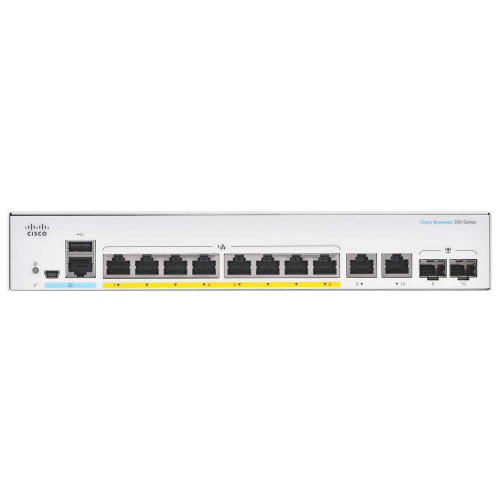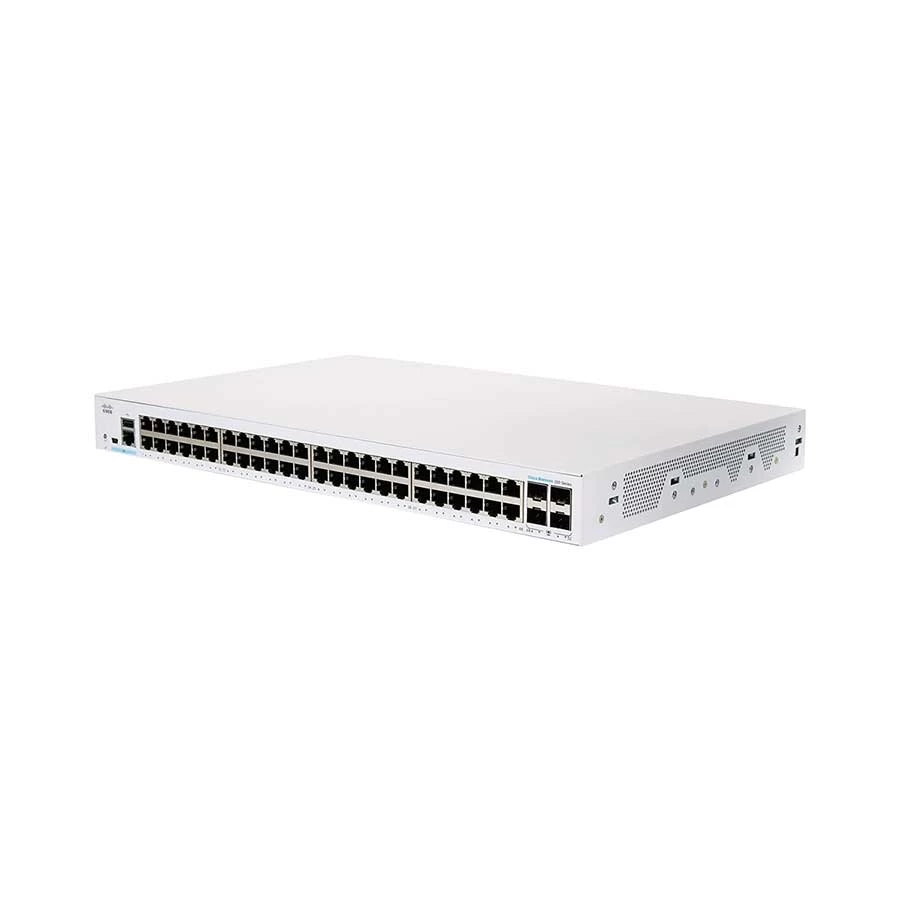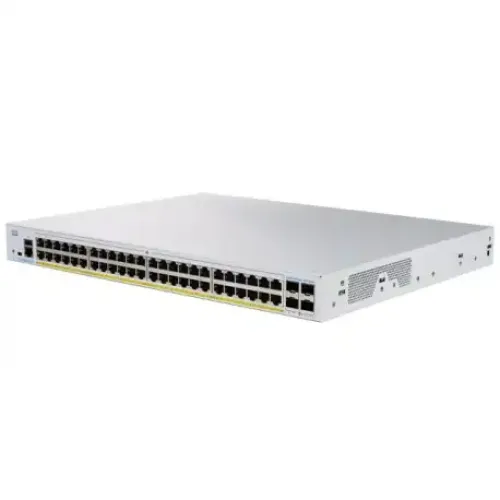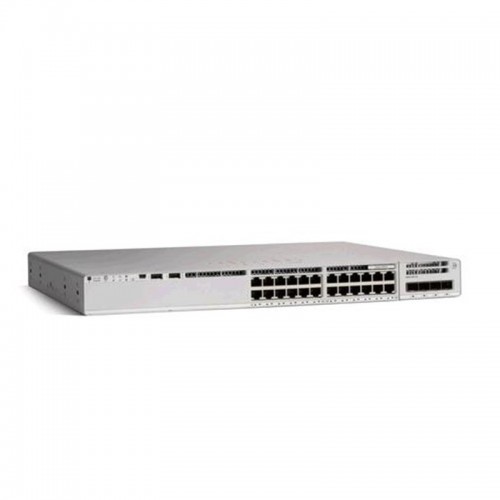
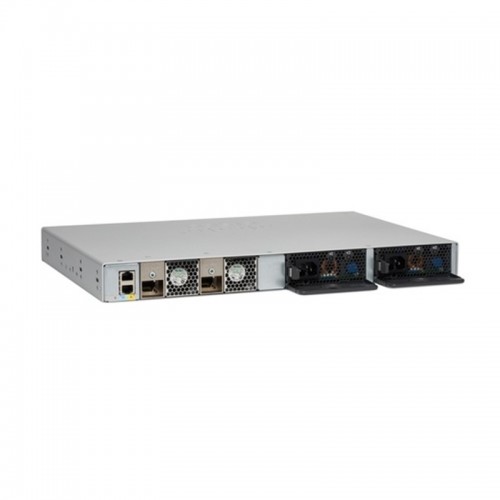
Cisco Catalyst C9200L-24T-4G-E 24 Port Managed Switch
Exclusive of all taxes
Product Details
Key
Features
Model: C9200L-24T-4G-E
Unified communications
Secure wireless connectivity
Secure desktop connectivity
Highly secure guest connectivity
Specification
|
Main |
|
|
Type |
Managed
Switch |
|
Port |
24
Ports Data |
|
MAC Address Table |
Total
number of MAC addresses: 16,000 |
|
Hardware |
|
|
Power Supply |
PWR-C5-125WAC |
|
Dimensions (L x W x H) |
1.73 x
17.5 x 11.3 in 4.4 x
44.5 x 28.8 cm |
|
Weight |
4.35 Kg |
|
Manufacture Warranty |
|
|
Warranty |
1 Year |
Key
Features
Cisco
Catalyst C9200L-24T-4G-E 24 Port Managed Switch
The Cisco 350 Series, part of the Cisco Small
Business line of network solutions, is a portfolio of affordable managed
switches that provides a reliable foundation for your business network. These
switches deliver the features you need to improve the availability of your
critical business applications, protect your sensitive information, and
optimize your network bandwidth to deliver information and applications more
effectively. Easy to set up and use, the Cisco 350 Series provides the ideal
combination of affordability and capabilities for small businesses and helps
you create a more efficient, better-connected workforce.
The Cisco 350 Series is a broad portfolio of
fixed-configuration managed Ethernet switches. Models are available with 8 to
48 ports of Fast Ethernet and 10 to 52 ports of Gigabit Ethernet connectivity,
providing optimal flexibility to create exactly the right network foundation
for your business. However, unlike other small business switching solutions
that provide managed network capabilities only in the costliest models, all
Cisco 350 Series Switches support the advanced security management capabilities
and network features you need to support business-class data, voice, security,
and wireless technologies. At the same time, these switches are simple to
deploy and configure, allowing you to take advantage of the managed network
services your business needs.
How to Order
Revolution Technology BD has made shopping easier for customers. Follow these steps:
- Click Register Button from home page
- Register with: Name + Email + Mobile + Password
- Click Create Account after entering information
- Login automatically or use Login button
- Provide mobile number and password, then Sign Up
- Choose desired product and click Buy Now
- View product details and click Add to Cart
- Click Item box (upper right corner)
- Go to Shopping Cart page
- Continue Shopping for more products or proceed
- Click "Click Here to Address" button
- Provide Full Name, Phone, Email & Delivery Address
- Click Order Submit button
- View Bill Invoice and receive email confirmation
- Print Invoice using Print button
- Wait for delivery - we'll keep you updated
- Thank you for shopping with us!