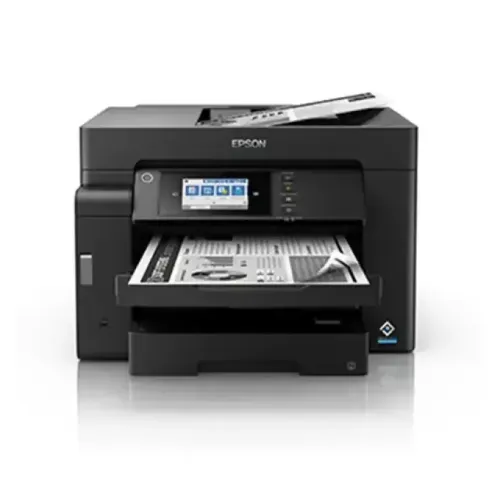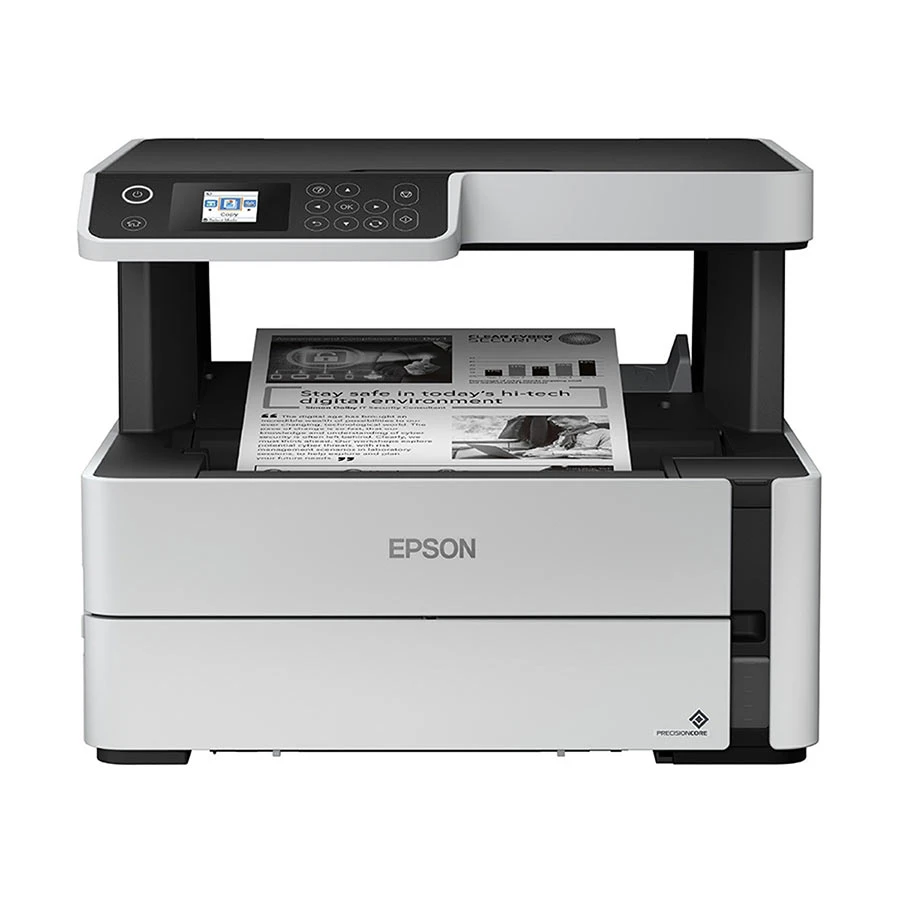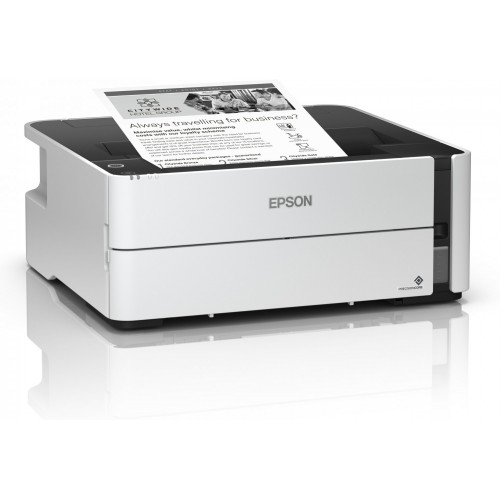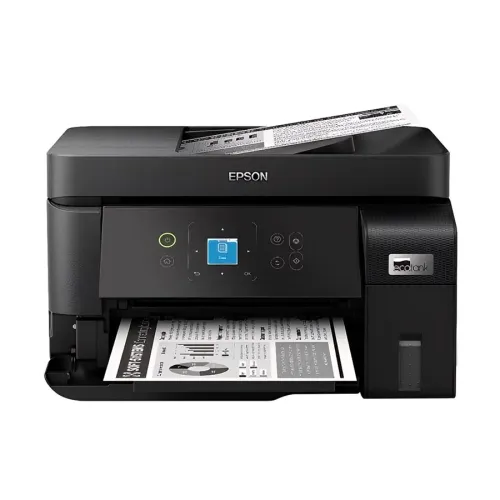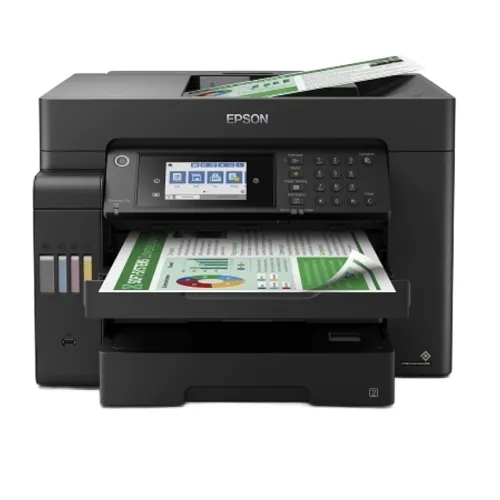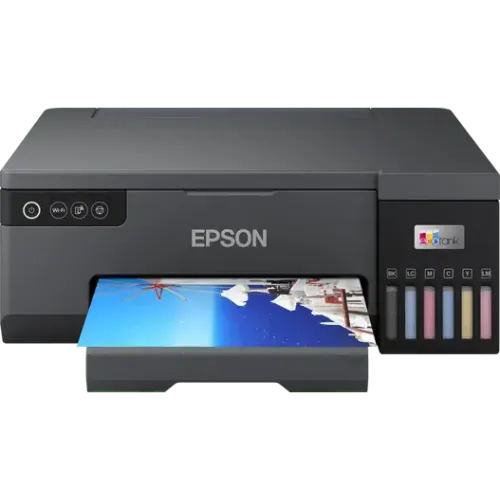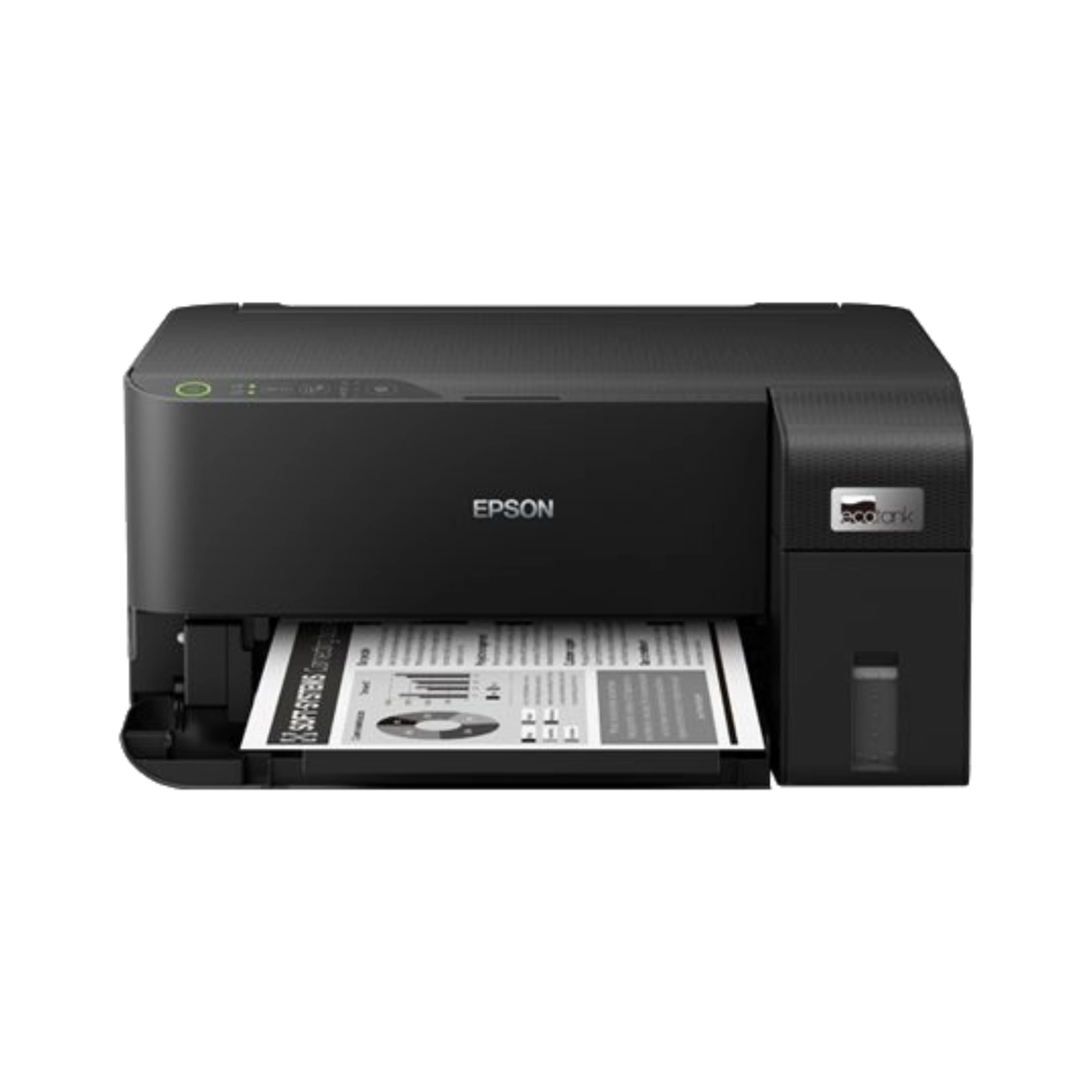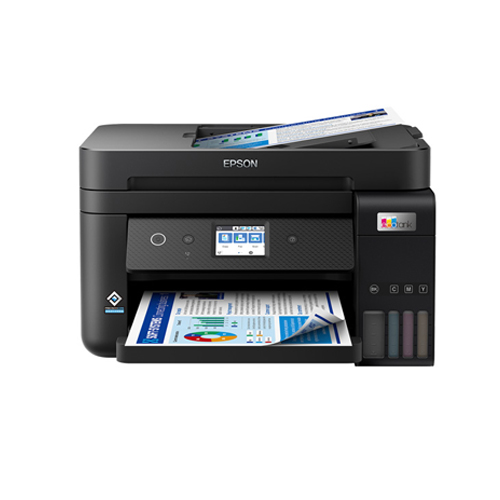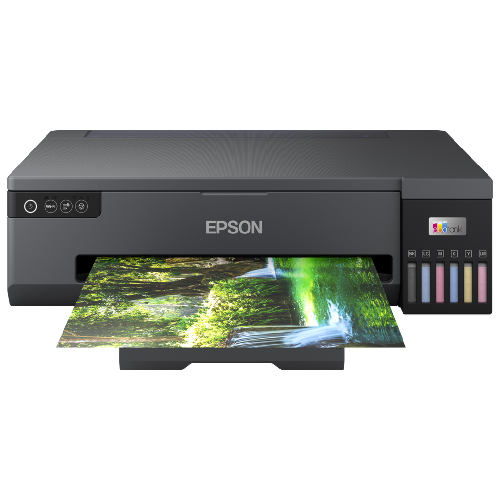
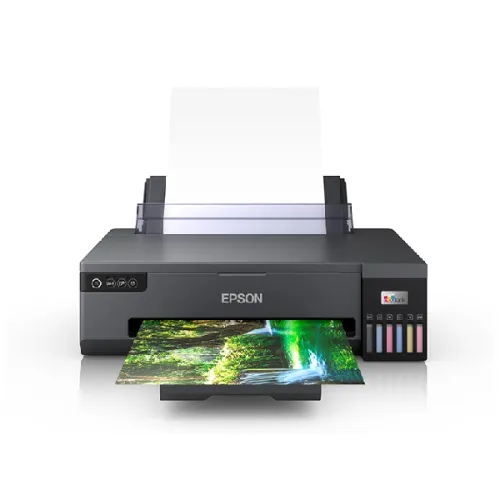
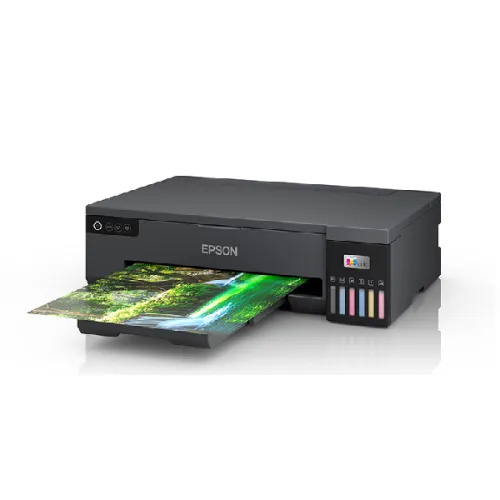
Epson EcoTank L18050 A3 Ink Tank Photo Printer
Exclusive of all taxes
Product Details
Key Features
Model: EcoTank L18050
Functions: Print Only
Speed: up to 22 ppm for black
and 22 ppm for color
Resolution: 5.760 x 1.440 DPI
Connectivity: USB 2.0,
Wireless LAN IEEE 802.11a/b/g/n, Wi-Fi Direct
Functions | Print Only |
Printer Type | Print |
Output Color | Black and White |
Color | Print |
Technology | Epson Micro Piezo print head |
Print Speed | 8 pages/min Monochrome, 8 pages/min Colour |
Print Speed | 22 pages/min Monochrome (plain paper 75 g/m²), 22 pages/min Colour (plain paper 75 g/m²), 13 Seconds per 10 x 15 cm photo (Epson Premium Glossy Photo Paper) |
Print Resolution | 5.760 x 1.440 DPI |
First Print Out Time | Approx. 14 sec / 14 sec |
Duty Cycle up to (Yield) | Standard Capacity Black: Page Yield: 3,600 pages Photo Page Yield (4R): 5,600 pages |
Duty Cycle up to (Yield) | Standard Capacity Cyan: Page Yield: 7,200 (Composite Yield) Photo Page Yield (4R): 2,100 (Composite Yield) |
Duty Cycle up to (Yield) | Standard Capacity Magenta: Page Yield: 7,200 (Composite Yield) Photo Page Yield (4R): 2,100 (Composite Yield) |
Duty Cycle up to (Yield) | Standard Capacity Yellow: Page Yield: 7,200 (Composite Yield) Photo Page Yield (4R): 2,100 (Composite Yield) |
Duty Cycle up to (Yield) | Standard Capacity Light Cyan: Page Yield: 7,200 (Composite Yield) Photo Page Yield (4R): 2,100 (Composite Yield) |
Duty Cycle up to (Yield) | Standard Capacity Light Magenta: Page Yield: 7,200 (Composite Yield) Photo Page Yield (4R): 2,100 (Composite Yield) |
Paper Size | A4 (21.0x29.7 cm), A5 (14.8x21.0 cm), A6 (10.5x14.8 cm), B5, C6 (Envelope), DL (Envelope), No. 10 (Envelope), Letter, Plastic cards, A3+, A3 (29.7x42.0 cm) |
Input Capacity | Up to 80 sheets of A3 Plain Paper (80g/m2) 50 sheets of Premium Glossy Photo Paper |
Output Capacity | Up to 100 sheets of A3 Plain Paper Up to 30 sheets of Premium Glossy Photo Paper |
Connectivity | Wireless LAN IEEE 802.11a/b/g/n, Wi-Fi Direct USB 2.0 |
Power Consumption | 19 Watt |
Dimension | 523 x 369 x 150 mm (Width x Depth x Height) |
Weight | 8 kg |
Supported ink model | Epson 057 Black (3600 Pages) 4R(5600 Pages), Epson 057 Cyan (7200 Pages) 4R(2100 Pages), Epson 057 Magenta (7200 Pages) 4R(2100 Pages), Epson 057 Yellow (7200 Pages) 4R(2100 Pages), Epson 057 Light Cyan (7200 Pages) 4R(2100 Pages), Epson 057 Light Magenta (7200 Pages) 4R(2100 Pages) |
Software | Windows XP SP3 / XP Professional x64 SP2 / Vista / 7 / 8 / 8.1 / 10 / 11 Windows Server 2003 / 2008 / 2012 / 2016 / 2019 / 2022 Only printing and scanning functions are supported for Windows Server OS Mac OS X 10.9.5 or later |
Special Features | Epson Connect Features: Epson iPrint, Epson Email Print, Remote Print Driver Other Mobile Solutions: Epson Smart Panel |
Warranty Information | 1-year Limited warranty, an Adapter/Power Cable with no warranty, and also a Box Mandatory While Claiming. (1 year or 50,000 pages which comes first) |
Description
Epson EcoTank L18050 A3 Ink Tank Photo Printer
Key Features & Benefits:
- Print High-Quality Photos: With the Epson EcoTank L18050, you can print high-quality photos with resolutions up to 5,760 x 1,440 DPI.
- Save Time with Fast Print Speed: This printer offers fast print speeds of up to 22 pages per minute for monochrome and color printing.
- Enjoy Long-Lasting Ink: The Epson EcoTank L18050 comes with a large ink tank that can print up to 3,600 pages of black ink and 5,600 pages of photo ink.
- Print on Various Paper Sizes: This printer supports a wide range of paper sizes, including A4, A5, A6, B5, and more.
- Connect Wirelessly: The Epson EcoTank L18050 features wireless connectivity via Wi-Fi Direct and USB 2.0.
- Print from Your Smartphone: With Epson iPrint and Epson Email Print, you can print from your smartphone or tablet.
- Get a 1-Year Limited Warranty: The Epson EcoTank L18050 comes with a 1-year limited warranty, including an adapter and power cable.
- Print on Premium Glossy Photo Paper: This printer supports printing on premium glossy photo paper for high-quality photo printing.
- Print in Black and White: The Epson EcoTank L18050 can print in black and white, making it perfect for printing documents and text.
- Print on Envelopes: This printer supports printing on envelopes, including DL, No. 10, and more.
- Print on Plastic Cards: The Epson EcoTank L18050 can print on plastic cards, making it perfect for printing ID cards and more.
- Print on A3 and A3+ Paper: This printer supports printing on A3 and A3+ paper, making it perfect for large-format printing.
Ideal For:
- Home users who want to print high-quality photos
- Small business owners who need to print documents and photos
- Students who need to print assignments and presentations
- Photographers who want to print their photos
- Artists who want to print their artwork
- Office workers who need to print documents and photos
- Anyone who wants to print on various paper sizes
Summary:
The Epson EcoTank L18050 is a high-quality photo printer that offers fast print speeds, long-lasting ink, and wireless connectivity. It's perfect for home users, small business owners, and students who need to print documents and photos. With its large ink tank and support for various paper sizes, this printer is ideal for anyone who wants to print high-quality photos and documents. Available at Revolution Technology BD.
How to Order
Revolution Technology BD has made shopping easier for customers. Follow these steps:
- Click Register Button from home page
- Register with: Name + Email + Mobile + Password
- Click Create Account after entering information
- Login automatically or use Login button
- Provide mobile number and password, then Sign Up
- Choose desired product and click Buy Now
- View product details and click Add to Cart
- Click Item box (upper right corner)
- Go to Shopping Cart page
- Continue Shopping for more products or proceed
- Click "Click Here to Address" button
- Provide Full Name, Phone, Email & Delivery Address
- Click Order Submit button
- View Bill Invoice and receive email confirmation
- Print Invoice using Print button
- Wait for delivery - we'll keep you updated
- Thank you for shopping with us!