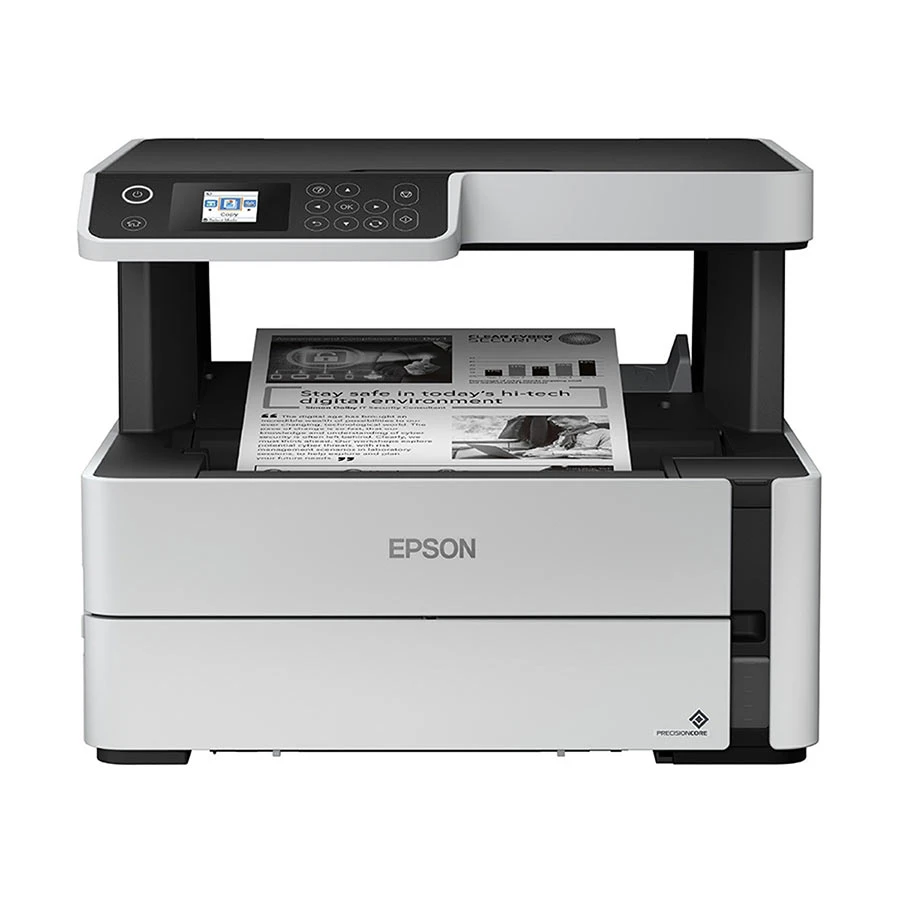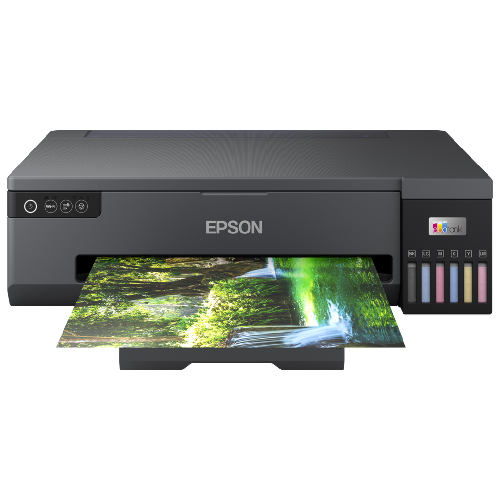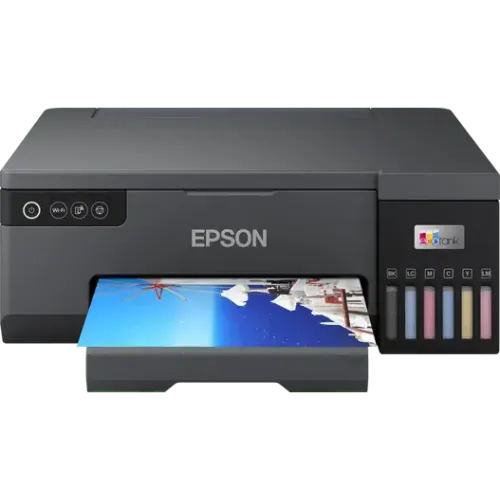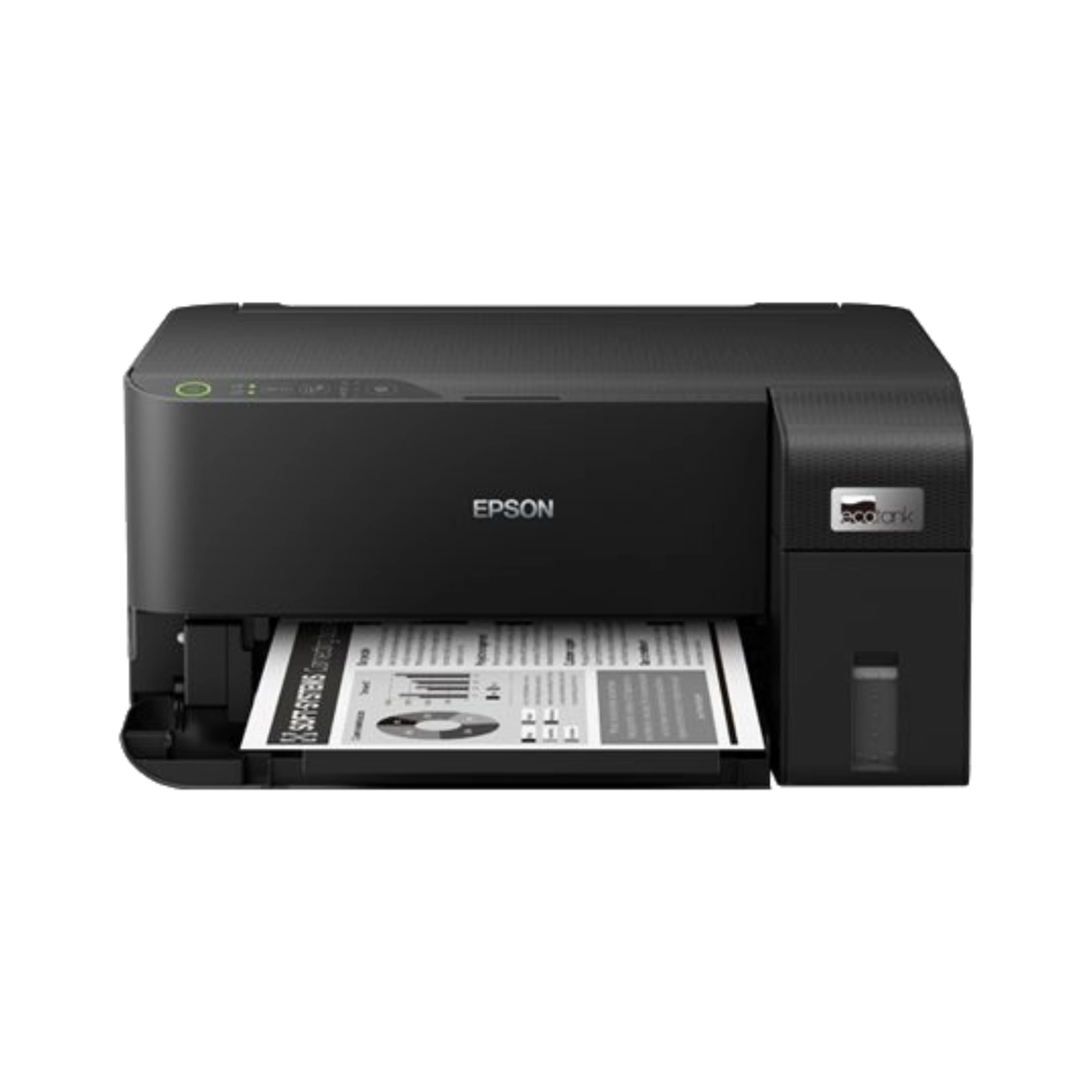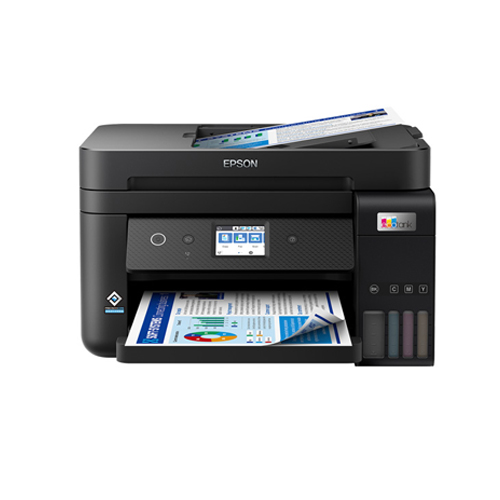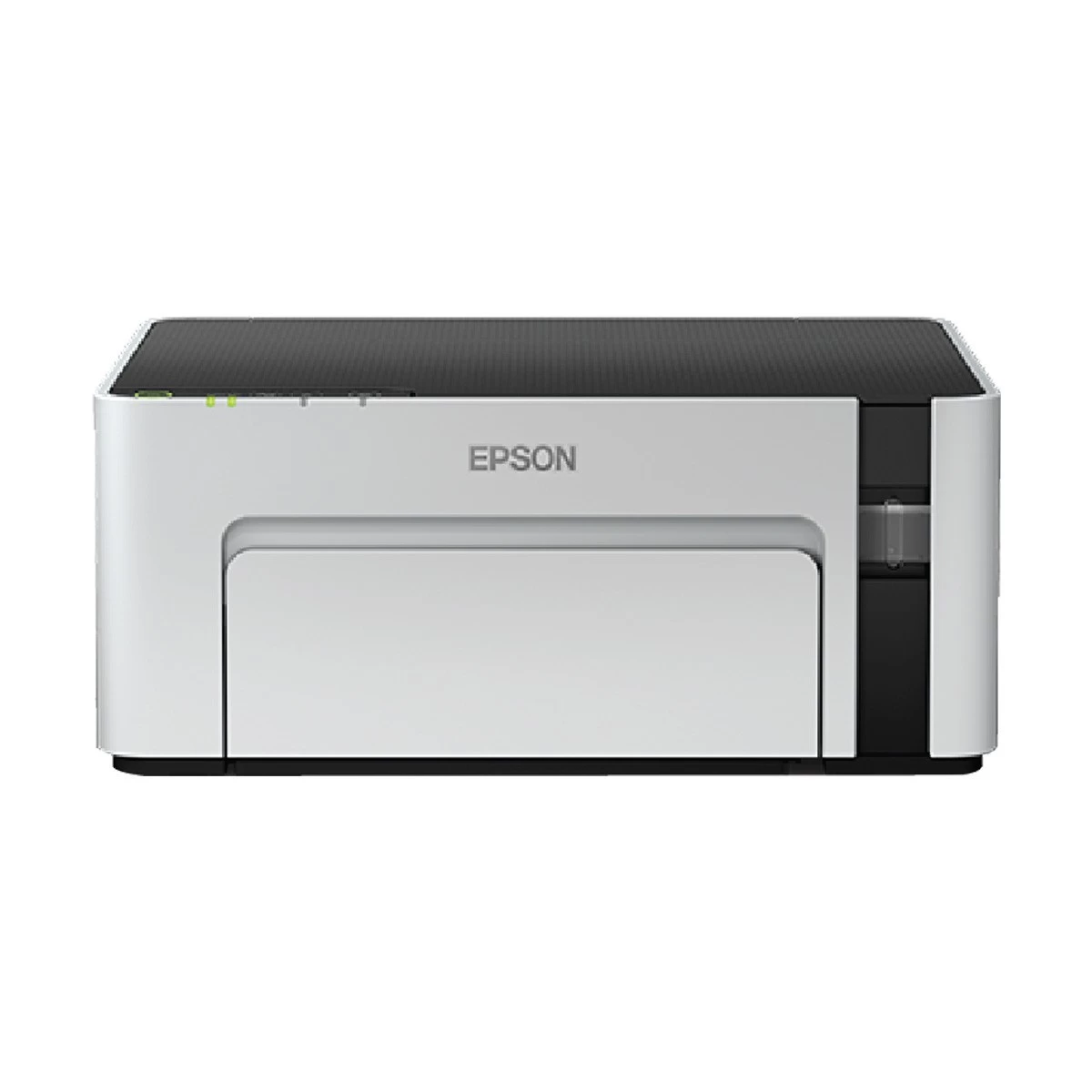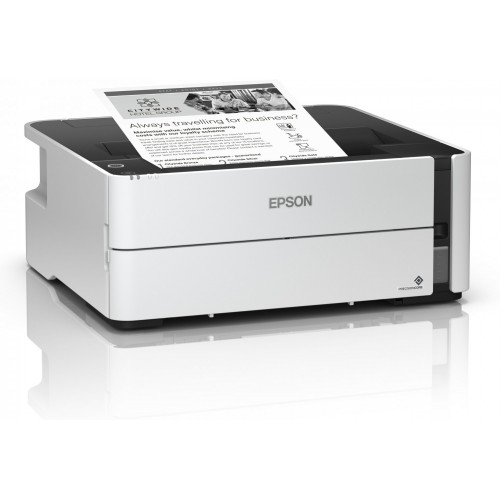
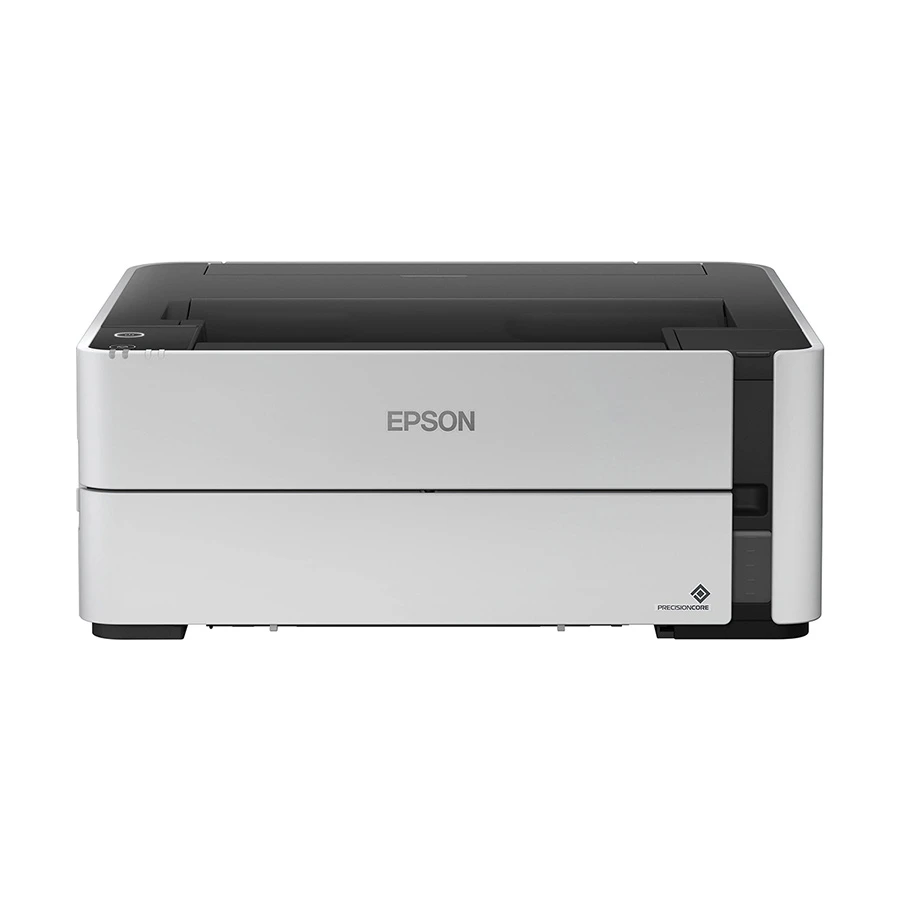
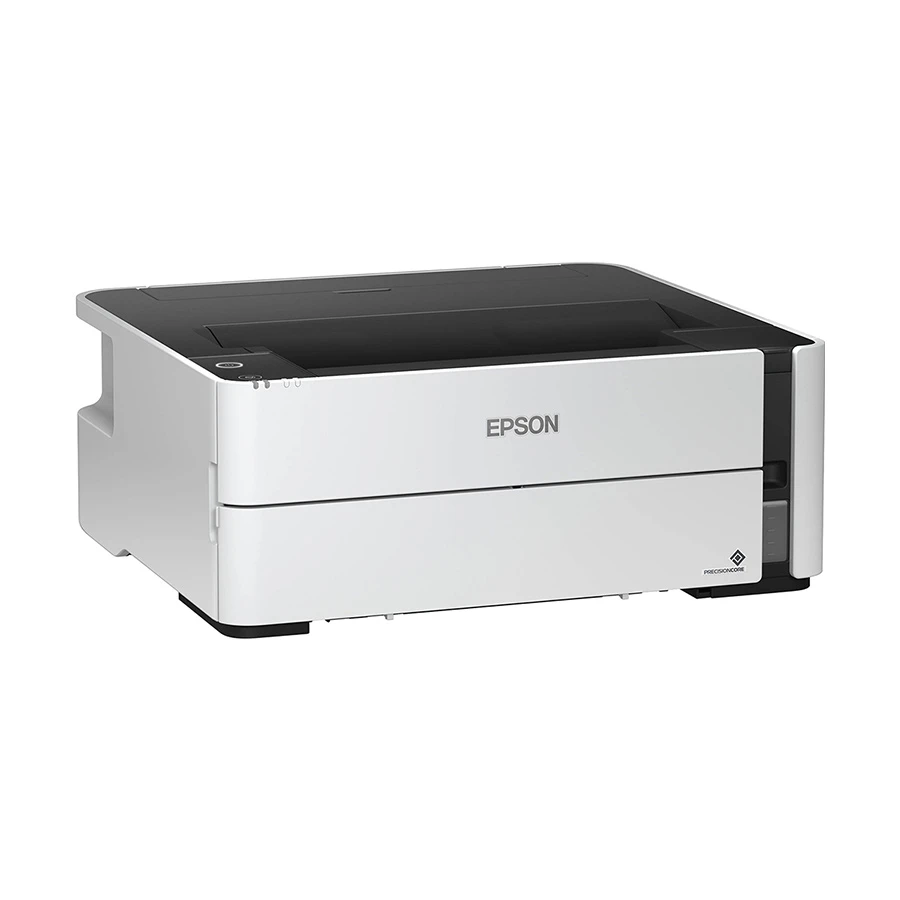
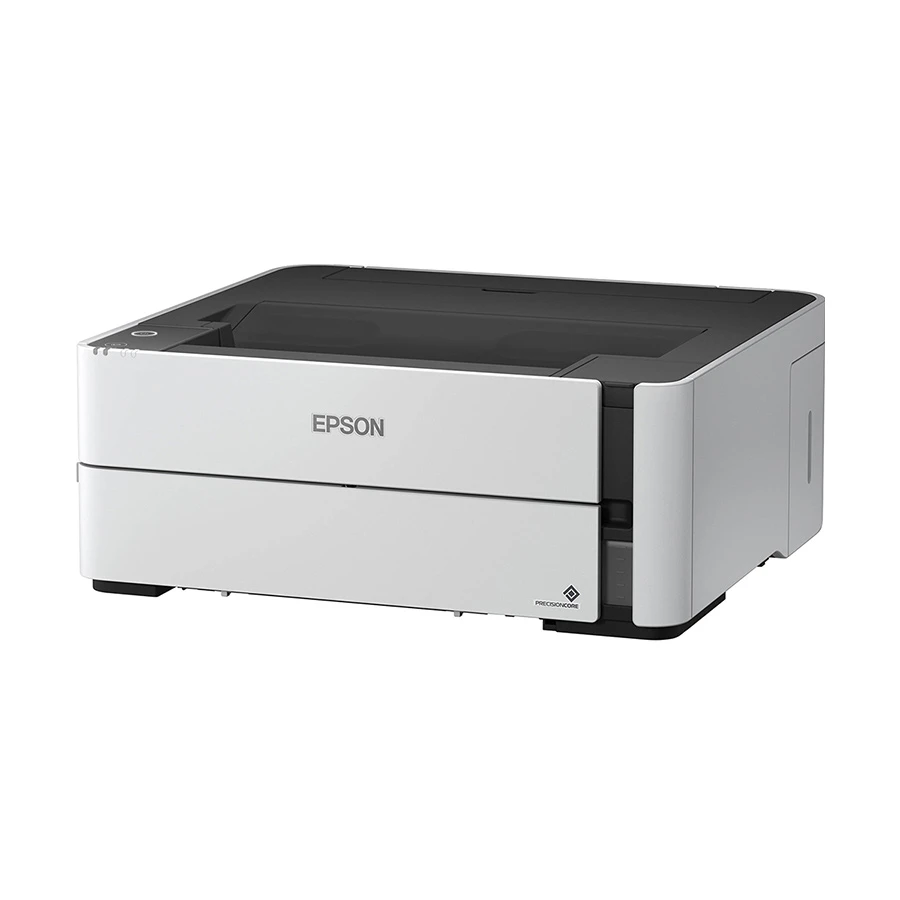
Epson EcoTank Monochrome M1170 Wi-Fi Inkjet Printer
Exclusive of all taxes
Product Details
Key Features
Fast Printing: Print at speeds of up to 39 ppm and first page out in as fast as 8 seconds.
Low Power Consumption: Operating at 13 W, standby at 3.3 W, sleep at 0.7 W, and power off at 0.2 W.
High Print Resolution: Print at resolutions of up to 1,200 x 2,400 dpi.
Automatic Duplex Printing: Print on both sides of the paper automatically.
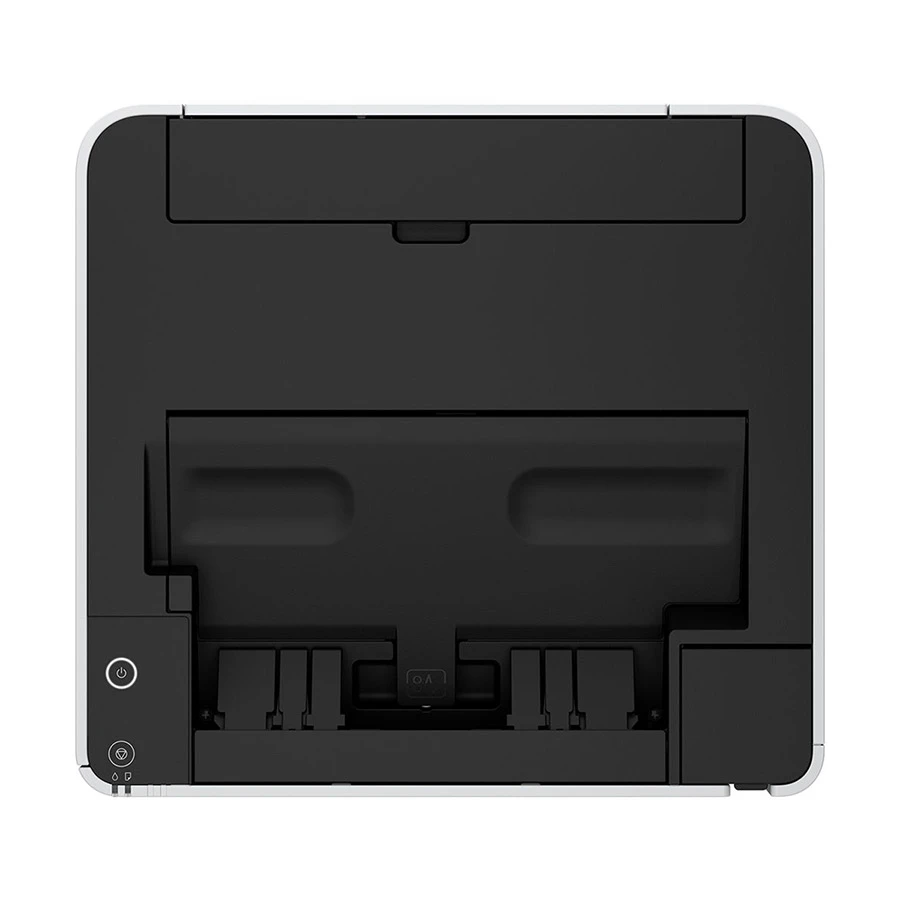
Large Paper Capacity: Hold up to 250 sheets of A4 or letter plain paper.
Compact Design: Measuring 375 x 347 x 151mm, it's perfect for small offices.
Wireless Connectivity: Connect wirelessly to your device using Wi-Fi.
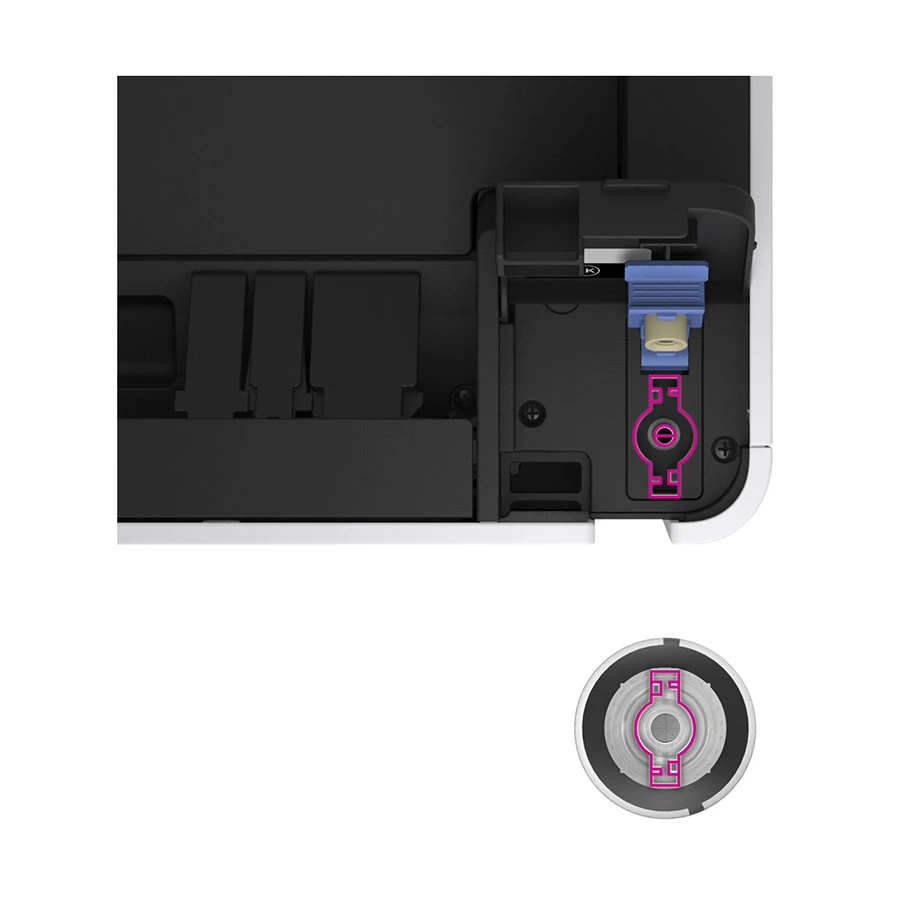
Easy Refill: Refill your ink using the Epson 005 Ink Bottle.
Wide Compatibility: Supports Windows XP to 10, Windows Server 2003 to 2016, and Mac OS X 10.6.8 or later.
Long Warranty: Enjoy a 3-year warranty on your purchase.
Quiet Operation: Operate quietly, perfect for offices or homes.
Easy to Use: Easy to set up and use, perfect for beginners.
Power Consumption | Operating : 13 W , Standby : 3.3 W, Sleep : 0.7 W, Power off : 0.2 W |
Dimensions | 375 x 347 x 151mm |
Color | White |
Print | Black |
Print Technology | Precision Core Heat-Free Technology |
Print Speed | Draft Text - Memo, A4 (Black): Up to 39 ppm ; ISO 24734, A4 (Black): Up to 20 ipm |
Print Resolution | 1,200 x 2,400 dpi Print |
First Print Out Time | As fast as Approx. 8 sec First page |
Duplex Printing | Automatic |
Input Capacity | Up to 250 sheets-A4 / Letter Plain Paper (80 g/m2); 10-sheets-Envelope |
Output Capacity | Up to 100 sheets |
Paper Size | Legal, Indian-Legal (215 x 345 mm), 8.5 x 13", Letter, A4, 16K (195 x 270 mm), B5, A5, B6, A6, Hagaki (100 x 148 mm) Envelopes: #10, DL, C6 |
Color Output | Black and White |
Connectivity | Wi-Fi Yes, USB Yes |
Refill Supplies | Epson 005 Ink Bottle |
Supported OS | Windows XP / Vista / 7 / 8 / 8.1 / 10, Windows Server 2003 / 2003 x64 / 2008 / 2012 / 2016, Only printing and scanning functions are supported for Windows Server OS, Mac OS X 10.6.8 or later |
Warranty | 03 years warranty |
Description
Epson EcoTank Monochrome M1170 Wi-Fi Inkjet Printer
Key Features & Benefits:
- Fast Printing: Print at speeds of up to 39 ppm and first page out in as fast as 8 seconds.
- Low Power Consumption: Operating at 13 W, standby at 3.3 W, sleep at 0.7 W, and power off at 0.2 W.
- High Print Resolution: Print at resolutions of up to 1,200 x 2,400 dpi.
- Automatic Duplex Printing: Print on both sides of the paper automatically.
- Large Paper Capacity: Hold up to 250 sheets of A4 or letter plain paper.
- Compact Design: Measuring 375 x 347 x 151mm, it's perfect for small offices.
- Wireless Connectivity: Connect wirelessly to your device using Wi-Fi.
- Easy Refill: Refill your ink using the Epson 005 Ink Bottle.
- Wide Compatibility: Supports Windows XP to 10, Windows Server 2003 to 2016, and Mac OS X 10.6.8 or later.
- Long Warranty: Enjoy a 3-year warranty on your purchase.
- Quiet Operation: Operate quietly, perfect for offices or homes.
- Easy to Use: Easy to set up and use, perfect for beginners.
Ideal For:
- Small office owners
- Home users
- Students
- Professionals
- Business owners
- Anyone looking for a compact and efficient printer
- Those who want to save on ink costs
Summary:
The Epson EcoTank Monochrome M1170 Wi-Fi Inkjet Printer is a fast and efficient printer perfect for small offices and home users. With a print speed of up to 39 ppm and first page out in as fast as 8 seconds, it's ideal for those who need to print frequently. Its compact design and low power consumption make it perfect for small spaces. With a wide compatibility and 3-year warranty, it's a great investment for anyone looking for a reliable printer.
How to Order
Revolution Technology BD has made shopping easier for customers. Follow these steps:
- Click Register Button from home page
- Register with: Name + Email + Mobile + Password
- Click Create Account after entering information
- Login automatically or use Login button
- Provide mobile number and password, then Sign Up
- Choose desired product and click Buy Now
- View product details and click Add to Cart
- Click Item box (upper right corner)
- Go to Shopping Cart page
- Continue Shopping for more products or proceed
- Click "Click Here to Address" button
- Provide Full Name, Phone, Email & Delivery Address
- Click Order Submit button
- View Bill Invoice and receive email confirmation
- Print Invoice using Print button
- Wait for delivery - we'll keep you updated
- Thank you for shopping with us!