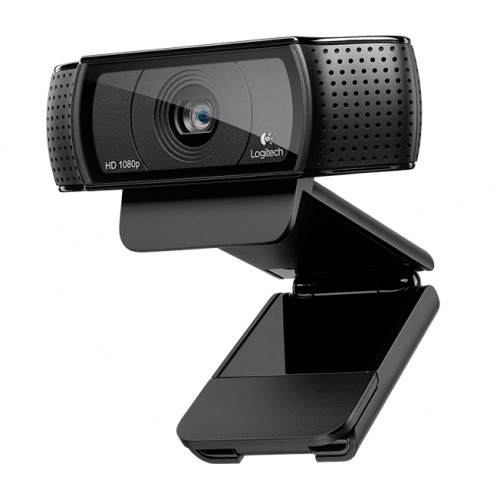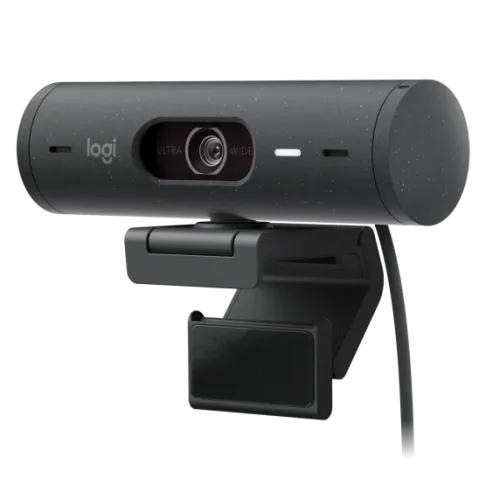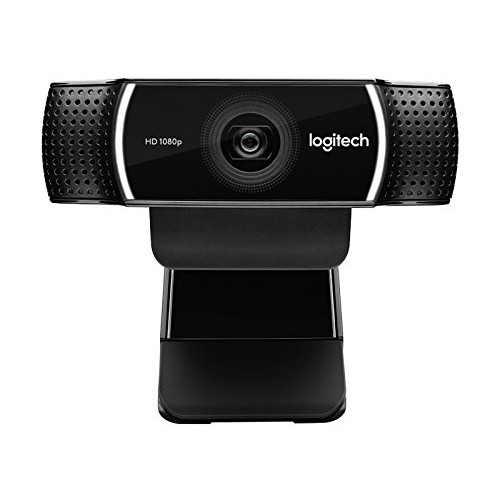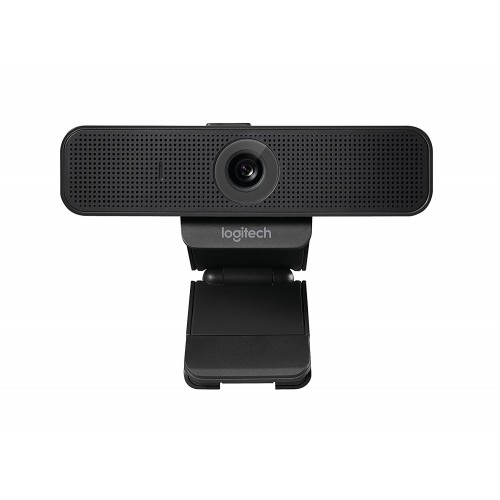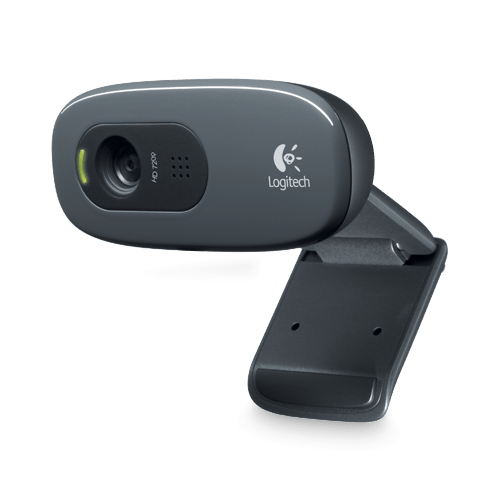


Logitech C270 HD Webcam
Exclusive of all taxes
Product Details
Key
Features
Model: C270
Max Resolution: 720p/30fps
Camera Mega pixel: 0.9mp
Built-in mic range up to 3ft
Diagonal FOV: up to55 degree
Specification
|
Video Resolution |
720
@30fps |
|
Autofocus |
Fixed
focus |
|
USB |
USB A
Port |
|
Others |
Built-in
Mono mic Mic
range: Up to 3 ft (1 m) Diagonal
field of view (dFoV): 55° |
|
Color |
Black |
|
Warranty |
2 Years
Warranty |
Description
Logitech
C270 HD Webcam
The Logitech C270 HD Webcam is a budget friendly and
reliable Logitech webcam that provides 720p HD video quality at 30 frames per
second, making it an excellent choice for clear and smooth video conversations.
With a 55° diagonal field of vision, This Logitech Web Camera captures your
face and upper body clearly. The Logitech HD Webcam features RightLight 2
technology for intelligent lighting adjustments, resulting in bright and
contrasted images in a variety of lighting circumstances. Furthermore, it
includes a noise-reduction microphone that improves voice quality by
eliminating background noise. This Logitech Web Cam works with major video
conferencing software like Skype and Zoom. This Logitech C270 Webcam also has a
universal mounting clip for secure connection to laptops, displays, or shelves,
making it ideal for everyday usage. The Logitech C270 Webcam is easy to clean
and disinfect, making it ideal for shared areas such as schools. Overall, the Logitech
Webcam is ideal for people looking for a simple yet effective Webcam solution.
How to Order
Revolution Technology BD has made shopping easier for customers. Follow these steps:
- Click Register Button from home page
- Register with: Name + Email + Mobile + Password
- Click Create Account after entering information
- Login automatically or use Login button
- Provide mobile number and password, then Sign Up
- Choose desired product and click Buy Now
- View product details and click Add to Cart
- Click Item box (upper right corner)
- Go to Shopping Cart page
- Continue Shopping for more products or proceed
- Click "Click Here to Address" button
- Provide Full Name, Phone, Email & Delivery Address
- Click Order Submit button
- View Bill Invoice and receive email confirmation
- Print Invoice using Print button
- Wait for delivery - we'll keep you updated
- Thank you for shopping with us!