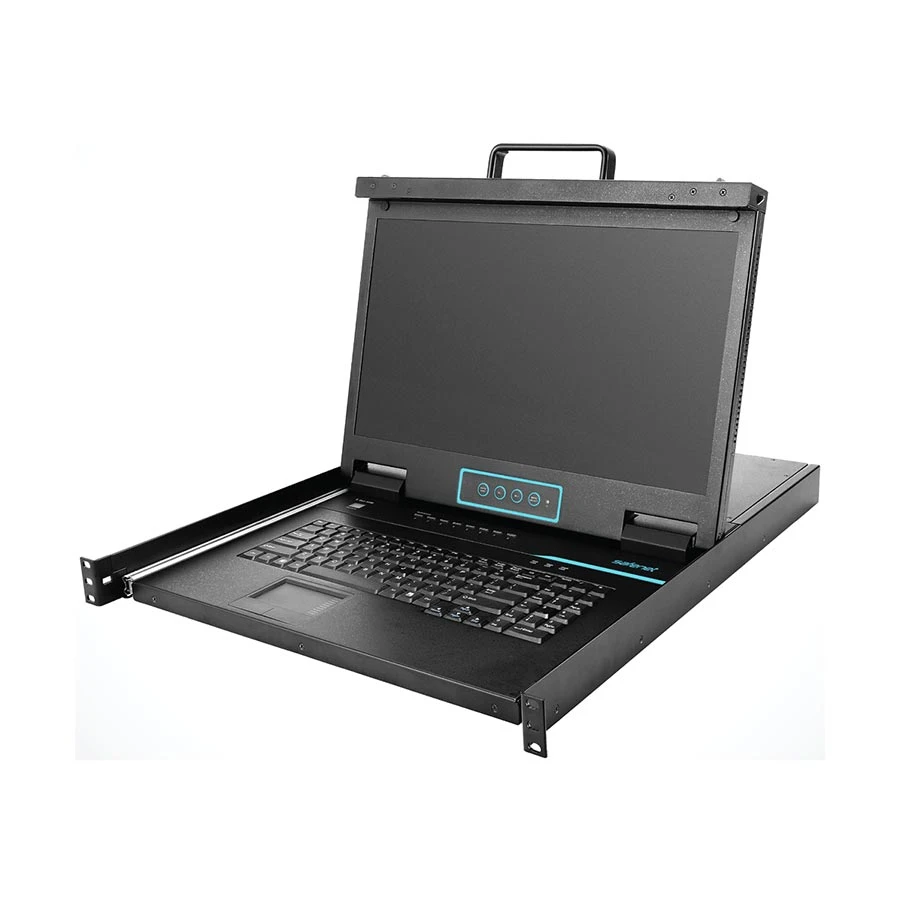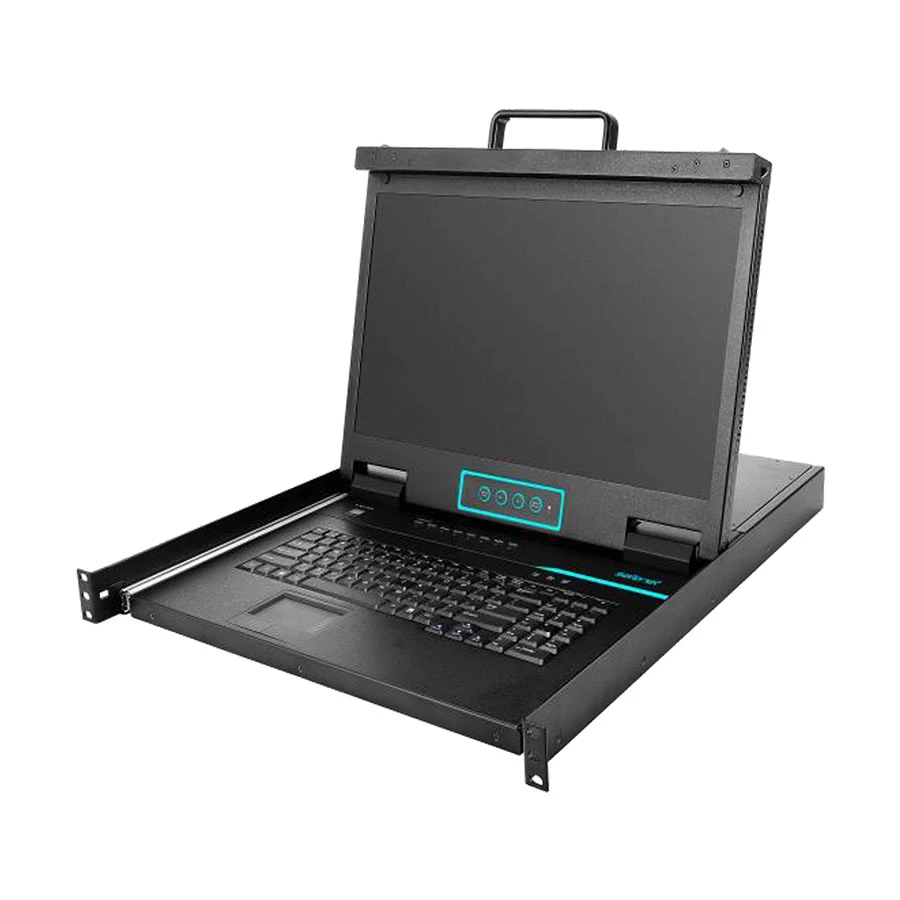
Safenet SN-KC6808S 8-Port Stacking VGA KVM
Exclusive of all taxes
Product Details
Key Features
Model:
SN-KC6808S
99
Keys Keyboard
Auto
scan feature
Supports
two level passwords
Built-in
Touchpad with Trackball
Specification
|
Computer
Connections |
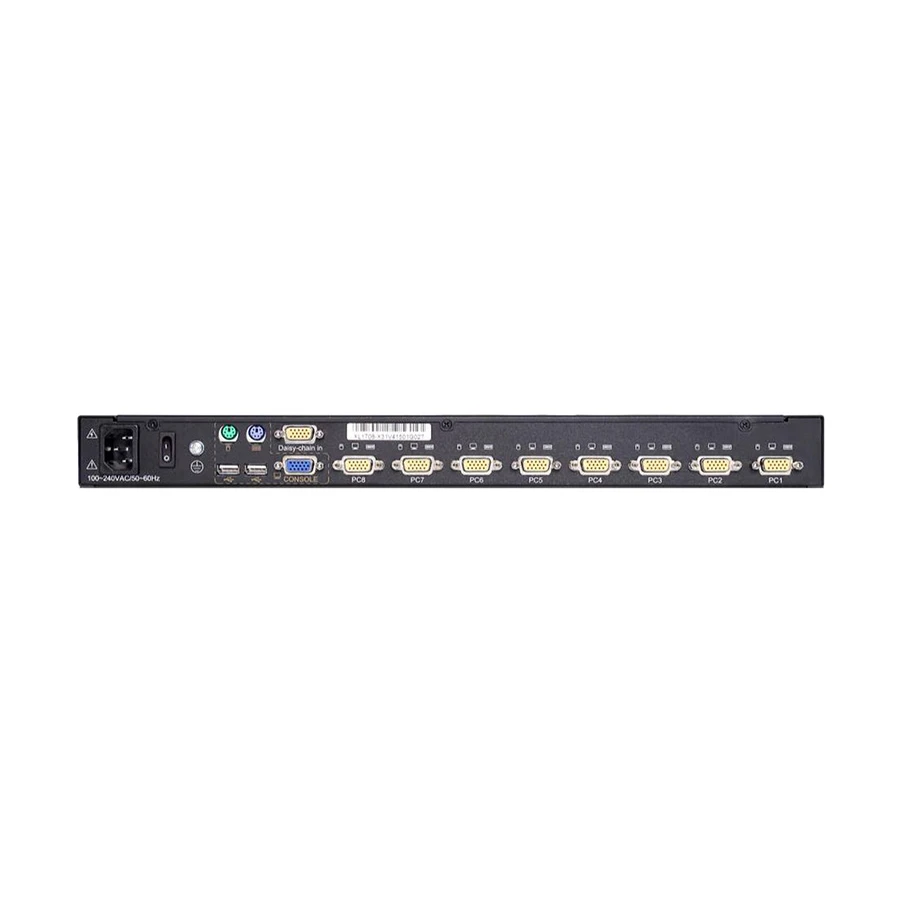
Direct 8 or 16 |
|
Installation
Type |
Desktop |
|
Auto Scan
Interval |
5~100 secs |
|
VGA Resolution |
1920×1080 |
|
Console
Connector |
Video:
HDB-15(Female) II |
|
Compatible OS |
Windows, Sun,
Unix and Linux |
|
Operating
Temperature |
0 °C ~ 50 °C |
|
Dimension (mm) |
448mm×560mm×42.5mm |
|
Weight (kg) |
11.4kg |
Description
Safenet SN-KC6808S 8-Port
Stacking VGA KVM
The Safenet SN-KC6808S 8-Port
Stacking VGA KVM is a versatile device that lets you control up to
eight PCs from a single interface. It includes a full-size keyboard with 99
keys and an integrated number pad, a built-in touchpad with trackball, and a
high-resolution VGA display. Using the front panel LEDs, a keyboard hotkey
combination, or the on-screen display (OSD), you may effortlessly switch
between PCs. You may also name the servers or enter their SN numbers for rapid
selection. The device offers two levels of password protection, allowing you to
grant separate levels of access to users and administrators. You may also
utilize the broadcast mode to conduct keyboard actions on all machines
specified at the same time. The Safenet SN-KC6808S 8-Port Stacking VGA KVM
enables hot plugging and is compatible with Windows, Sun, Unix, and Linux
operating systems. The Safenet SN-KC6808S KVM also contains an OSD
customization option, which allows you to change the on-screen picture, as well
as auto adjust, exit, power on/off, brightness, menu, and a power indicator.
The Safenet SN-KC6808S 8-Port Stacking VGA KVM is an excellent choice for
anyone who wants to control many PCs from a single console while working in a
small area.
How to Order
Revolution Technology BD has made shopping easier for customers. Follow these steps:
- Click Register Button from home page
- Register with: Name + Email + Mobile + Password
- Click Create Account after entering information
- Login automatically or use Login button
- Provide mobile number and password, then Sign Up
- Choose desired product and click Buy Now
- View product details and click Add to Cart
- Click Item box (upper right corner)
- Go to Shopping Cart page
- Continue Shopping for more products or proceed
- Click "Click Here to Address" button
- Provide Full Name, Phone, Email & Delivery Address
- Click Order Submit button
- View Bill Invoice and receive email confirmation
- Print Invoice using Print button
- Wait for delivery - we'll keep you updated
- Thank you for shopping with us!