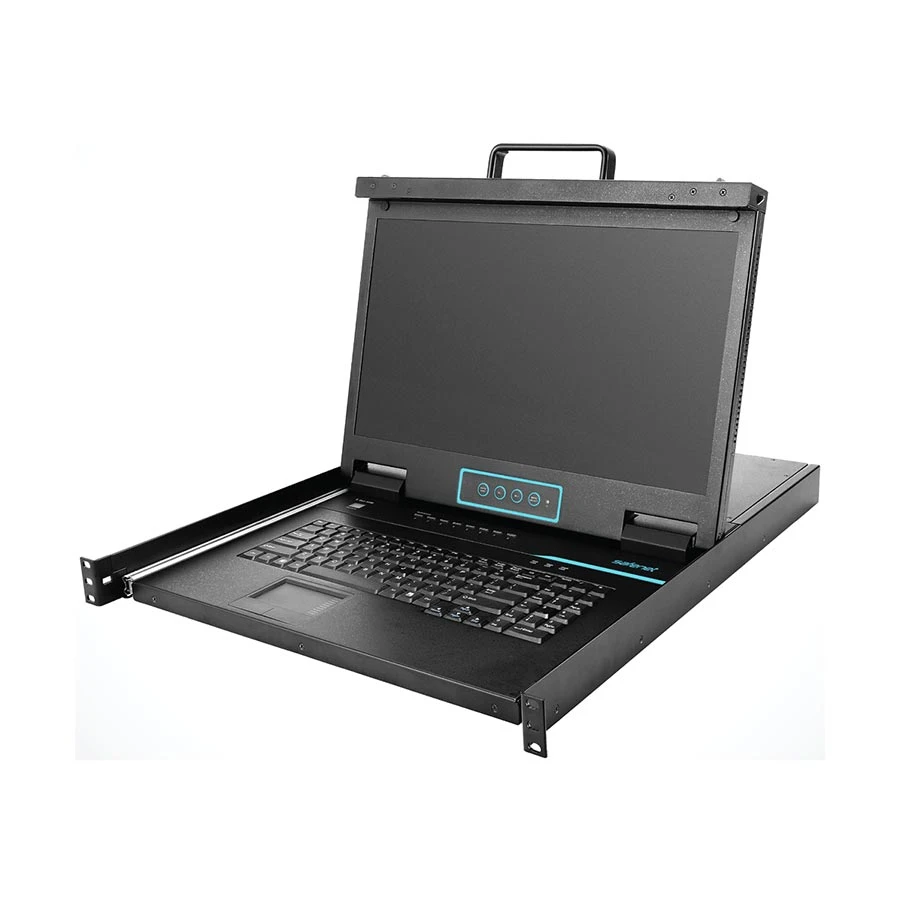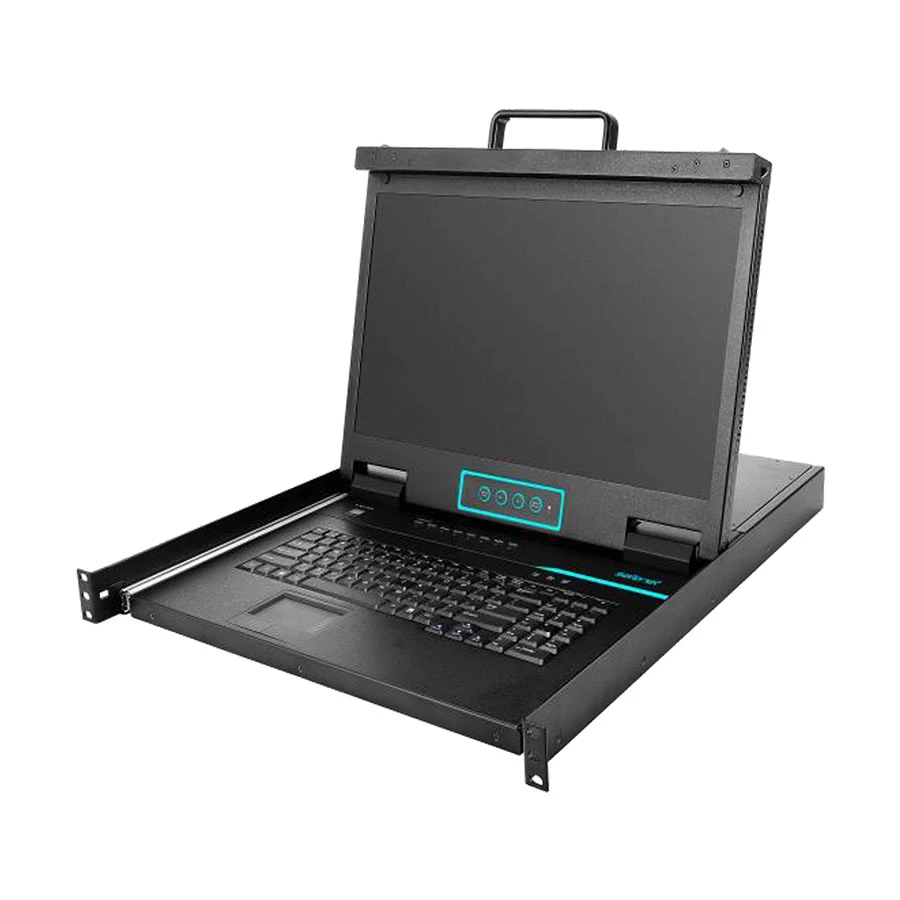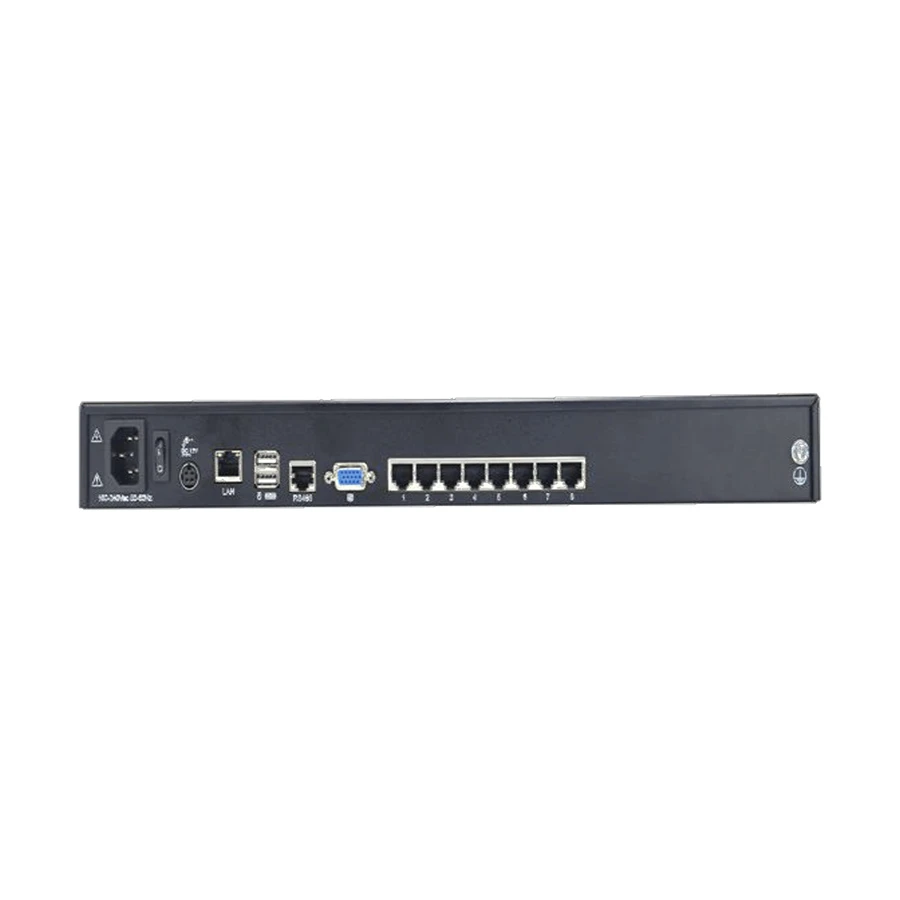
Safenet SN-KC7808S 8-Port TP KVM
Exclusive of all taxes
Product Details
Key Features
Seamless Server Connectivity: Supports various server ports such as VGA, DVI, HDMI, and DP, enabling seamless connections.
Port Sharing Mode: Users can access servers simultaneously in port sharing mode, providing both local and remote access.
Multi-OS Compatibility: Compatible with multiple operating systems like Windows, Linux, Unix, Mac, Solaris (Sun), Redhat, and Ubuntu.
Video Synchronization: Features video synchronization with the local console and supports EDID information for optimized video resolution.
Emulation for Keyboard and Mouse: Ensures smooth booting, while auto scanning allows monitoring of user-selected computers.
Hot Plugging Support: Enables the addition or removal of computers without power interruption.
Adaptive LAN Ports: Supports adaptive LAN ports with speeds of 10/100/1000 Mbps.
BIOS-Level Access and Firmware Upgrade: Provides BIOS-level access and firmware upgrade support.
Adjustable Video Quality: Allows adjustment of video quality and tolerance to optimize data transfer speeds up to 30 FPS.
Remote and Local Access: Enables remote and local users to control the same server/computer simultaneously.
Security Features: Includes AES/DES/3DES encryption and strong password support, along with an audit function for device monitoring.
Exit Macros Support: Supports exit macros for customized workflows.
User and Group Permissions: Allows configuration of user and group permissions for server access and control.
Mouse Movement Synchronization: Automatically synchronizes mouse movements between local and remote connections.
Specification | KVM SWITCH |
Computer Connections | Direct 8 or 16 |
Maximum by Cascading | 256 |
Installation Type | Desktop |
Auto Scan Interval | 5~100 secs |
VGA Resolution | 1920×1080 |
Console Connector | Video: HDB-15(Female) II, Keyboard: PS/2 II, Mouse: PS/2 II |
Compatible OS | Windows, Sun, Unix and Linux |
Operating Temperature | 0 °C ~ 50 °C |
Dimension (mm) | 448mm×560mm×42.5mm |
Weight (kg) | 13.4kg |
Description
Safenet SN-KC7808S 8-Port TP KVM
Key Features & Benefits:
- Seamless Server Connectivity: Supports various server ports such as VGA, DVI, HDMI, and DP, enabling seamless connections.
- Port Sharing Mode: Users can access servers simultaneously in port sharing mode, providing both local and remote access.
- Multi-OS Compatibility: Compatible with multiple operating systems like Windows, Linux, Unix, Mac, Solaris (Sun), Redhat, and Ubuntu.
- Video Synchronization: Features video synchronization with the local console and supports EDID information for optimized video resolution.
- Emulation for Keyboard and Mouse: Ensures smooth booting, while auto scanning allows monitoring of user-selected computers.
- Hot Plugging Support: Enables the addition or removal of computers without power interruption.
- Adaptive LAN Ports: Supports adaptive LAN ports with speeds of 10/100/1000 Mbps.
- BIOS-Level Access and Firmware Upgrade: Provides BIOS-level access and firmware upgrade support.
- Adjustable Video Quality: Allows adjustment of video quality and tolerance to optimize data transfer speeds up to 30 FPS.
- Remote and Local Access: Enables remote and local users to control the same server/computer simultaneously.
- Security Features: Includes AES/DES/3DES encryption and strong password support, along with an audit function for device monitoring.
- Exit Macros Support: Supports exit macros for customized workflows.
- User and Group Permissions: Allows configuration of user and group permissions for server access and control.
- Mouse Movement Synchronization: Automatically synchronizes mouse movements between local and remote connections.
Ideal For:
- Data center administrators
- Server engineers
- IT professionals
- Network administrators
- System integrators
- Remote workers
- Business owners
Summary:
The Safenet SN-KC7808S 8-Port TP KVM is a versatile device designed to facilitate server connectivity. It supports various server ports and enables seamless connections. Compatible with multiple operating systems, it provides both local and remote access. Revolution Technology BD offers this product for purchase.
How to Order
Revolution Technology BD has made shopping easier for customers. Follow these steps:
- Click Register Button from home page
- Register with: Name + Email + Mobile + Password
- Click Create Account after entering information
- Login automatically or use Login button
- Provide mobile number and password, then Sign Up
- Choose desired product and click Buy Now
- View product details and click Add to Cart
- Click Item box (upper right corner)
- Go to Shopping Cart page
- Continue Shopping for more products or proceed
- Click "Click Here to Address" button
- Provide Full Name, Phone, Email & Delivery Address
- Click Order Submit button
- View Bill Invoice and receive email confirmation
- Print Invoice using Print button
- Wait for delivery - we'll keep you updated
- Thank you for shopping with us!