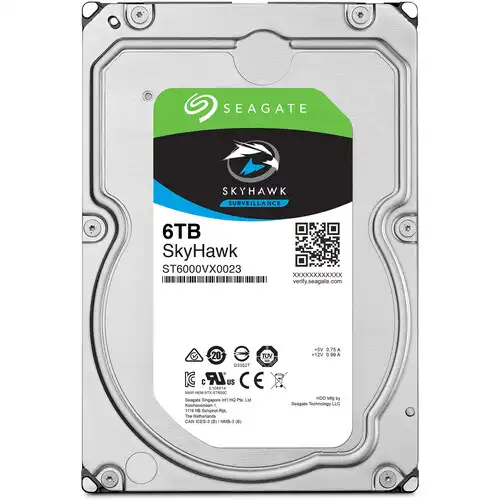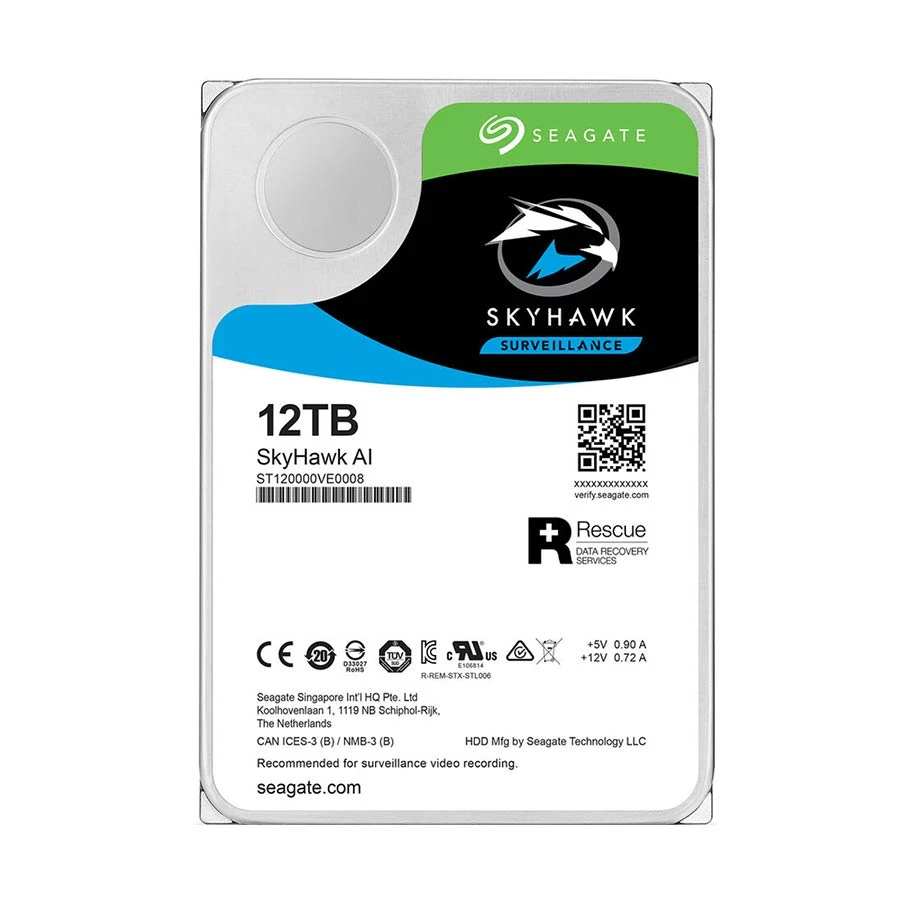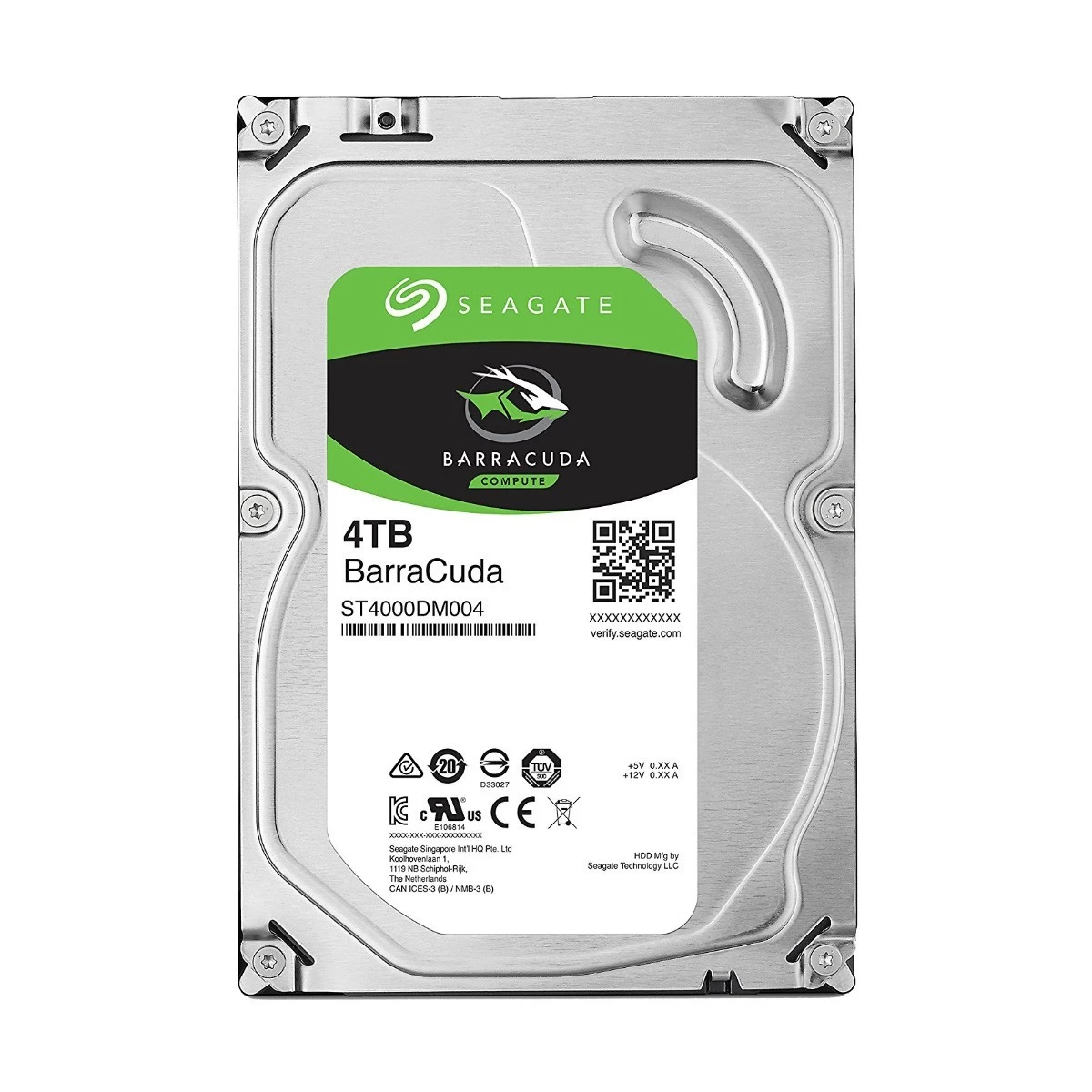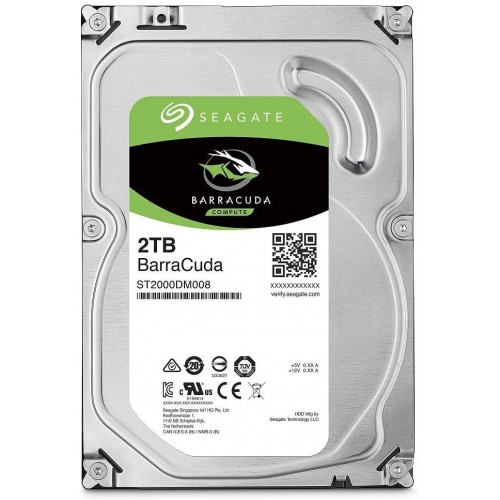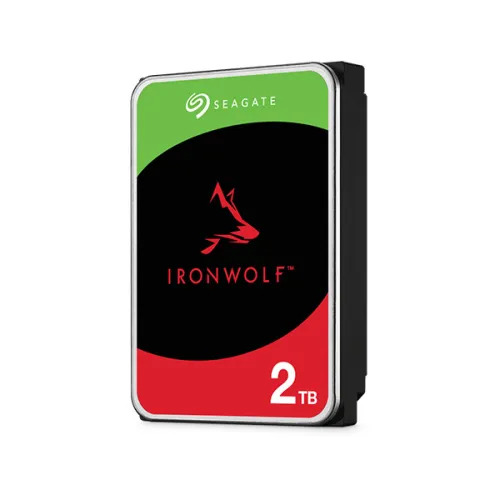
Seagate IronWolf 2TB 3.5 Inch SATA 5400RPM NAS Hard Drive
Contact us for pricing
Product Details
Key Features
Model: IronWolf 2TB
Type: NAS Hard Drive (CMR Technology)
Capacity: 2TB
RPM: 5400 RPM
Buffer Memory: 256MB
Performance: Max. Sustained Transfer Rate 180MB/s
Compatibility: 1-to 8-bay NAS servers
Features: AgileArray Firmware
Specification
|
Type |
SATA NAS HDD |
|
Capacity |
2TB |
|
Interface |
SATA 6Gb/s |
|
Size (Form Factor) |
3.5 inch |
|
RPM Class |
5400 |
|
Read/Write Speed |
Max. Sustained Transfer Rate: 180 MB/s |
|
Technology |
CMR Technology and AgileArray Firmware |
|
Compatibility |
Compatible with 1-to 8-bay NAS servers |
|
Manufacturing Warranty |
3 years |
Description
Seagate IronWolf 2TB 3.5 Inch SATA 5400RPM NAS Hard Drive
The Seagate IronWolf 2TB 3.5 Inch SATA NAS Hard Drive is a powerful storage solution designed specifically for Network Attached Storage (NAS) systems. It provides enough space to save your multimedia files, backups, and data-intensive apps thanks to its generous 2TB storage capacity. With a large 256MB buffer and a dependable 5400 RPM, it guarantees lag-free data access and transmission. Its 6Gb/s SATA interface enables quick connectivity to your NAS system. With cutting-edge features like Dual-Plane Balance and Rotational Vibration (RV) sensors, the Seagate IronWolf 2TB 3.5 Inch SATA 5400RPM NAS Hard Drive reduces vibration-induced wear and tear while boosting dependability and longevity. Additionally, it reduces the chance of data loss and guarantees data integrity with Error Recovery Control and a Nonrecoverable Read Errors Rate of 1 per 10E14. The remarkable 600,000 load/unload cycles and 1,000,000 hours mean time between failures (MTBF) of the Seagate IronWolf 2TB 3.5 Inch SATA 5400RPM NAS Hard Drive highlight its long-term performance and robustness. At 180MB/s, it can transport data at a maximum sustained pace that is efficient. Additionally, it ensures a longer operating lifespan with a Power-On Hours of 8760, which makes it the perfect option for demanding NAS systems.
How to Order
Revolution Technology BD has made shopping easier for customers. Follow these steps:
- Click Register Button from home page
- Register with: Name + Email + Mobile + Password
- Click Create Account after entering information
- Login automatically or use Login button
- Provide mobile number and password, then Sign Up
- Choose desired product and click Buy Now
- View product details and click Add to Cart
- Click Item box (upper right corner)
- Go to Shopping Cart page
- Continue Shopping for more products or proceed
- Click "Click Here to Address" button
- Provide Full Name, Phone, Email & Delivery Address
- Click Order Submit button
- View Bill Invoice and receive email confirmation
- Print Invoice using Print button
- Wait for delivery - we'll keep you updated
- Thank you for shopping with us!