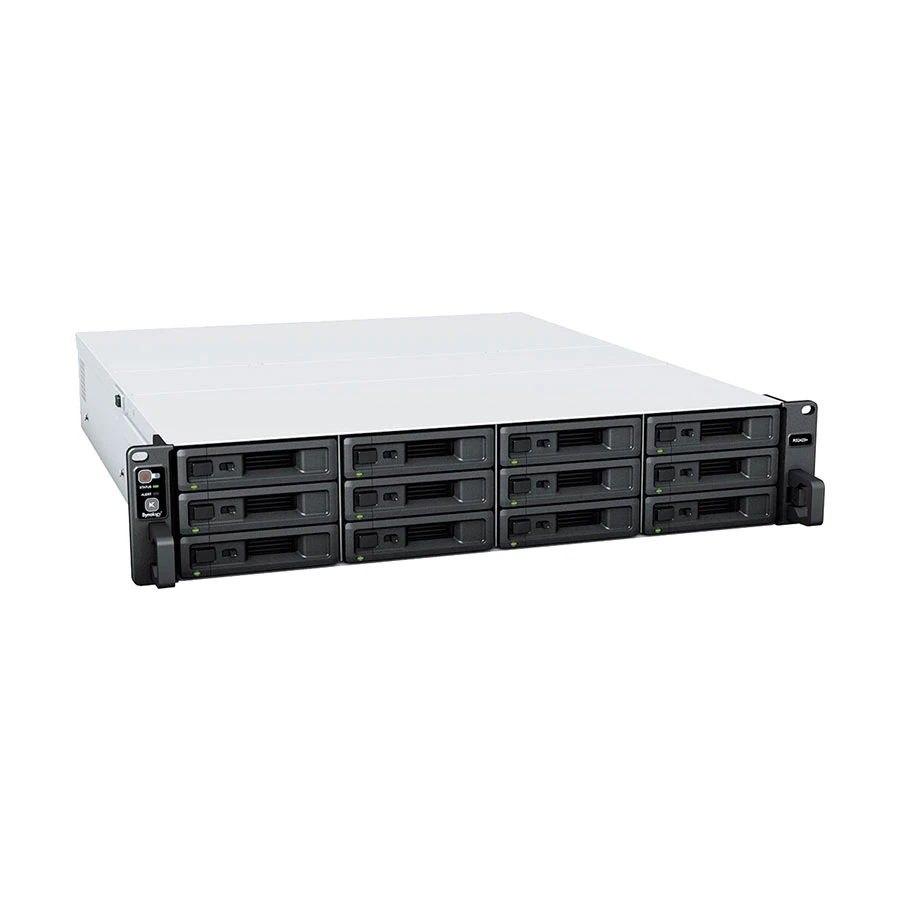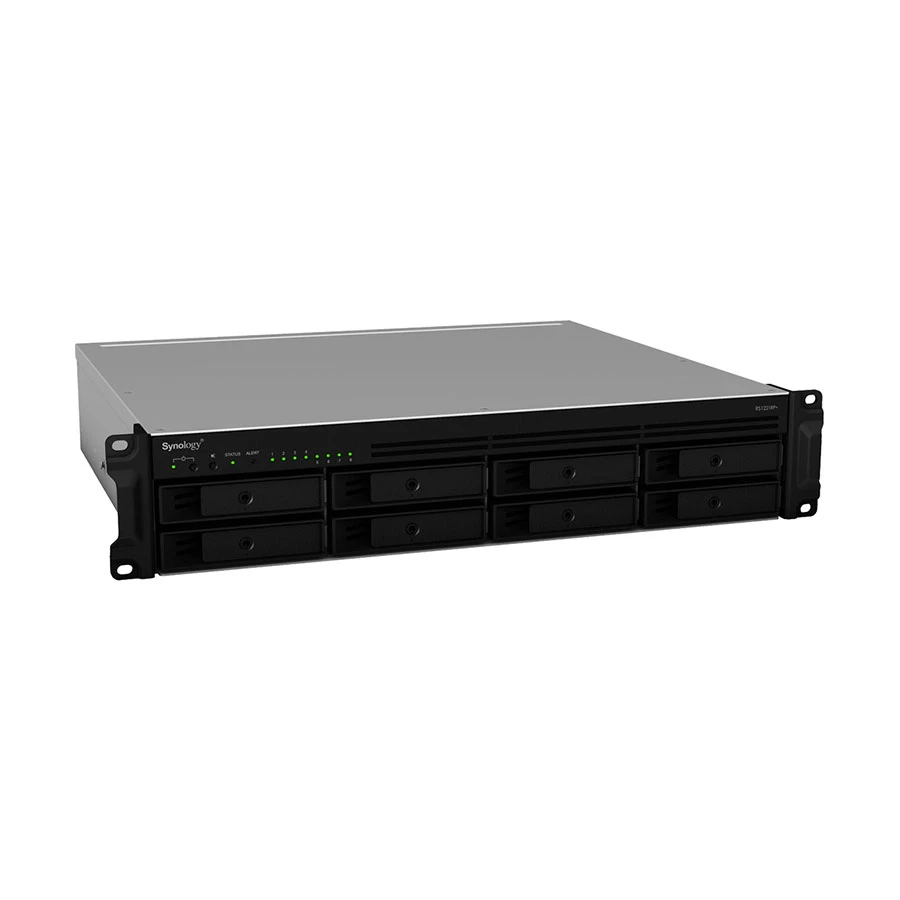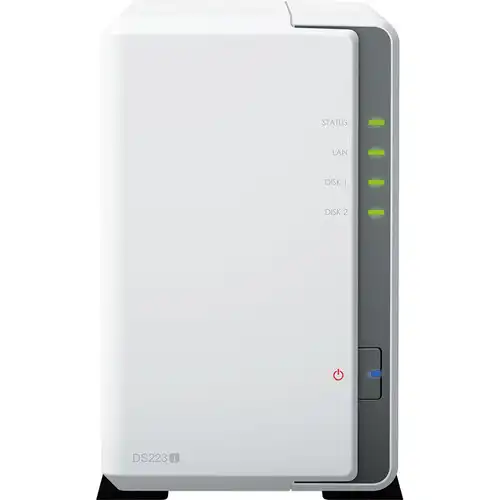
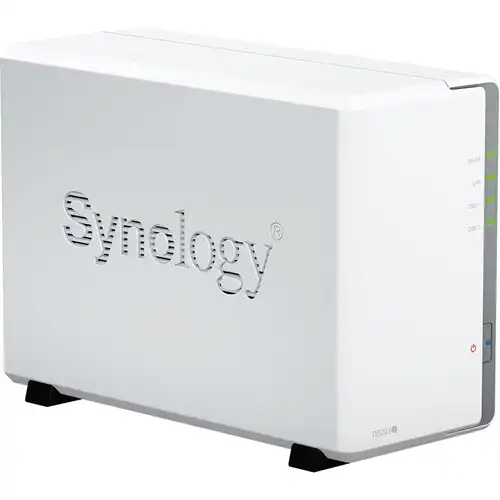
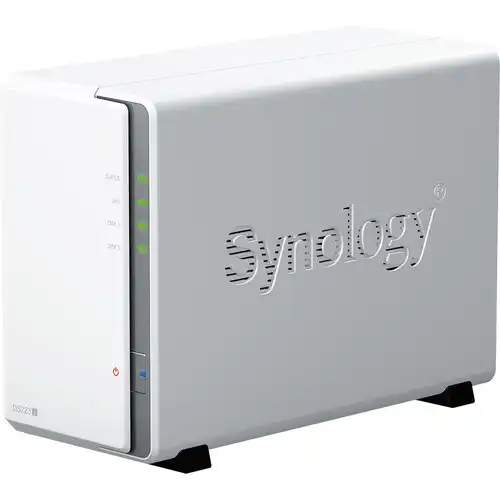
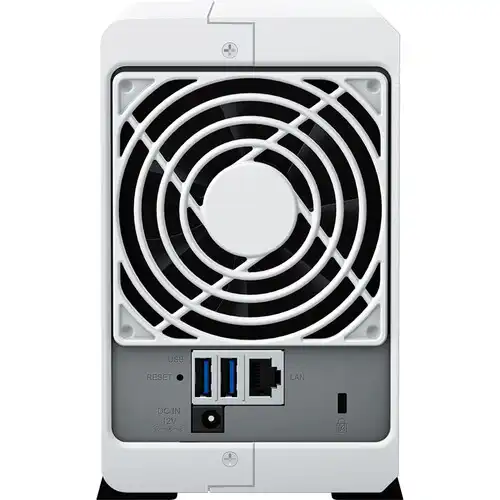
Synology DiskStation DS223j 2-Bays NAS Enclosure
Contact us for pricing
Product Details
Key Features
Model:
DiskStation DS223j
Processor:
1.7 GHz Realtek RTD1619B Quad-Core
RAM:
1 GB DDR4 non-ECC
HDD
Interface: 2 x 3.5/2.5" SATA III/II
LAN:
1x Gigabit (RJ-45)
Specification
|
Processor |
4-core 1.7 GHz
Realtek RTD1619B |
|
Memory |
1 GB DDR4
non-ECC |
|
RAID Controller |
Synology Hybrid
RAID |
|
Operating
System |
Synology
DiskStation Manager OS |
|
Network |
1 x Gigabit
Ethernet Ports |
|
Drive Bays |
2 x
3.5/2.5" SATA HDD/SSD |
|
I/O Slots |
2 x USB-A 3.2
Gen 1 Ports |
|
Warranty |
01-year
Warranty |
Description
Synology DiskStation DS223j 2-Bays NAS
Enclosure
The Synology DiskStation DS223j 2-Bays
NAS Enclosure is designed as an efficient one-stop solution for all your data
storage needs, allowing you to create a private cloud to protect your files,
share your data across multiple devices, store security footage with
intelligent video surveillance tools, and more. It has two drive bays that can
natively accept 3.5" SATA hard drives, as well as 2.5" SATA hard
drives and SSDs. The DiskStation DS223j NAS Storage is powered by
Synology DiskStation Manager (DSM) OS, a browser-based operating system that
aids in the management of your Synology NAS. Its CPU is a 1.7 GHz Realtek
RTD1619B Quad-Core, and its 1GB of DDR4 RAM enables for speedy access to
commonly used files and apps. It also has two USB-A 3.2 Gen 1 ports for
connecting external drives or other devices, and network communication is
provided by the inbuilt Gigabit Ethernet connector, which allows your saved
data to be shared with users across the network. The DS223j may also serve as a
multimedia management, streaming, and playback solution. The DS223j supports
RAID 0 and 1, as well as Synology Hybrid RAID and Basic RAID, all of which
provide performance, data redundancy, or a mix of the two. JBOD, which allows
each drive bay to be used independently, is also available for individuals who
do not require a RAID. A 92 x 92mm fan keeps the system cool at all times, and
the server supports multiple programmed power on / off cycles as well as hard
disk hibernation to further reduce power consumption and operating costs.
How to Order
Revolution Technology BD has made shopping easier for customers. Follow these steps:
- Click Register Button from home page
- Register with: Name + Email + Mobile + Password
- Click Create Account after entering information
- Login automatically or use Login button
- Provide mobile number and password, then Sign Up
- Choose desired product and click Buy Now
- View product details and click Add to Cart
- Click Item box (upper right corner)
- Go to Shopping Cart page
- Continue Shopping for more products or proceed
- Click "Click Here to Address" button
- Provide Full Name, Phone, Email & Delivery Address
- Click Order Submit button
- View Bill Invoice and receive email confirmation
- Print Invoice using Print button
- Wait for delivery - we'll keep you updated
- Thank you for shopping with us!