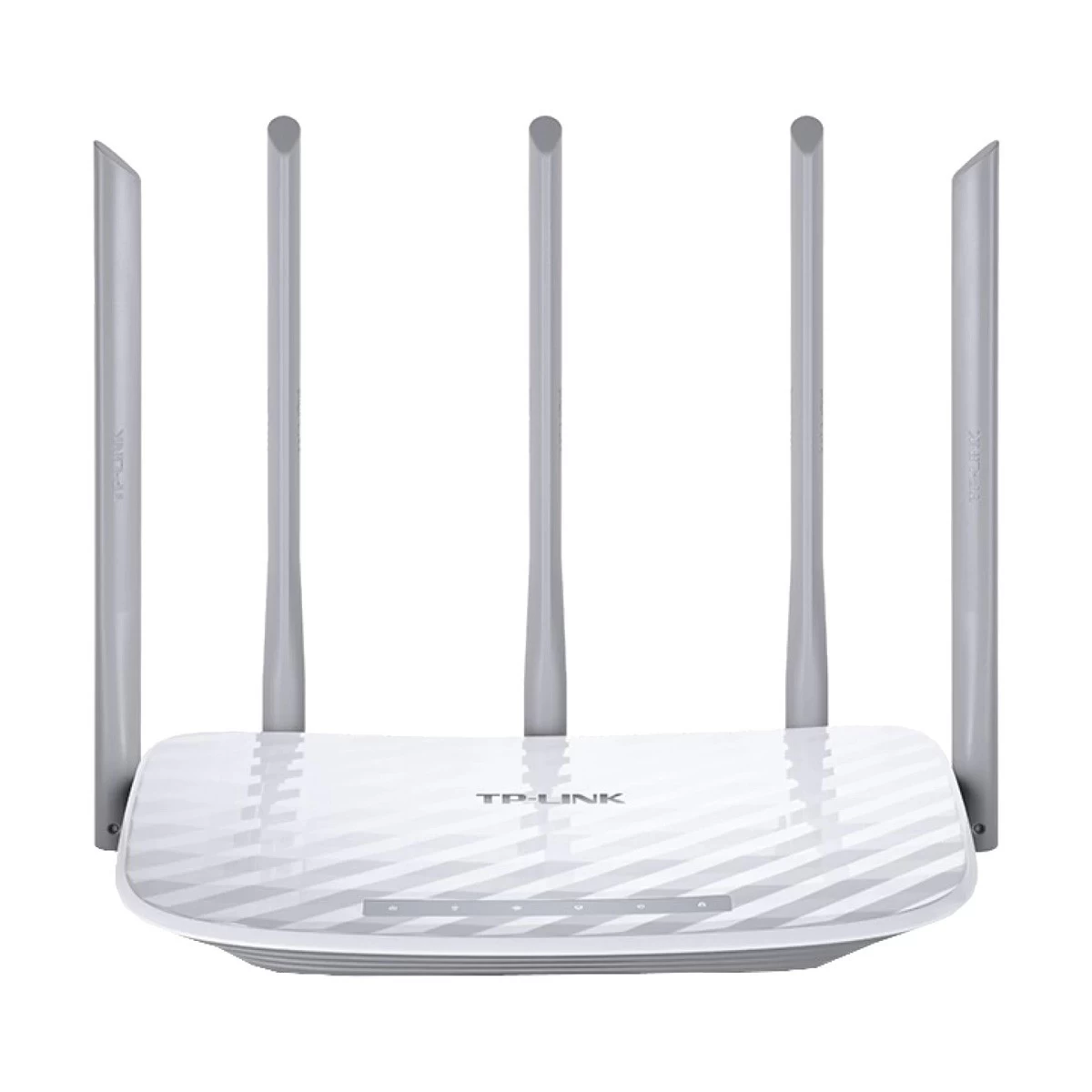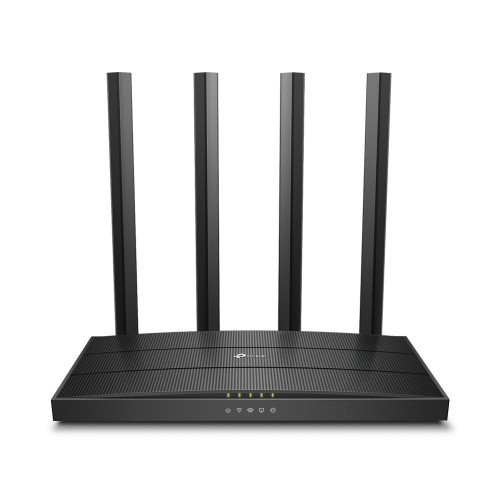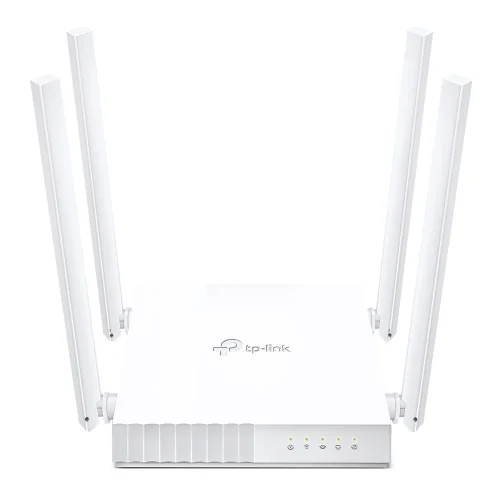
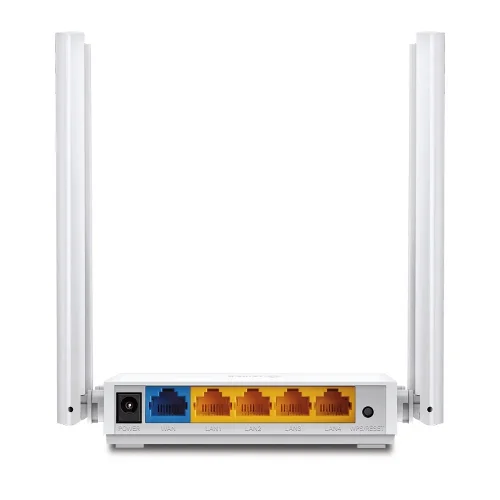
TP-Link Archer C24 AC750 Dual-Band WiFi Router
Exclusive of all taxes
Product Details
Key Features
Model:
Archer C24
WiFi
Speed: 300Mbps (2.4Ghz), 433Mbps (5Ghz)
Number
of Antennas: 4 x Fixed Antennas
Number
of Ports: 1x WAN, 4x LAN (10/100 Mbps)
Features:
Access Point Mode, Range Extender Mode
Specification
|
Data Rate |
5 GHz: 433 Mbps
(802.11ac) |
|
Antenna |
4× Fixed
Antennas |
|
Button |
WPS/Reset
Button |
|
Frequency |
5 GHz, 2.4 GHz |
|
Wireless |
Wi-Fi 5 (AC750) |
|
Interface |
1× 5 GHz Guest
Network |
|
Network
Standard |
IEEE
802.11ac/n/a 5 GHz |
|
Encryption |
WEP |
|
Ports |
Ethernet Ports |
|
Others |
Network
Security: |
|
Power Mode |
Router Mode |
|
Dimension |
4.5 × 4.2 × 1.0
in |
|
Warranty |
01 year
warranty |
Description
TP-Link Archer C24 AC750
Dual-Band WiFi Router
The TP-Link Archer C24 Router
is a fantastic networking solution that combines speed, dependability, and
versatility in a compact package, making it a standout among TP-Link routers.
The Archer C24 is a high-performance TP-Link Dual Band Router that
runs on both the 5 GHz and 2.4 GHz frequency bands, with speeds of up to
433 Mbps and 300 Mbps, respectively. This robust TP-Link WiFi router is
designed for modern digital lifestyles, with four strategically placed fixed
exterior antennas that enhance coverage and reduce dead zones across your home.
Whether you are streaming HD content, playing competitive online games, or
efficiently managing many devices, the Archer C24 lets you do it all without
sacrificing performance. This TP-Link router also includes crucial features
like parental controls, a dedicated guest network, and multi-mode operation,
including usage as an access point or range extender, which demonstrate why the
TP-Link Archer C24 router is such a reliable and adaptable option. With nearly
2,000 hours of stability testing and advanced support for technologies such as
IGMP Proxy/Snooping, IPTV, and IPv6, the Archer C24 is a dependable and
future-proof choice for anybody looking for a sturdy TP Link router that can
satisfy today's complicated connectivity demands.
How to Order
Revolution Technology BD has made shopping easier for customers. Follow these steps:
- Click Register Button from home page
- Register with: Name + Email + Mobile + Password
- Click Create Account after entering information
- Login automatically or use Login button
- Provide mobile number and password, then Sign Up
- Choose desired product and click Buy Now
- View product details and click Add to Cart
- Click Item box (upper right corner)
- Go to Shopping Cart page
- Continue Shopping for more products or proceed
- Click "Click Here to Address" button
- Provide Full Name, Phone, Email & Delivery Address
- Click Order Submit button
- View Bill Invoice and receive email confirmation
- Print Invoice using Print button
- Wait for delivery - we'll keep you updated
- Thank you for shopping with us!