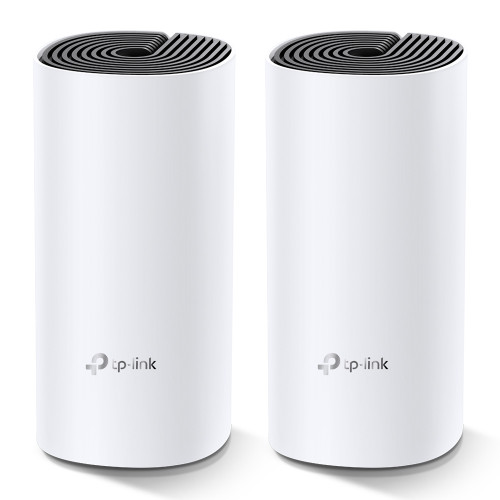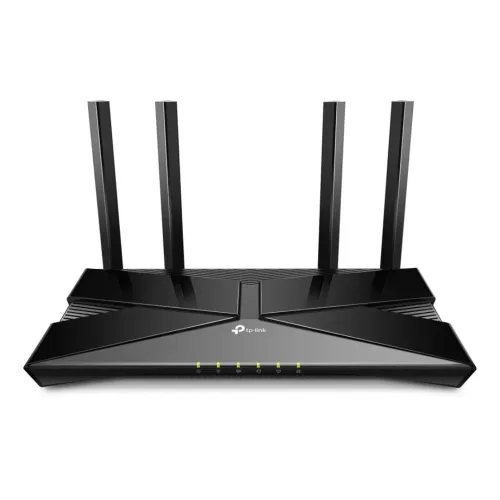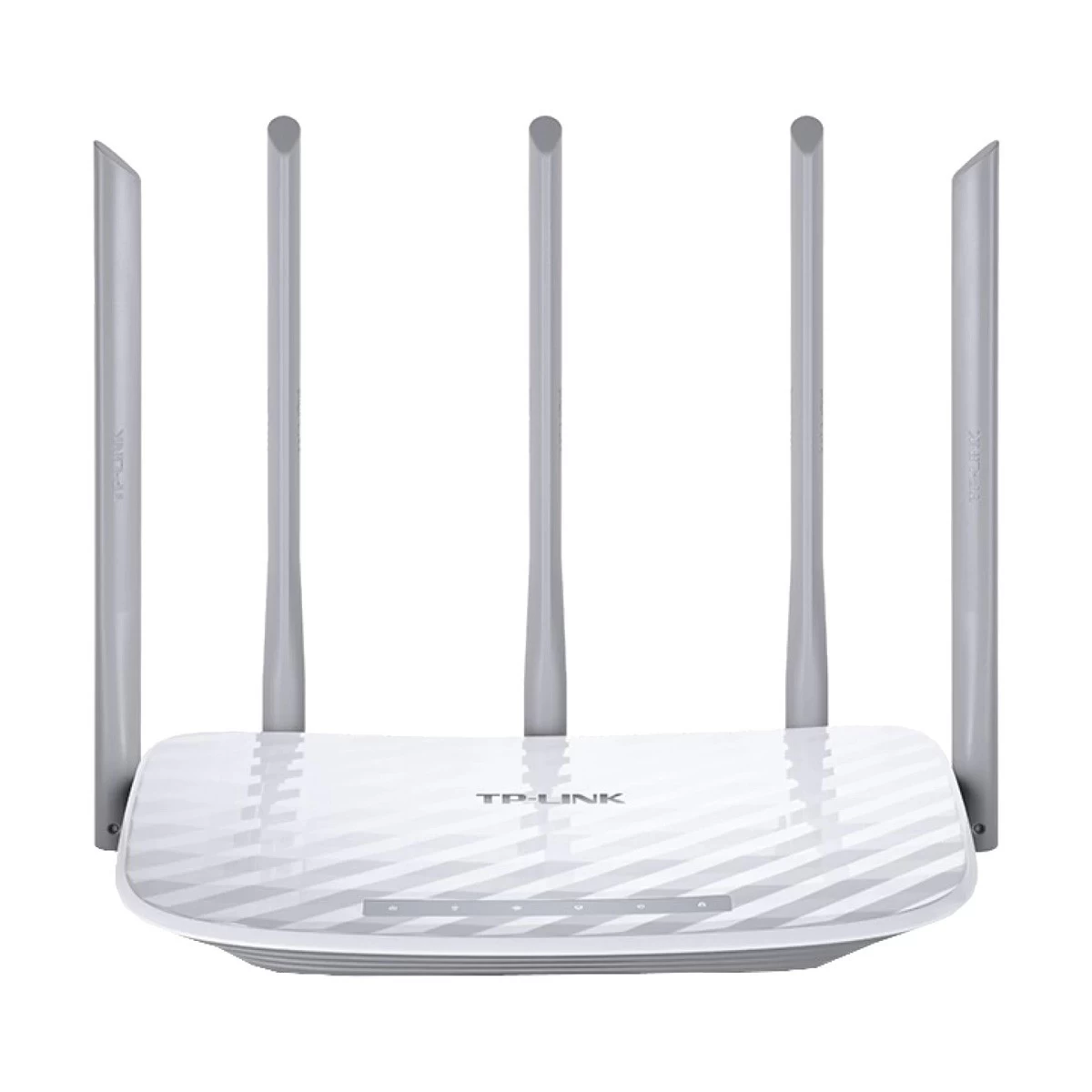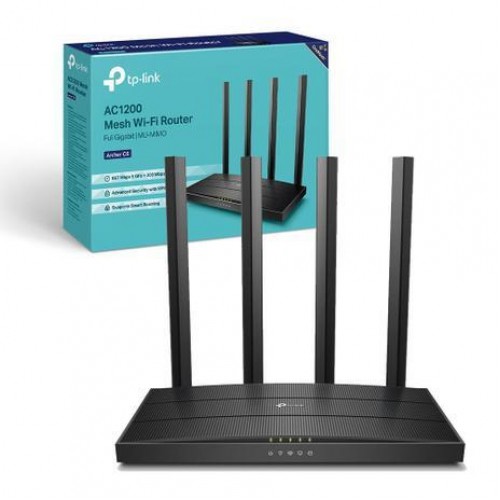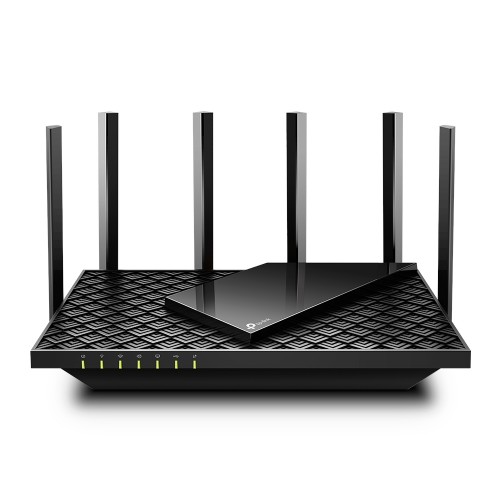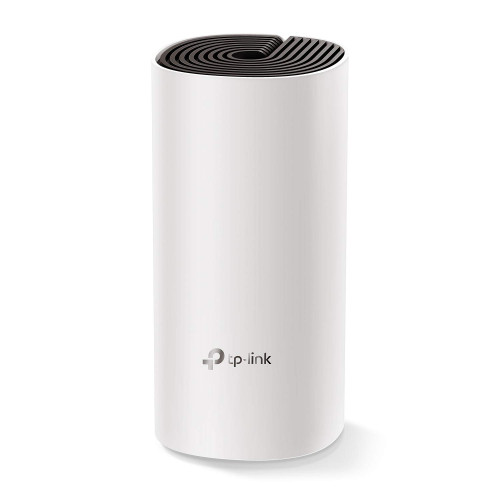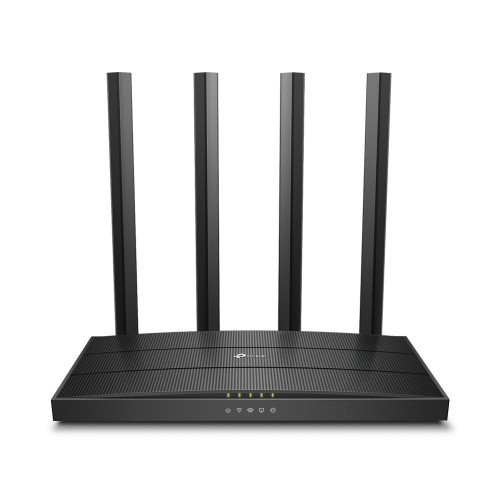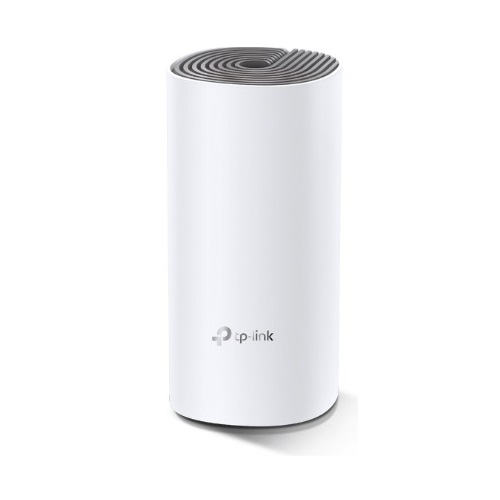
TP-Link Deco E4 AC1200 Dual-band Mesh Router (1 Pack)
Exclusive of all taxes
Product Details
Key Features
Model: TP-Link Deco E4
Deliver Wi-Fi to an area of up
to 1500 square feet
Connect up to 100 devices
Frequency: 2.4 GHz, 5 GHz
Speed up to 1167 Mbps
Specification
|
Key Features |
|
|
Data Rate |
300
Mbps on 2.4 GHz 867
Mbps on 5 GHz |
|
Antenna |
2
internal dual-band antennas per Deco unit |
|
Button |
1 Reset
button on the underside |
|
Frequency |
2.4 GHz
and 5 GHz |
|
Wireless |
Yes |
|
Interface |
2
Internal dual-band antennas per Deco unit |
|
Network Standard |
IEEE
802.11 ac/n/a 5GHz, 300 Mbps at 2.4 GHz |
|
Encryption |
WPA-PSK/WPA2-PSK |
|
Ports |
2
10/100Mbps, WAN/LAN Ports, 1 Power Port |
|
Operating System Support |
iOS 9.0
or later Android
4.3 or later |
|
Power Source |
|
|
Power Mode |
AC
adapter input : 100-240V/50-60Hz 0.3A AC adapter output : 12 ⎓ 1A Transmit Power : FCC: <30 dBm CE:
<20 dBm (2.4 GHz) <23
dBm (5 GHz) |
|
Physical Dimensions |
|
|
Dimension |
7.5 x
3.6 x 3.6 in (190.5 x 90.7 x 90.7 mm) |
|
Color |
White |
|
Manufacture warranty |
|
|
Warranty |
01 year
warranty |
TP-Link
Deco E4 Whole Home Mesh Wi-Fi System AC1200 Dual-band Router
Deco E4 two pack is the simplest way to guarantee a strong
Wi-Fi signal in every corner of your home up to 1500 Square feet. This router
has a feature called Mesh. It means Deco units work together to form one
unified network. Your phone or tablet automatically connects to the fastest
Deco as you move through your home, creating a truly seamless Wi-Fi experience.
Network speeds up to 1167 Mbps, thanks to IEEE 802.11 wireless technology, make
Deco capable of providing a lag-free connection to up to 100 devices .It also
has Access Point and Range Extender Modes. Again, it provides parental Control
which limits online time and block inappropriate websites according to unique
profiles created for each family member. Enjoy the convenient life.
How to Order
Revolution Technology BD has made shopping easier for customers. Follow these steps:
- Click Register Button from home page
- Register with: Name + Email + Mobile + Password
- Click Create Account after entering information
- Login automatically or use Login button
- Provide mobile number and password, then Sign Up
- Choose desired product and click Buy Now
- View product details and click Add to Cart
- Click Item box (upper right corner)
- Go to Shopping Cart page
- Continue Shopping for more products or proceed
- Click "Click Here to Address" button
- Provide Full Name, Phone, Email & Delivery Address
- Click Order Submit button
- View Bill Invoice and receive email confirmation
- Print Invoice using Print button
- Wait for delivery - we'll keep you updated
- Thank you for shopping with us!