
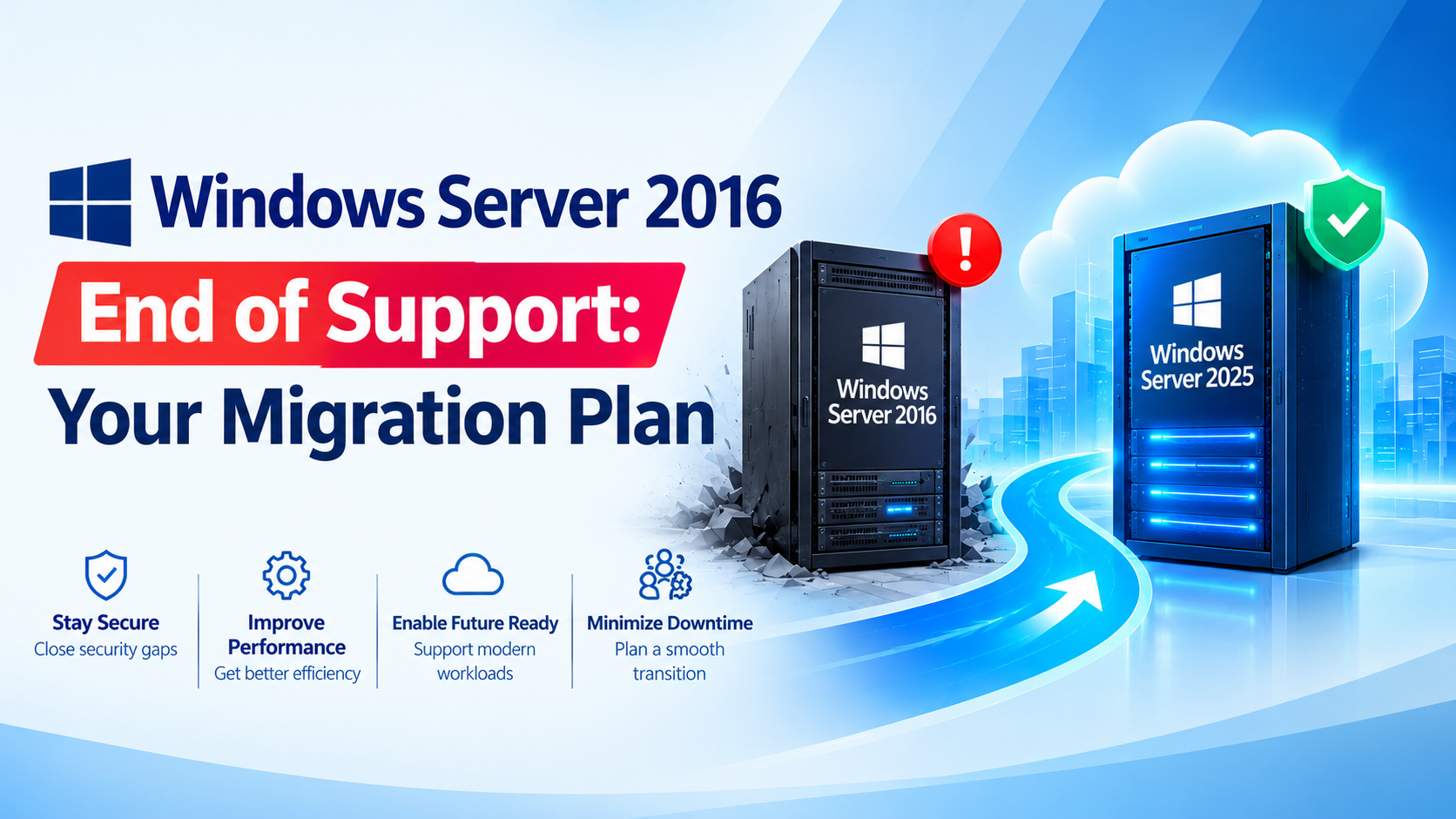
What Actually Happens on January 12, 2027
Nothing switches off. Your servers will keep booting and running, but security updates stop, so the February 2027 Patch Tuesday won’t include Server 2016. That is the real danger. Every new vulnerability discovered after that date stays open on a machine that often holds your most important data.
This is the same end-of-support moment many businesses have already faced with other Microsoft products. Office and Exchange Server 2016/2019 reached end of support in October 2025.
The Double Deadline: Check Your Database Too
Servers running Windows Server 2016 frequently host SQL Server 2016 as well, and that deadline has already passed. SQL Server 2016 reached the end of extended support on July 14, 2026, and its paid Extended Security Updates run to July 17, 2029.
So a single server can carry two end-of-support problems at once. Assess the operating system and the database together, not separately.
Why Unsupported Servers Are a Business Risk
- Security exposure. Unpatched servers are a favorite entry point for ransomware and lateral movement, because attackers know exactly which flaws will never be fixed.
- Compliance and audit findings. Running unsupported software on systems that hold customer or financial data is difficult to defend in an ISO 27001-style audit or a client security review.
- Software and vendor support. Application vendors and cyber insurers increasingly expect supported operating systems.
- Rising cost of waiting. Emergency migrations in the last weeks before a deadline cost more and break more than planned ones.
Check in 2 Minutes: Do You Have Windows Server 2016?
You don’t need a full audit to find out where you stand:
- Windows Server version: on each server, run
winver, or in PowerShell runGet-ComputerInfo | Select OsName, OsVersion. Windows Server 2016 shows as build 14393. - SQL Server version: run
SELECT @@VERSIONin SQL Server Management Studio. SQL Server 2016 reports version 13.x. - Don’t forget the hidden ones: old virtual machines, branch-office servers, and servers that “only run one small app.”
Your Three Options
1. Upgrade or Migrate to a Current Windows Server
The recommended path is moving to a supported version such as Windows Server 2022 or 2025. Windows Server 2019 is supported until 2029, 2022 until 2031, and 2025 until 2034. A side-by-side migration to a clean server is usually safer than an in-place upgrade for older, heavily used machines.
Before choosing the target, confirm that your database and applications are supported on it. Some migration guides note that SQL Server 2016 has limited support on the newest Windows Server versions, so check Microsoft’s support matrix first.
2. Buy Time with Extended Security Updates (ESU)
If a workload truly cannot move yet, paid ESU is a temporary bridge. Windows Server 2016 ESU can be configured through Azure Arc from August 3, 2026, with billing beginning on January 13, 2027. Treat ESU as a short, planned delay, not a destination, and confirm the cost and eligibility before relying on it.
3. Replace the Hardware
Servers old enough to run Windows Server 2016 are often also out of warranty, slow, and short on memory and storage. Migrating is a good moment to refresh the hardware, consolidate several old servers onto fewer virtualized hosts, and add proper backup.
An 11-Week Migration Plan
With about 80 days left, this schedule leaves a small buffer:
- Weeks 1-2: Discover. Inventory every server, its OS, its role, and the applications and databases on it.
- Weeks 3-4: Decide. Map dependencies, then choose upgrade, migrate, ESU, or retire for each server. Retire what nobody uses.
- Weeks 5-6: Prepare. Build the target environment and take full backups. Test that a restore actually works.
- Weeks 7-9: Pilot and migrate. Move the least critical workloads first, then the important ones in planned maintenance windows.
- Weeks 10-11: Cut over and clean up. Validate applications, decommission the old servers, and keep a rollback plan until you are sure.
Year-end holidays and change freezes reduce usable time, so starting in the next few weeks matters.
Building a Safe Migration
Server Hardware
Reliable, current servers to host the new environment, with the right memory, storage, and redundancy.
Explore Servers from Revolution Technology BD, including Dell, HPE, and Supermicro.
Server & Database Licensing
Licensing for current Windows Server and SQL Server versions.
Explore Server and Database Solutions from Revolution Technology BD.
Backup Solutions
A tested backup before any migration is your safety net.
Explore Data Backup Solutions from Revolution Technology BD, including Veeam, Acronis, Vinchin, and Veritas.
Virtualization
Consolidate several aging servers onto fewer, better-protected hosts.
Explore Virtualization Solutions from Revolution Technology BD.
Implementation & Administration Services
Experienced engineers to plan and carry out the migration without disrupting your business.
Explore Server Administration and Database Administrative Services from Revolution Technology BD.
Cyber Security
Protect the servers during and after migration, including the ones you can’t move immediately.
Explore Cyber Security Solutions from Revolution Technology BD.
The Bottom Line
January 12, 2027 will not break your server, but it will quietly make it a permanent security liability. The businesses that handle this well treat it as a planned project: find every Server 2016 machine, check the database underneath, pick the right path, test the backup, and migrate in stages. The earlier you start, the cheaper and calmer it will be.
Talk to Revolution Technology BD
Not sure how many Windows Server 2016 machines you have, or which path fits your business? Our team can help you inventory your servers, assess risk, and build a practical migration plan.
- Server and Database Solution:
https://revolutiontech.com.bd/products/subCategory/41 - Servers:
https://revolutiontech.com.bd/products/subCategory/201 - Data Backup Solutions:
https://revolutiontech.com.bd/products/subCategory/220 - Virtualization:
https://revolutiontech.com.bd/products/subCategory/253 - Implementation Services:
https://revolutiontech.com.bd/products/subCategory/257 - Cyber Security:
https://revolutiontech.com.bd/products/subCategory/157



