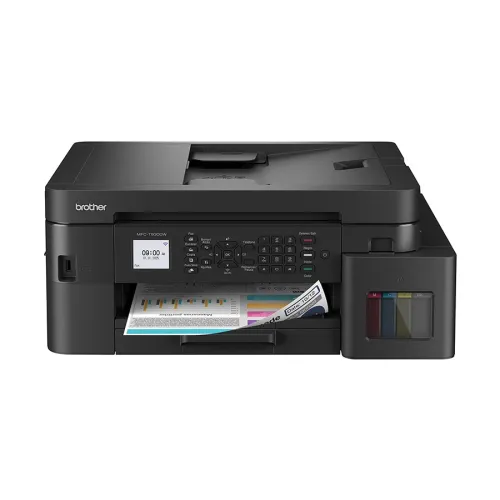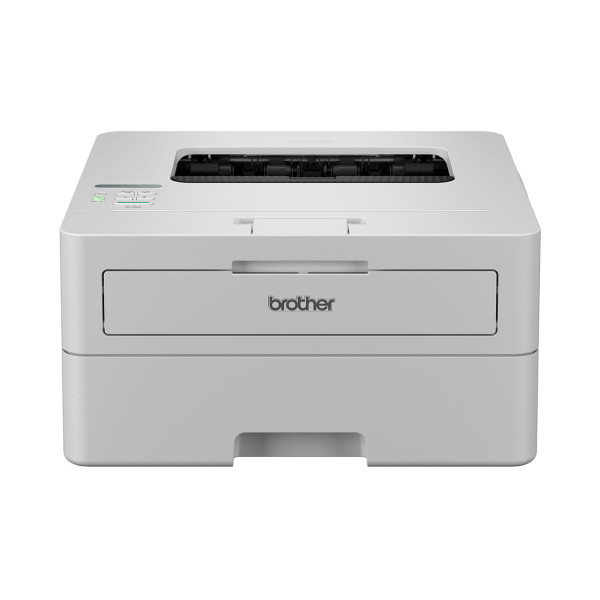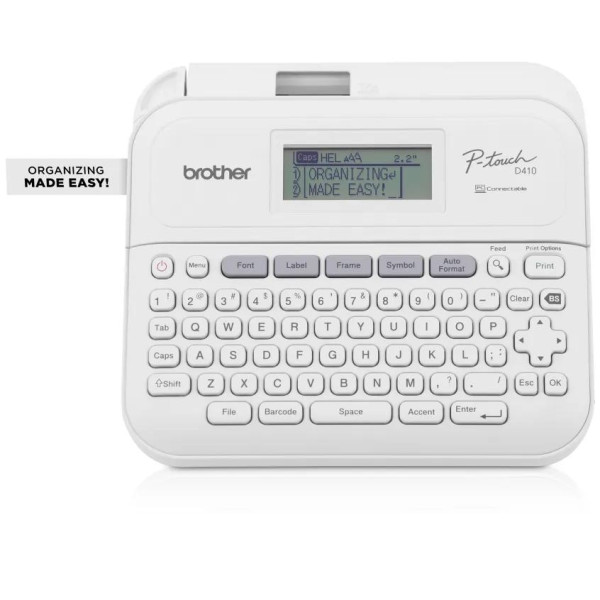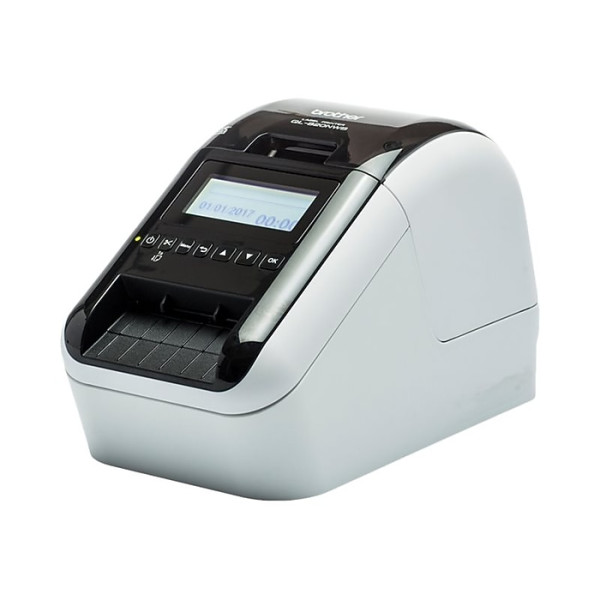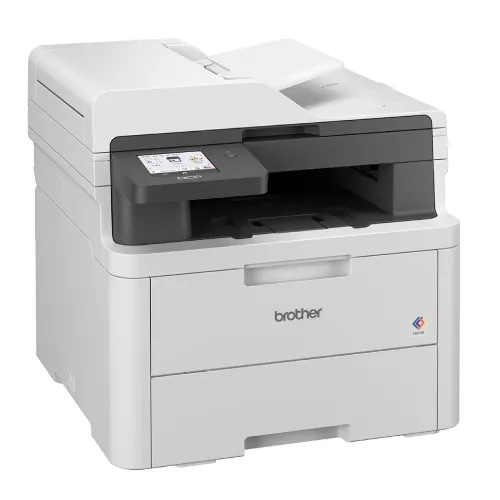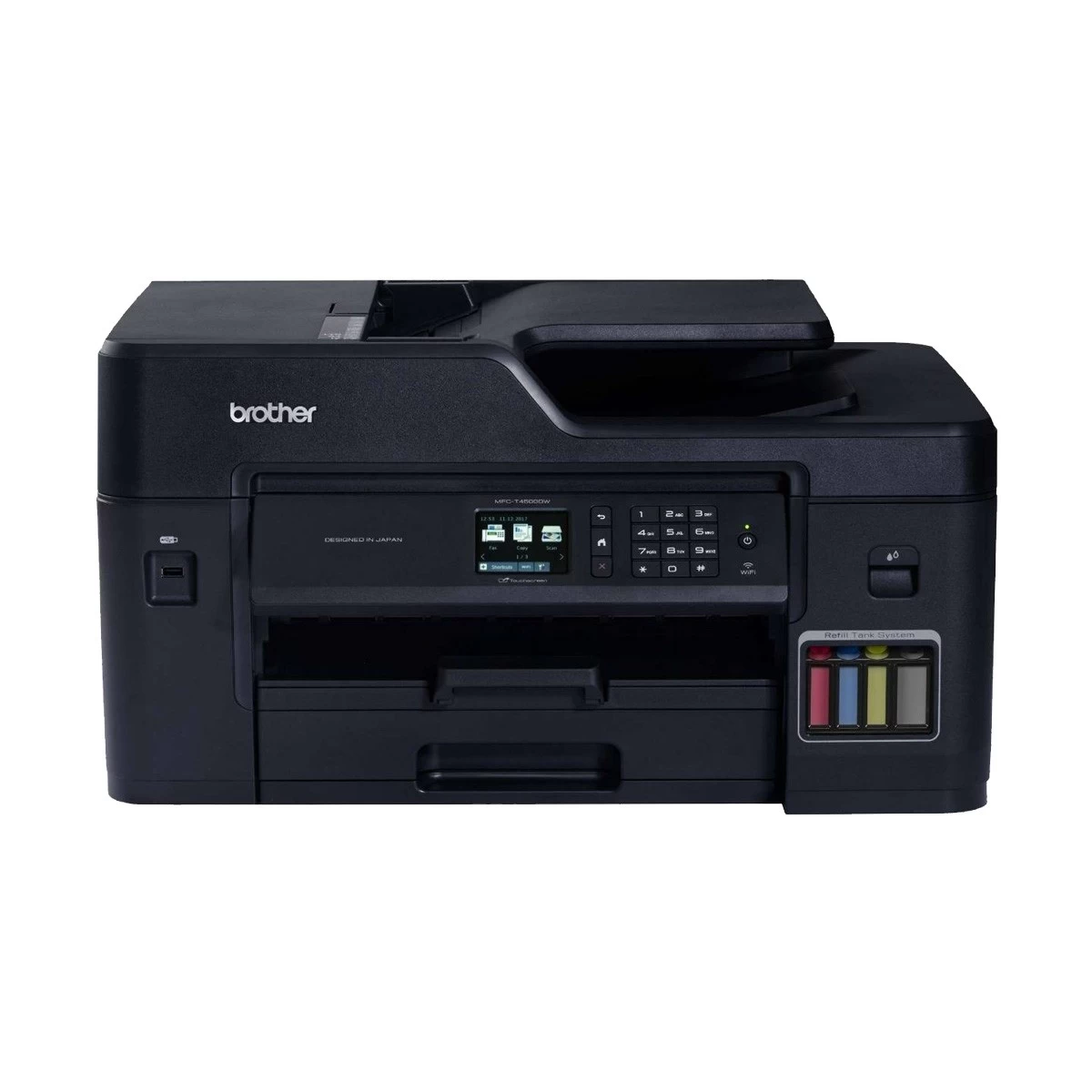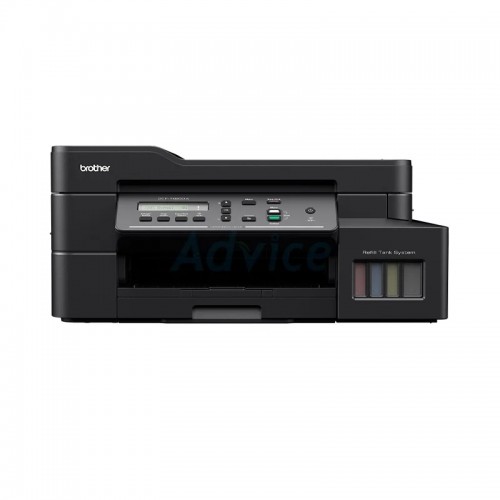
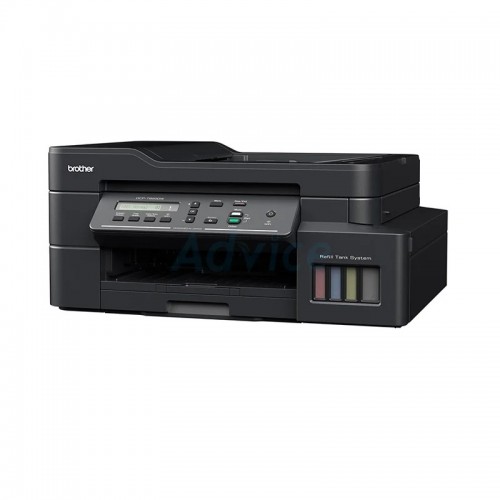
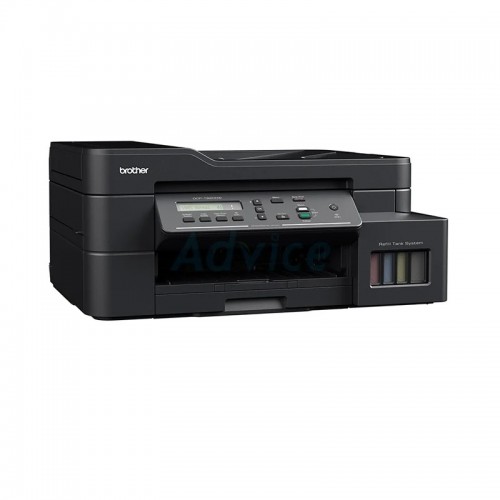
Brother DCP-T820DW Multi Function Inkjet Printer
Contact us for pricing
Product Details
Key Features
Model: DCP-T820DW
Print Speed (B&W/ Color):
17/ 16.5 pages per minute
Resolution: 1,200 x 6,000 dpi
Enlarge/ Reduce: 25% to 400%
Power: AC 220 - 240V 50/60Hz
Specification
| General | ||
| Functions | Print, Scan, Copy | |
| Printer Type | Multi Function Color Ink Printer | |
| Output Color | Color | |
| Technology | Inkjet | |
| Print Speed | Up to 30ppm (mono) and 26ppm (color) ( Fast Mode) | |
| Print Resolution | Up to 1,200 x 6,000 dpi | |
| Duty Cycle up to (Yield) | 50000 Pages | |
| Duplex | Yes | |
| Copy | ||
| Copy Speed | 13cpm (Mono), 10.5cpm (Color) | |
| Copy Resolution | 1200 x 2400dpi | |
| Scan | ||
| Scan Resolution | Up to 19200 × 19200 dpi | |
| Maximum Scan Size | Width: Up to 213.9 mm Length: Up to 295 mm | |
| Fax | ||
| Transmission Speed (kbps) | 14,400 bps | |
| Max Resolution | Standard: 98 dpi (Mono) Fine: 196 dpi (Mono) Superfine: 392 dpi (Mono) Photo: 196 dpi (Mono) | |
| Paper Information | ||
| Paper Size | A4, LTR, EXE, A5, A6, Photo 4” x 6”, Indexcard 5” x 8”, C5 Envelope, Com-10, DL Envelope, Monarch, LGL, Folio, Indian Legal | |
| Paper Type | Plain, Inkjet, Glossy (cast/resin), Recycled | |
| Paper Weight | 220g/m² | |
| Input Capacity | 150 sheets | |
| Output Capacity | 50 sheets | |
| Technical Specs | ||
| Connectivity | LAN Ethernet 10/100BASE-TX Auto Negotiation Wi-Fi IEEE 802.11b/g/n (Infrastructure) IEEE 802.11g/n (Wi-Fi Direct) USB Hi-Speed USB 2.0 | |
| Power Consumption | AC 220 - 240V 50/60Hz PRINTING: Approx. 17W READY: Approx. 3W SLEEP: Approx. 0.9W POWER OFF: Approx. 0.2W | |
| Physical Specs | ||
| Color | Black | |
| Dimension | 435 x 439 x 195mm | |
| Weight | 9.6 kg | |
| Support | ||
| Toner/ Cartridge/ Refill | BTD60BK Black (6500 pages), BT5001M Magenta (5000 pages), BT5001Y Yellow (5000 pages), BT5001C Cyan (5000 pages), BT5000M Magenta (5000 pages), BT5000Y Yellow (5000 pages), BT5000C Cyan (5000 pages) (Please make sure your existing & mentioned toner/cartridge/ink bottle models are the same before buying a new one) | |
| Software | Windows 7, 8, 8.1, 10, Vista, XP, Server 2008, 2012, 2016, Mac OS X 10.6.8 or later | |
| Warranty Information | ||
| Warranty | 1-year Limited warranty, an Adapter/Power Cable with no warranty, and also a Box Mandatory While Claiming. 1 year or 50,000 pages | |
Description
Brother DCP-T820DW Multifunction Inkjet Printer
Introducing our ink tank
printers, small and perfect for home or office with higher print volumes. Enjoy
printing without worrying about costs and expand your print capabilities with
the professional quality that yields crisp, clear text and brilliant colour
graphics and photos. With a document print speed of up to 17/16.5 ipm, Brother
printers speed up your workflows so you can do more in less time. From printing
professional reports to outstanding brochures, you can confidently create
powerful business materials that will make the best impression. Lower your cost
per print with Brothers Ultra High Yield Ink bottles. Print up to 7,500 pages
in black and 5,000 pages in colour! Our affordable genuine ink ensures
long-lasting machines and print heads, so you save more in the long run.
Brothers Refill Ink Tank printers features a transparent cover that allows for
easy front access to the embedded ink tank. The user-friendly design is
engineered to minimise the risk of mess and leakage. With flexible connectivity
options, our printers are designed to suit all work environments. Built-in
Wi-Fi allows your entire workgroup to effortlessly share one device. Plus,
Brother printers are equipped with direct mobile print for the convenience of
printing wirelessly from your mobile devices.
How to Order
Revolution Technology BD has made shopping easier for customers. Follow these steps:
- Click Register Button from home page
- Register with: Name + Email + Mobile + Password
- Click Create Account after entering information
- Login automatically or use Login button
- Provide mobile number and password, then Sign Up
- Choose desired product and click Buy Now
- View product details and click Add to Cart
- Click Item box (upper right corner)
- Go to Shopping Cart page
- Continue Shopping for more products or proceed
- Click "Click Here to Address" button
- Provide Full Name, Phone, Email & Delivery Address
- Click Order Submit button
- View Bill Invoice and receive email confirmation
- Print Invoice using Print button
- Wait for delivery - we'll keep you updated
- Thank you for shopping with us!