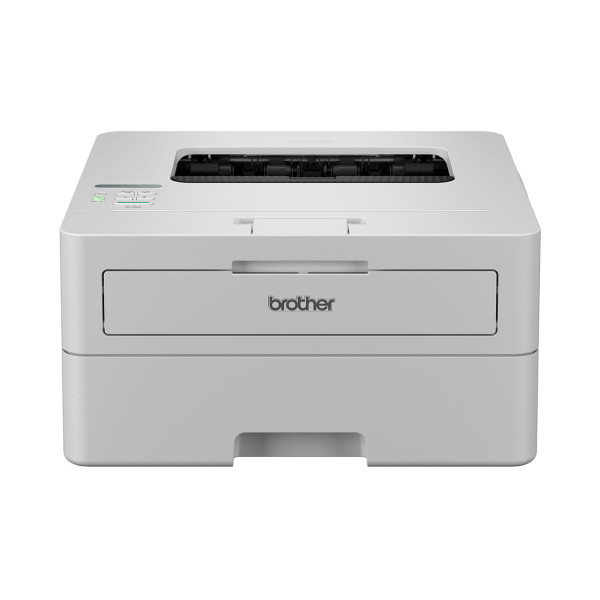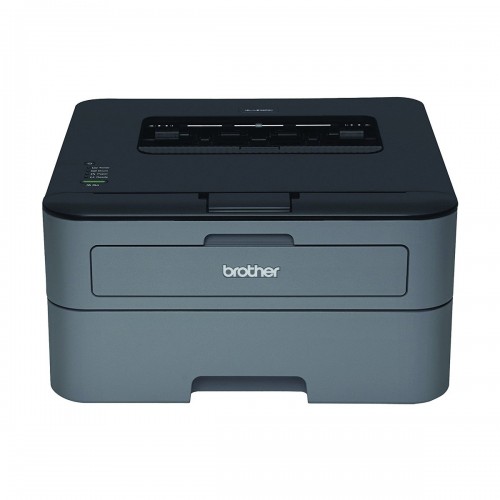
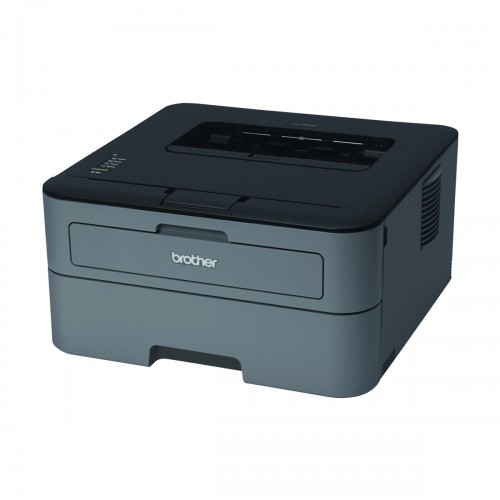
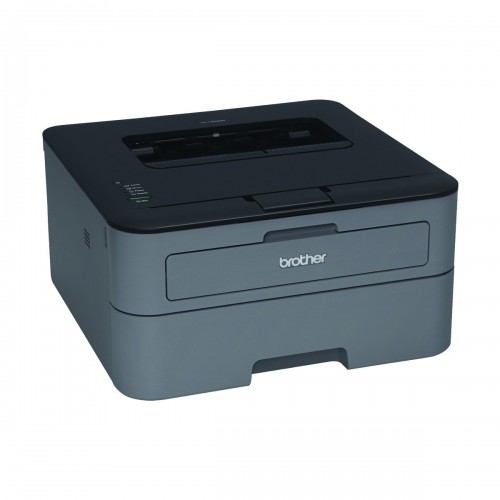
Brother HL-L2320D Auto Duplex Laser Printer (30 PPM)
Exclusive of all taxes
Product Details
Key Features
Model:
Brother HL-L2320D
Resolution
up to 2400 x 600 dpi
Fast
laser printing
Easily
print two-sided documents
Toner
Save mode
Specification
|
Type |
Single
Function Mono Laser Printer |
|
Functions |
Print Only |
|
Print
Technology |
Laser |
|
Print
Speed |
Up to 30
ppm (Black) |
|
Resolution |
2400 x 600
dpi |
|
First Page
Out |
8.5
seconds |
|
Monthly
Duty Cycle |
Up to
10,000 pages |
|
Duplex
Printing |
Automatic |
|
Input
Capacity |
250 sheets |
|
Output
Capacity |
100 sheets |
|
Connectivity |
Hi-Speed
USB 2.0 |
|
Toner
Models |
TN-2355
(2,600 pg), TN-2305 (1,200 pg) |
|
Drum Model |
DR-2305
(10,000 pg) |
|
OS Support |
Windows,
Mac OS, Linux |
|
Dimensions |
355.6 x
182.88 x 360.68 mm |
|
Weight |
6.80 kg |
|
Color |
Black |
|
Warranty |
1-year
limited |
Description
Brother HL-L2320D Auto Duplex Laser Printer
Tackle everyday printing jobs effortlessly with this
Brother monochrome laser printer. Print speeds of up to 30 pages per minute
mean you can produce reports, contracts and forms whenever they are needed, and
an adjustable 250-sheet paper tray makes it easy to load the right sheets for
each print job. This printer works with letter, legal, executive and custom
paper sizes, making it a versatile addition to your office. Featuring a
straight-through paper path, this Brother laser printer prevents bending and wrinkling
as your documents are being created. A high-speed USB 2.0 interface connects to
your computer for direct printing, and included printer drivers allow for fast,
easy setup. This
compact monochrome printer helps you improve efficiency and
reduce the number of supplies you use every day. Automatic duplex printing cuts
down on paper usage while still delivering crisp, professional documents, and
the toner save mode lets you reduce the amount of ink you use on printed emails
and other less critical paperwork. Because this printer only uses black toner,
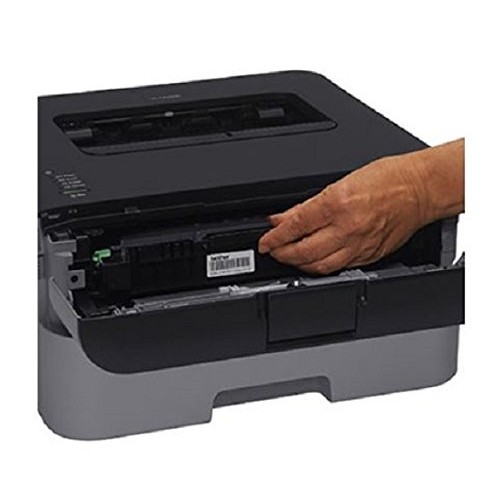
there's only one cartridge to replace when the ink levels begin to run low. A
manual feed slot lets you load envelopes and stationary for precise, perfectly
centered results without the need for reprinting. With its low-profile design
and simple features, this Brother monochrome laser printer makes a smart option
for home office or professional use.
This single-function printer focuses exclusively on
printing, so it is easy to use
Laser printing with a resolution of up to 2400 x 600 dpi
ensures detailed, high-quality prints
Features a printing speed of 30 pages per minutes in black
with 10000 pages monthly duty cycle
Printer connectivity: USB cable (sold separately)
Dimensions: 7.2"H x 14"W x 14.2"D
250 sheets input capacity lessens the need for constant
reloading. types of media supported include envelopes, labels, plain paper,
bond paper, recycled paper, thick paper, thin paper, thicker paper
Processor speed is 266MHz to handle large printing jobs
Automatic duplex printing
1-year manufacturer limited warranty
Safety Data Sheet
Connect this Brother printer to your computer or laptop and
enjoy fast, high-quality printing on a variety of paper types and sizes. Laser
printing technology ensures sharp, crisp text and images. Automatic duplexing
makes it easy to print on both side of the paper to produce
professional-looking documents and brochures while saving money on paper.
Fast, Flexible Printing
With a print speed of up to 30 pages per minute, this mono
printer is ideal for handling all of your everyday document printing needs. A
250-sheet paper tray ensures you have plenty of paper in this printer to
complete your print jobs, and a manual feed slot lets you print a different
size document without having to empty and refill the bottom tray.
Laser Technology
Featuring electrophotography laser technology, this laser
printer produces clean, crisp black-and-white text and images at a resolution
of up to 2400 x 600 dpi on a variety of paper types, including plain paper,
labels and envelopes.
How to Order
Revolution Technology BD has made shopping easier for customers. Follow these steps:
- Click Register Button from home page
- Register with: Name + Email + Mobile + Password
- Click Create Account after entering information
- Login automatically or use Login button
- Provide mobile number and password, then Sign Up
- Choose desired product and click Buy Now
- View product details and click Add to Cart
- Click Item box (upper right corner)
- Go to Shopping Cart page
- Continue Shopping for more products or proceed
- Click "Click Here to Address" button
- Provide Full Name, Phone, Email & Delivery Address
- Click Order Submit button
- View Bill Invoice and receive email confirmation
- Print Invoice using Print button
- Wait for delivery - we'll keep you updated
- Thank you for shopping with us!