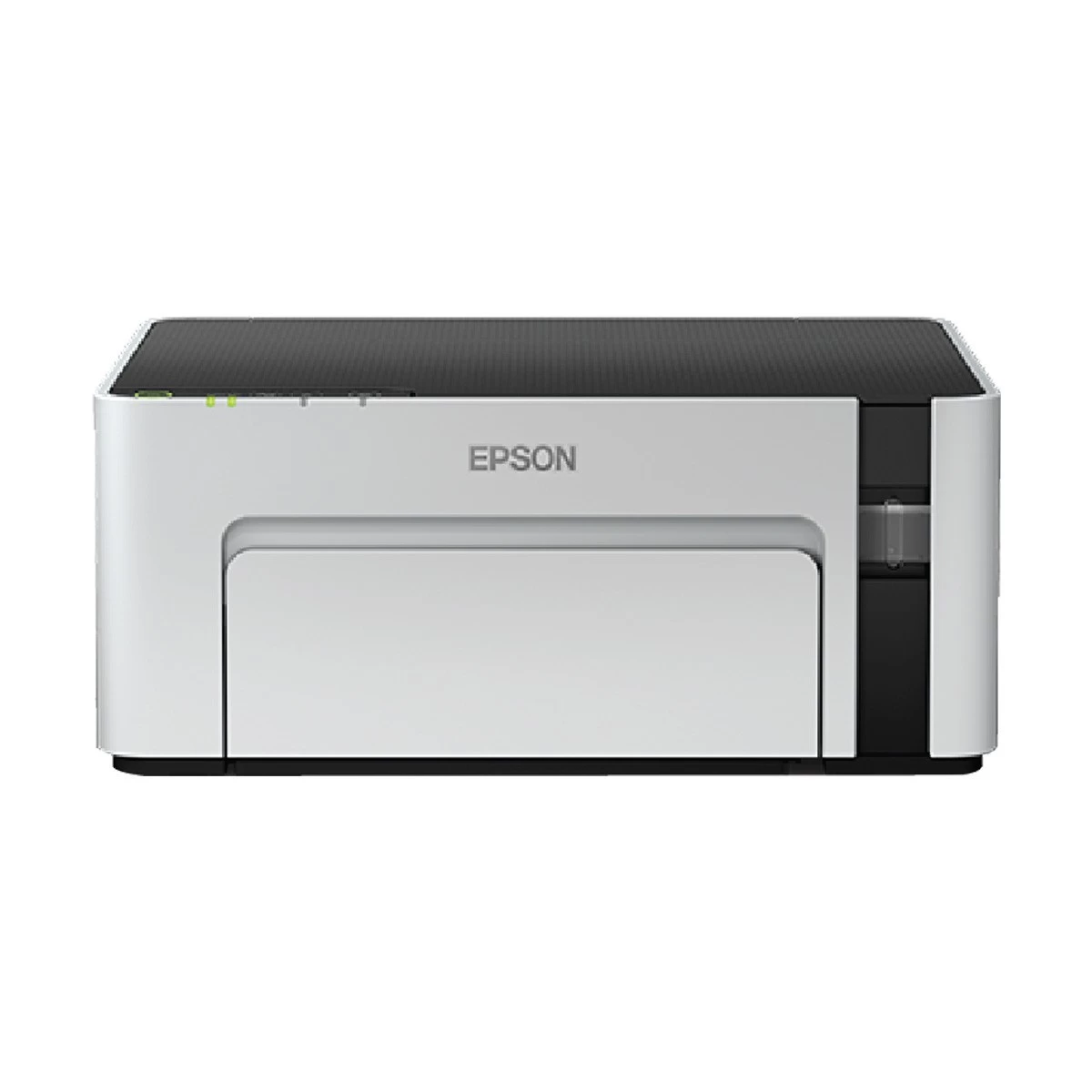
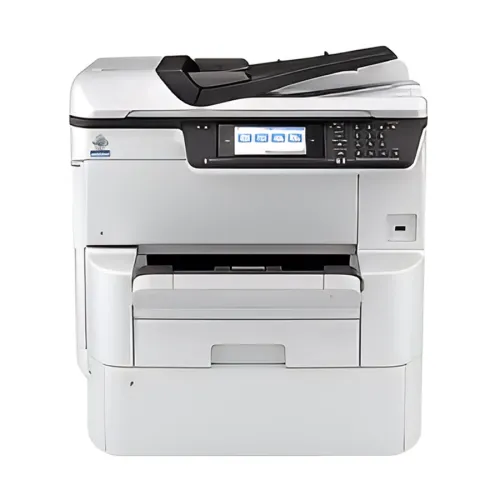
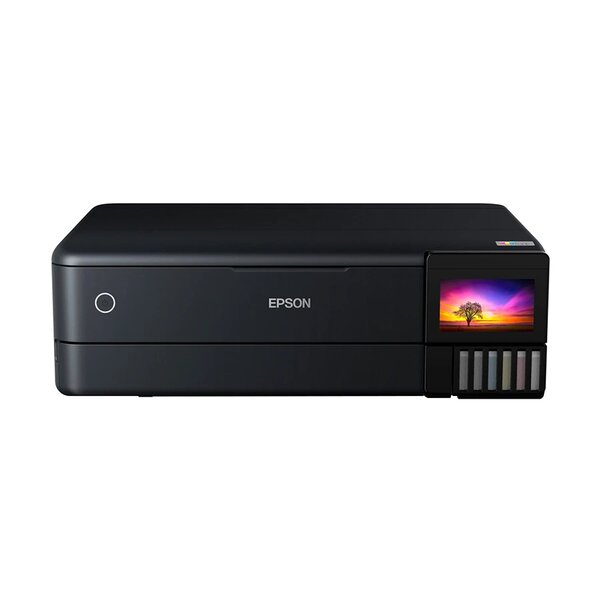
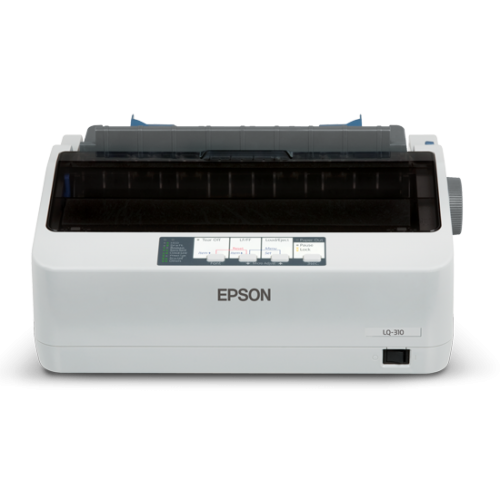
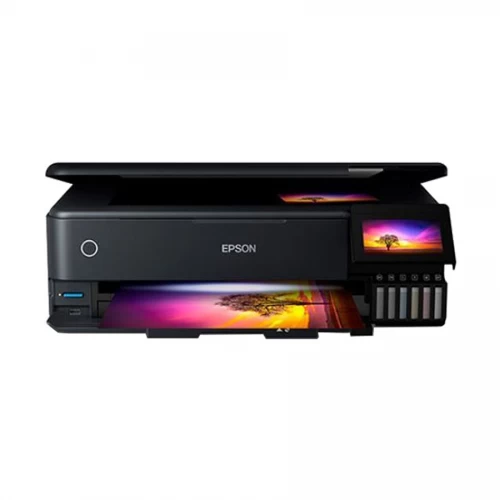
Epson EcoTank L14150 (A3) Multifunction Ink Tank Printer with Duplex & Wi-Fi
inclusive of all taxes
Product Details
Key Features
Model: EcoTank L14150
Functions: Print, Scan, Copy,
Fax
Ultra-high page yield: 7500pg
(black), 6000pg (color)
Automatic duplex printing
Spill-free, error-free
refilling, Wi-Fi, Wi-Fi Direct
Specification
Specification
|
General |
||
|
Functions |
Print,
Scan, Copy, Fax with ADF |
|
|
Output Color |
Black
/ Colour |
|
|
Print |
||
|
Technology |
PrecisionCore
Printhead |
|
|
Print Resolution |
4800
x 1200 dpi |
|
|
Duplex |
Yes |
|
|
Copy |
||
|
Copy Speed |
Maximum
Copies from Standalone: 99 |
|
|
Copy Resolution |
Copy
Resolution: 600 x 600 dpi |
|
|
Copy Color |
ISO
29183, A4 Simplex Flatbed (Black / Color): Up to 11.5 ipm / 5.5 ipm |
|
|
Scan |
||
|
Scan Type |
Scanner
Type: Flatbed color image scanner |
|
|
Scan Resolution |
1200
x 2400 dpi |
|
|
Maximum Scan Size |
Maximum
Scan Area: 216 x 356 mm |
|
|
Fax |
||
|
Transmission Speed (kbps) |
Fax
Speed (Data Transfer Rate): Up to 33.6 kbps, Approx. 3 sec/page |
|
|
Max Resolution |
Fax
Resolution: Up to 200 x 200 dpi |
|
|
Paper
Information |
||
|
Paper Size |
Maximum
Paper Size: 329 x 1200 mm |
|
|
Paper Type |
Plain
Paper, Premium Glossy Photo Paper, Envelope, Postcard |
|
|
Input Capacity |
Standard
Paper Input Capacity: |
|
|
Output Capacity |
Output
Capacity: |
|
|
ADF |
Yes |
|
|
Technical
Specs |
||
|
Display |
Control
Panel: Touchscreen, Diagonal: 6.8 cm |
|
|
Connectivity |
USB,
LAN, WiFi |
|
|
Support |
||
|
Toner/ Cartridge/ Refill |
Epson
001 Ink Bottle Black 127ml |
|
|
Special
Features |
||
|
Others |
Epson
Connect Features: Epson iPrint, Epson Email Print, Remote Print Driver, Scan
to Cloud |
|
|
Warranty
Information |
||
|
Warranty |
1-year
Limited warranty, an Adapter/Power Cable with no warranty, and also a Box
Mandatory While Claiming. |
|
Description
Epson EcoTank L14150 (A3) Multifunction Ink Tank Printer
The Epson EcoTank L14150 (A3)
Multifunction Ink Tank Printer can give you a greater variety of paper sizes to
print. It is a highly efficient ink tank printer and it’s perfect for offices
and businesses that require fast, reliable, and cost-effective printing
solutions. With its flatbed design to scan and copy paper sizes that include
Legal and Folio, it can print documents up to A3+ and demonstrate its
versatility as a compact multifunction printer. The printer's advanced features
include print speeds of up to 17.0 ipm, as well as borderless printing up to A4
size, making it perfect for printing marketing materials, flyers, and
brochures. The auto-duplex printing function allows for the easy printing of
double-sided documents, saving both time and paper costs. The ADF capability enables
quick scanning, copying, and faxing of multi-page documents. The Epson EcoTank
L14150 printer is also equipped with Ethernet and Wi-Fi Direct connectivity,
providing easy access for multiple users to print from anywhere in the office.
The printer is also compatible with a touchscreen Control Panel (diagonally
6.8cm), which makes it easy to set up, monitor and operate printer functions.
This printer is fitted with designated nozzles, ensuring spill-free refilling
of the affordable ink bottles, which are also compatible with other Epson
EcoTank printers. The printer is powered by Epson Heat-Free Technology, which
reduces energy consumption, reduces warm-up time, and ensures fast and
efficient printing. Overall, the Epson EcoTank L14150 printer is an excellent
choice for businesses that require a cost-effective, reliable, and versatile
printing solution that saves time, money, and space.
How to Order
Revolution Technology BD has made shopping easier for customers. Follow these steps:
- Click Register Button from home page
- Register with: Name + Email + Mobile + Password
- Click Create Account after entering information
- Login automatically or use Login button
- Provide mobile number and password, then Sign Up
- Choose desired product and click Buy Now
- View product details and click Add to Cart
- Click Item box (upper right corner)
- Go to Shopping Cart page
- Continue Shopping for more products or proceed
- Click "Click Here to Address" button
- Provide Full Name, Phone, Email & Delivery Address
- Click Order Submit button
- View Bill Invoice and receive email confirmation
- Print Invoice using Print button
- Wait for delivery - we'll keep you updated
- Thank you for shopping with us!