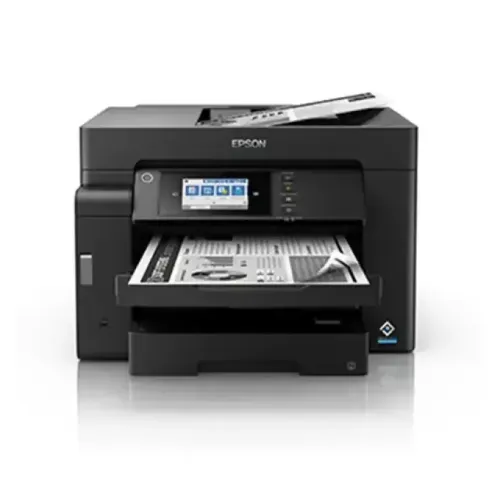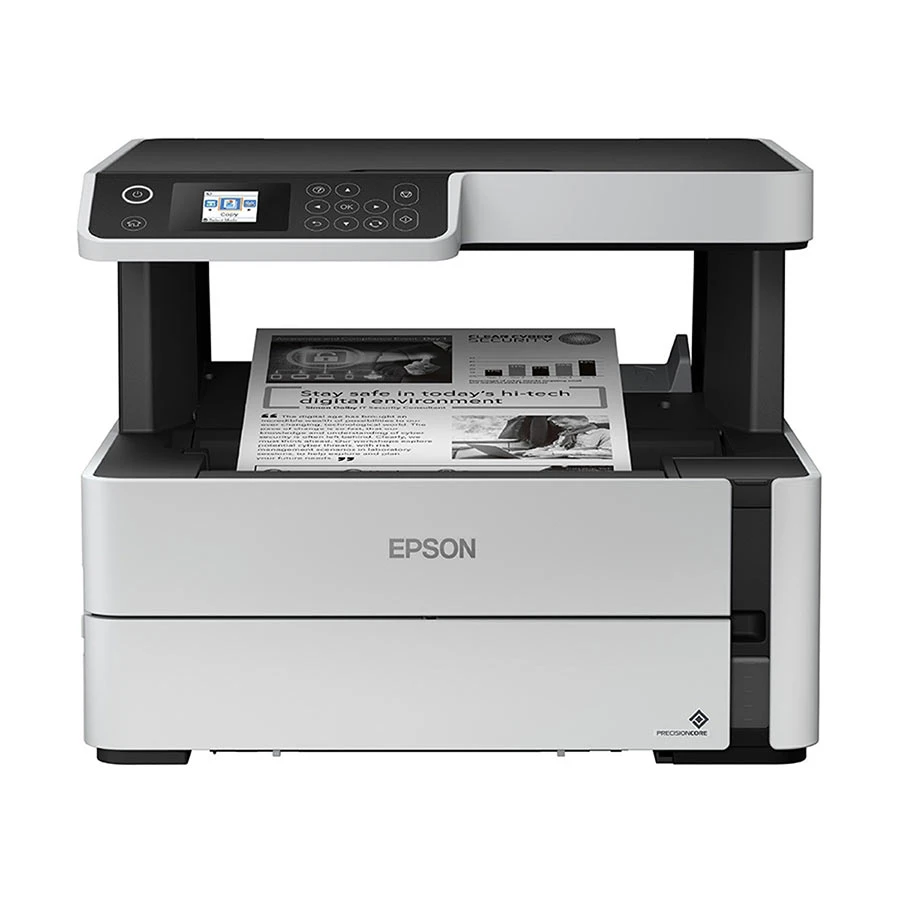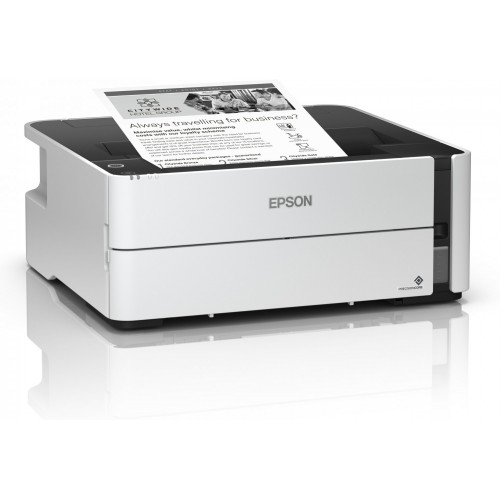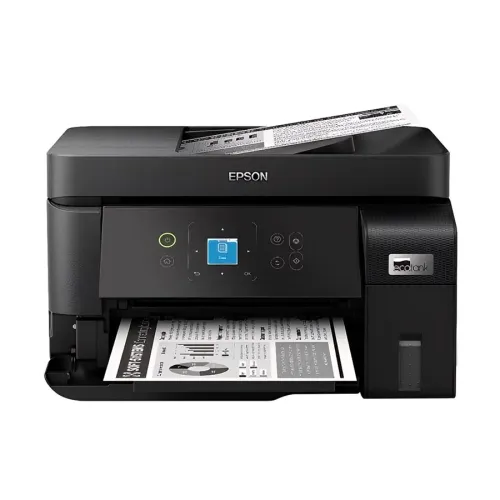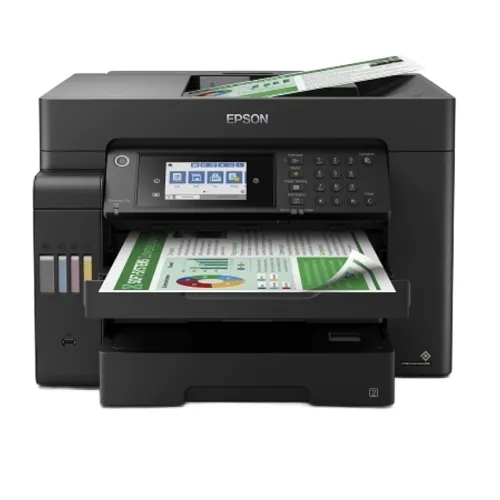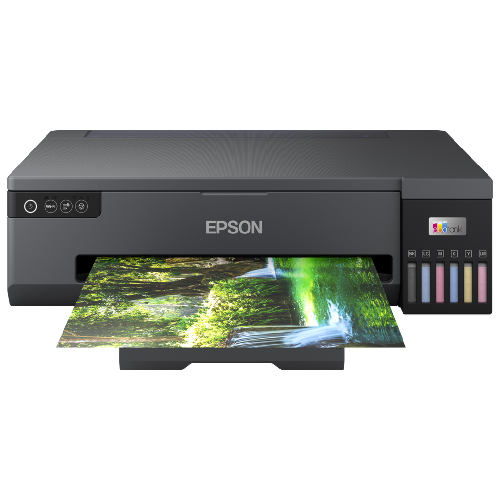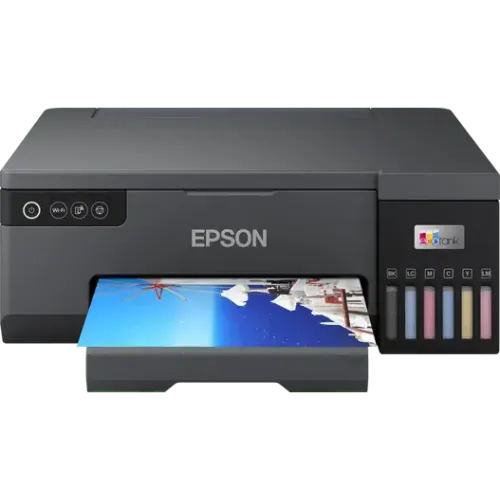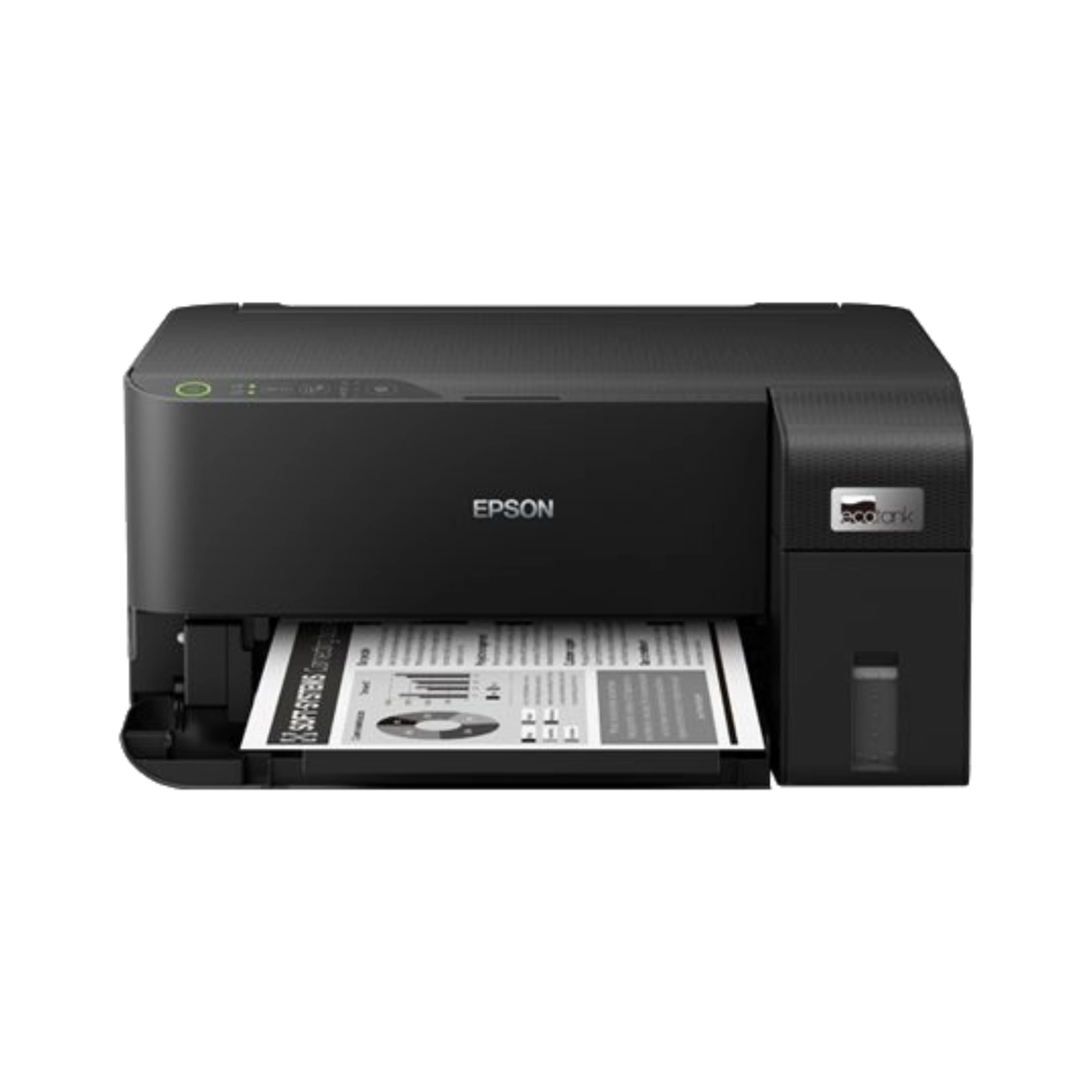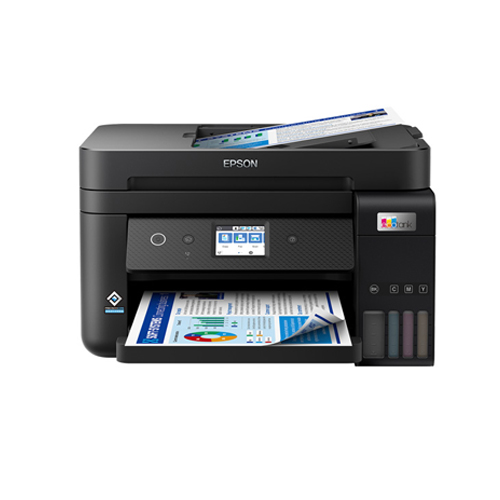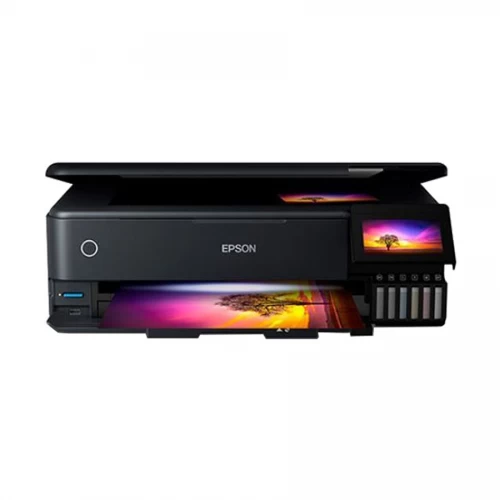
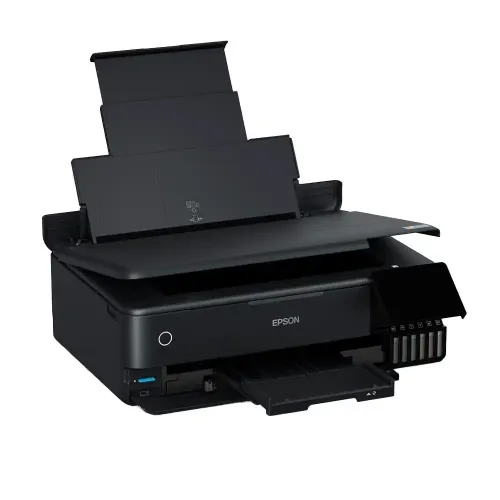
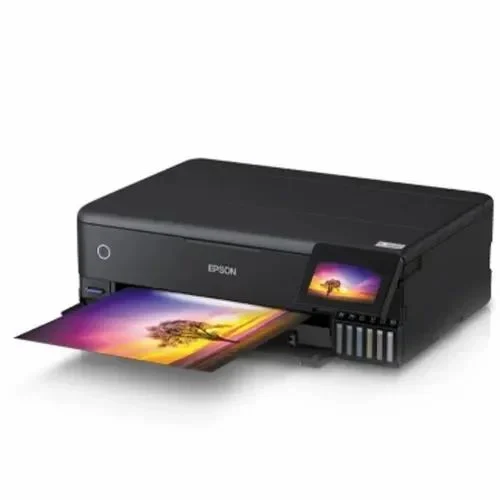
Epson EcoTank L8180 Multifunction A3+ InkTank Photo Printer
Exclusive of all taxes
Product Details
Model: EcoTank L8180
Function: Print, Scan, Copy & Duplex
Print Speed: 32 ppm (B&W, Color)
Print Resolution: 5760 X 1440 dpi
Connectivity: USB, WiFi, LAN, SD Card Slot
Specification
|
Functions |
Print, Scan,
Copy |
|
Printer Type |
Multifunction
InkTank Photo Printer |
|
Output Color |
Color and
Black & White |
|
Technology |
Micro Piezo
Technology |
|
Print Speed |
(Black) 32ppm |
|
Print
Resolution |
5760 X 1440
dpi (with Variable-Sized Droplet Technology) |
|
Duplex |
Automatic |
|
Copy Speed |
37cpm (Mono),
38cpm (Color) |
|
Copy
Resolution |
720 x 720 dpi |
|
Paper Size |
Maximum Paper
Size: A3+ (Fixed Form) |
|
Paper Weight |
64-90[g/m2]
(Plain Paper) |
|
Input
Capacity |
Up to 100
sheets, A4 Plain paper (75g/m2) |
|
Output
Capacity |
Up to 50
sheets, A4 Plain paper |
|
Display |
4.3 Inch |
|
Connectivity |
LAN |
|
Card Slot |
Built-in
slots (SD Memory Card) |
|
Power
Consumption |
Rated
Voltage: AC 220 - 240 V, 50-60 Hz. Power Consumption: Operating: 17.0W,
Standby: 7.6W, Sleep: 0.9W, Power Off: 0.2W |
|
Color |
Black |
|
Dimension |
523 x 379 x
169 mm |
|
Weight |
11,1 kg |
|
Toner/
Cartridge/ Refill |
Grey Ink-
C13T07K598, Pigment Black Ink Bottle: C13T07K198, Black Ink Bottle:
C13T07J198, Cyan Ink Bottle: C13T07K298, Magenta Ink Bottle: C13T07K398,
Yellow Ink Bottle: C13T07K498 |
|
Software |
Windows 10
(32-bit, 64-bit),Windows 8.1 (32-bit, 64-bit),Windows 8 (32-bit,
64-bit),Windows 7 (32-bit, 64-bit),Windows Vista (32-bit, 64-bit),Windows XP
SP3 or later (32-bit),Windows XP Professional x64 Edition SP2 or
later,Windows Server 2003 SP2 or later,Windows Server 2003 R2,Windows Server
2008,Windows Server 2008 R2,Windows Server 2012,Windows Server 2012
R2,Windows Server 2016,Windows Server 2019,Mac OS X 10.6.8,Mac OS X
10.7.x,Mac OS X 10.8.x,Mac OS X 10.9.x,Mac OS X 10.10.x,Mac OS X 10.11.x,Mac
OS X 10.12.x,Mac OS X 10.13.x,Mac OS X 10.14.x,Mac OS X 10.15.x |
|
Others |
Photo
Printing- Yes |
How to Order
Revolution Technology BD has made shopping easier for customers. Follow these steps:
- Click Register Button from home page
- Register with: Name + Email + Mobile + Password
- Click Create Account after entering information
- Login automatically or use Login button
- Provide mobile number and password, then Sign Up
- Choose desired product and click Buy Now
- View product details and click Add to Cart
- Click Item box (upper right corner)
- Go to Shopping Cart page
- Continue Shopping for more products or proceed
- Click "Click Here to Address" button
- Provide Full Name, Phone, Email & Delivery Address
- Click Order Submit button
- View Bill Invoice and receive email confirmation
- Print Invoice using Print button
- Wait for delivery - we'll keep you updated
- Thank you for shopping with us!