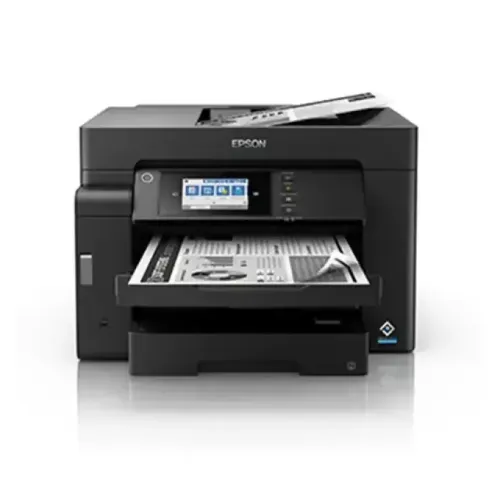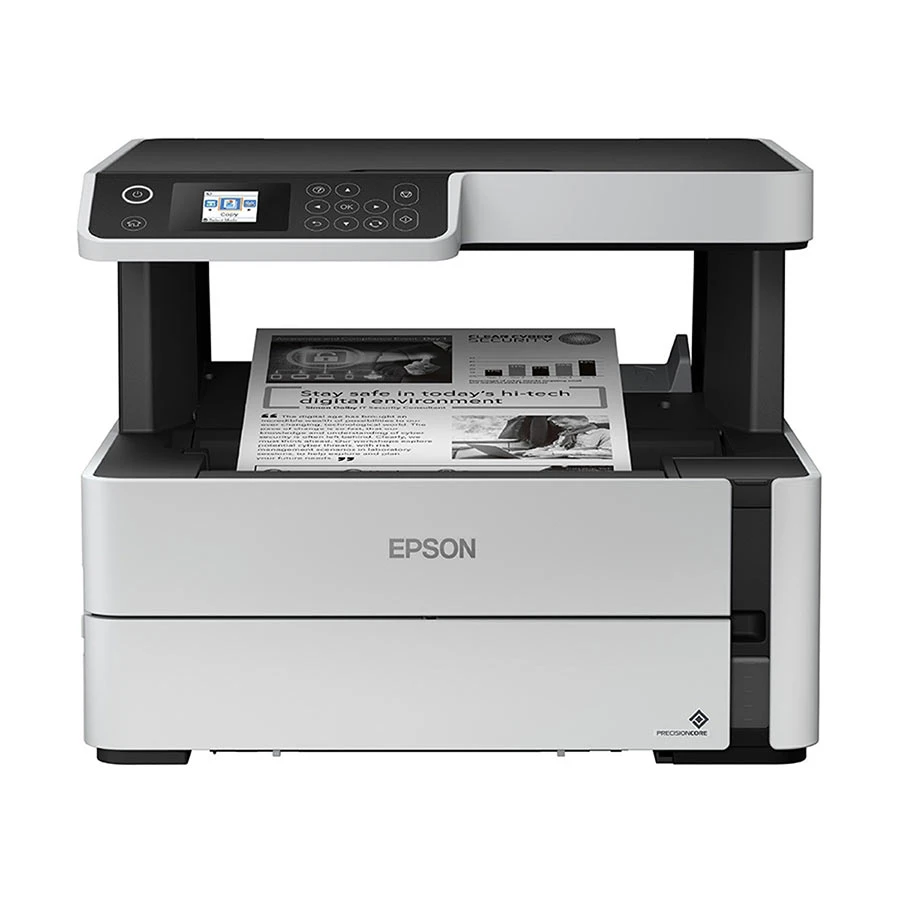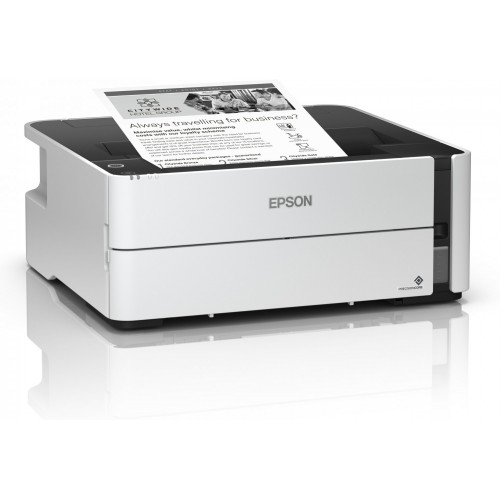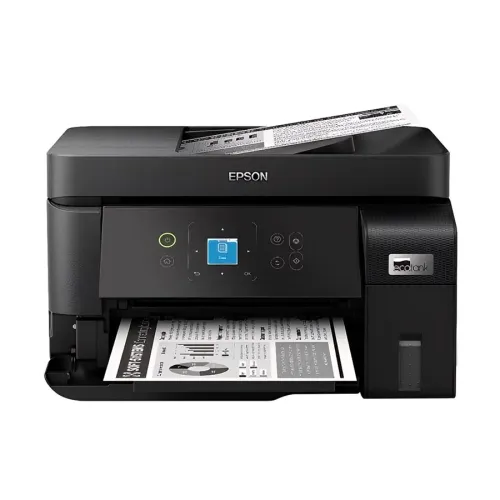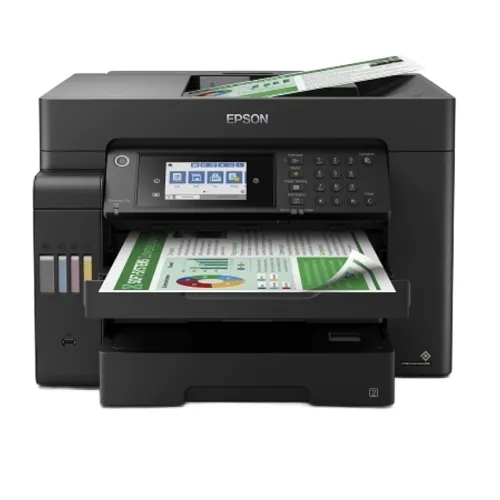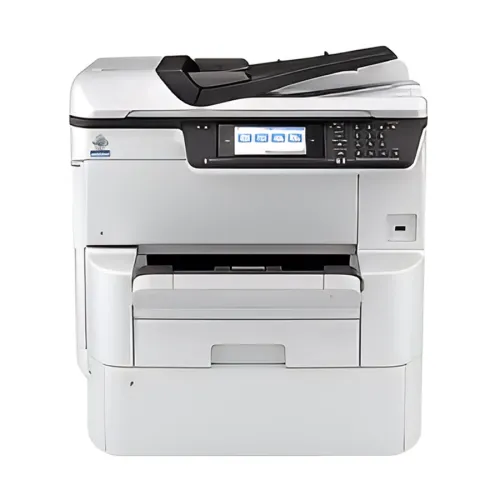


Epson WorkForce Pro WF-C878R Multifunction Color Printer
Exclusive of all taxes
Product Details
Key Features
Model: WorkForce Pro WF-C878R
Functions: Print, Scan, Copy,
Fax
Print Resolution: 4800 x
1200dpi
Duty Cycle: Up to 10,000 Pages
(Monthly)
Interface: USB, LAN, Wi-Fi
Specification
|
Print
Speed |
Print
Speed (Black) - 25ipm(A4), 13ipm(A3) |
|
Resolution |
4,800 x
1,200 dpi (with Variable-Sized Droplet Technology) |
|
Print
Technology |
PrecisionCore
Heat-Free 4S printhead 4-color inkjet |
|
Interface |
SuperSpeed
USB, Wireless LAN IEEE (802.11 b/g/n/a/ac), Wired Ethernet (1000 Base-T/100
Base-TX/10 Base-T), Wi-Fi Direct |
|
Other
Features |
Mobile
Printing- Epson Connect (iPrint, ID Card Print, Email Print) |
|
Supported
Paper Sizes |
3.5"
x 5", 4" x 6", 5" x 7", 8" x 10",
8.5" x 11", 8.5" x 14", A3, A4, A5, A6, B4, B5, half
letter, executive, 11" x 17", 13" x 19", user definable
(3.5" – 47.2" in length) |
|
Supported
Paper Types |
Plain
paper, Epson Bright White Pro Paper, Epson Presentation Paper Matte, Epson
Premium Presentation Paper Matte, Epson Premium Presentation Paper Matte
Double-sided, Epson Photo Paper Glossy, Epson Premium Photo Paper Glossy,
Epson Ultra Premium Photo Paper Glossy, Epson Premium Photo Paper Semi-gloss,
Epson Ultra Premium Photo Paper Luster |
|
Supported
Paper Weight |
64 – 255
GSM, 64 – 150 GSM duplex |
|
Input
Capacity |
250 sheets
plain paper, Rear feed: 85 sheets (1,835 sheets total with three optional
500-sheet paper trays), 10 envelopes |
|
Output
Capacity |
50 pages
(80 g/m2) |
|
Copy Speed |
23ipm /
22ipm (Black / Colour) (Flatbed), Approx. 21 ipm / 21 ipm (Black / Colour)
(Simplex ADF), 15 ipm / 15 ipm (Black / Colour) (Duplex ADF) |
|
Copy
Resolution |
600 x 600
dpi |
|
Scan
Resolution |
1200 x
2400dpi |
|
Max
Document Size |
297.18 x
431.8 mm (11.7 x 17") |
|
Fax Modem
Speed |
33.6 Kbps |
|
Fax
Resolution |
Fine: 200
x 200 dpi, Photo: 200 x 200 dpi |
|
Color |
Black |
|
Dimensions
(W x D x H) |
621 mm x
641 mm x 650 mm |
|
Weight |
59.7 kg |
|
Warranty |
1-year
Limited warranty (1 year or 30,000 pages which comes first) |
|
Toner
Model |
Epson T05A
Black (20,000 Pages), Epson T05A Cyan (20,000 Pages), Epson T05A Magenta
(20,000 Pages), Epson T05A Yellow (20,000 Pages) |
Description
Epson WorkForce Pro WF-C878R Multifunction Color Printer
The Epson WorkForce Pro
WF-C878R Multifunction Color Printer is a game-changer for businesses seeking
high performance and efficiency. Designed to streamline office workflows, this
all-in-one device offers the versatility to print, scan, copy, and fax with
ease. With an impressive print resolution of 4800 x 1200 dpi, it delivers
stunning detail and professional-quality results, meeting the demands of modern
workplaces. Equipped with PrecisionCore Heat-Free Technology, the WF-C878R
ensures smooth, energy-efficient operation, even during high-volume tasks. Its
Replaceable Ink Pack System allows you to print up to 86,000 ISO pages (black)
and 50,000 ISO pages (color) before needing a replacement, minimizing
interventions and reducing downtime. The robust monthly duty cycle of 10,000
pages makes it an ideal choice for busy work environments. This printer excels
in productivity with lightning-fast speeds of 25/24 ISO ppm (black/color) and
duplex scanning at up to 45 images per minute, making document handling a breeze.
Its wide-format printing capability of up to 13" x 19" and a generous
1,835-sheet total paper capacity cater to diverse business needs, from detailed
reports to large marketing materials. Connectivity is seamless with options for
USB, LAN, and WiFi, ensuring it integrates effortlessly into any office setup.
The WF-C878R also stands out as an eco-friendly solution, boasting low power
consumption, which helps conserve energy and reduce operational costs. Whether
you’re managing a growing business or a dynamic team, the Epson WorkForce Pro
WF-C878R is designed to deliver exceptional performance with less hassle. Its
reliable, low-maintenance design makes it an indispensable tool for enhancing
productivity and achieving your business goals.
How to Order
Revolution Technology BD has made shopping easier for customers. Follow these steps:
- Click Register Button from home page
- Register with: Name + Email + Mobile + Password
- Click Create Account after entering information
- Login automatically or use Login button
- Provide mobile number and password, then Sign Up
- Choose desired product and click Buy Now
- View product details and click Add to Cart
- Click Item box (upper right corner)
- Go to Shopping Cart page
- Continue Shopping for more products or proceed
- Click "Click Here to Address" button
- Provide Full Name, Phone, Email & Delivery Address
- Click Order Submit button
- View Bill Invoice and receive email confirmation
- Print Invoice using Print button
- Wait for delivery - we'll keep you updated
- Thank you for shopping with us!