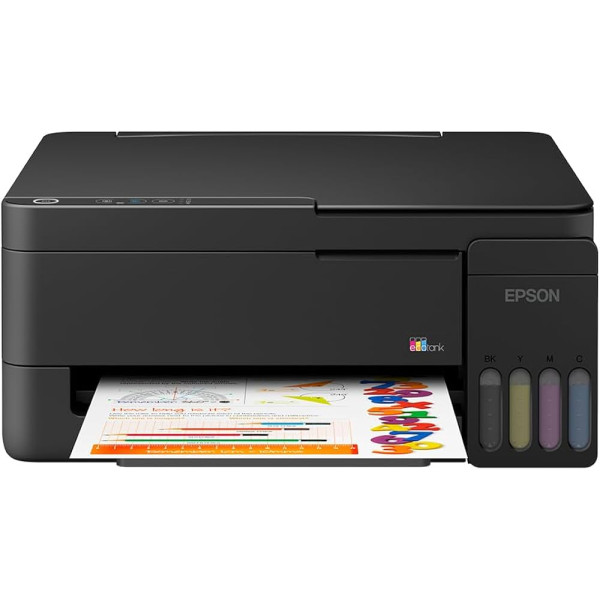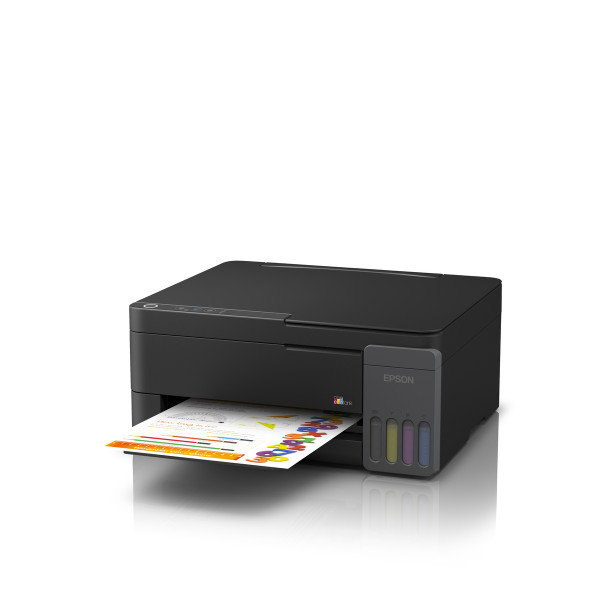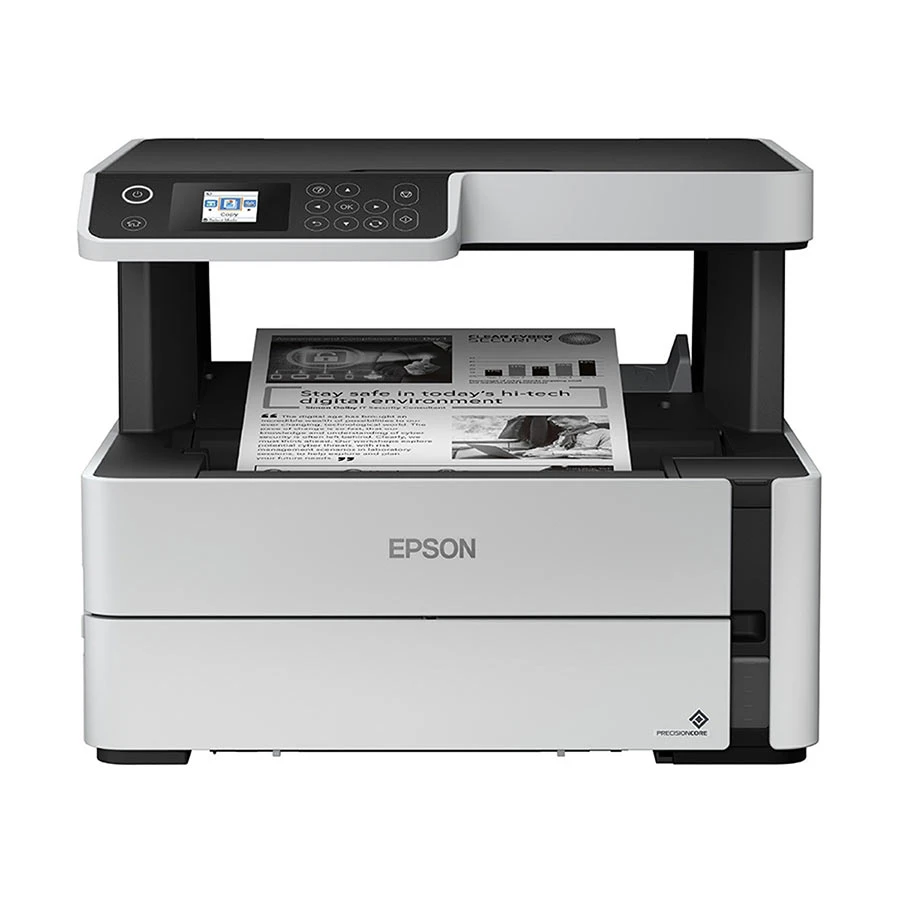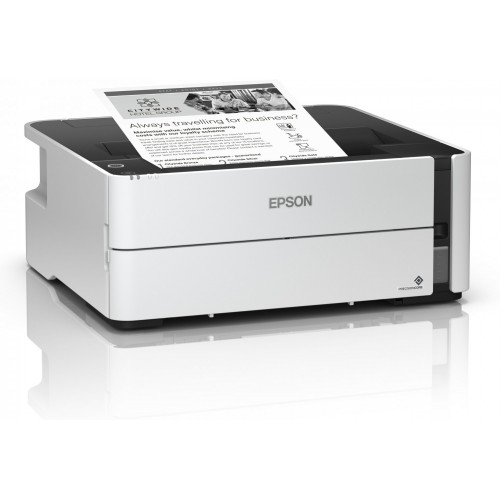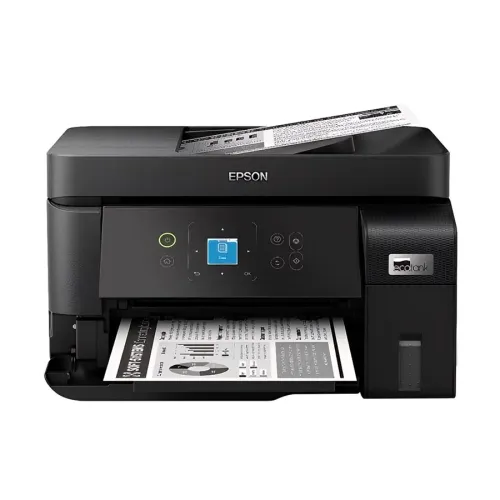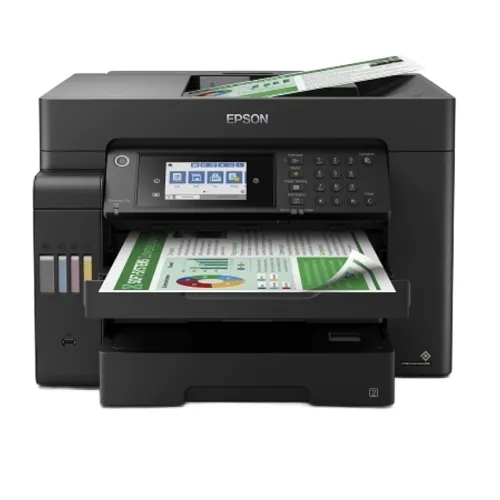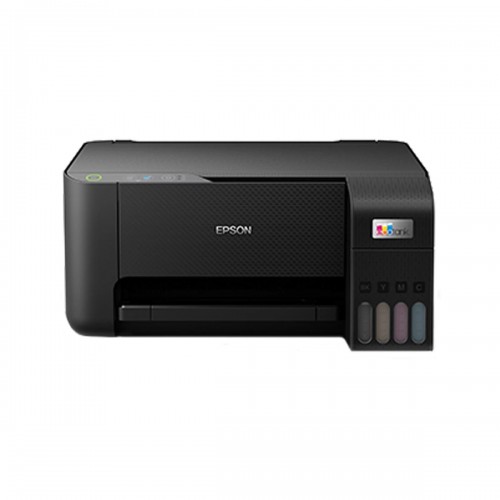
Epson EcoTank L3210 Multifunction InkTank Printer
Exclusive of all taxes
Product Details
Model: EcoTank L3210
Functions: Print, Scan, Copy
Ultra-low-cost printing: Save up to 90%
Borderless printing up to 4R
Spill-free, error-free refilling
Specification
|
General |
|
|
Functions |
Print, Scan,
Copy |
|
Printer Type |
Multi
Function Color Ink Printer |
|
Output Color |
Color and
Black & White |
|
Print |
|
|
Technology |
Inkjet |
|
Print Speed |
(Black)-
33ppm |
|
Print
Resolution |
5760 x 1440
dpi |
|
First Print
Out Time |
10sec
(Color), 16sec (Black) |
|
Duty Cycle up
to (Yield) |
1,500 pages
(monthly) |
|
Duplex |
Manual |
|
Copy |
|
|
Copy Speed |
7ipm (Black),
1.7ipm (Colour) |
|
Copy
Resolution |
600 x 600 dpi |
|
Scan |
|
|
Scan Type |
Flatbed color
image scanner |
|
Scan
Resolution |
600 x 1200
dpi |
|
Maximum Scan
Size |
Scanner Bit
Depth (Color): |
|
Duplex Scan |
Manual |
|
Paper
Information |
|
|
Paper Size |
Legal (8.5 x
14.0 Inch), Indian-Legal (215 x 345 mm), 8.5 x 13 inch, Letter, A4, 16K (195
x 270 mm), B5, A5, B6, A6, Hagaki (100 x 148 mm), 5 x 7 inch, 5 x 8 inch, 4 x
6 inch, Envelopes: 10, DL, C6 |
|
Paper Weight |
80 g/m2 |
|
Input
Capacity |
Up to 100
sheets of Plain Paper (80 g/m2) |
|
Output
Capacity |
Up to 30
sheets of Plain Paper (80 g/m2) |
|
Technical
Specs |
|
|
Connectivity |
USB |
|
Power
Consumption |
AC 220-240 V,
Power Consumption: 14.0 W (Operating), 0.4 W (Sleep), 0.2 W (Power off), 4.0
W (Standby) |
|
Physical
Specs |
|
|
Color |
Black |
|
Dimension |
375 x 347 x
179mm |
|
Weight |
3.9 kg |
|
Support |
|
|
Toner/
Cartridge/ Refill |
Black Ink
Bottle: 4,500 Pages, 003 (C13T00V100 / C13T00V199, Cyan Ink Bottle: 7,500
Pages, 003 (C13T00V200 / C13T00V299, Magenta Ink Bottle: 7,500 Pages, 003
(C13T00V300 / C13T00V399, Yellow Ink Bottle: 7,500 Pages, 003 (C13T00V400 /
C13T00V499 |
|
Software |
Windows XP /
XP Professional / Vista / 7 / 8 / 8.1 / 10, Windows Server 2003 / 2008 / 2012
/ 2016 / 2019 Mac OS X 10.6.8 or later |
|
Warranty
Information |
|
|
Warranty |
01 year
warranty |
How to Order
Revolution Technology BD has made shopping easier for customers. Follow these steps:
- Click Register Button from home page
- Register with: Name + Email + Mobile + Password
- Click Create Account after entering information
- Login automatically or use Login button
- Provide mobile number and password, then Sign Up
- Choose desired product and click Buy Now
- View product details and click Add to Cart
- Click Item box (upper right corner)
- Go to Shopping Cart page
- Continue Shopping for more products or proceed
- Click "Click Here to Address" button
- Provide Full Name, Phone, Email & Delivery Address
- Click Order Submit button
- View Bill Invoice and receive email confirmation
- Print Invoice using Print button
- Wait for delivery - we'll keep you updated
- Thank you for shopping with us!