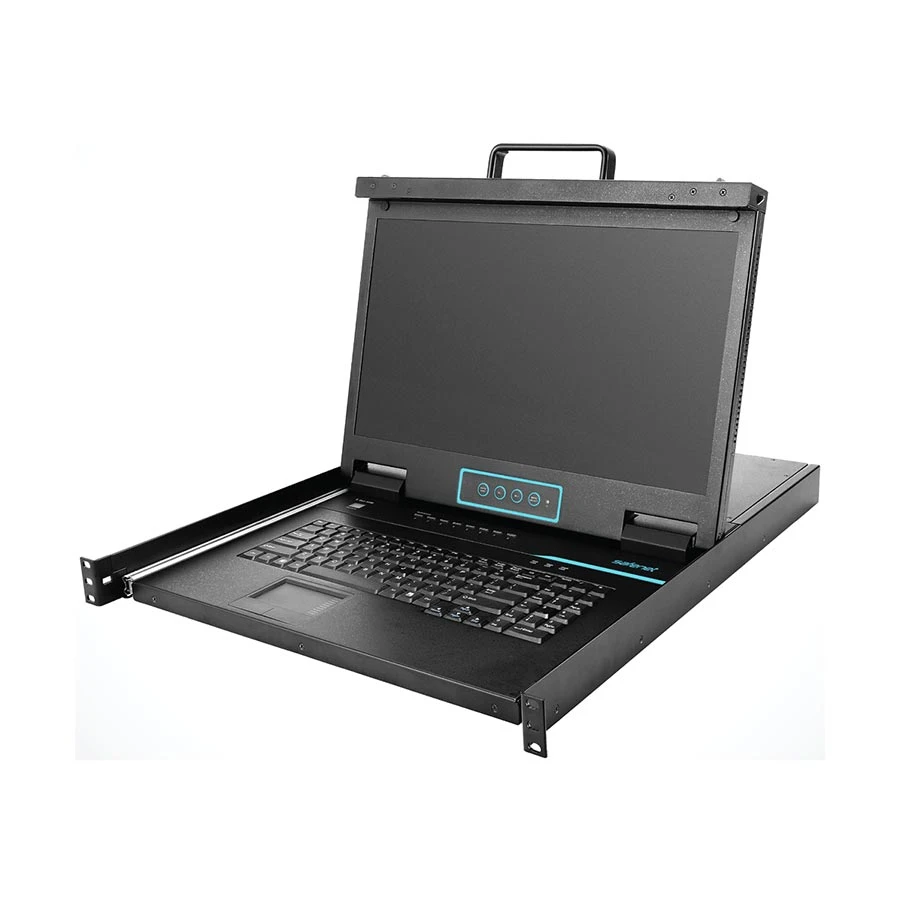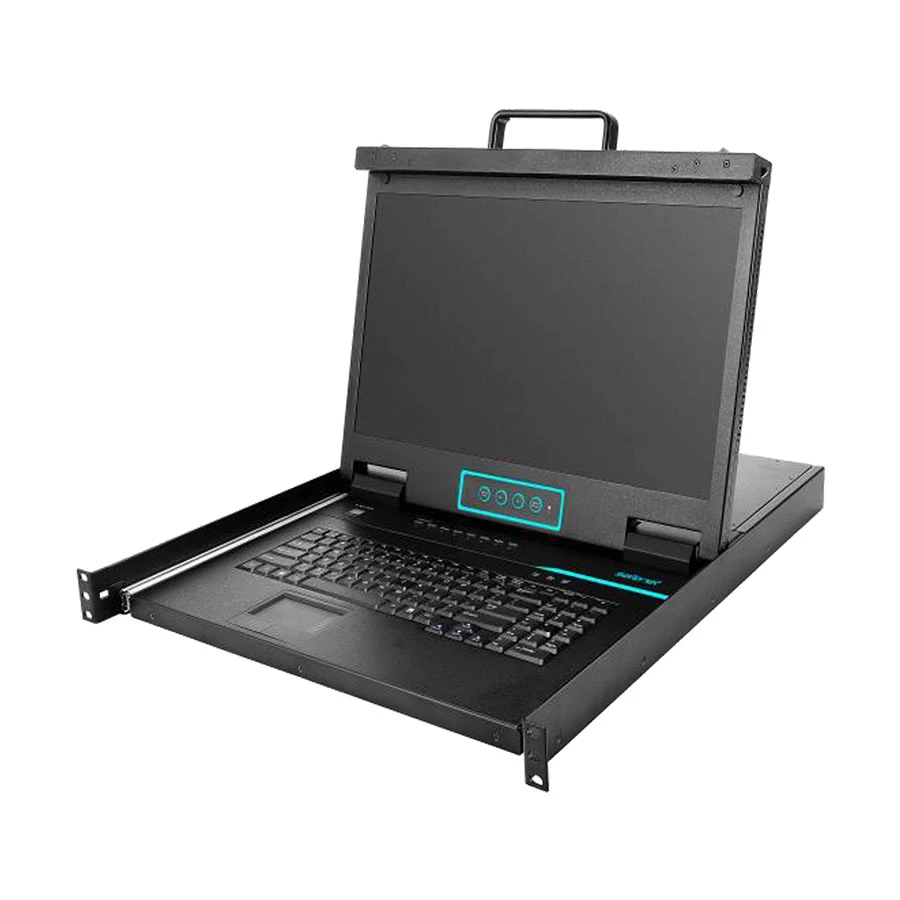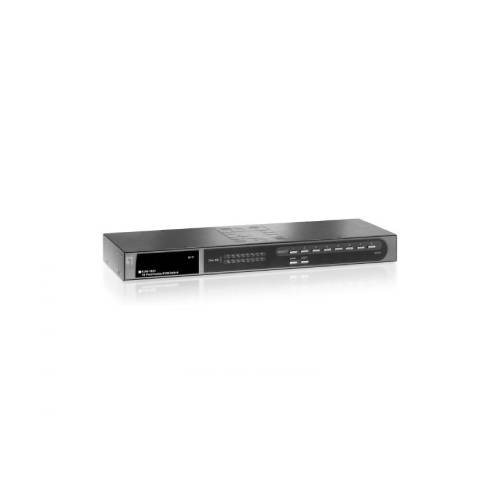
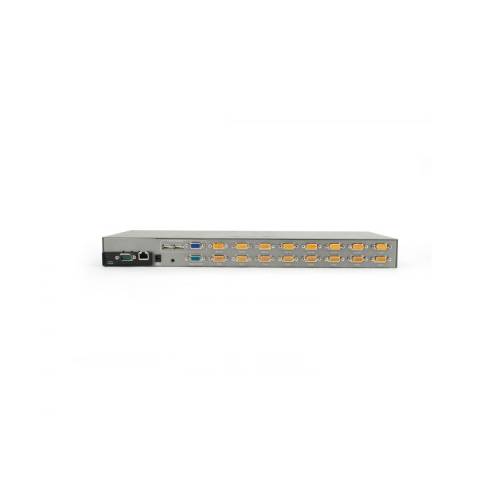
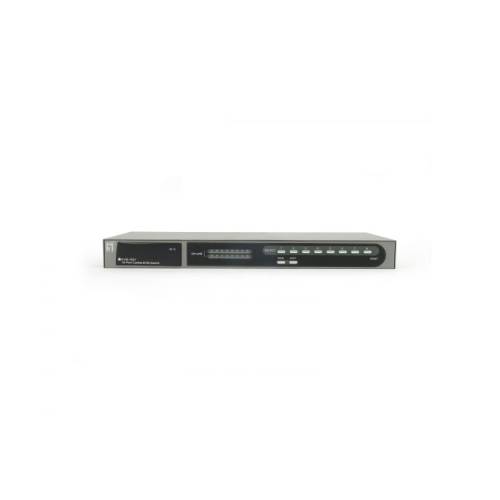
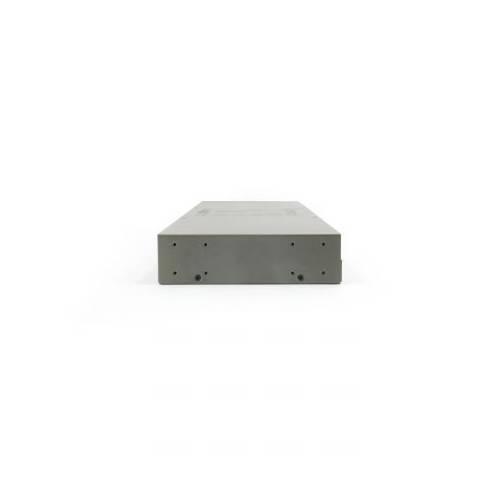
Level One KVM 1631 16-Port KVM Switch Module
Contact us for pricing
Product Details
Key Features
Supports video resolutions up
to 1920 x 1440
Built-in IP module slot for
KVM-over-IP capability
Provides auto-scanning
features
Control and manage 16
computers or up to 128 computers via daisy chain function from a single
location
Specification
|
General |
|
|
Color |
Black |
|
EAN |
4015867138083 |
|
Model Number |
KVM-1631 |
|
Miscellaneous |
|
|
Display Type |
VGA |
|
Installation |
Rack Mount |
|
Others |
|
|
Operating humidity |
0% RH ~ 95% RH |
|
Operating temperature |
0°C ~ 50°C |
|
Package Contents |
KVM-1631 |
|
System specifications |
|
|
Power supply included |
Yes |
|
Physical Specifications |
|
|
Dimensions (W x D x H) |
160 x 45 x 45 mm |
|
Product weight (kg) |
2 |
Description
The LevelOne KVM-1631 16-port
combo KVM switch enables users to control and manage a server farm or computers
connected to the KVM switch with either the local console or remote console port.
Local Console the LevelOne KVM-1631 Combo KVM Switch is easy to connect to a
PS/2 or USB enabled keyboard and mouse with a VGA monitor through the local
console port. This enables a user to control systems connected to the KVM
switch directly. Remote Console In order to make use of the remote control
feature, the KVM-1631 provides users with a greater variety of connectivity
options through its expansion slot for optional modules. LevelOne has available
an optional Cat.5 Console Module for this purpose. The ACC-1000 Cat.5 Console
Module allows for the transmission of a Cat.5 signal to from the controlling
unit to units or computers connected to via Cat.5 cabling to the KVM-1631. The
ACC-1000 Cat.5 Module converts the Cat.5 signal into a computer signal to give
users the ability to control servers and PCs from a remote location up to 300
meters away. Large System Management By making use of a Daisy chain, up to 128
computers can be connected to the KVM switch by cascading 8
KVM-0830/0831/0841/1630/1631/1641 together. This gives network administrator
the ability to control larger groups of servers or systems from one console
without the need to switching between different console stations. The friendly
user interface makes management of the KVM switch and systems connected to it,
easy manageable. It also has security measures in place to protect systems from
unauthorized access.
How to Order
Revolution Technology BD has made shopping easier for customers. Follow these steps:
- Click Register Button from home page
- Register with: Name + Email + Mobile + Password
- Click Create Account after entering information
- Login automatically or use Login button
- Provide mobile number and password, then Sign Up
- Choose desired product and click Buy Now
- View product details and click Add to Cart
- Click Item box (upper right corner)
- Go to Shopping Cart page
- Continue Shopping for more products or proceed
- Click "Click Here to Address" button
- Provide Full Name, Phone, Email & Delivery Address
- Click Order Submit button
- View Bill Invoice and receive email confirmation
- Print Invoice using Print button
- Wait for delivery - we'll keep you updated
- Thank you for shopping with us!