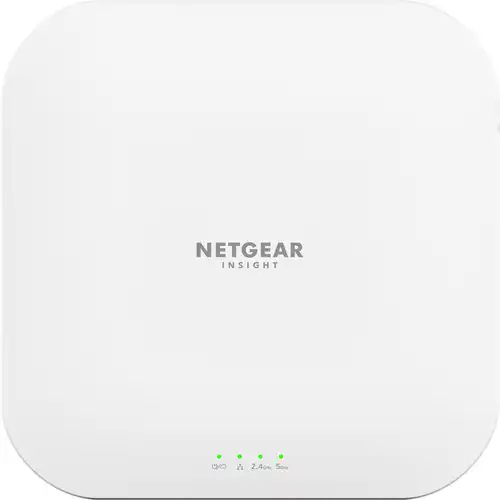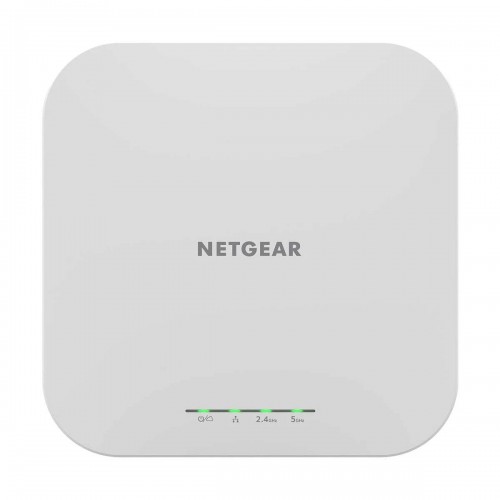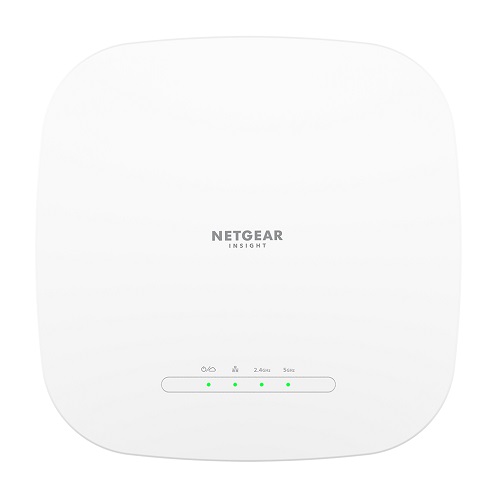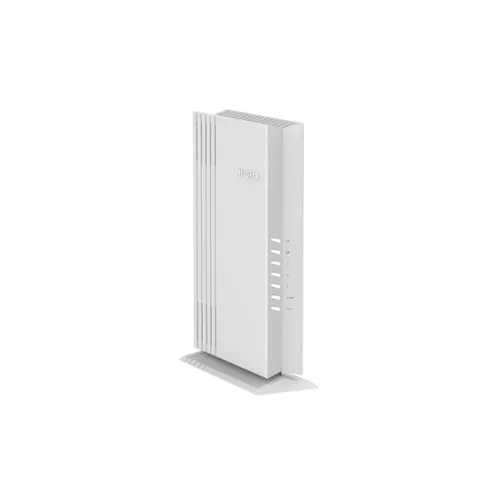
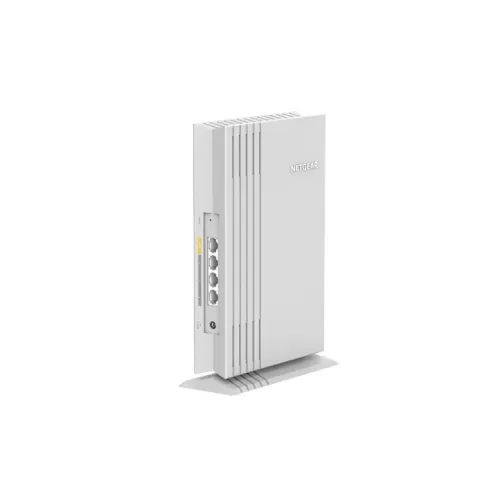
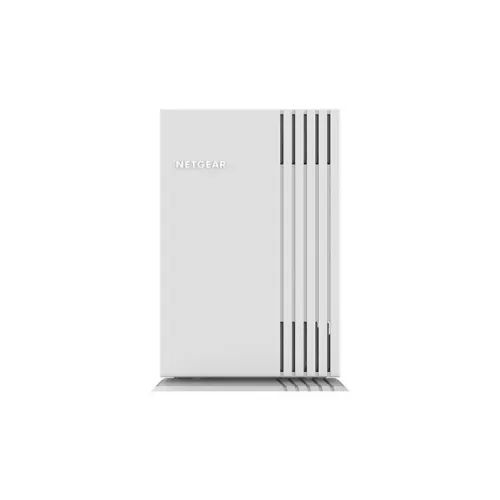
Netgear WAX202 Wireless AX1800 Mbps WiFi 6 Dual-Band Desktop Router
Exclusive of all taxes
Product Details
Key Features
Model: WAX202
Frequency Band: 2.4GHz and
5GHz
Ethernet Ports: WAN: 1x GbE
Maximum Number of Clients: 64
Coverage Area per Unit: 1,200
sq. ft.
Specification
| Main Feature | ||
| Dimensions | 6.7 x 2.5 x 9.5inch 170 x 63 x 242mm | |
| Weight | 1.1lb (497g) | |
| Power | ||
| Power consumption | 1.5 Amp power adapter | |
| Network | ||
| Wireless Rate | 600Mbps (2.4GHz) 1,200Mbps (5.0GHz) | |
| Wireless frequency | 2.4GHz and 5GHz | |
| Ethernet | WAN: 1x GbE | |
| Wireless Security | WiFi Protected Access (WPA/WPA2/WPA3), MAC Address filtering, 3 SSID | |
| Manufacture Warranty | ||
| Warranty | 3 Years Warranty | |
Description
Netgear WAX202 WiFi 6 AX1800 Wireless Desktop Router with
Access Point
The NETGEAR Wi-Fi 6 AX1800
Dual Band Wireless Access Point (AP) delivers 802.11ax high-performance
wireless connectivity for Small Office and Home Office (SOHO) deployments. It
supports dual-band concurrent Wi-Fi 6 operations at 2.4GHz and 5GHz with a
combined throughput of 1.8Gbps. The WAX202 Wi-Fi 6 Access Point provides
standalone configuration with easy setup for a reliable, 802.11ax
high-performance, and cost-effective wireless solution.
Latest Business WiFi
Upgrade to WIFi 6 with speeds
of up to 1.8 Gbps for faster streaming, downloading, video conferencing, and
more.
Budget Friendly Solution
The perfect WiFi 6 solution
for your home office, home-based business, or dorm room.
Connect More Wired Devices
3 Ethernet ports for wired
connections to a printer, laptop, and others leaving more WiFi bandwidth for
wireless devices.
Faster Ethernet Connection
Take full advantage of your
high-speed internet connection with the 1Gb Ethernet port. The Netgear WAX202
AX1800 Router with Access Point comes with a 03-year warranty.
How to Order
Revolution Technology BD has made shopping easier for customers. Follow these steps:
- Click Register Button from home page
- Register with: Name + Email + Mobile + Password
- Click Create Account after entering information
- Login automatically or use Login button
- Provide mobile number and password, then Sign Up
- Choose desired product and click Buy Now
- View product details and click Add to Cart
- Click Item box (upper right corner)
- Go to Shopping Cart page
- Continue Shopping for more products or proceed
- Click "Click Here to Address" button
- Provide Full Name, Phone, Email & Delivery Address
- Click Order Submit button
- View Bill Invoice and receive email confirmation
- Print Invoice using Print button
- Wait for delivery - we'll keep you updated
- Thank you for shopping with us!