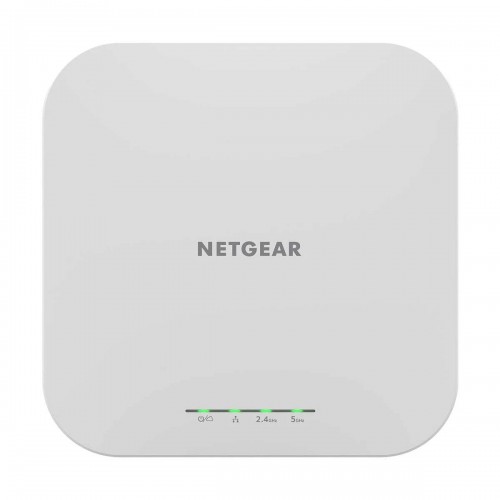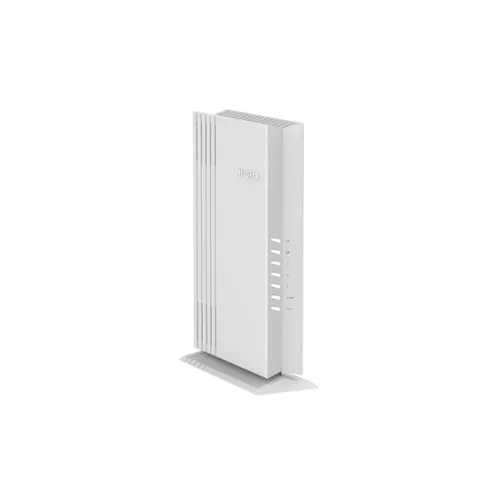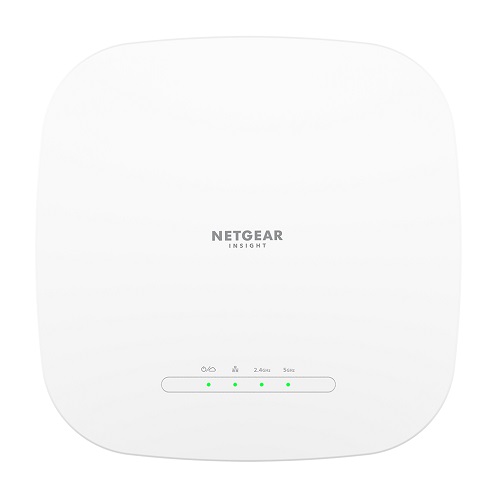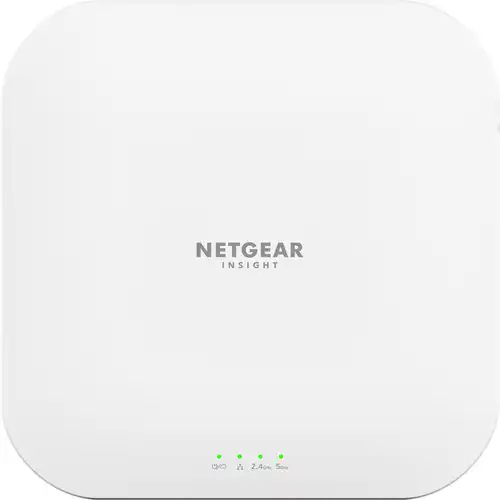
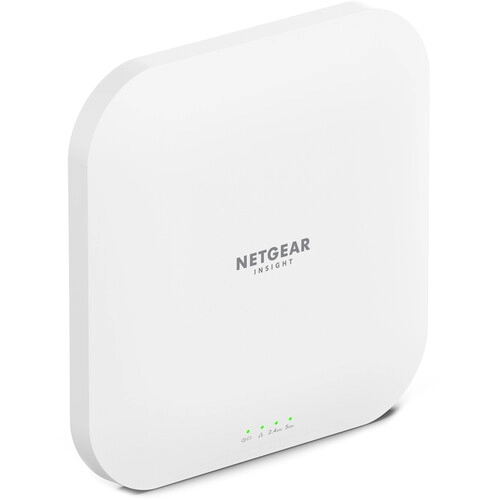
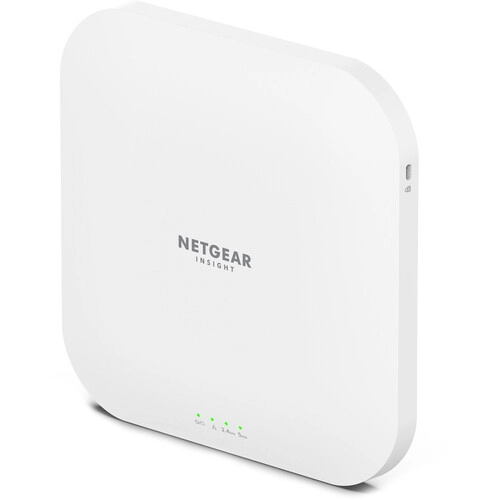
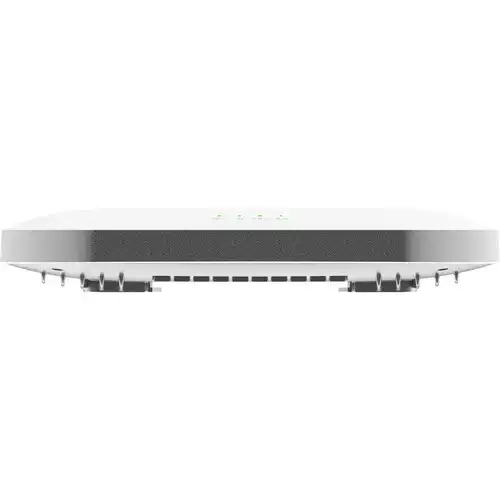
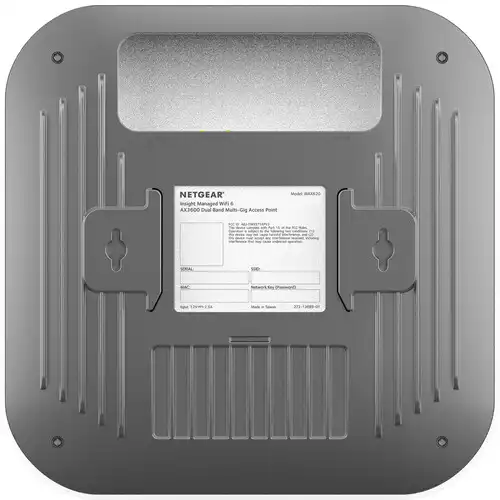
Netgear WAX620 AX3600 3600Mbps WiFi 6 PoE Dual Band Multi-Gig Outdoor Access Point
Contact us for pricing
Product Details
Key Features
Model: WAX620
Wi-Fi 6 (802.11ax)
Up to 3600 Mb/s Throughput
2.4 GHz / 5 GHz (Dual-Band)
1 x 4.3 dBi Internal Antenna,
1 x 2.5G Ethernet LAN Port
Specification
| Main Feature | ||
| Antenna | Internal 3.1 to 4.3 dBi (2.4GHz/5GHz) | |
| Temperature | Operating Temperature 32 to 104°F / 0 to 40°C Storage Temperature -4 to 158°F / -20 to 70°C | |
| Dimensions | 8.1 x 8.1 x 1.4" / 205.7 x 205.7 x 34.3 mm | |
| Weight | 1.7 lb / 783 g | |
| Power | ||
| DC jack input Voltage | 12 VDC at 2.5 A | |
| PoE in | Yes | |
| Power consumption | 25.5 W | |
| Network | ||
| Wireless standards | 802.11a, 802.11ac, 802.11ax, 802.11b, 802.11g, 802.11n, 802.3af, 802.3at | |
| Ethernet | 2.5Gbps Ethernet port | |
| Wireless Security | WPA, WPA2, WPA3 | |
| Manufacture Warranty | ||
| Warranty | 05-year Warranty | |
Description
Netgear WAX620
AX3600 Dual Band PoE Multi-Gig WiFi 6 Access Point
The Netgear WAX620 AX3600 Wireless Dual-Band
2.5 Gigabit Access Point will provide your small to medium-sized organization
with fast and dependable wireless network connectivity. With a high-powered
internal antenna, this 802.11ax access point is designed to cut through
high-density areas such as hotels, restaurants, conference centers, and schools
to deliver wireless rates of up to 3600 Mb/s over the 2.4 and 5 GHz bands.
Attach this access point directly to your compatible network switch or router
through its high-speed PoE+ compliant 2.5G Ethernet connection to carry both
data and power over a single cable, offering enough bandwidth to handle up to
256 users. You may also power the gadget using a separate AC adaptor. Set up
numerous SSIDs with various access rights and a personalized guest portal for
clients using the Netgear Insight app to create and manage the access point.
The WAX620 may be rapidly incorporated into existing wireless mesh networks
alongside compatible devices to enhance their coverage, and it is backward
compatible with older Wi-Fi standards for extra simplicity. The Netgear WAX620
access point may be mounted on a wall or ceiling to fit in with the
surroundings.
High-Speed
Wi-Fi
The Netgear WAX620 AX3600 Dual Band PoE
Multi-Gig WiFi 6 Access Point features a powerful internal antenna that can
transfer up to 2400 Mb/s over 5.0 GHz and 1200 Mb/s at 2.4 GHz frequency.
Multi-Gig
Ethernet
The Netgear WAX620 AX3600 Dual Band PoE Multi-Gig
WiFi 6 Access Point Use the 2.5G Ethernet LAN port to connect to compatible
high-bandwidth network devices.
Power-Over-Ethernet
The Netgear WAX620 AX3600 Dual Band PoE
Multi-Gigabit WiFi 6 Access Point (WAX620 AX3600) When you connect this access
point to a PoE+ compliant network switch, you may use a single connection to
deliver both power and data to the device. The Netgear WAX620 also accepts AC
power adapters that must be purchased separately.
Insight
App
This Netgear WAX620 AX3600 Dual Band PoE Multi-Gig
WiFi 6 Access Point configures, manages, and monitors your network from
practically anywhere in the globe using the Netgear Insight online portal and
app.
Security
Your wireless transmission is secured with
enterprise-grade encryption. You may also establish up to eight wireless
network Identifiers (SSIDs) to enable varying degrees of access to employees,
administrators, and visitors. Putting up dedicated VLANs keeps various
departments apart.
How to Order
Revolution Technology BD has made shopping easier for customers. Follow these steps:
- Click Register Button from home page
- Register with: Name + Email + Mobile + Password
- Click Create Account after entering information
- Login automatically or use Login button
- Provide mobile number and password, then Sign Up
- Choose desired product and click Buy Now
- View product details and click Add to Cart
- Click Item box (upper right corner)
- Go to Shopping Cart page
- Continue Shopping for more products or proceed
- Click "Click Here to Address" button
- Provide Full Name, Phone, Email & Delivery Address
- Click Order Submit button
- View Bill Invoice and receive email confirmation
- Print Invoice using Print button
- Wait for delivery - we'll keep you updated
- Thank you for shopping with us!