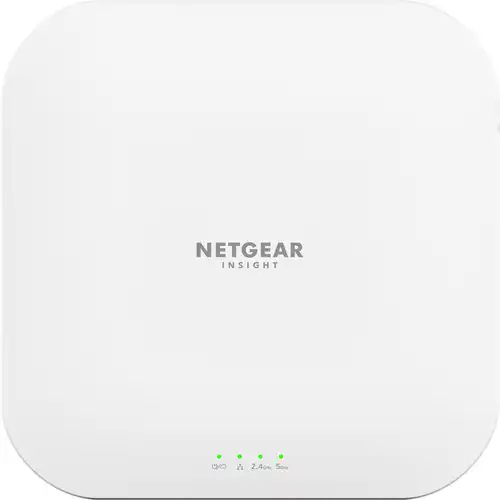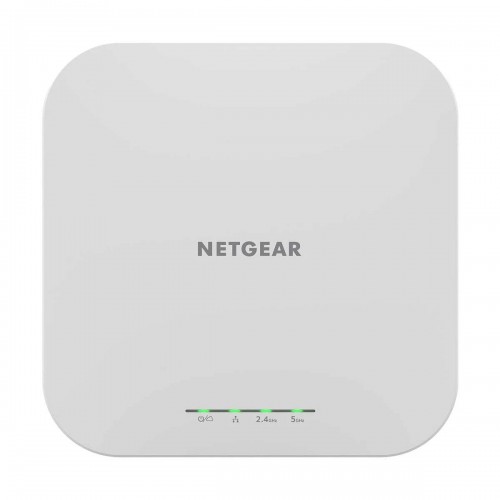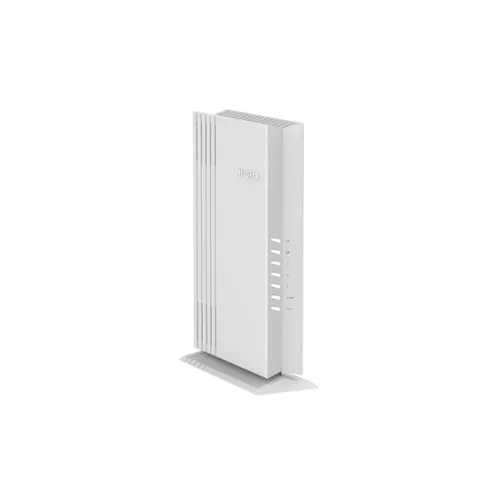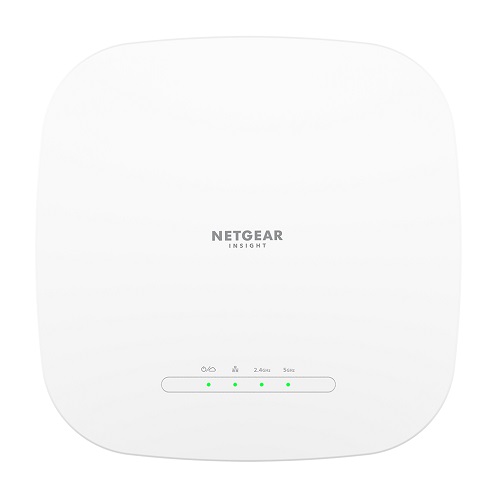
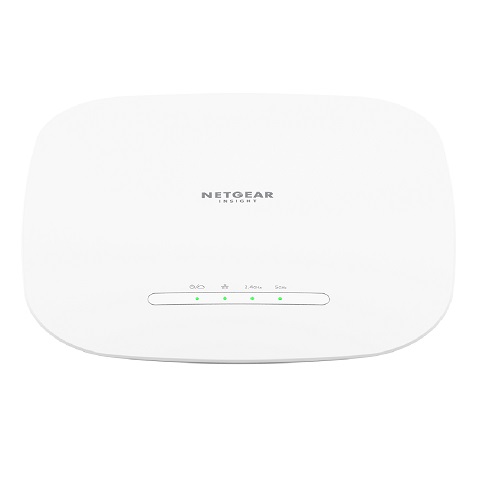
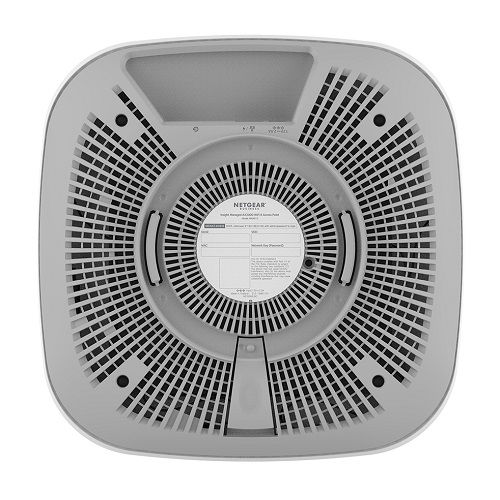
Netgear WAX615 AX3000 Dual-Band PoE Multi-Gig Insight Managed WiFi 6 Access Point
Contact us for pricing
Product Details
Key Features
Model: WAX615
Dual-Band Wireless Mesh
Multi-Gigabit Speed and PoE
Faster and more reliable WiFi
high-density environments
Specification
| Main Feature | ||
| Antenna | Internal 3.8/4.5dBi (2.4GHz/5GHz) | |
| Temperature | 0° to 40°C(32° to 104°F) | |
| Dimensions | 9.5 x 9.5 x 1.58 in (241.5 x 241.5 x 40.2 mm) | |
| Weight | 412 g (0.90 lb) | |
| Power | ||
| DC jack input Voltage | 12V DC, 2.5A | |
| PoE in | Yes | |
| Network | ||
| Wireless standards | 5GHz: 802.11a/n/ac/ax 2.4GHz: 802.11b/g/n/ax | |
| Ethernet | 2.5Gbps Ethernet port | |
| Wireless Security | WPA3 | |
| Manufacture Warranty | ||
| Warranty | 01-year Warranty | |
Description
Netgear WAX615 AX3000 Dual-Band PoE Multi-Gig Insight Managed WiFi
6 Access Point
The
Netgear WAX615 AX3000 is a high-performance WiFi 6 Access Point, it comes with
WiFi 6 powerful and reliable connectivity for all devices and high-density
environments. The Access Point WAX615 provides 4x the client device connection,
allowing more businesses to serve many customers with high speed. It has
simplified high security and highly networking for simple business. the Netgear
WAX615 wifi 6 access point comes with better speed and easy wiring with an
Ethernet port 2.5GbE port and PoE. The wifi access point mesh capabilities for
similar roaming and high scalable areas coverage, The Netgear WAX615, a WiFi 6
business access point, helps small and medium businesses manage their networks
in an easy way without IT experts and combined with Insight provides better
WiFi 6 connectivity while keeping each of their every customer satisfied as
network all users. The AX3000 Dual-Band PoE WiFi 6 Access Point has Instant
Wi-Fi Mesh Creation Wireless Router for creating a Wi-Fi mesh network with
other WAC540, WAC564, WAX610, WAX610Y, WAX620, AX630, or WAX630E units to form
a WiFi mesh network.
The
Netgear WAX615 AX3000 WiFi 6 access point comes with 01-year Warranty
How to Order
Revolution Technology BD has made shopping easier for customers. Follow these steps:
- Click Register Button from home page
- Register with: Name + Email + Mobile + Password
- Click Create Account after entering information
- Login automatically or use Login button
- Provide mobile number and password, then Sign Up
- Choose desired product and click Buy Now
- View product details and click Add to Cart
- Click Item box (upper right corner)
- Go to Shopping Cart page
- Continue Shopping for more products or proceed
- Click "Click Here to Address" button
- Provide Full Name, Phone, Email & Delivery Address
- Click Order Submit button
- View Bill Invoice and receive email confirmation
- Print Invoice using Print button
- Wait for delivery - we'll keep you updated
- Thank you for shopping with us!