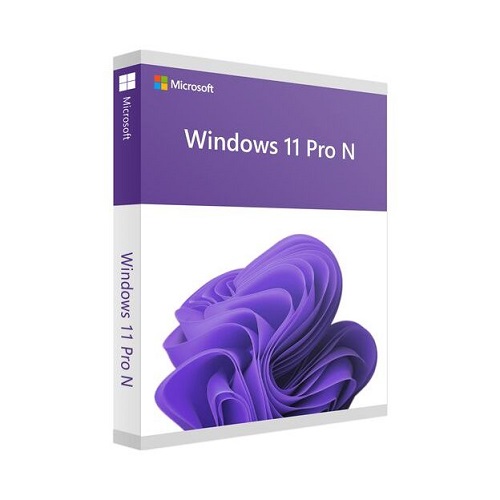

Windows 11 Pro N Upgrade (CSP License)
Contact us for pricing
Product Details
Key Features
Product Name: Windows 11 Pro N
Upgrade
Brand: Microsoft
Language: English
Number of License: 1
Description
Windows
11 Pro N Upgrade License
Windows 11 Pro is designed for small and medium businesses
and enables you to manage your devices and apps, protect your business data,
facilitate remote and mobile scenarios, and take advantage of the cloud technologies
for your organization. Windows 11 Pro has enterprise-grade security to help
protect your data, and it's simple to set up and manage for multiple users. It
works across your devices so you can stay mobile and integrates seamlessly with
Office 365* -- connecting your team to maximize productivity. Windows 11 Pro N includes the same
functionality as Windows 11 Pro, except that it does not include certain media
related technologies (e.g., Windows Media Player, Camera, Music, Movies &
TV) or the Skype app.
*
Subscription sold separately
The Windows Pro upgrade license is recommended if you want
to:
Upgrade Windows 7/8/8.1/10 to Windows 10 Pro or Windows 11
Pro
NOTE: See the Windows 11 device specifications for upgrade
requirements and supported features. Certain features require additional
hardware.
Installing Windows
11 media on a PC that does not meet the Windows 11 minimum system requirements
is not recommended and may result in compatibility issues. If you proceed with
installing Windows 11 on a PC that does not meet the requirements, that PC will
no longer be supported and won't be entitled to receive updates. Damages to the
PC due to lack of compatibility aren't covered under the manufacturer warranty.
How to Order
Revolution Technology BD has made shopping easier for customers. Follow these steps:
- Click Register Button from home page
- Register with: Name + Email + Mobile + Password
- Click Create Account after entering information
- Login automatically or use Login button
- Provide mobile number and password, then Sign Up
- Choose desired product and click Buy Now
- View product details and click Add to Cart
- Click Item box (upper right corner)
- Go to Shopping Cart page
- Continue Shopping for more products or proceed
- Click "Click Here to Address" button
- Provide Full Name, Phone, Email & Delivery Address
- Click Order Submit button
- View Bill Invoice and receive email confirmation
- Print Invoice using Print button
- Wait for delivery - we'll keep you updated
- Thank you for shopping with us!