
Friday, 6:40 PM. Your online store is busy. Then a customer messages: “Your site says it’s not secure.” Within minutes, checkout is dead, the mail server is rejecting connections, and the VPN won’t let the finance team in. Nothing was hacked. Nothing crashed. One file simply passed its expiry date, and everything that trusted it stopped trusting you.
This is an everyday failure, and it is about to become easier to cause. The lifetime of a public SSL/TLS certificate is being cut in stages, and the next cut lands on 15 March 2027.
Self-Test: Can You Answer These 5 Questions?
Try this before reading further. If you can’t answer three or more, you are already exposed.
- How many public SSL certificates does your company use in total?
- Which one expires first, and on what date?
- Who gets the alert, and what happens if that person is on leave?
- Which of your certificates live on devices (firewall, VPN, mail gateway, load balancer) rather than web servers?
- Is renewal automatic, manual, or “someone remembers”?
The Ladder: How Fast Lifetimes Are Shrinking
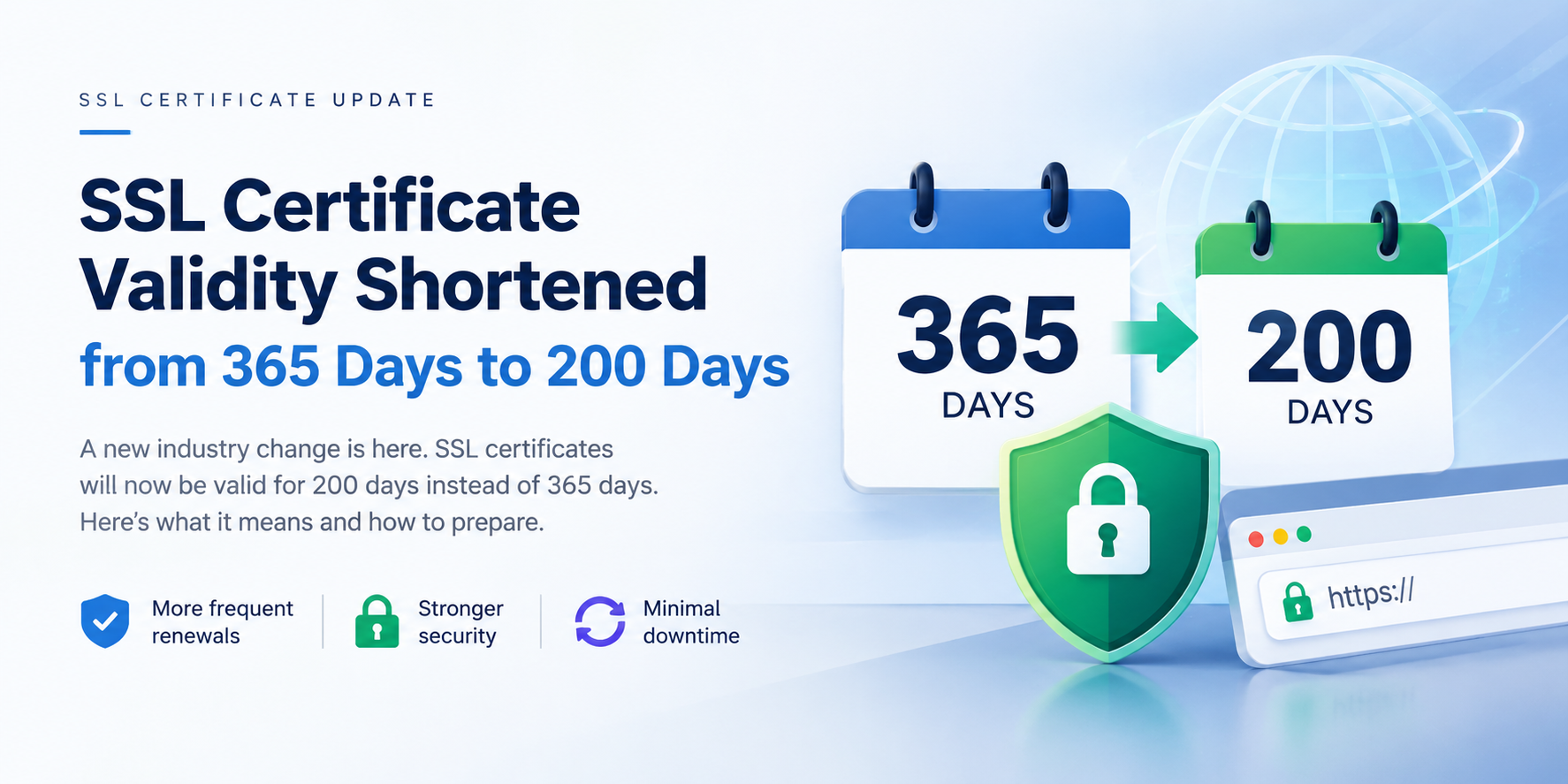
The maximum validity of a publicly trusted TLS certificate became 200 days on 15 March 2026, replacing the 398-day limit that had stood since 2020. It drops to 100 days on 15 March 2027, and to 47 days on 15 March 2029. In practice, certificate authorities leave a margin. DigiCert, for example, issues certificates one day shorter than the maximum allowed. odowndigicert
| Period | Max validity | Renewals per year (per certificate) |
|---|---|---|
| Until 14 Mar 2026 | 398 days | ~1 |
| 15 Mar 2026 → 14 Mar 2027 | 200 days | ~2 |
| 15 Mar 2027 → 14 Mar 2029 | 100 days | ~4 |
| From 15 Mar 2029 | 47 days | ~8 |
The math that surprises people: a company with 15 certificates does about 15 renewals a year today’s old way. At 47 days, that becomes roughly 120. Same certificates, eight times the workload.
Why the Industry Is Doing This
This is not a revenue move. It is a security design decision, and the reasoning is technical:
- Revocation is weak in practice. If a private key leaks, the certificate is supposed to be revoked. But revocation checks (CRL, OCSP) are inconsistently enforced by clients, and many fail “open” when the check can’t complete. A shorter lifetime is a revocation mechanism that doesn’t depend on anyone checking: the stolen certificate simply dies sooner.
- Smaller exposure window. A compromised or mis-issued certificate is dangerous only while it is valid. Cutting the window from 398 days to 47 reduces that risk by roughly 88%.
- Fresher identity proof. A certificate is only as trustworthy as the domain validation behind it. When certificates reach 47 days, the period for reusing domain validation drops to just 10 days. Domains that change hands or get hijacked stop being “trusted” much sooner. managed-ip
- Crypto-agility. Short lifetimes force organizations to be able to swap certificates and algorithms quickly. That matters for the post-quantum migration we covered in our earlier piece, because a business that can’t rotate a certificate in minutes will struggle to rotate an algorithm across an estate.
Under the Hood: What a Renewal Actually Does
Manual renewal feels simple: buy, download, install. Automation does the same job through the ACME protocol (RFC 8555), and understanding it shows where things break.
- Request. Your server (the ACME client) asks the certificate authority for a certificate for a domain.
- Challenge. The CA says “prove you control this domain.”
- Proof. The client answers the challenge, in one of three common ways:
- HTTP-01: place a token on a public web path (port 80). Simple, but not usable for wildcards or servers that aren’t reachable from the internet.
- DNS-01: create a specific TXT record in DNS. Required for wildcard certificates and works for private servers, but needs API access to your DNS provider.
- TLS-ALPN-01: answer on port 443 with a special handshake. Rare, useful in specific setups.
- Issue. The CA validates, signs, and returns the certificate.
- Deploy and reload. The new certificate is installed and the service is reloaded without downtime.
Where automation breaks in real networks:
- A firewall that blocks the validation request (HTTP-01 fails silently).
- A DNS provider with no API (DNS-01 can’t be automated).
- A hardware appliance (firewall, VPN gateway, mail gateway, load balancer) with no ACME client, which needs a manual import or a vendor-specific renewal.
- A renewal that succeeds, but the service never reloads, so the old certificate keeps being served until it expires anyway.
That last one is the most common and the most embarrassing: the renewal worked, the outage still happened.
When an Expired Certificate Hurts More Than a Warning Page
Most people picture a browser warning. The worse failures are the invisible ones. Two widely reported cases show the range:
- Security blindness. In the Equifax breach investigation, a certificate on a network traffic inspection device had expired months earlier, so encrypted traffic wasn’t being inspected and data left the network unseen. An expired certificate on a security tool is a hole in your monitoring.
- Operational blackout. In December 2018, an expired certificate in telecom software caused mobile network outages for millions of users across several countries.
Now think about your own environment. The certificates most likely to expire unnoticed are the ones nobody thinks of as “SSL”: VPN gateways, mail gateways, SSL-inspection devices, camera and NVR web interfaces, internal admin portals, API endpoints, and old test or staging sites still facing the internet.
Five Myths About the New Rules
Myth 1: “My current certificate will be shortened.”
No. The change applies when a new certificate is created after the deadline, so existing certificates keep their original validity. You feel it at the next renewal or reissue. forpsi
Myth 2: “It only affects DV certificates.”
No. The cap applies to all certificate types: DV, OV, and EV. sslinsights
Myth 3: “A wildcard certificate solves the workload.”
It reduces the number of certificates, but not the renewal cadence or the risk. A wildcard also needs DNS-based validation, and one leaked wildcard key exposes every subdomain.
Myth 4: “My hosting panel auto-renews everything.”
Only what the panel manages. Certificates on your own firewall, mail gateway, or load balancer are almost never covered.
Myth 5: “Buying a longer plan avoids this.”
A multi-year purchase doesn’t create a multi-year certificate. The certificate itself is capped; what changes is how many times you have to reissue and install it inside that plan.
Check Yours in 2 Minutes
Any server, from a command line:
echo | openssl s_client -connect yourdomain.com:443 -servername yourdomain.com 2>/dev/null | openssl x509 -noout -subject -issuer -datesWindows server (local certificate store):
Get-ChildItem Cert:\LocalMachine\My | Select Subject, Issuer, NotAfterLook at the notAfter / NotAfter date. If it’s within 30 days and nobody has a renewal ticket open, you’ve just found your next outage.
Countdown to 15 March 2027
| When | Do this |
|---|---|
| Now → mid-Nov | Build the inventory: every certificate, location, owner, issuer, expiry. Include device certificates. |
| Mid-Nov → Dec | Set monitoring with alerts at 30, 14, and 7 days, sent to a shared mailbox. Fix single-person dependencies. |
| Jan | Automate what can be automated (ACME on web servers); document the manual procedure for appliances. |
| Feb | Run a live test: renew one non-critical certificate end-to-end, including the service reload. |
| By 15 Mar | Treat 100-day renewals as routine. Start planning for 47 days. |
How We Can Help
We supply publicly trusted SSL certificates from DigiCert and GeoTrust, and just as importantly we help you manage what happens after the purchase: our server administration team installs and renews certificates on web servers, mail servers, and network devices; our monitoring solutions alert you before an expiry becomes an outage; and our cyber security team can review the TLS configuration behind the certificate.
Already bought SSL from us? Send us your domain list. We’ll help you check expiry dates, identify which certificates will move to the shorter validity at the next reissue, and set up renewal reminders.
The Bottom Line
Shorter certificates make the internet safer, but they turn certificate management from an annual chore into a continuous process. The businesses that treat it as an inventory-and-automation problem will barely notice March 2027. The ones that rely on a calendar entry and one person’s memory are scheduling their own Friday-evening outage.
Talk to Revolution Technology BD
- SSL Certificate:
https://revolutiontech.com.bd/products/subCategory/266 - Server Administration:
https://revolutiontech.com.bd/products/thirdCategory/409 - Mail Server Solution:
https://revolutiontech.com.bd/products/subCategory/42 - Network Monitoring Solution:
https://revolutiontech.com.bd/products/thirdCategory/615 - Cyber Security:
https://revolutiontech.com.bd/products/subCategory/157



