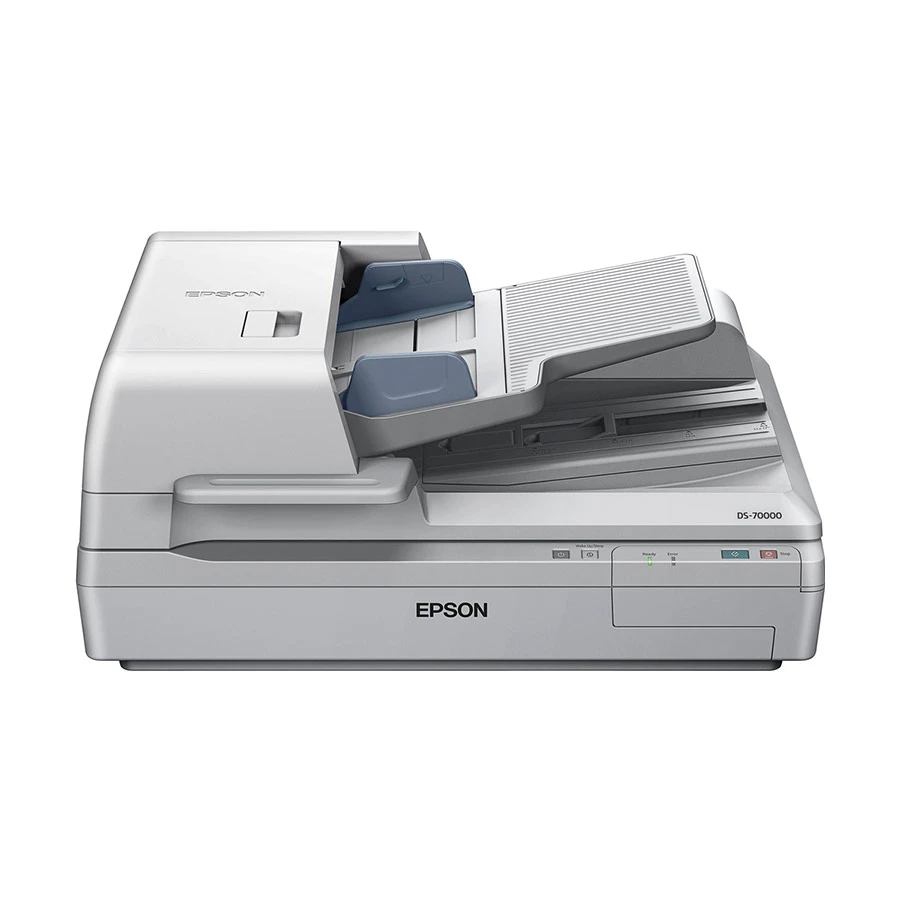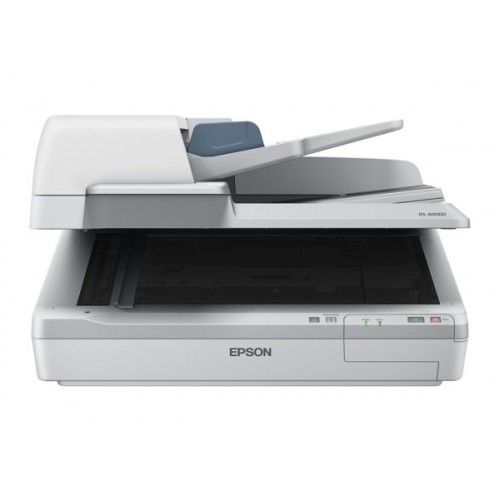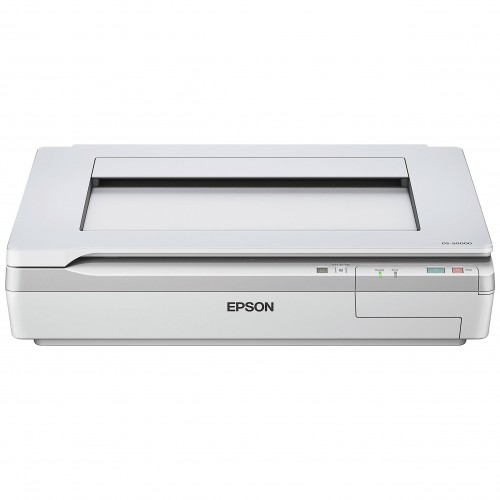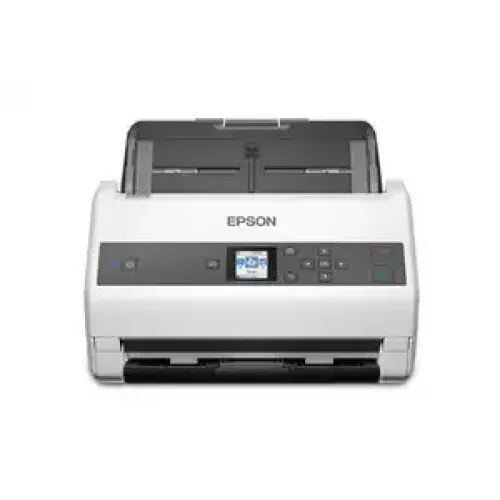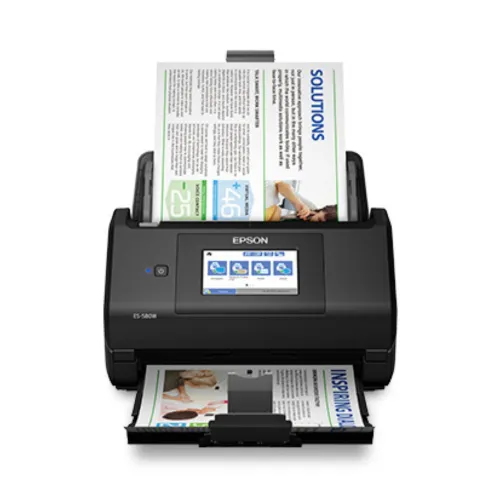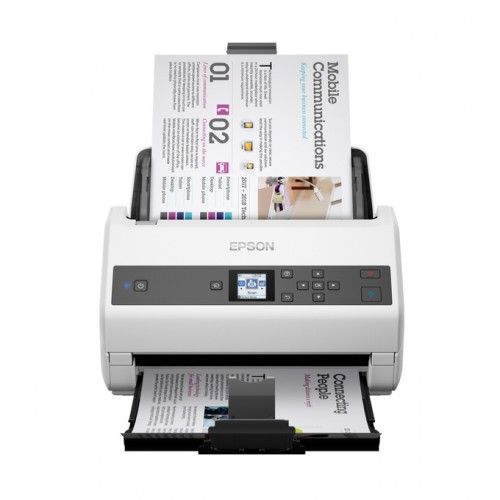
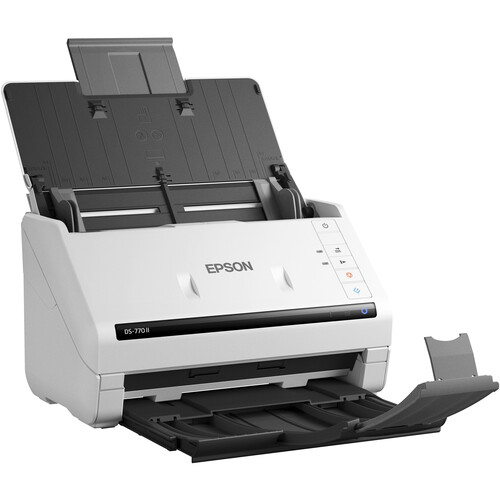
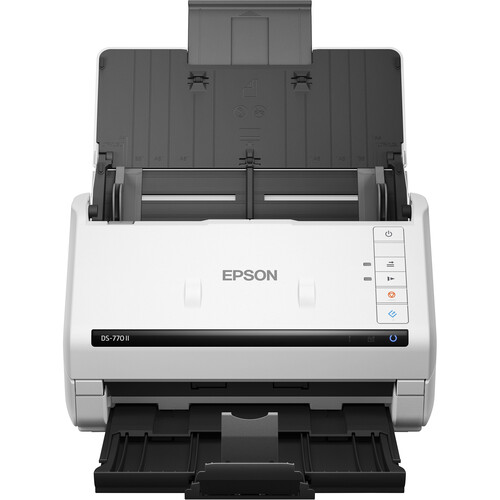
Epson DS-770II Color Duplex Document Scanner
Contact us for pricing
Product Details
Key Features
Model:
DS-770II
Optical
Resolution: 600 dpi
Simplex
Scan Speed: 90 ppm
Duplex
Scan Speed: 45 ipm
Daily
Duty Cycle: 7000 Sheets
Specification
|
Type |
Automatic
Document Feeder (ADF) |
|
|
Resolution |
600 dpi
(Optical) |
|
|
Interface |
USB Type-B (USB
3.1 / USB 3.2 Gen 1) |
|
|
Speed |
45 ppm at 300
dpi in Color/Grayscale/Black & White |
|
|
Warranty |
01-year
warranty |
|
|
Dimensions |
11.7 x 12.5 x
7.7" / 29.7 x 31.8 x 19.6 cm |
|
|
Weight |
8.1 lb / 3.7 kg |
Description
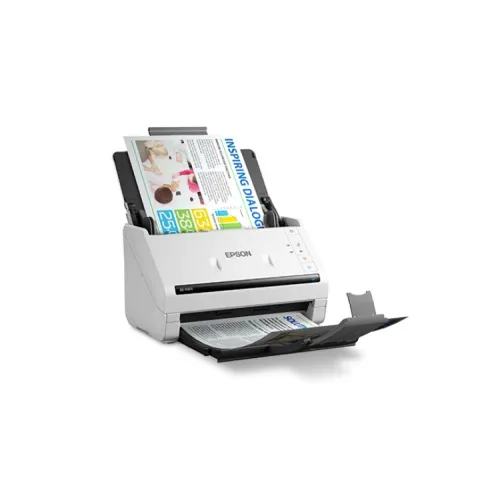
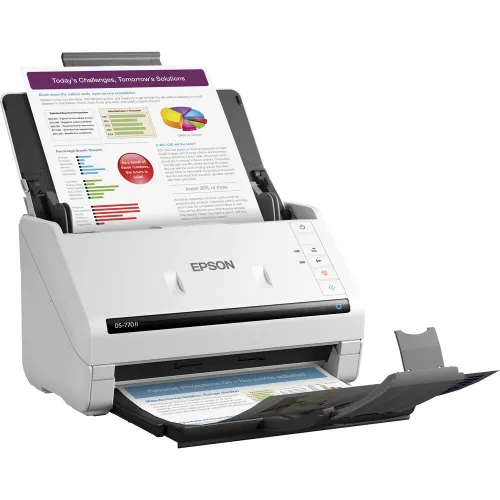
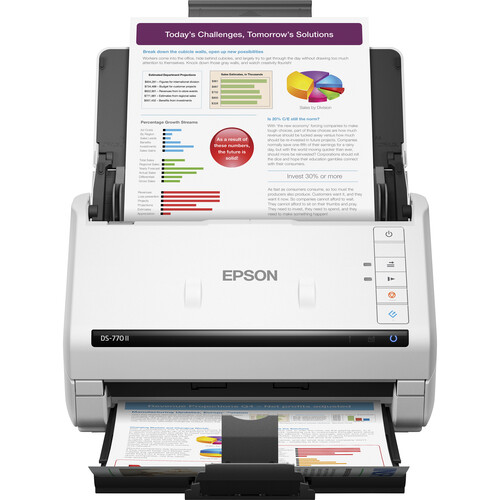
Epson DS-770II Color Duplex
Document Scanner
The
Epson DS-770II Color Duplex Document Scanner offers speedy and dependable
scanning performance. The DS-770II is a wise choice for office document
management. It uses a 100-sheet automated document feeder to achieve simplex
scan rates up to 45 ppm and duplex scan speeds up to 90 ipm, and it also
provides a max daily duty cycle of 7000 sheets. The scanner takes documents as
small as 2 x 2" and as large as 8.5 x 240", and it has an optical
resolution of 600 dpi for scans that are clear and color-accurate. The scanner
comes with Document Capture Pro software, which makes it simple to create and
manage scan jobs and allows you to effortlessly automate activities. A few of
the improved features include paper protection, auto-rotation, auto-cropping,
dynamic skew correction, dirt detection, and double-feed detection.
Additionally, you can quickly convert scanned documents into searchable PDF
files, editable Word, PowerPoint, and Excel files, and save them to Evernote,
Google Drive, SharePoint, and other online storage accounts with the DS-770II.
It comes with a 01-year warranty.
How to Order
Revolution Technology BD has made shopping easier for customers. Follow these steps:
- Click Register Button from home page
- Register with: Name + Email + Mobile + Password
- Click Create Account after entering information
- Login automatically or use Login button
- Provide mobile number and password, then Sign Up
- Choose desired product and click Buy Now
- View product details and click Add to Cart
- Click Item box (upper right corner)
- Go to Shopping Cart page
- Continue Shopping for more products or proceed
- Click "Click Here to Address" button
- Provide Full Name, Phone, Email & Delivery Address
- Click Order Submit button
- View Bill Invoice and receive email confirmation
- Print Invoice using Print button
- Wait for delivery - we'll keep you updated
- Thank you for shopping with us!