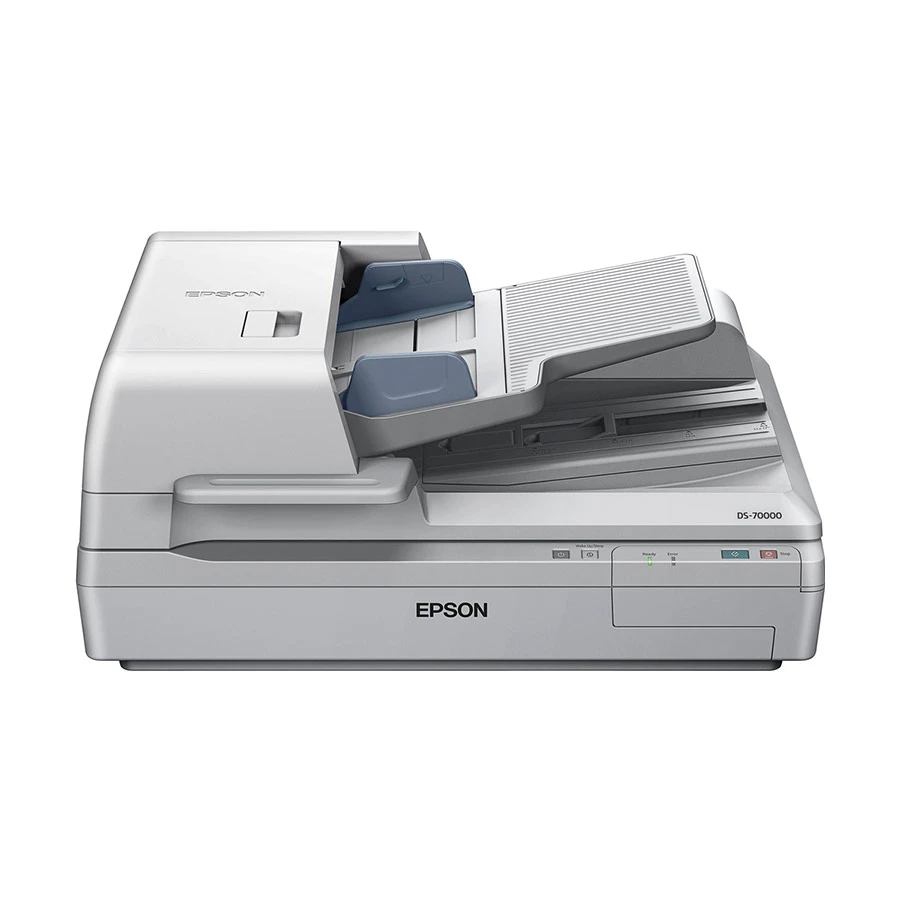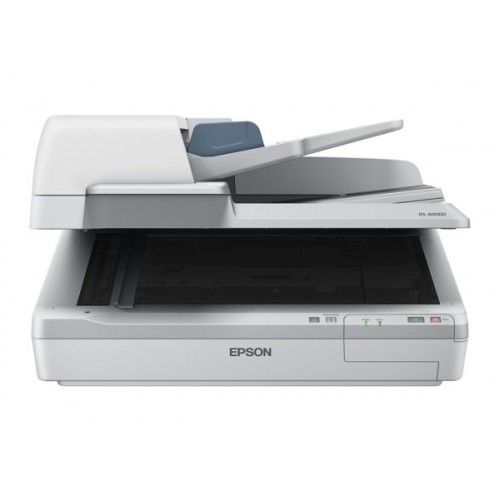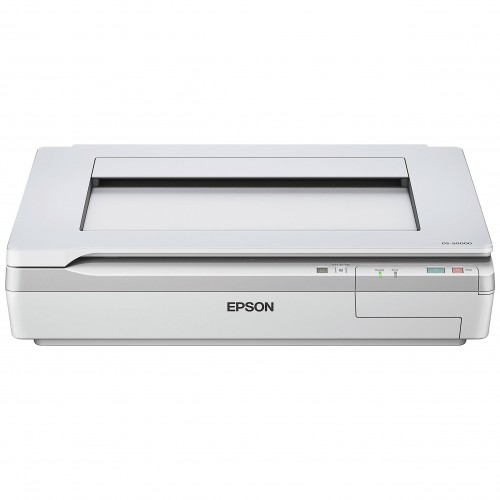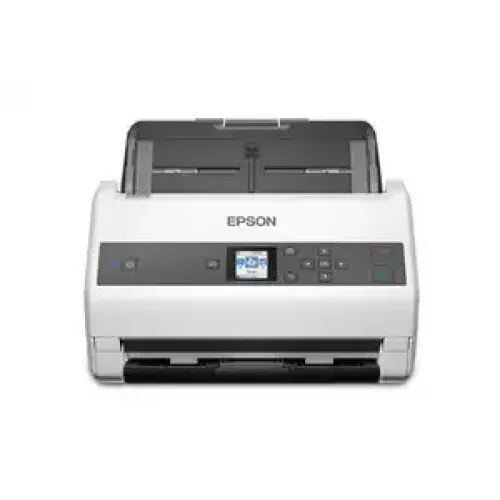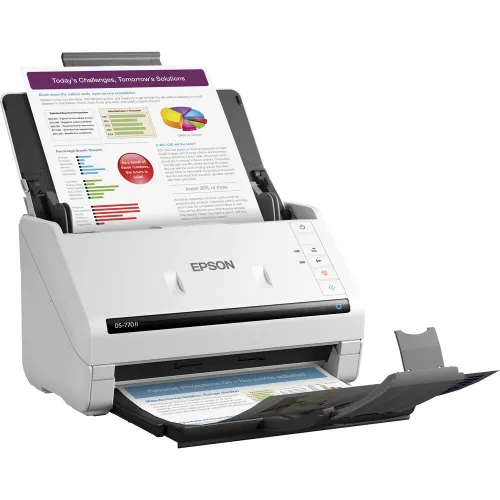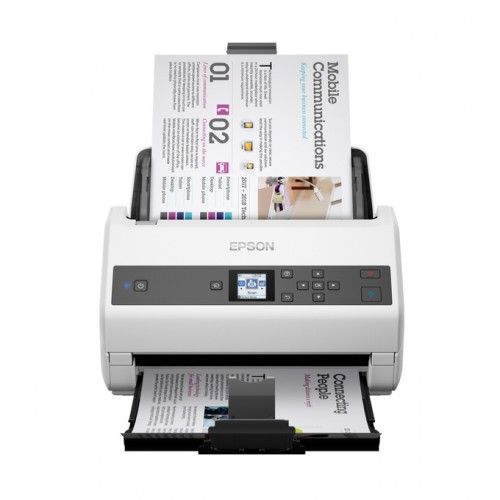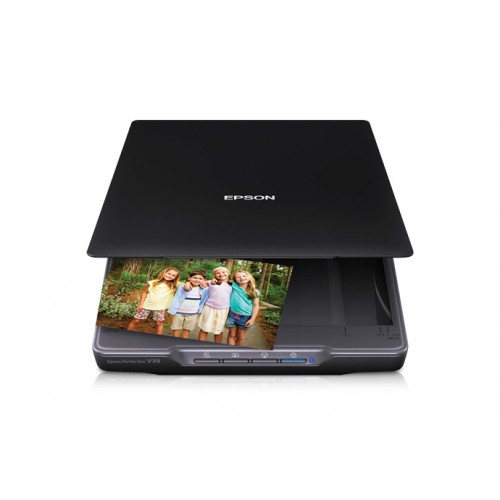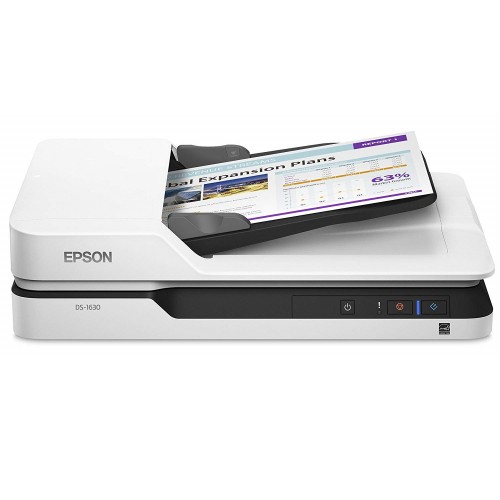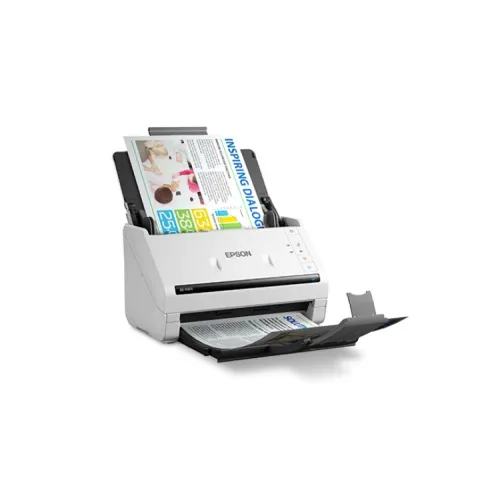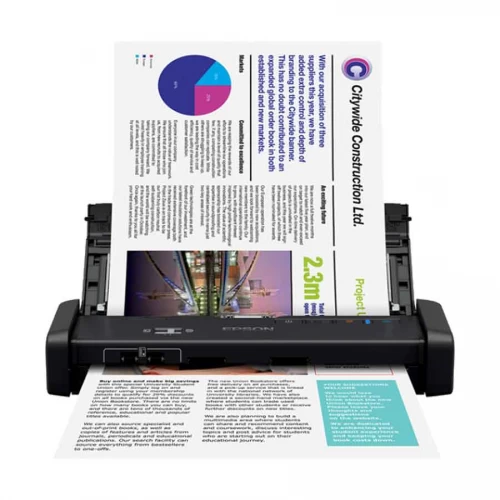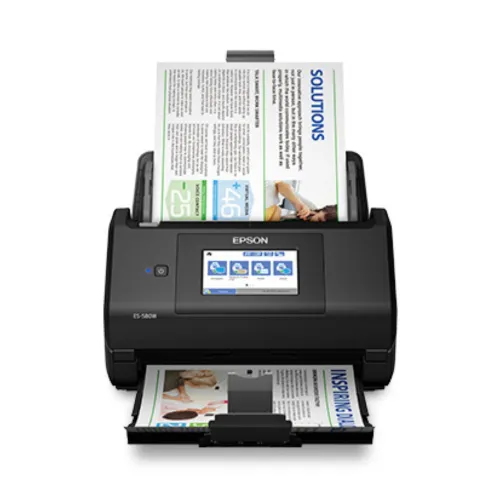
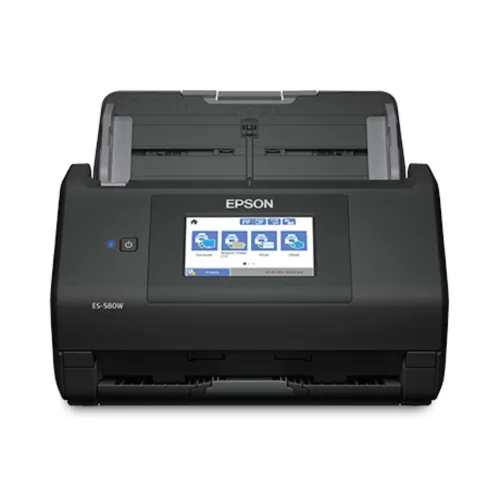
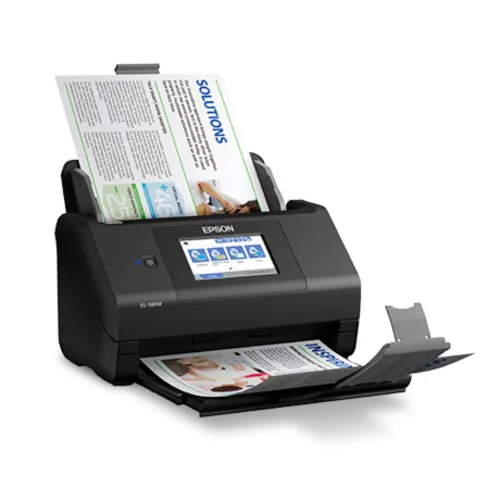
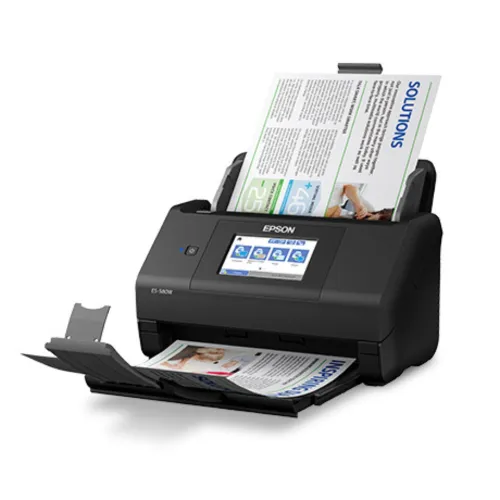
Epson WorkForce ES-580W Wireless Duplex Document Scanner
Exclusive of all taxes
Product Details
Key Features
Model: WorkForce ES-580W
Optical Resolution: 600 dpi
Scan Speed: 2-sided up to 35 ppm/70 ipm
Capacity: 100-sheet Auto Document
Connectivity: SuperSpeed USB 3.0
Specification
|
Type |
Sheet-fed, 1-pass duplex color
scanner |
|
Optical Resolution |
600 dpi |
|
Maximum Resolution |
1200 dpi |
|
Interface |
Wireless 802.11a/b/g/n/ac,
SuperSpeed USB 3.0 |
|
Scanning Speed |
35 ppm / 70 ipm (300 dpi, B/W,
Color, Gray) |
|
Light Source |
3-color RGB LED |
|
Buttons |
Double-feed Detect, Skip, Slow
Scan Mode, Scan, Stop, Wireless Connect, Wireless On/Off |
|
Paper Capacity |
100 sheets |
|
Document Size |
Min: 2" × 2", Max:
8.5" × 240" at 200 dpi, 8.5" × 215" at 300 dpi, 8.5"
× 53" at 600 dpi |
|
Paper Weight |
27–413 g/m² |
|
Daily Duty Cycle |
4,000 sheets |
|
Consumables |
Roller Assembly Kit: 200,000
cycles |
|
USB Flash Memory |
1 × |
|
System Requirements |
Windows 7/8/10 (32/64-bit), macOS
10.11–10.15 |
|
Operating Temperature |
5–35 °C (41–95 °F) |
|
Storage Temperature |
-25–60 °C (-13–140 °F) |
|
Operating Humidity |
10–80% (no condensation) |
|
Power Requirements |
100–240 VAC, 50/60 Hz |
|
Power Consumption |
Operation: 13 W, Wireless: 18 W,
Sleep: 1.4 W, Ready: 6.9 W, Off: 0.1 W |
|
Eco Features |
ENERGY STAR®, RoHS compliant,
Recyclable, SmartWay® Transport Partner |
|
Warranty |
1 Year |
|
Dimensions (Product Only) |
11.6" × 6.7" × 6.6" |
|
Dimensions (With Stand) |
14.5" × 12.5" ×
10.4" |
|
Weight |
8.2 lb |
|
Color |
Black |
Description
Epson
WorkForce ES-580W Wireless Duplex Document Scanner
The Epson WorkForce ES-580W
Scanner is a high-end document management solution that delivers speed,
dependability, and extensive functionality, making it an excellent choice for
companies and professionals. The Epson WorkForce ES-580W Duplex Scanner is a
sheet-fed, 1-pass duplex color scanner that produces clean and accurate scans
at an optical resolution of 600 dpi and a maximum resolution of 1200 dpi,
ensuring that every detail is preserved. Its strong performance is
characterized by a scanning speed of up to 35 ppm/70 ipm, which allows for
speedy and effective mass scanning. The 100-sheet Auto Document Feeder (ADF)
can handle a broad range of documents, from 2" x 2" cards to large
8.5" x 240" sheets, with paper weights varying from 27 to 413 g/m²,
making it suitable for organizations with different scanning demands. This
Epson WorkForce ES-580W Desktop Scanner is designed for heavy-duty use, with a
daily duty cycle of 4,000 pages and a roller assembly lifespan of 200,000
cycles, providing long-lasting durability. Connectivity is another excellent
feature, with SuperSpeed USB 3.0, sophisticated dual-band Wi-Fi (802.11a/b/g/n/ac),
and direct-to-USB flash memory reading, giving consumers a variety of
alternatives. The scanner also has clever, user-friendly features such as
Double-feed Detect, Skip, Slow Scan Mode, Scan, Stop, and Wireless Connect,
which make workflow smooth and efficient. Eco-conscious consumers will
appreciate that the Epson WorkForce ES-580W is ENERGY STAR® certified, RoHS
compliant, recyclable, and uses as little as 0.1W when turned off, lowering
energy expenditures and environmental effect. This tiny gadget is compatible
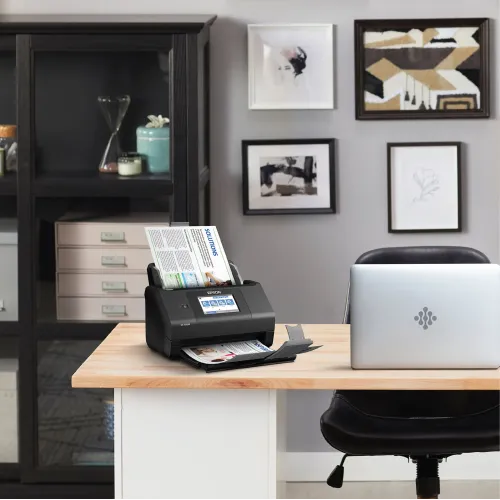
with Windows 7, 8, 10, and macOS 10.11.x to 10.15.x, is only 11.6" x
6.7" x 6.6", weighs 8.2 lbs, and has a sleek black look, making it
ideal for modern office workstations. With its combination of speed,
efficiency, eco-friendliness, and modern connection, the Epson WorkForce
ES-580W Scanner is one of the finest desktop duplex scanners for quick,
accurate, and professional document scanning.
How to Order
Revolution Technology BD has made shopping easier for customers. Follow these steps:
- Click Register Button from home page
- Register with: Name + Email + Mobile + Password
- Click Create Account after entering information
- Login automatically or use Login button
- Provide mobile number and password, then Sign Up
- Choose desired product and click Buy Now
- View product details and click Add to Cart
- Click Item box (upper right corner)
- Go to Shopping Cart page
- Continue Shopping for more products or proceed
- Click "Click Here to Address" button
- Provide Full Name, Phone, Email & Delivery Address
- Click Order Submit button
- View Bill Invoice and receive email confirmation
- Print Invoice using Print button
- Wait for delivery - we'll keep you updated
- Thank you for shopping with us!